How to Fix Screen Dims when Playing Games
The screen dims when playing games on a Windows PC because of incorrect settings in your graphics card, an auto-brightness setting in your monitor, or Windows 10 settings, or your drivers are not updated.
You have to follow the simple steps to fix this issue.
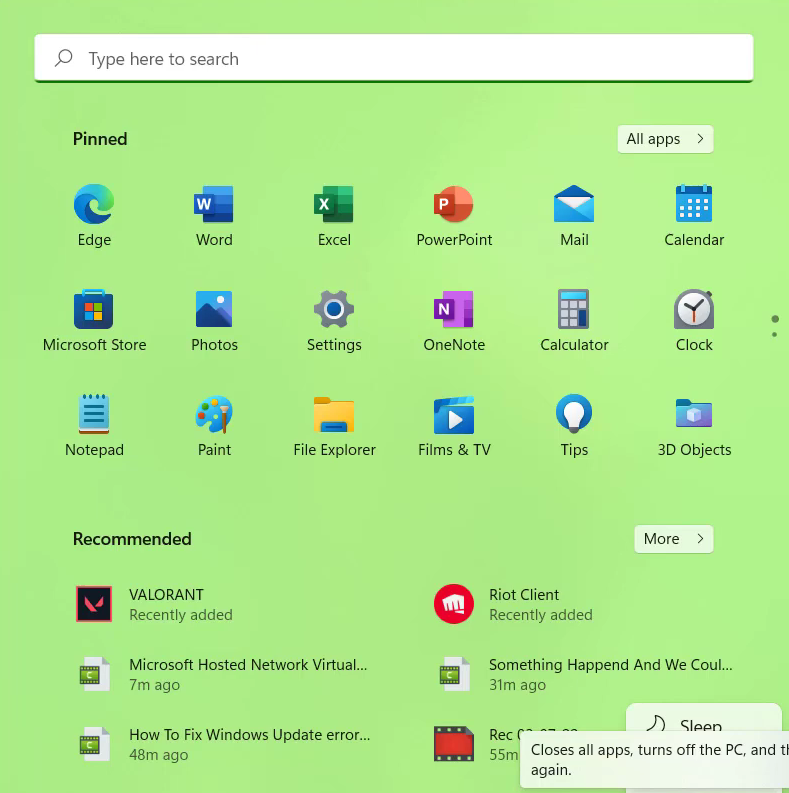
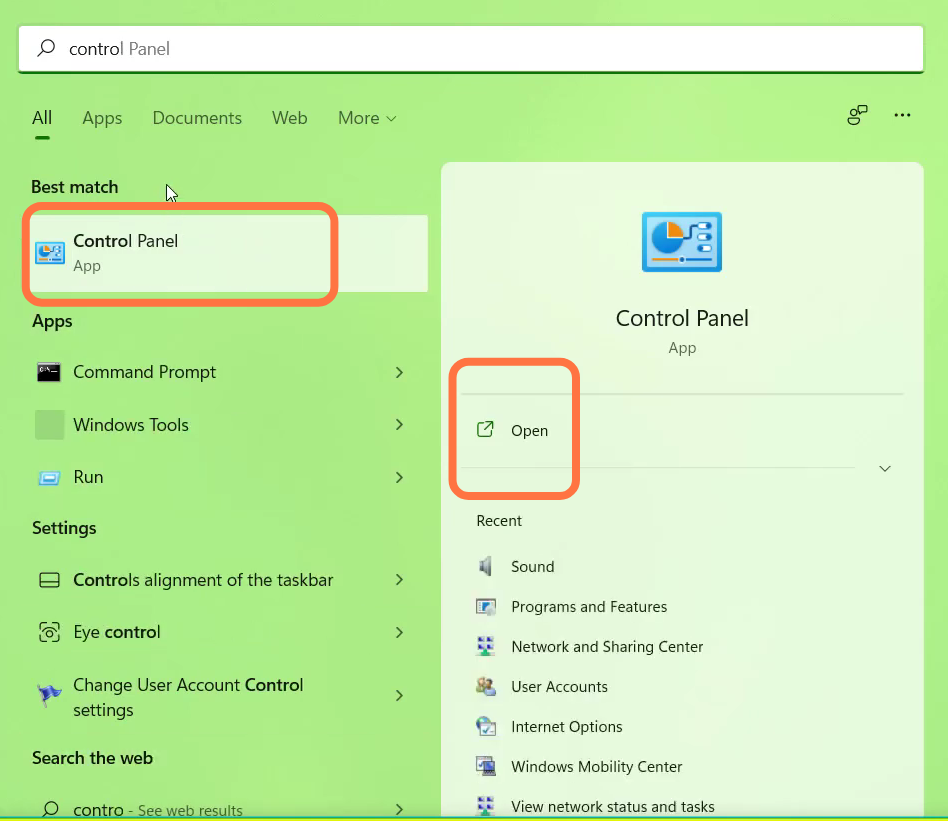
- First, you will need to open up the Control Panel.
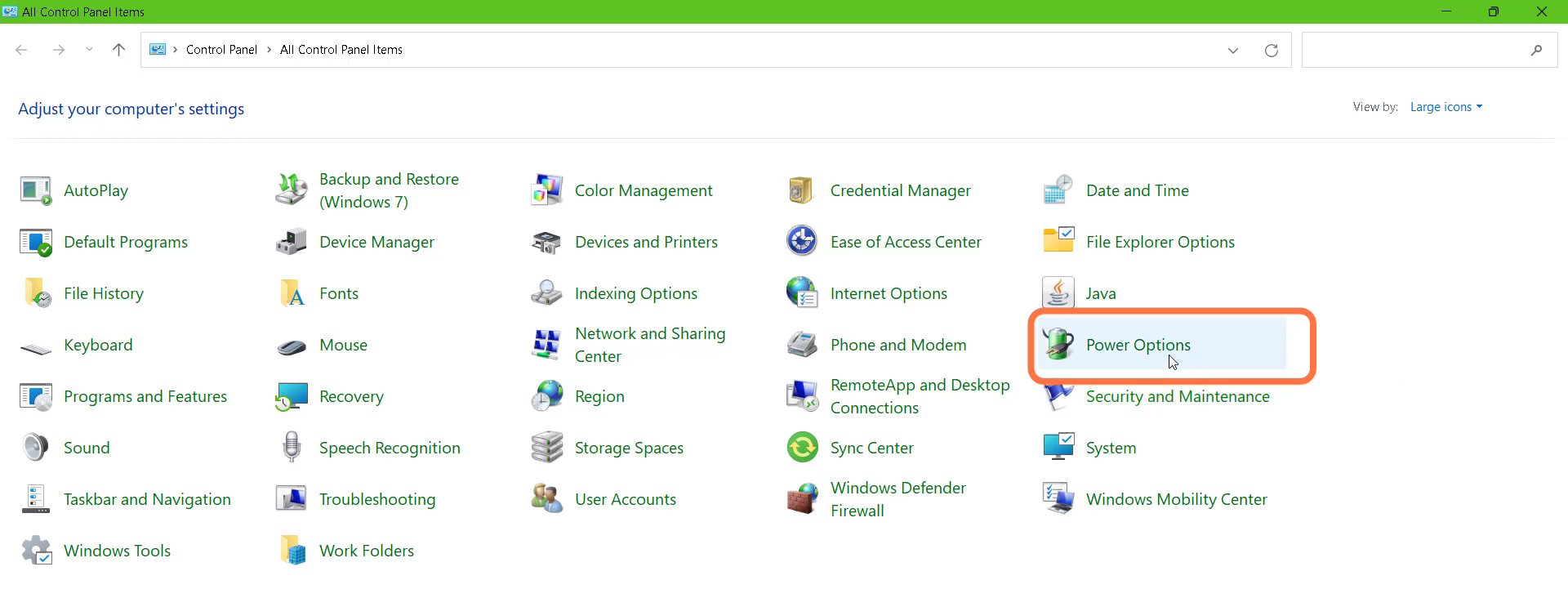
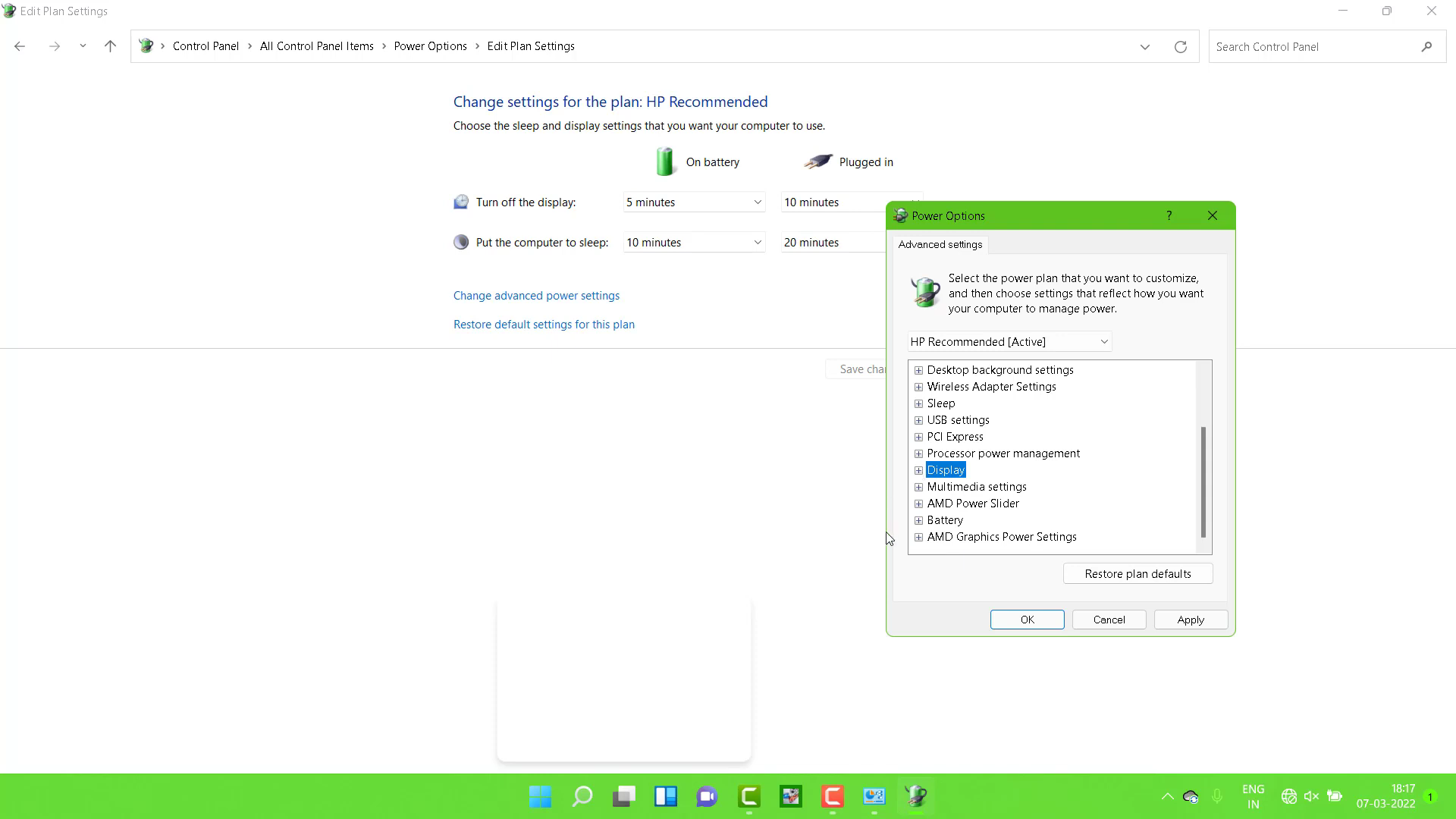
- And navigate to "Power options".
- Tap on Display and Turn Off display after.
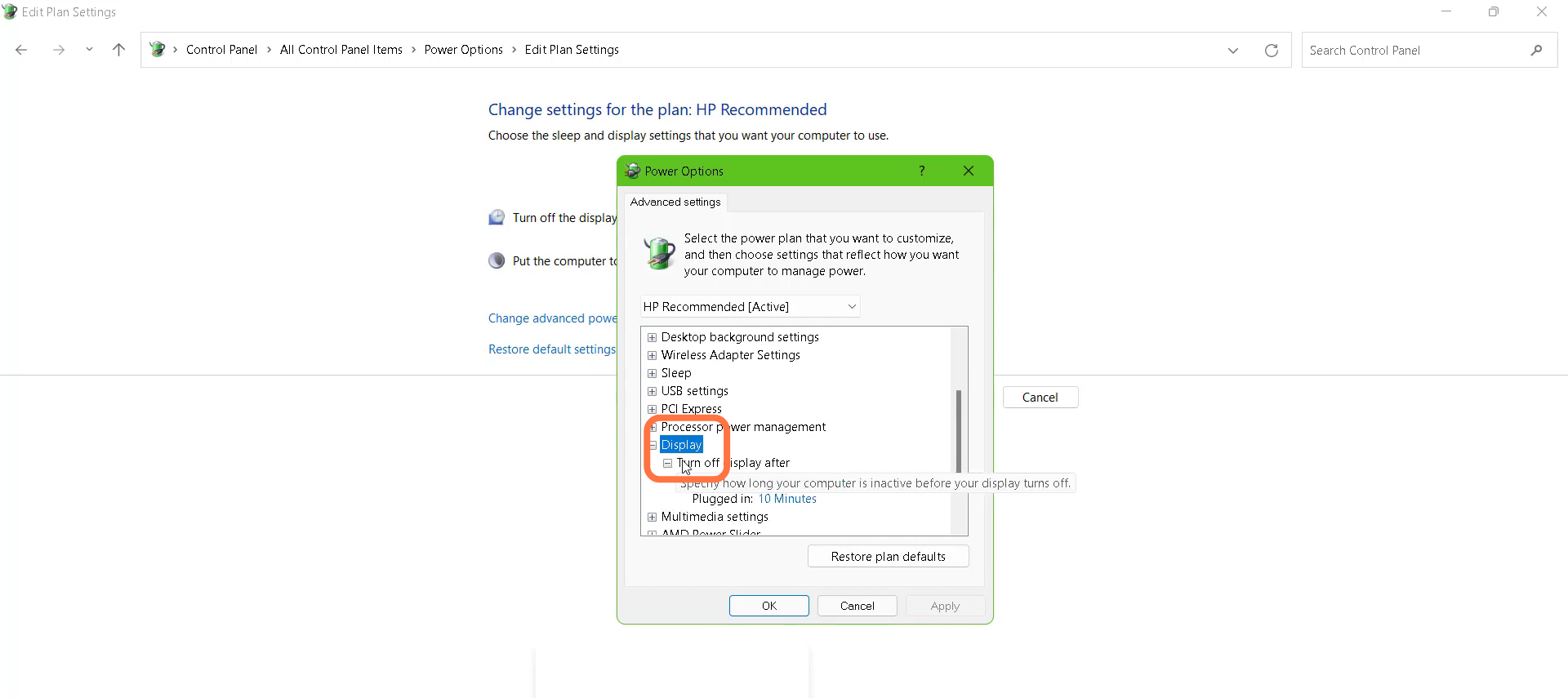
- You also need to change the "On Battery (Minutes) to 4.
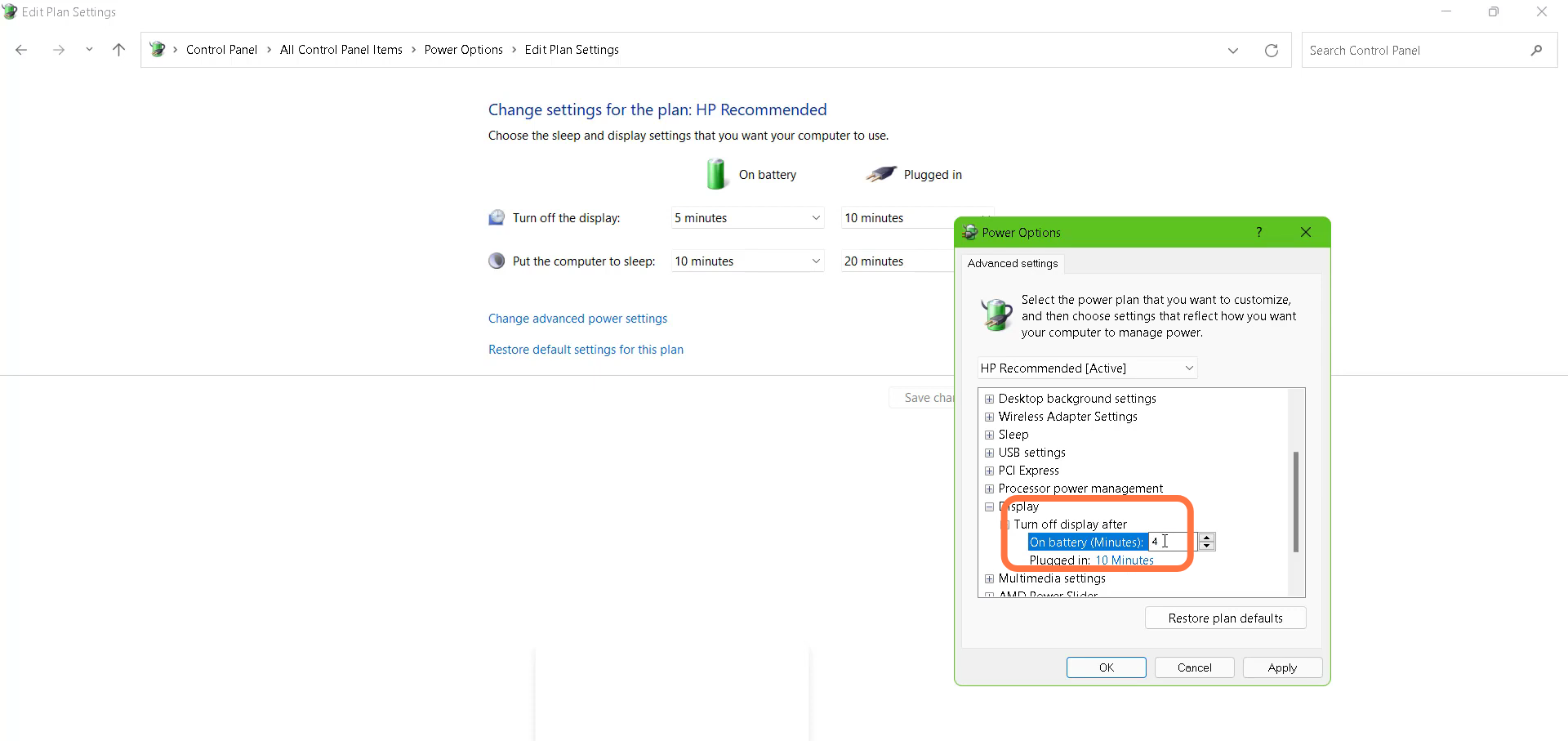
- After that, tap on Display and press the OK button.
- Finally restart your PC to resolve the issue.