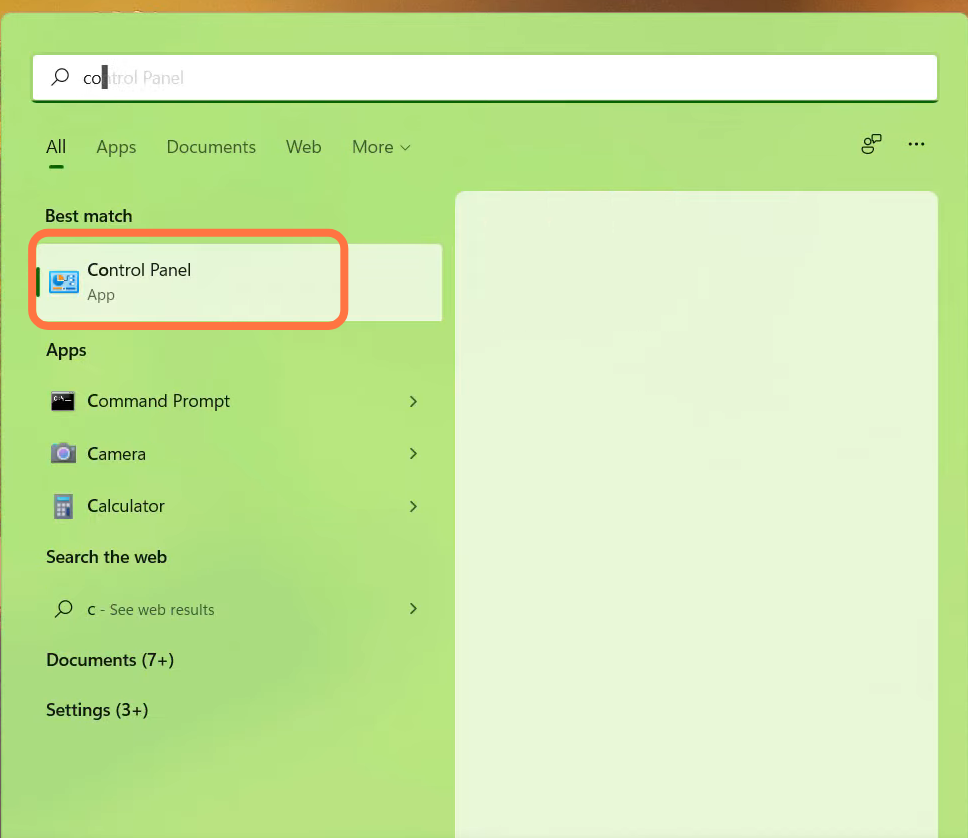
How to Fix Roblox Out Of Date Error in Windows
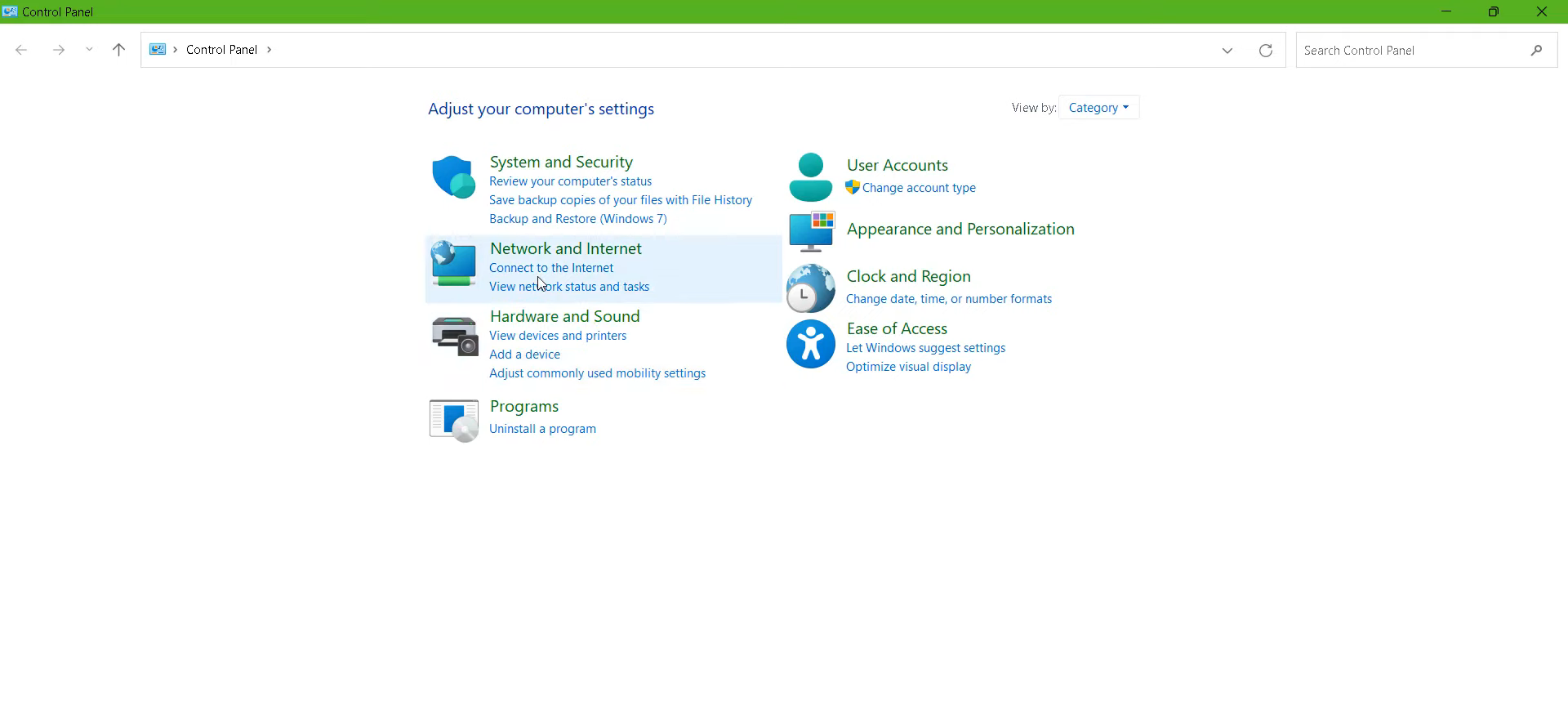
- And navigate to "Network And Internet".
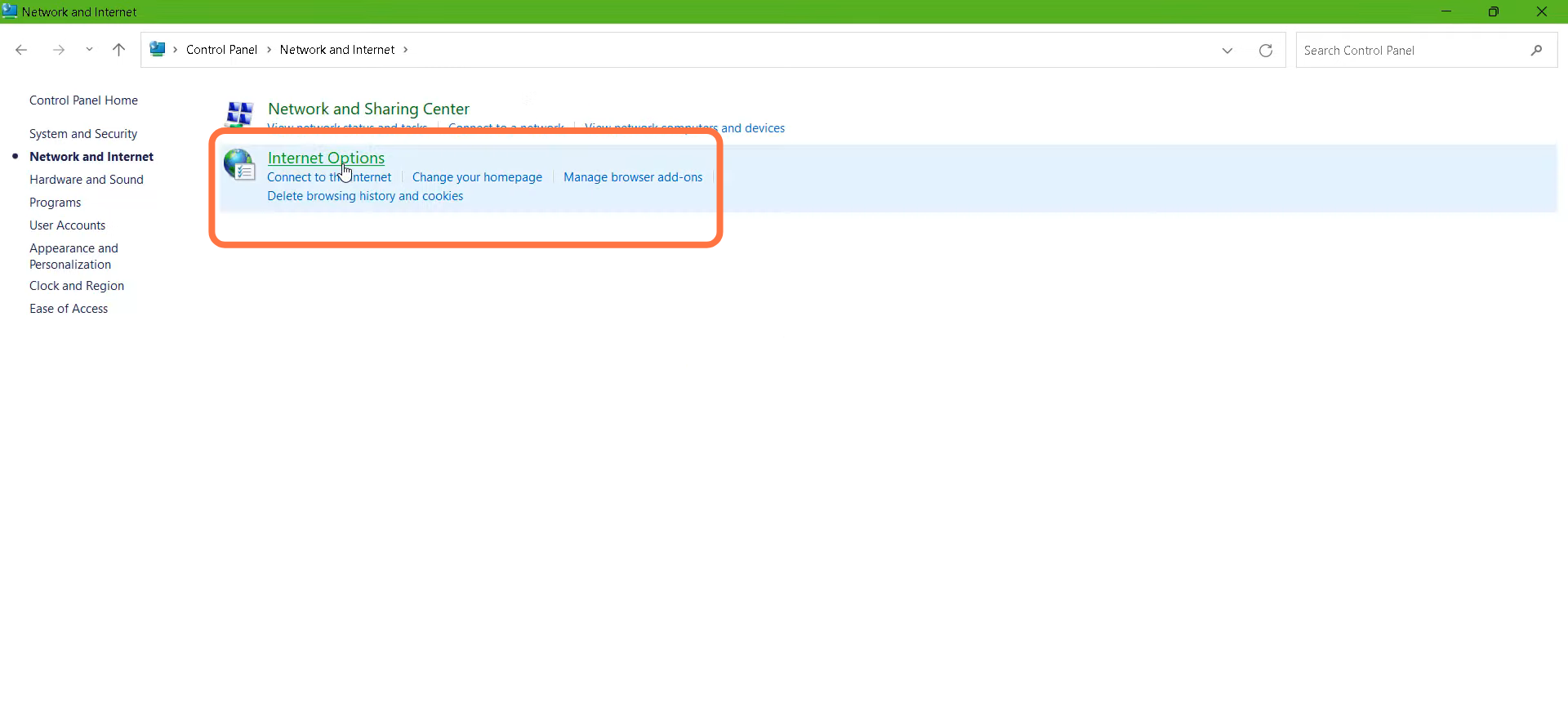
- After that, you need to double-click on "Internet Option".
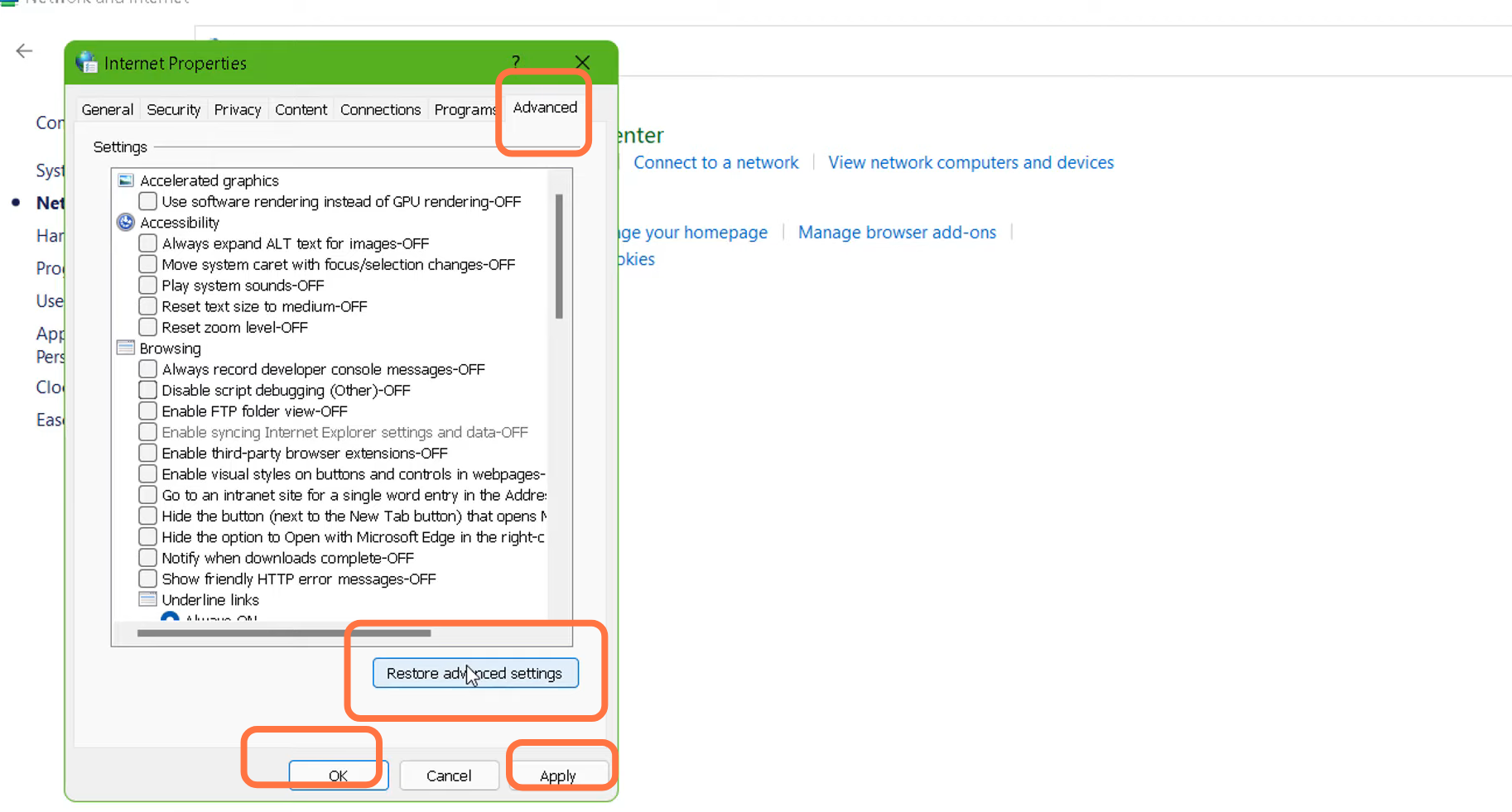
- Go to Advanced tab, click on "Restore advanced setting", then press Apply and OK.
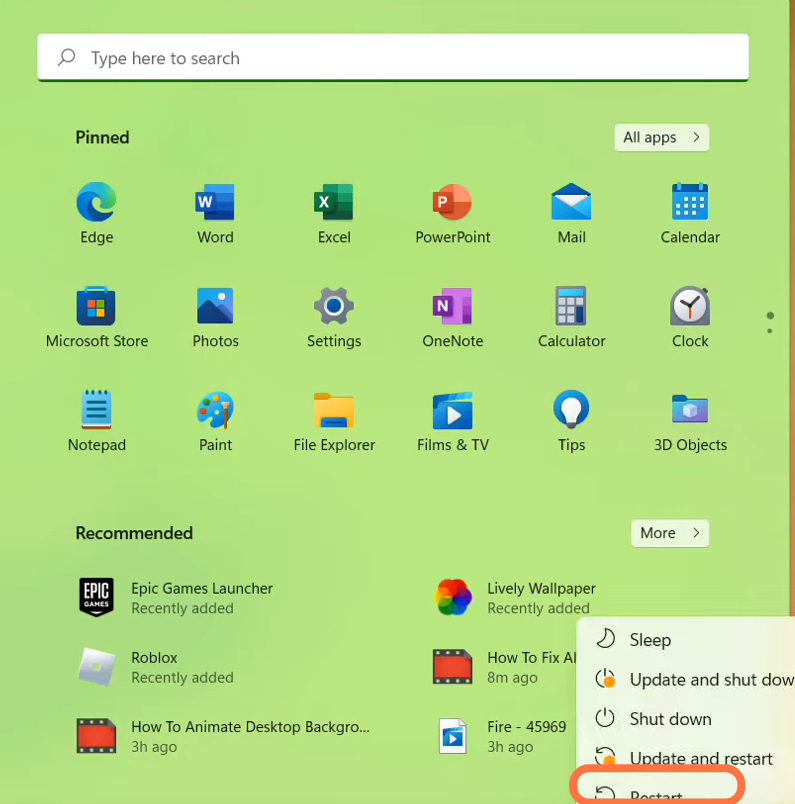
- Now you need to restart your PC to check if the error is resolved.