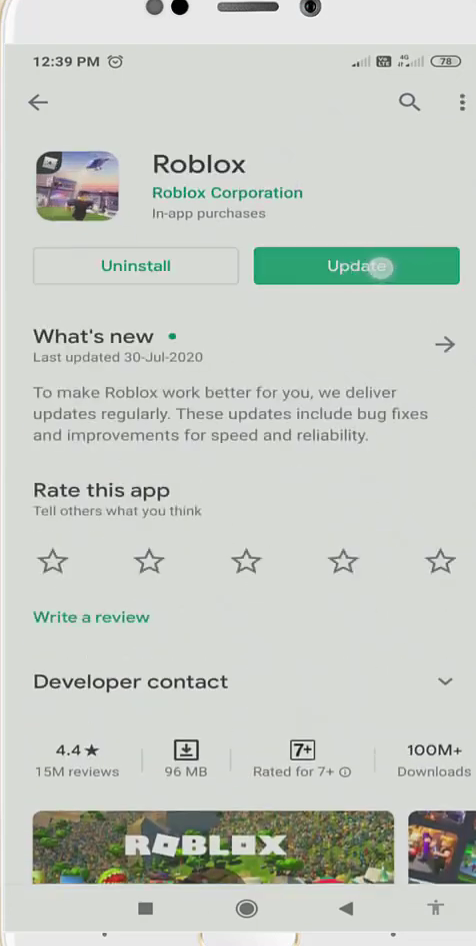
How to Fix Roblox Isn't Responding
You have to follow the step-by-step instructions to fox this error.
- You will need to go to the setting of your mobile phone.
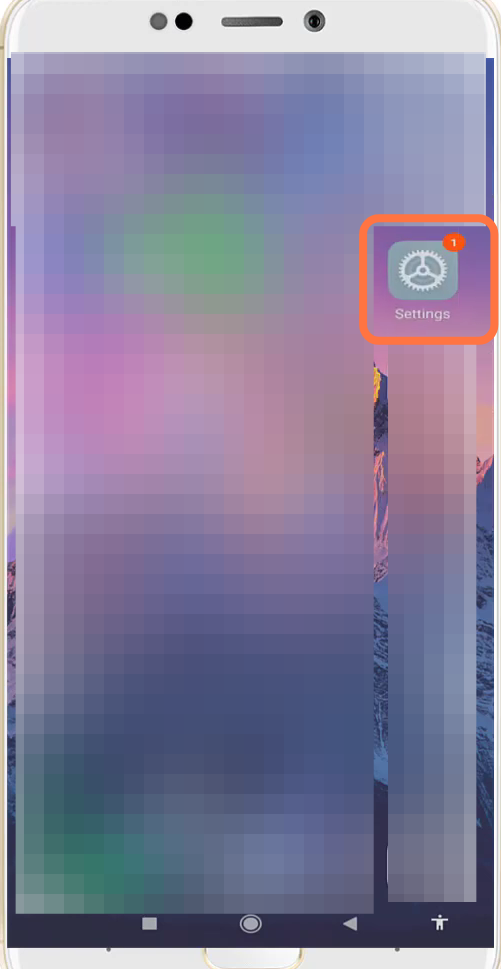
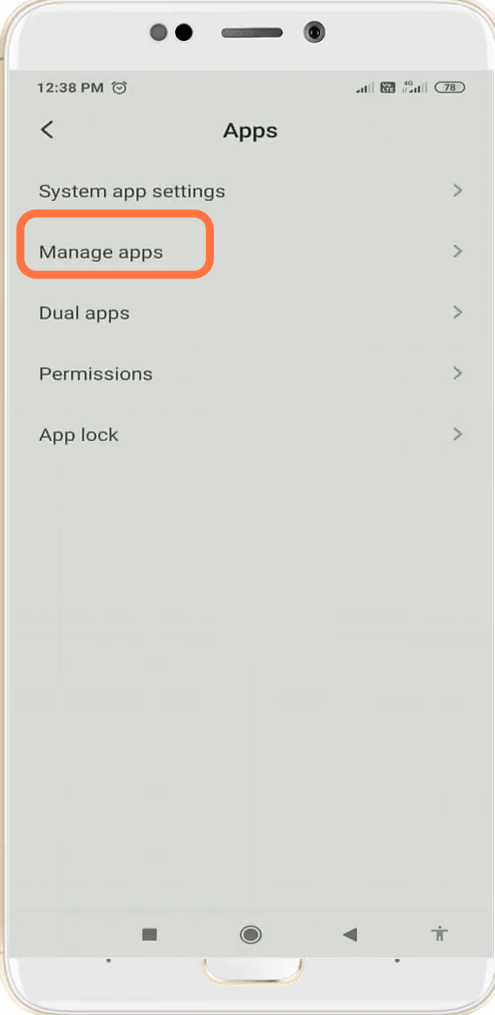
- And navigate to the Apps settings.

- After that, go to Manage apps.
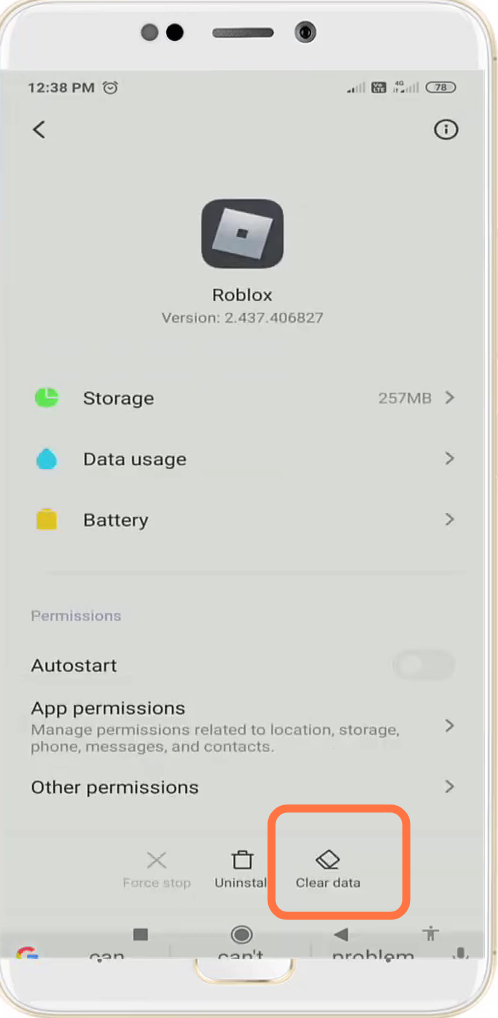
- And open up the Roblox app settings.
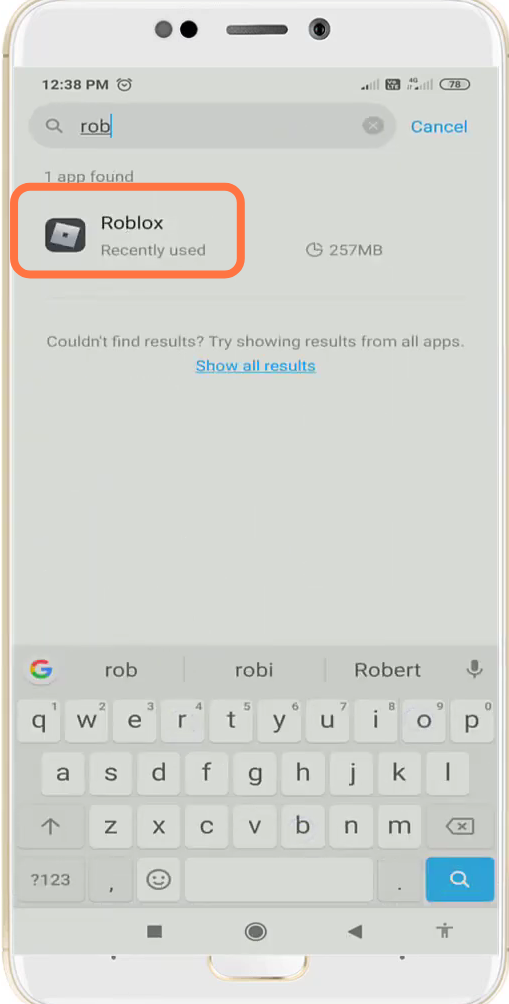
- You need to click on "clear data".
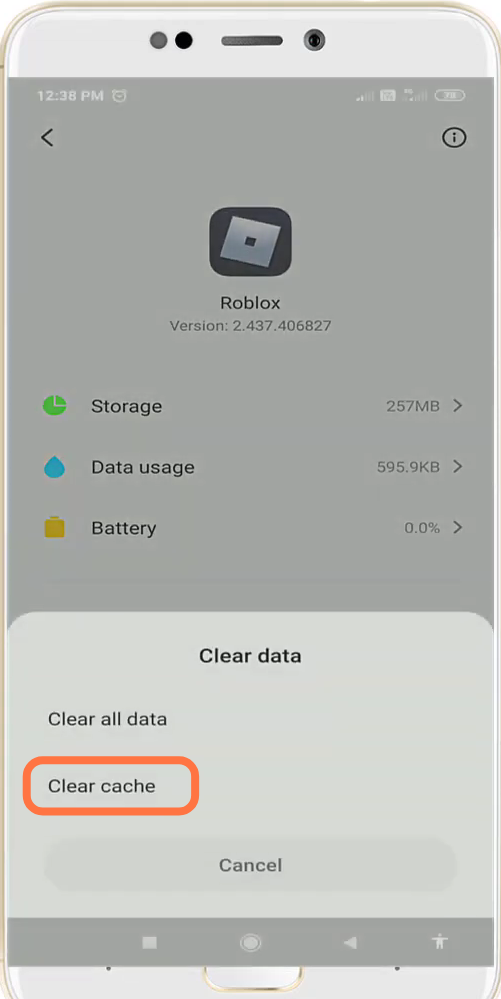
- And select the "clear cache" option.
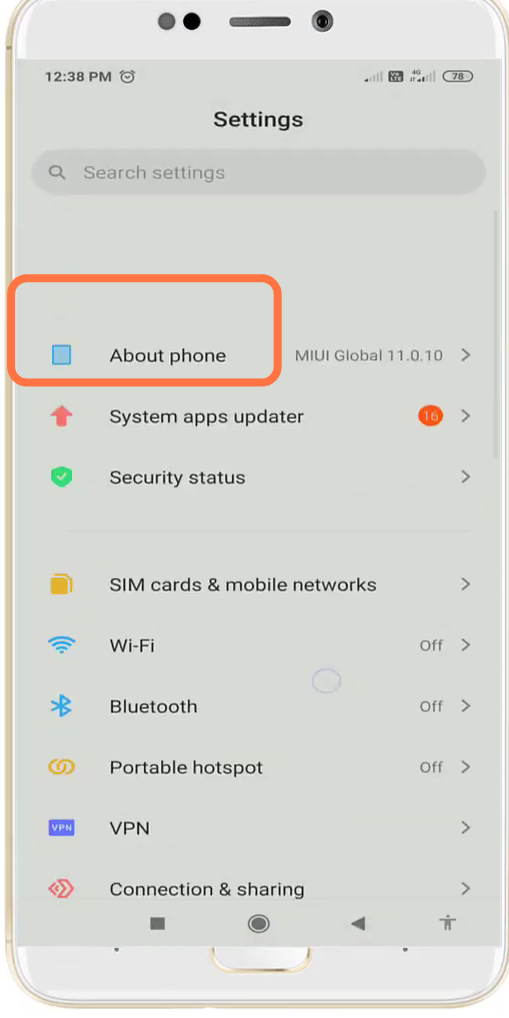
- Next, you have to open the About Phone settings.
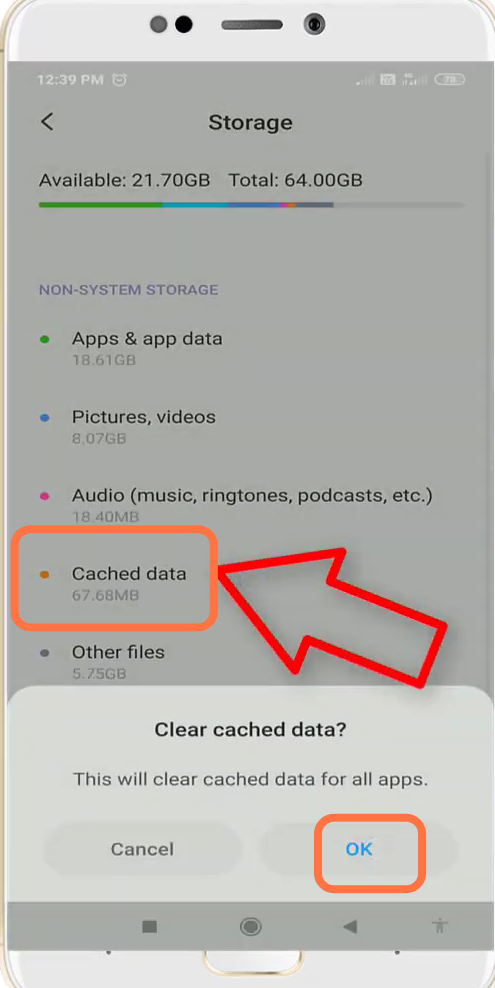
- Navigate to storage.
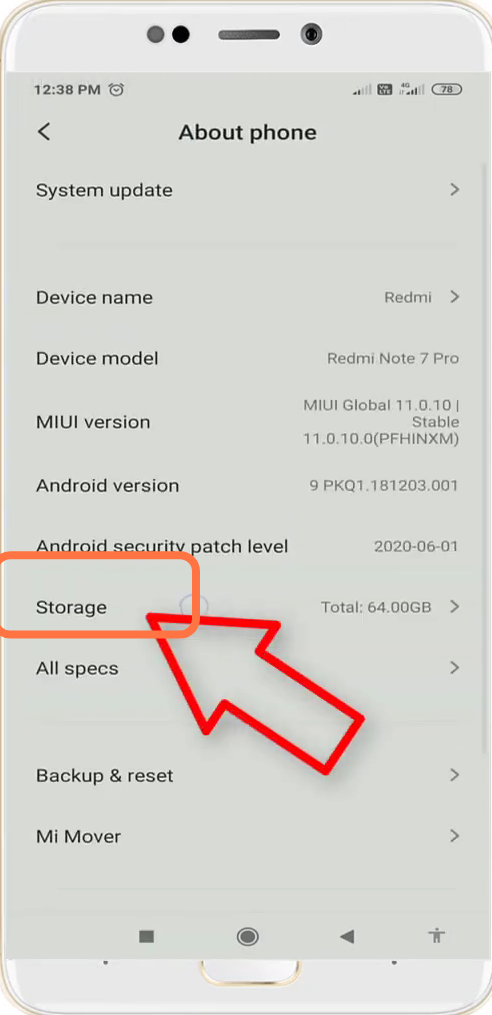
- Click on cache data and tap on the OK button to clear it.
- Finally. you have to open the Google Play Store & update it if required.