How to Fix Roblox Error Code 529
The Roblox Error Code 529 occurs when the client is having issues connecting to the web service, or a Roblox technical issue with VIP servers.
1. First, you will need to open the Roblox application.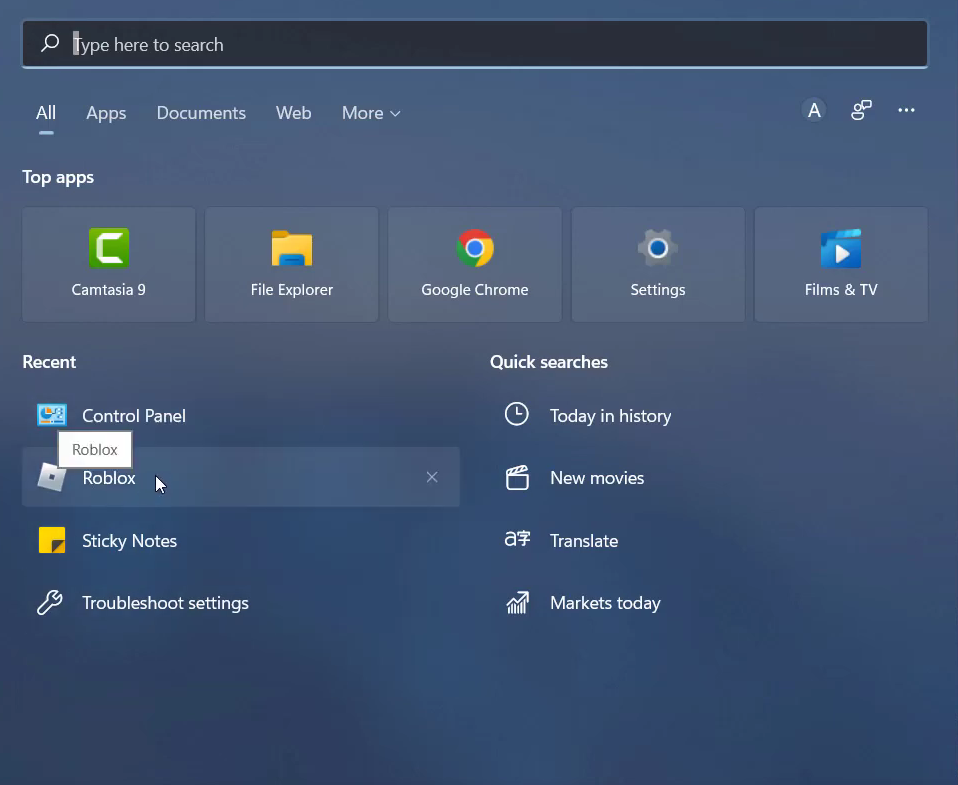
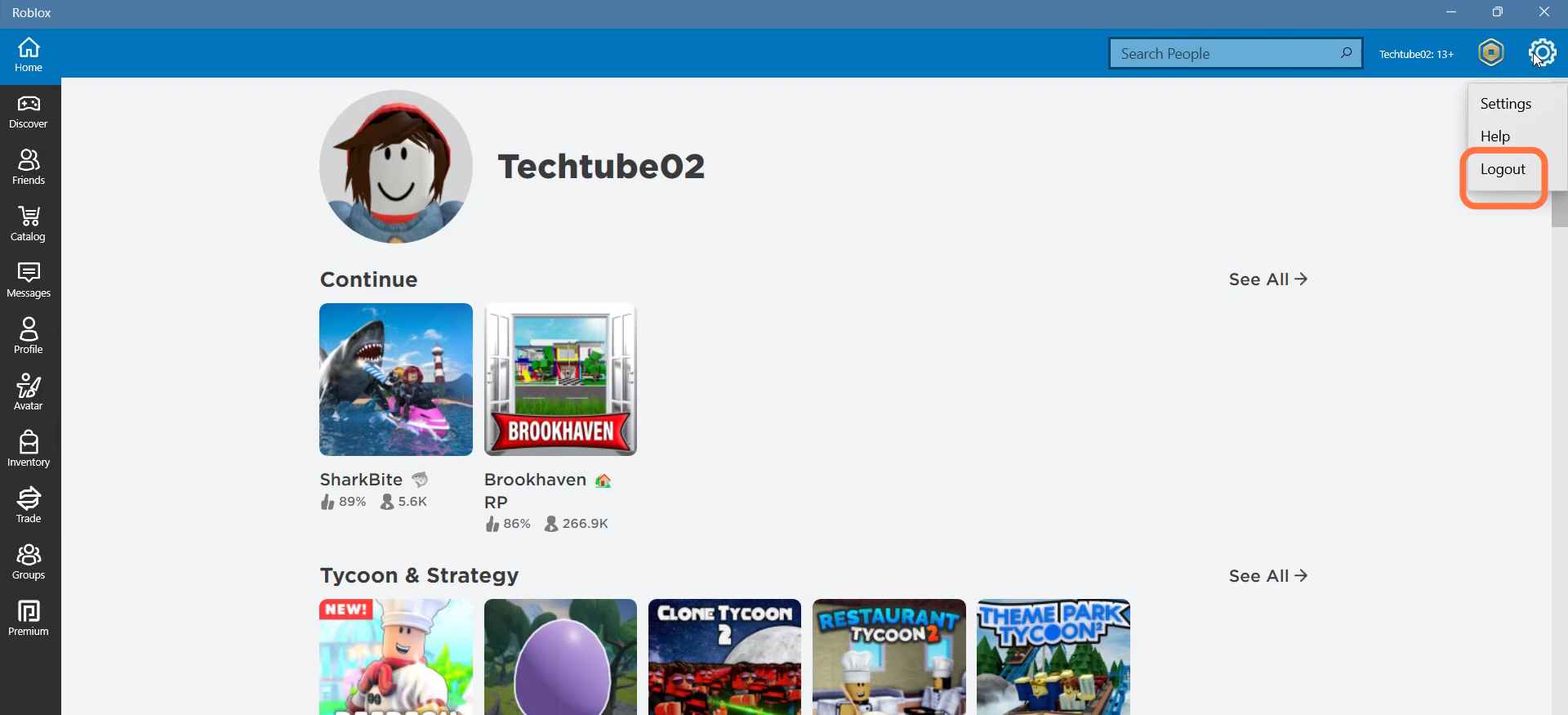
- And click on the settings icon at the top right of the screen to Log out.
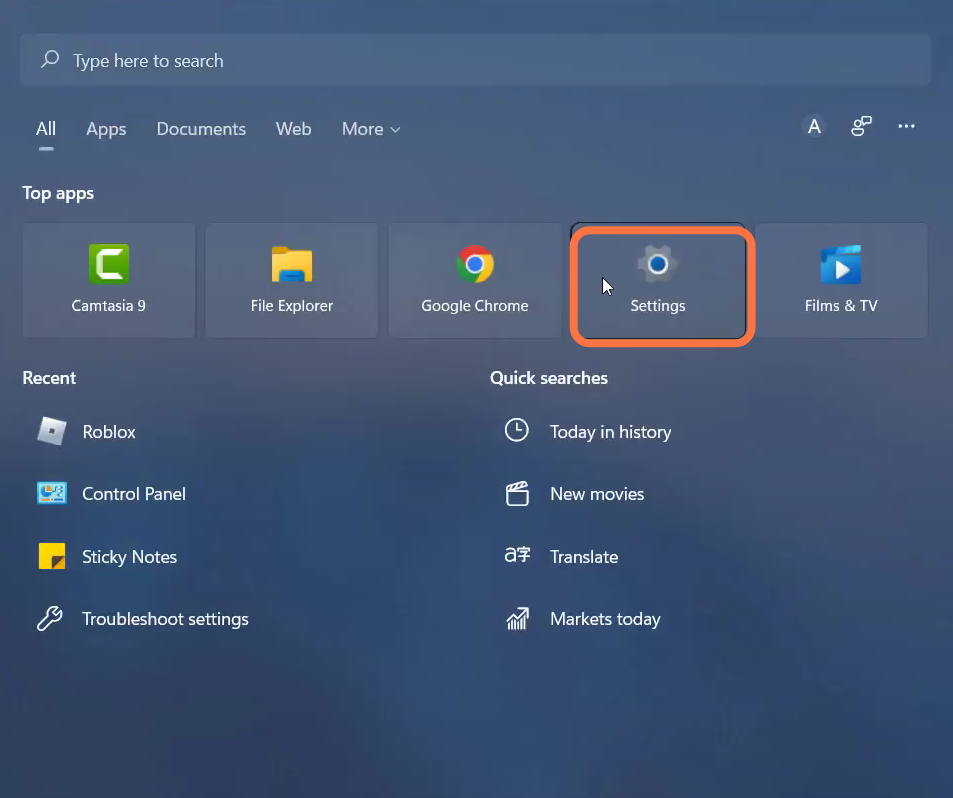
- Now open the settings of the PC.
- Enter into apps and select the "apps and features" option.
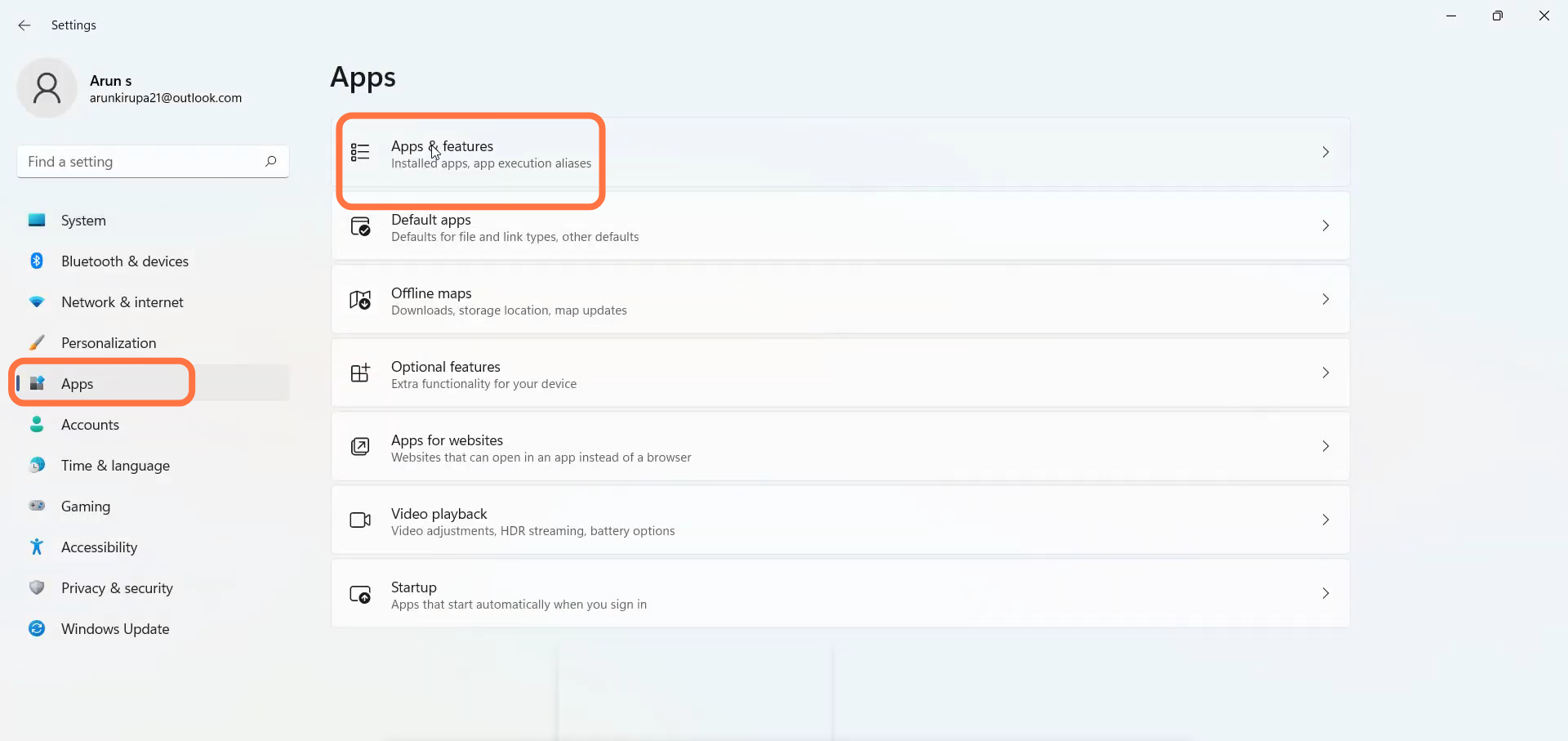
- After that, search the Roblox app on the search bar and click on the vertical dotted line to go into the advanced options.

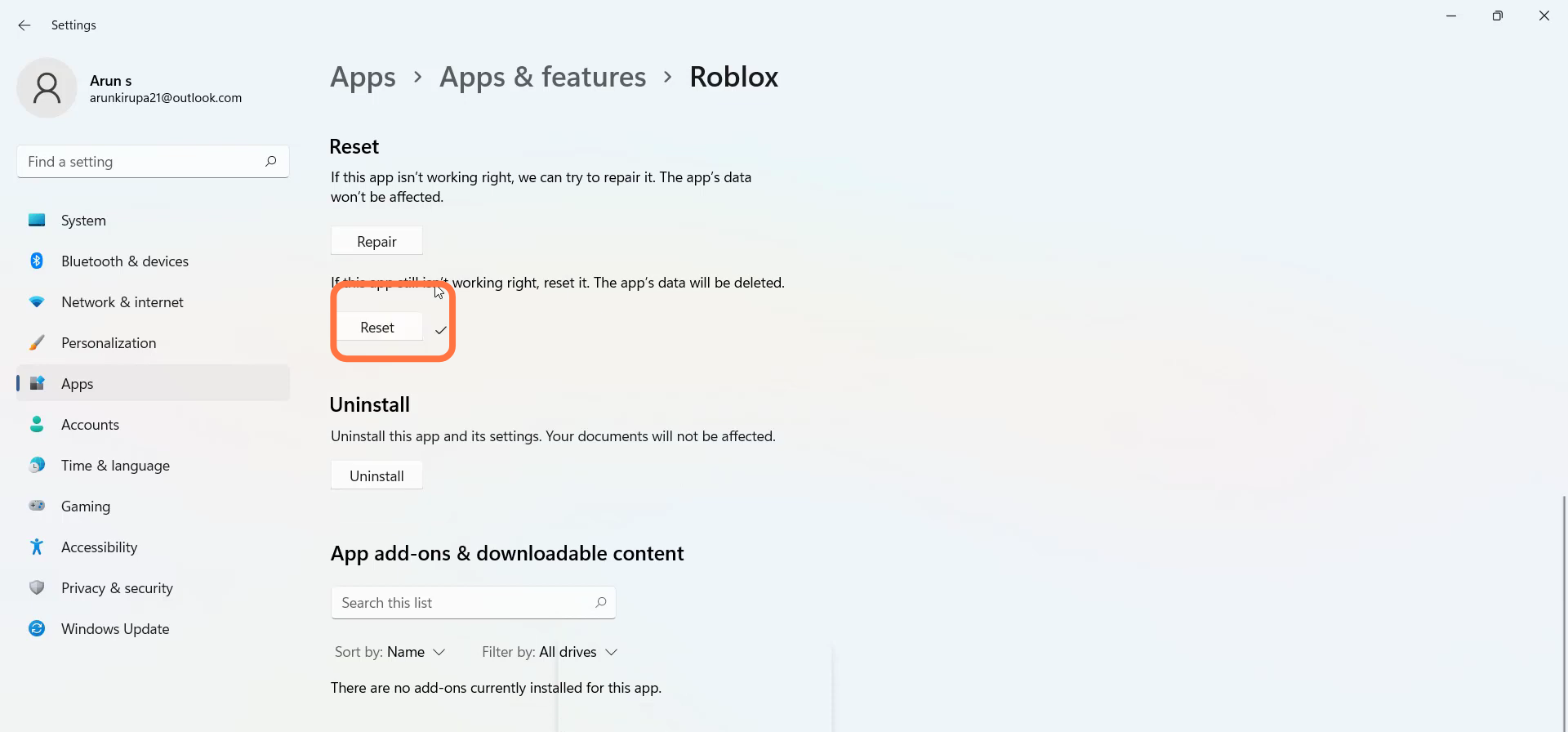
- Scroll down and click on Reset.
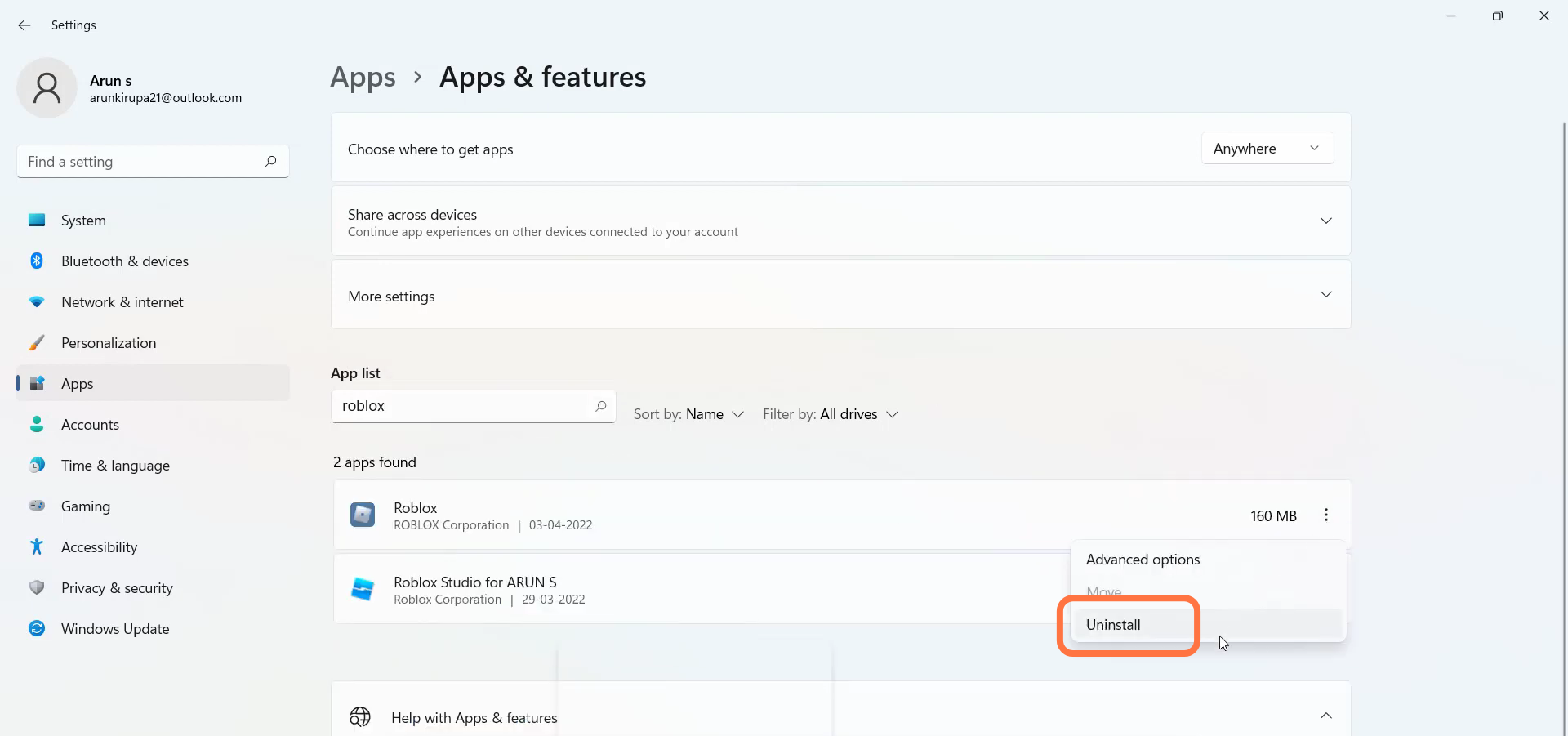
- Now again search the Roblox app to uninstall it.
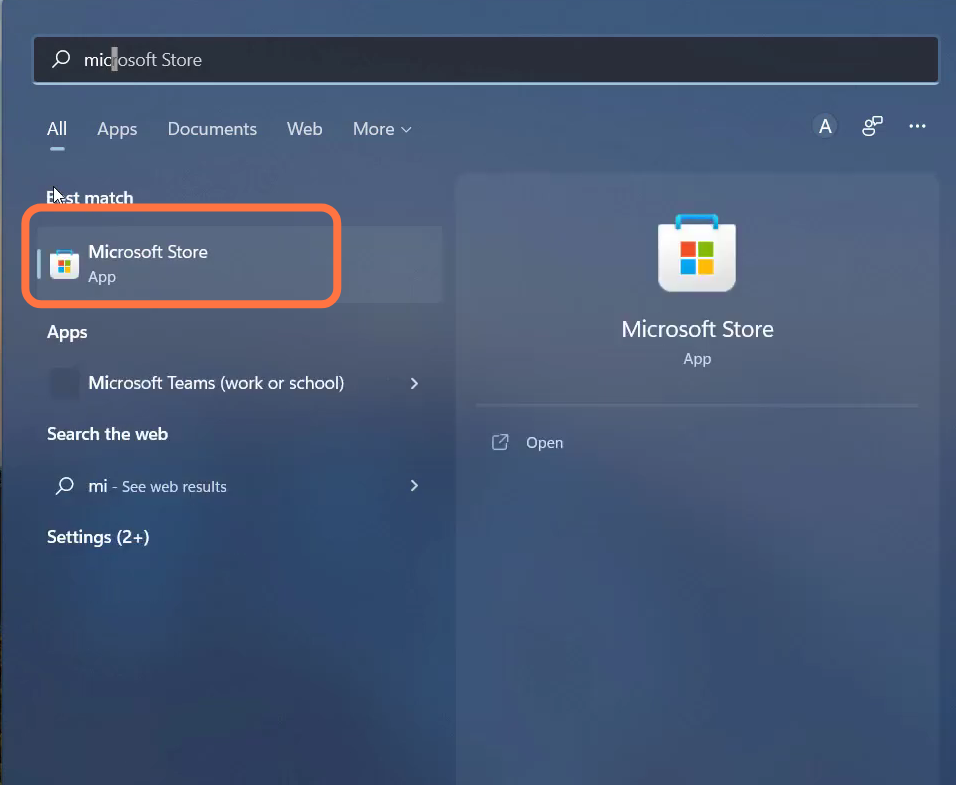
- And open up the Microsoft store.
- You need to search Roblox and install it.
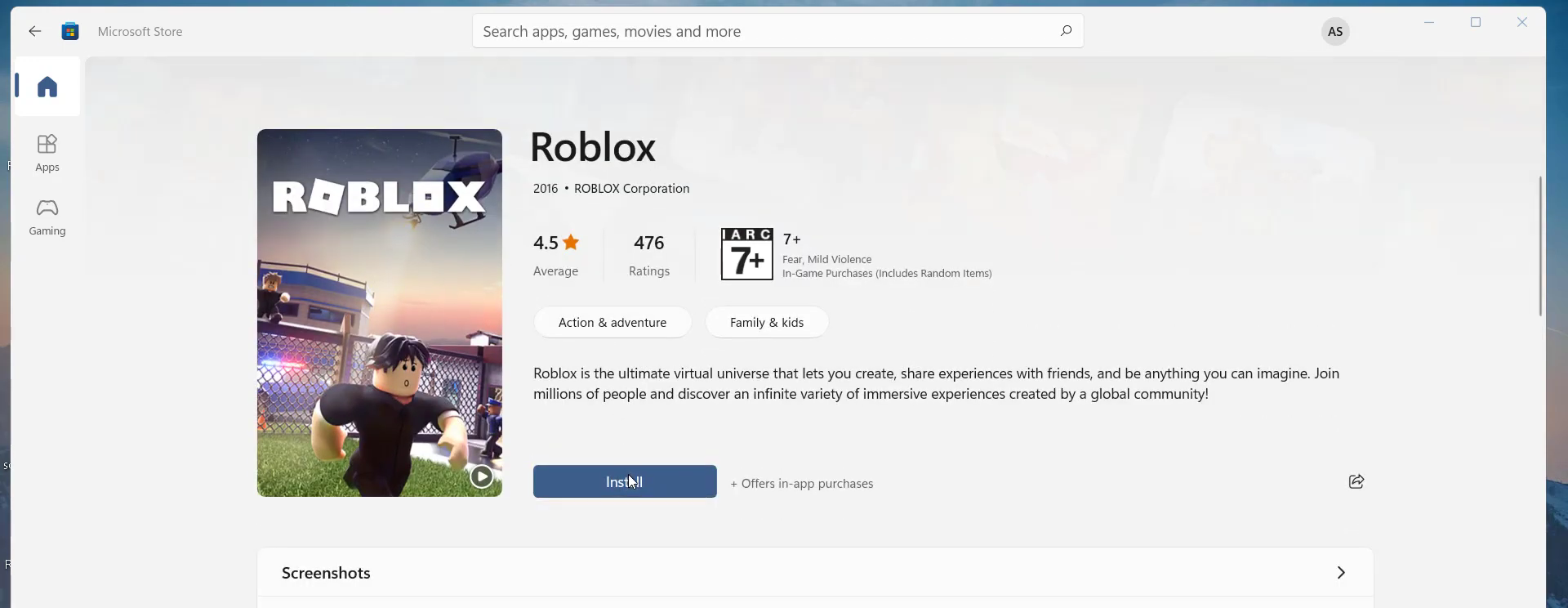
- Click on Login.
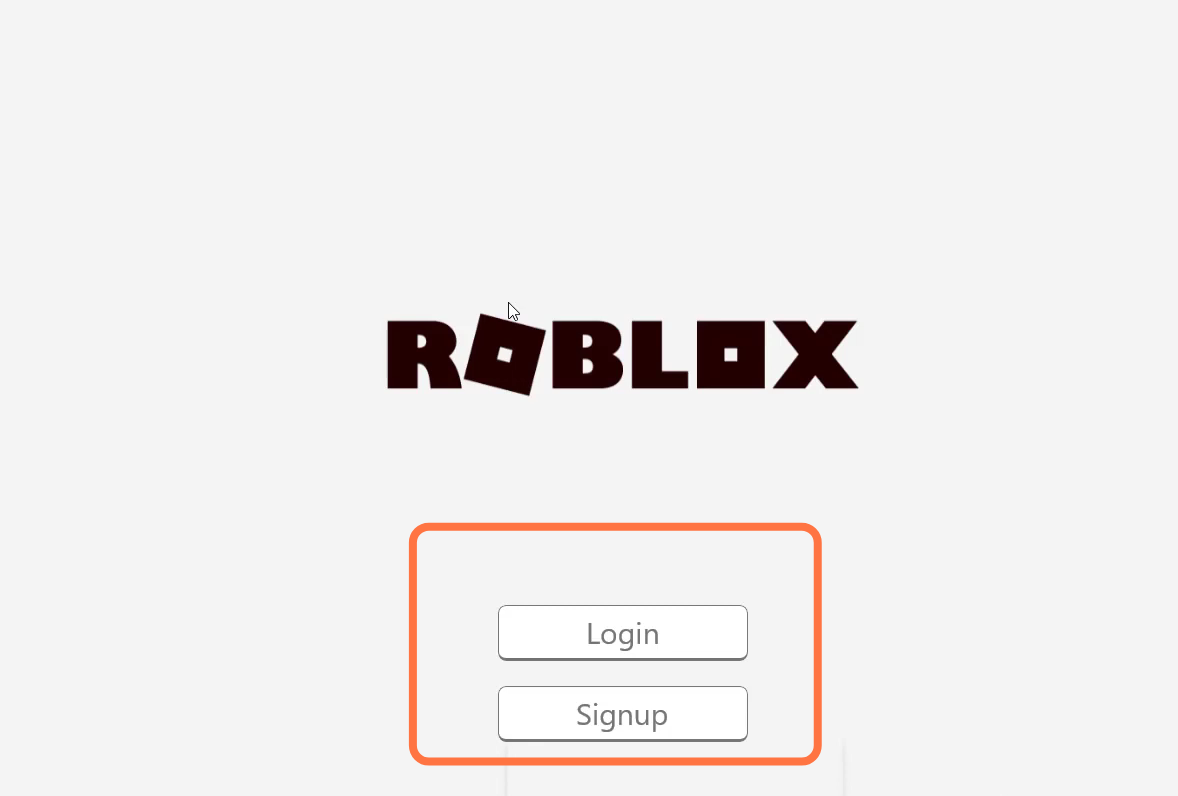
- You need to type in your username and password.
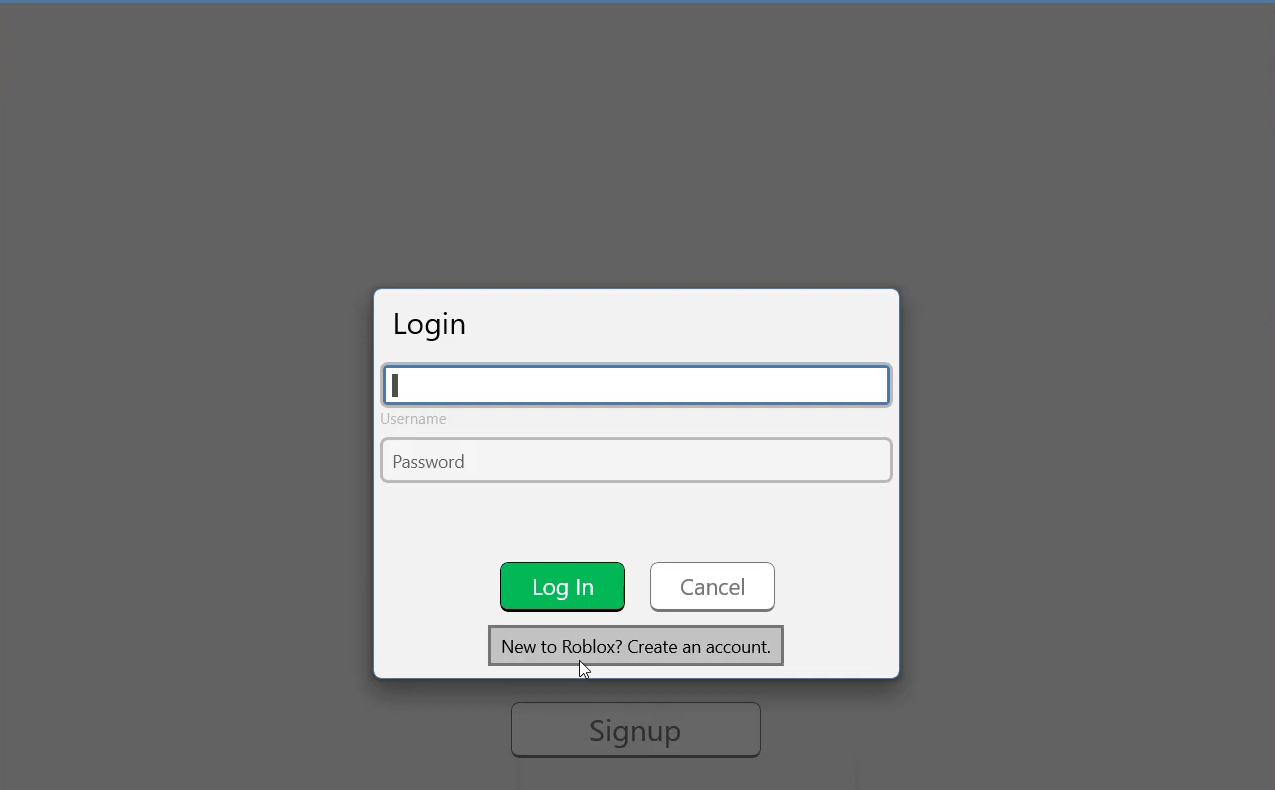
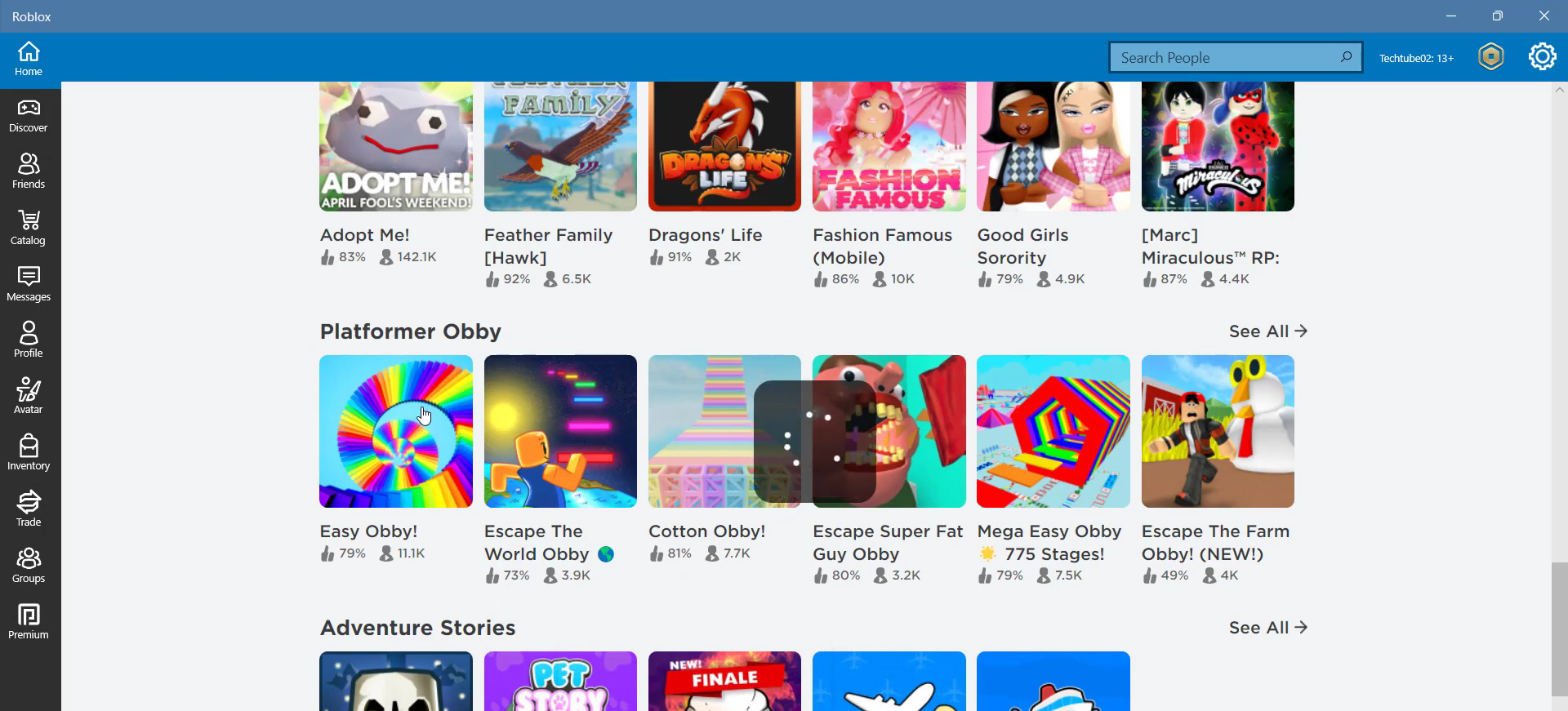
- After that, choose a game to play from the list.
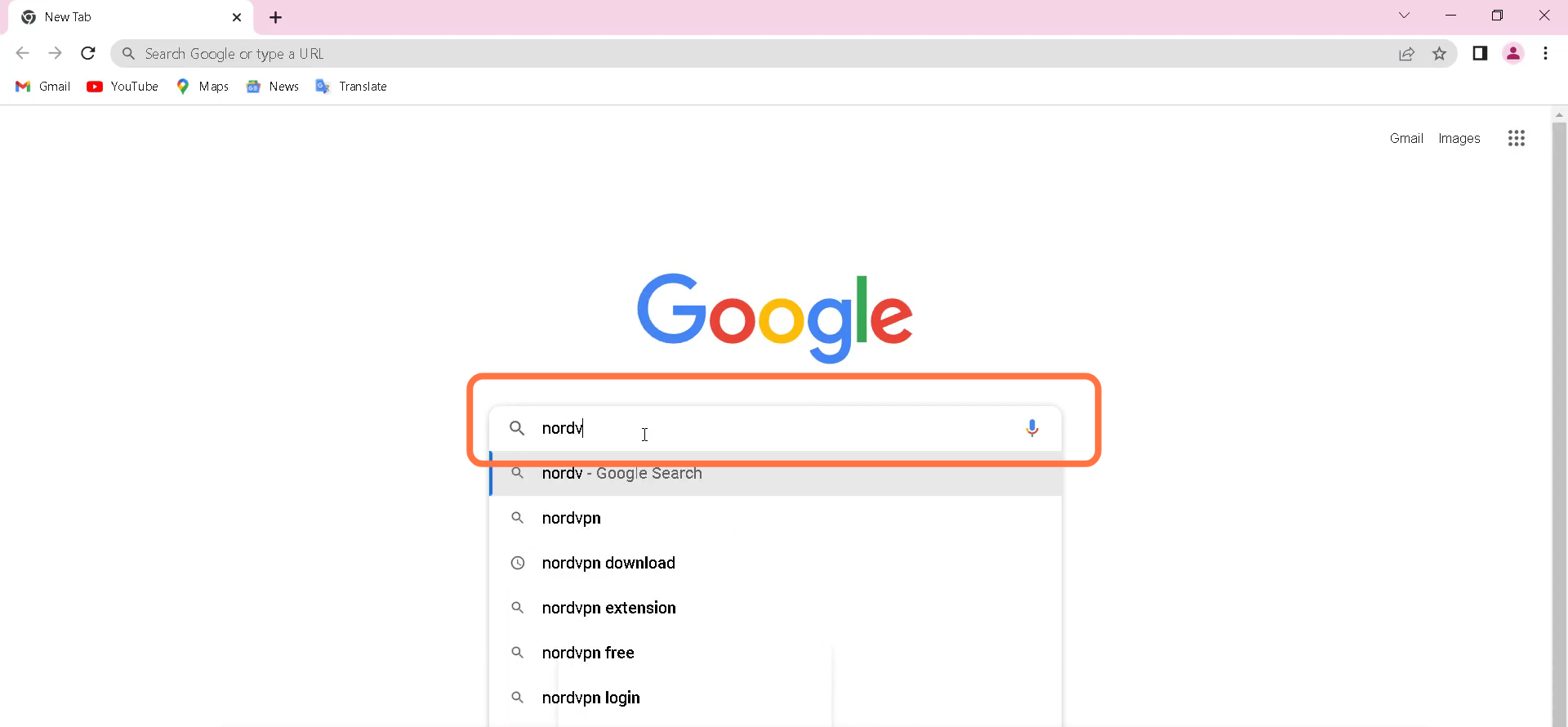
- Open Google chrome or any browser and search "nordvpn download".
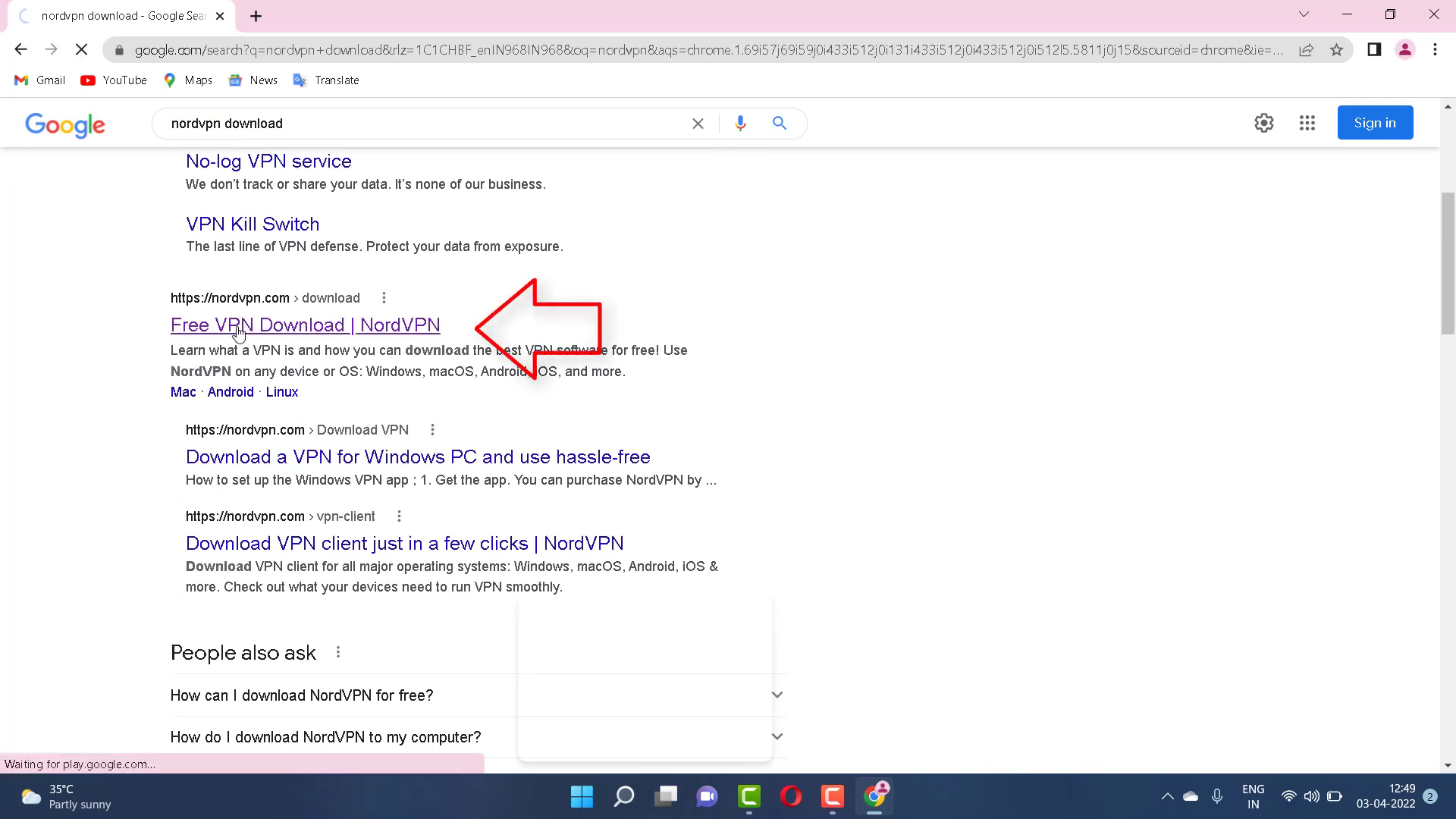
- You have to open up the "Free VPN download" link, as shown in the image below.
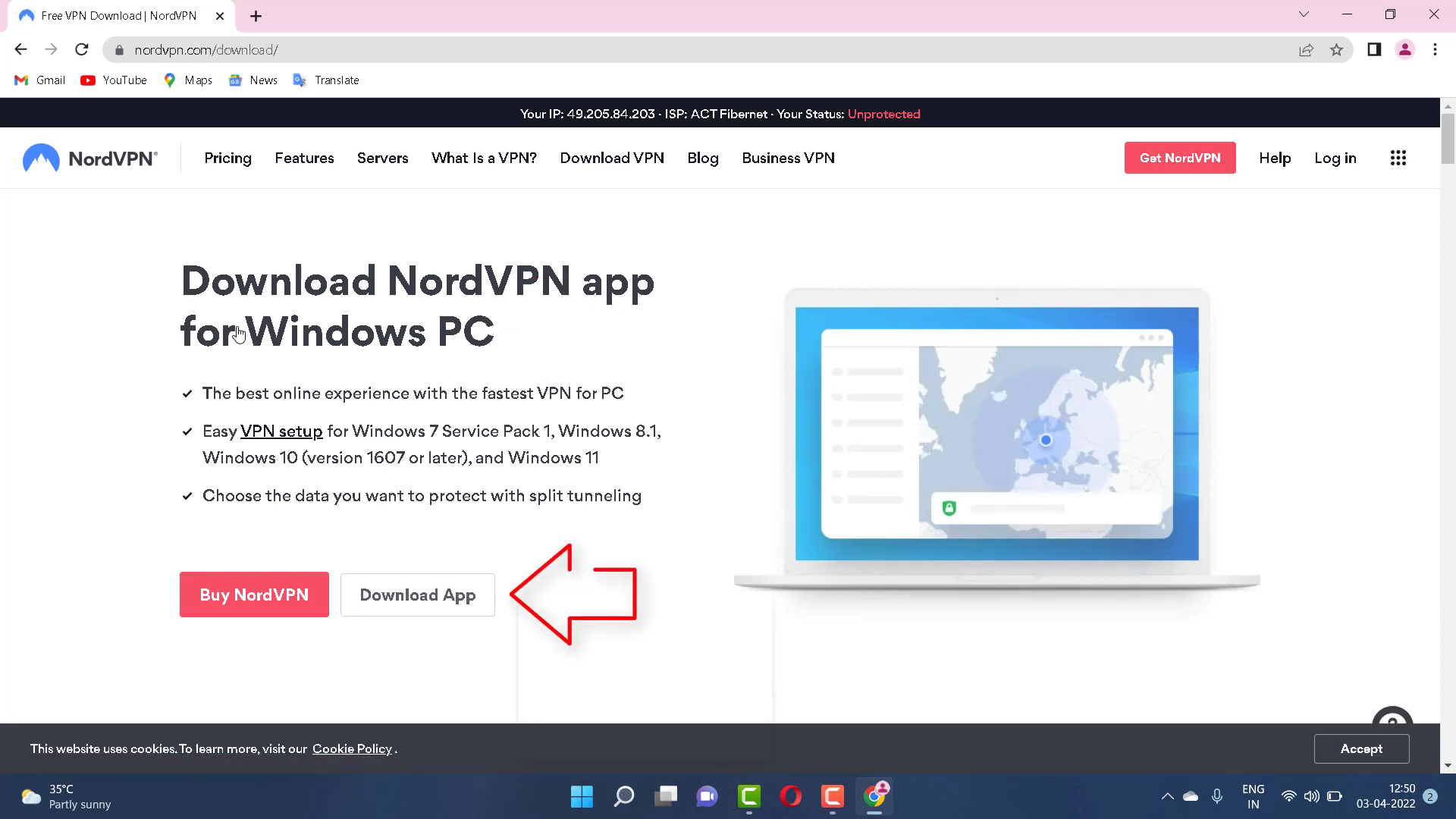
- Click on this link to get your app.
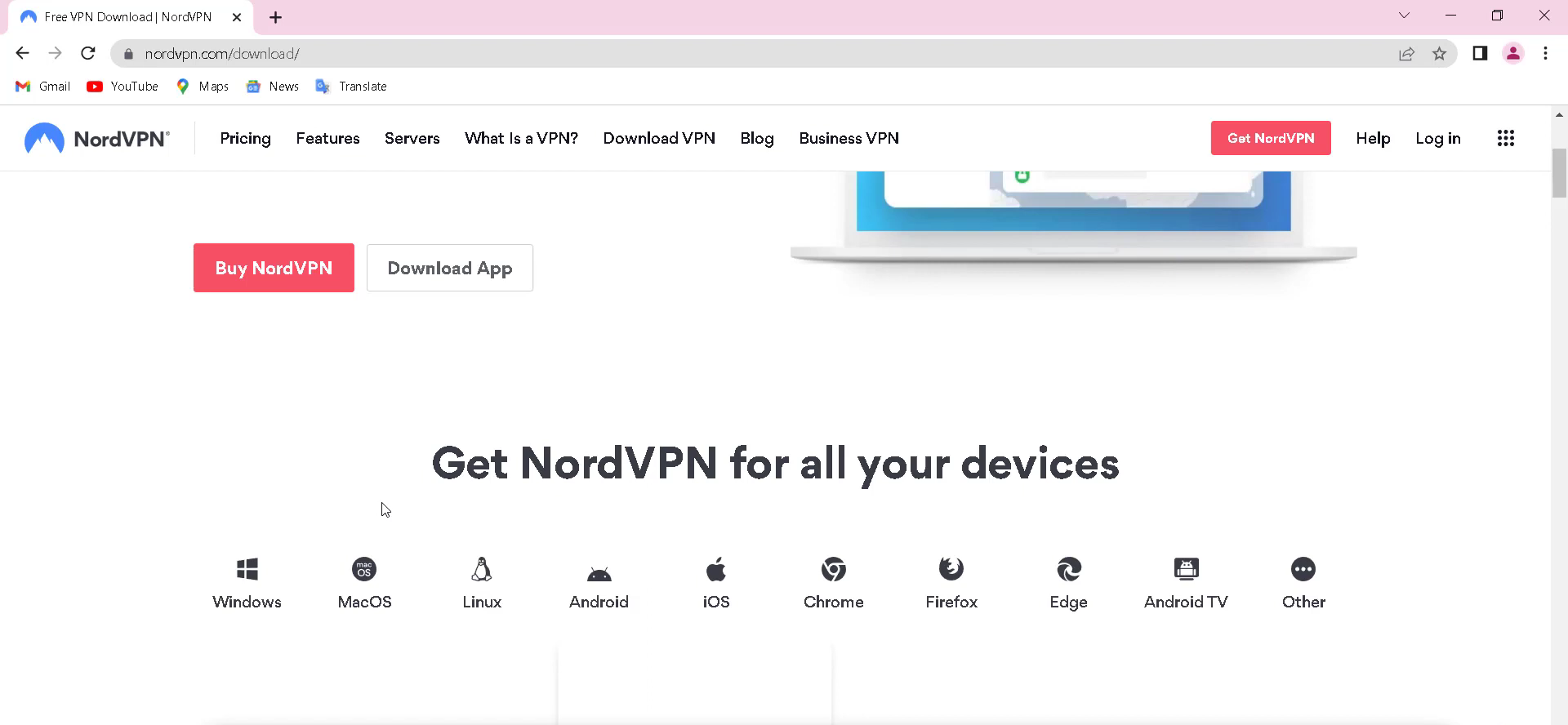
- Once downloaded, you need to open NordVPNSetup and click the 'next' button twice and finish the setup installation.
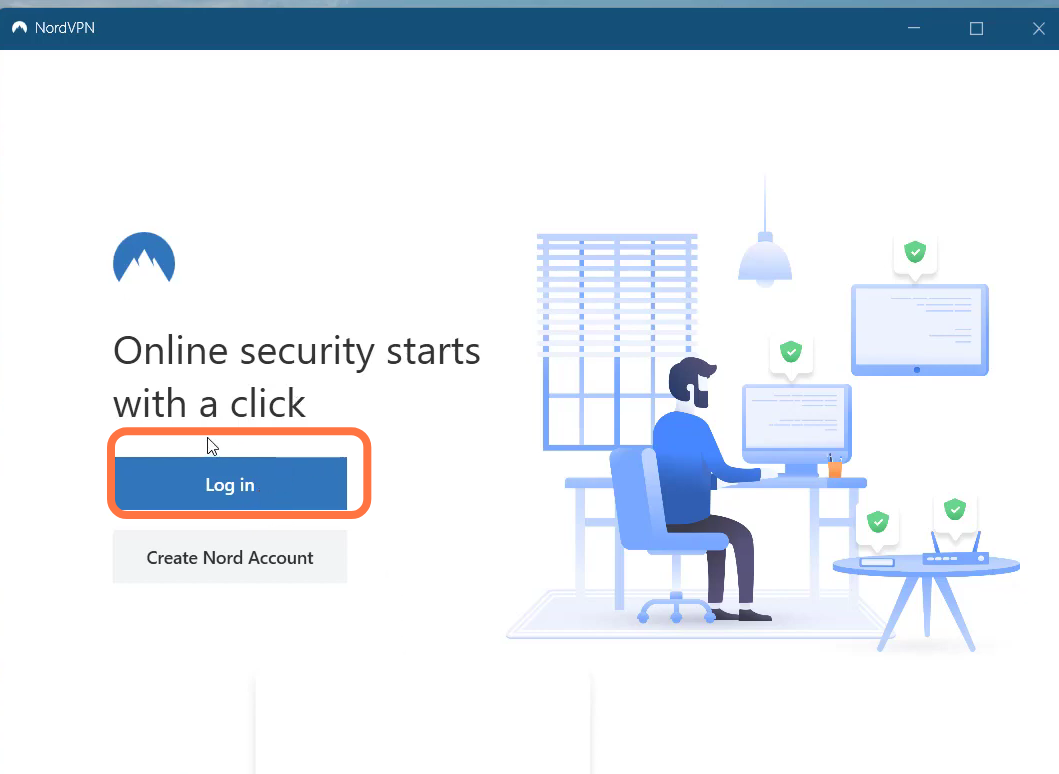
- After Installation, you need to open up Nordvpn.
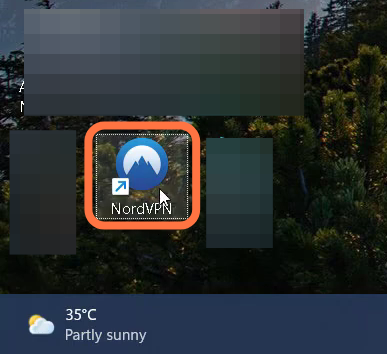
- Create a Nord account to enter into the VPN and then restart your PC to see if the error has been resolved.