How to Fix Roblox Error Code 106 unable to connect to the server
You have to follow all the step-by-step instructions to fix this error in Windows.
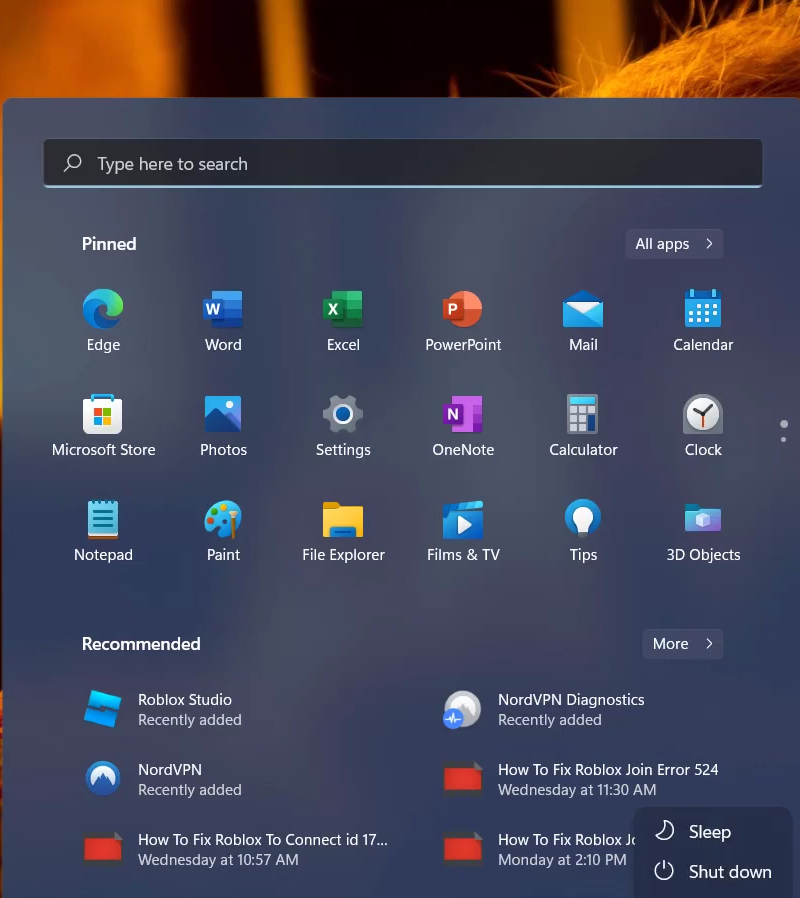
- First, you will need to open up the Control Panel.
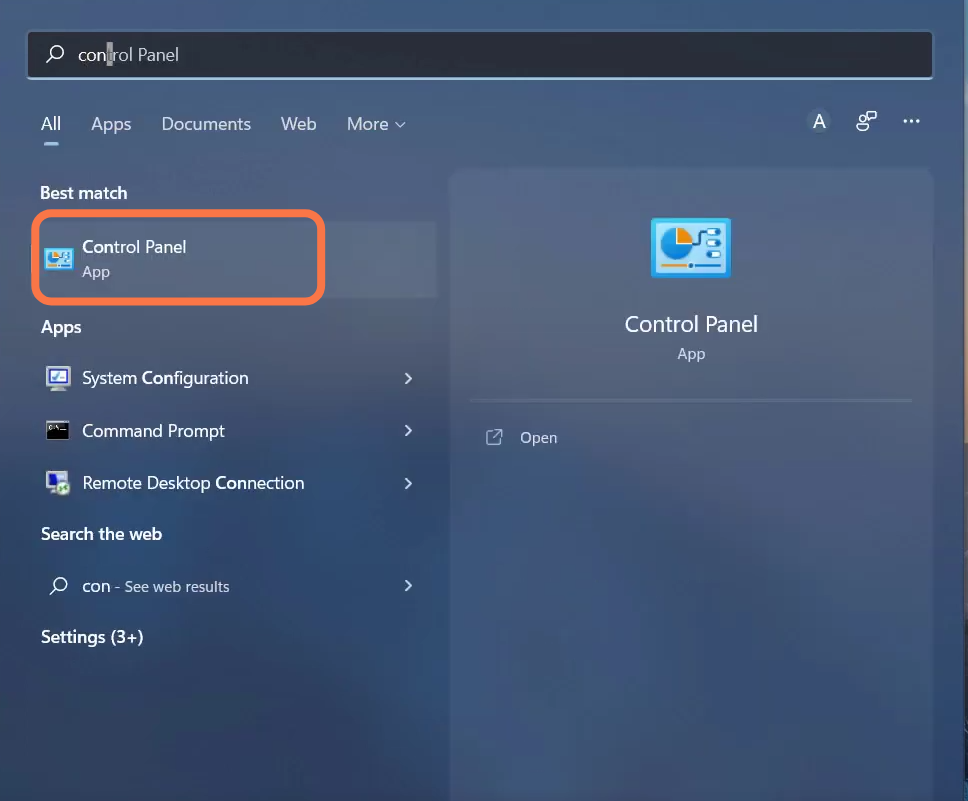
- Click on the Network and Internet option.
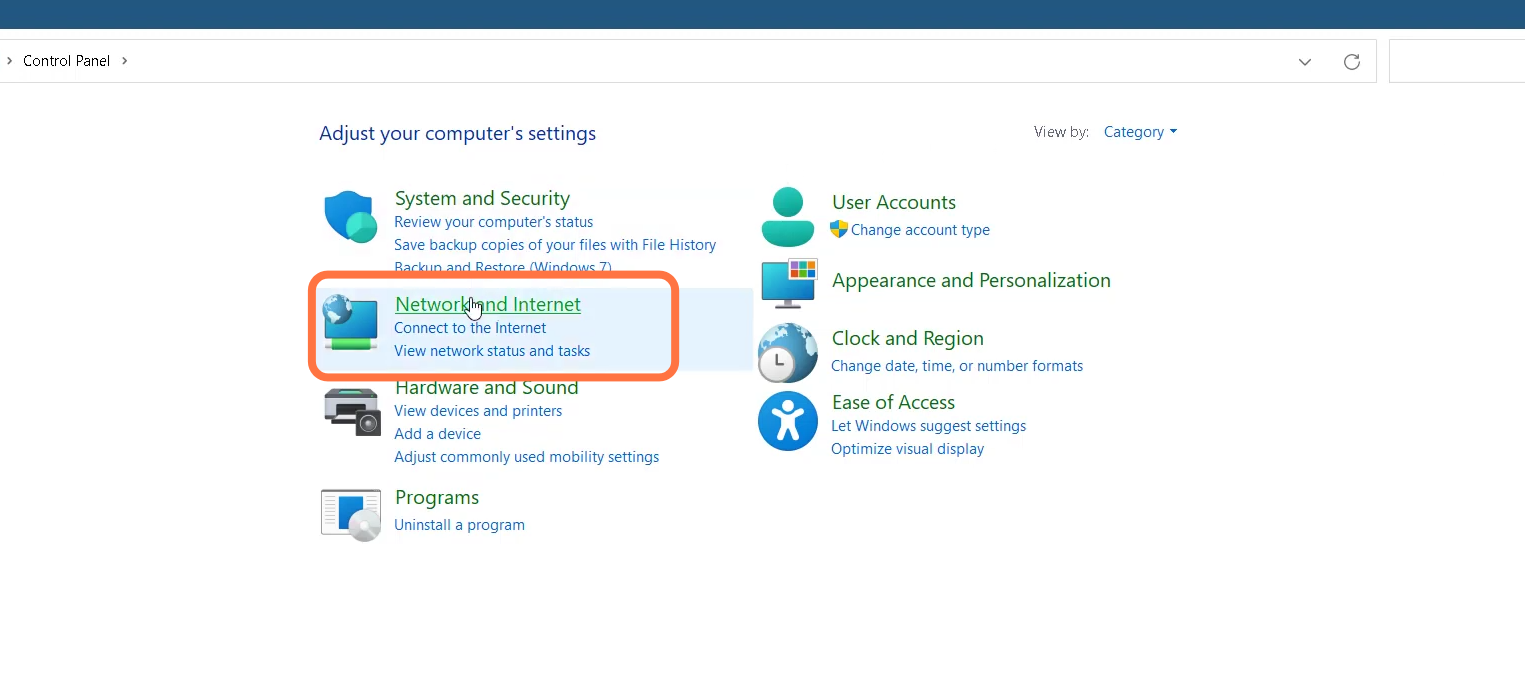
- Then enter into Network and Sharing center.
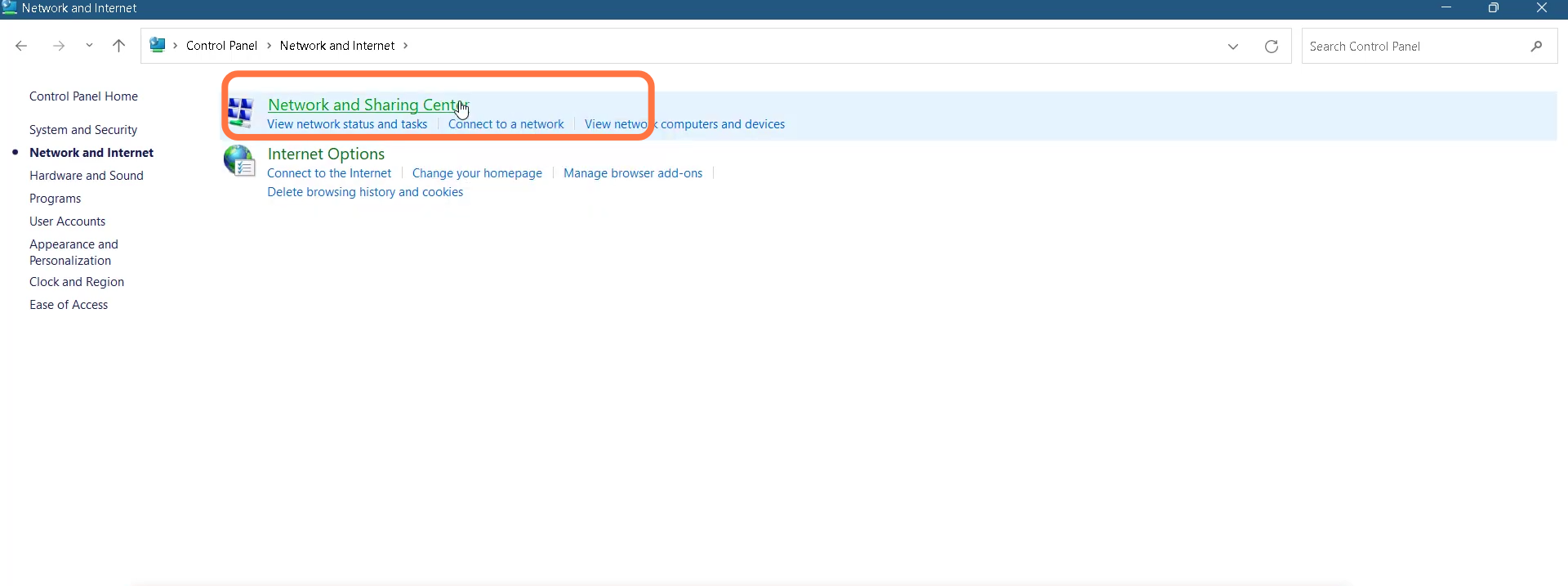
- After that, you need to click on the Change adapter settings.
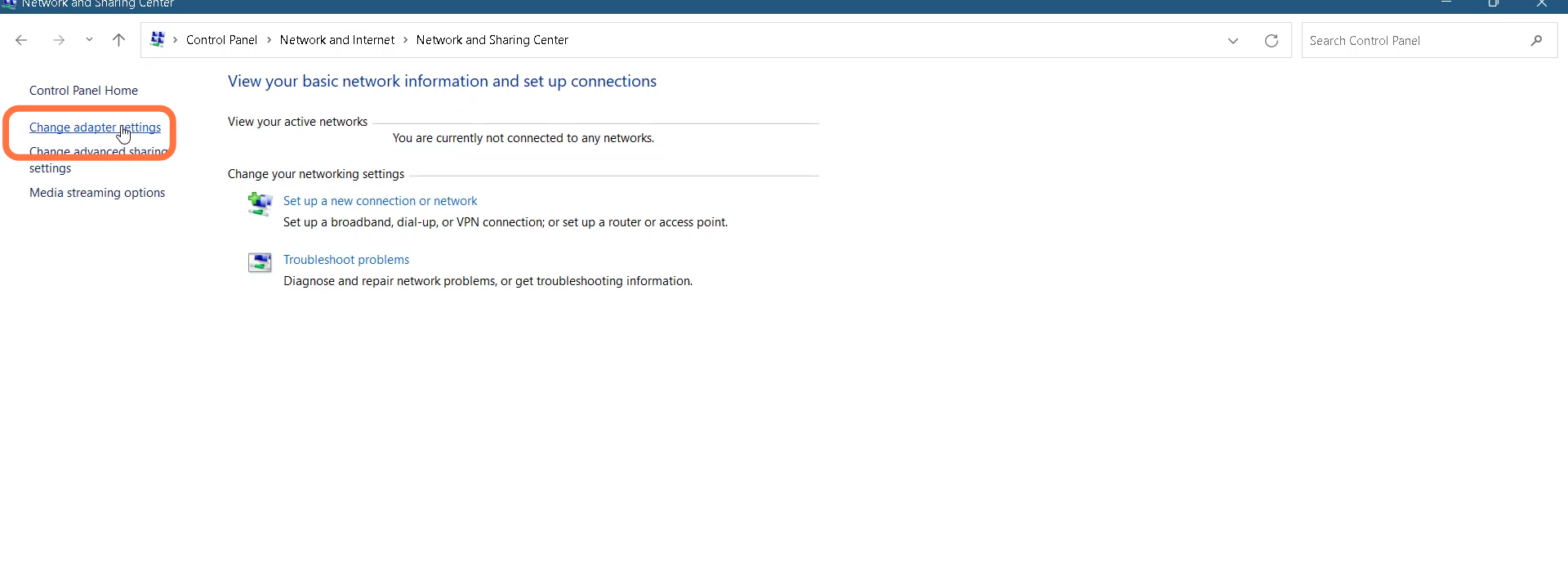
- And then right-click on Wifi Network and select properties.
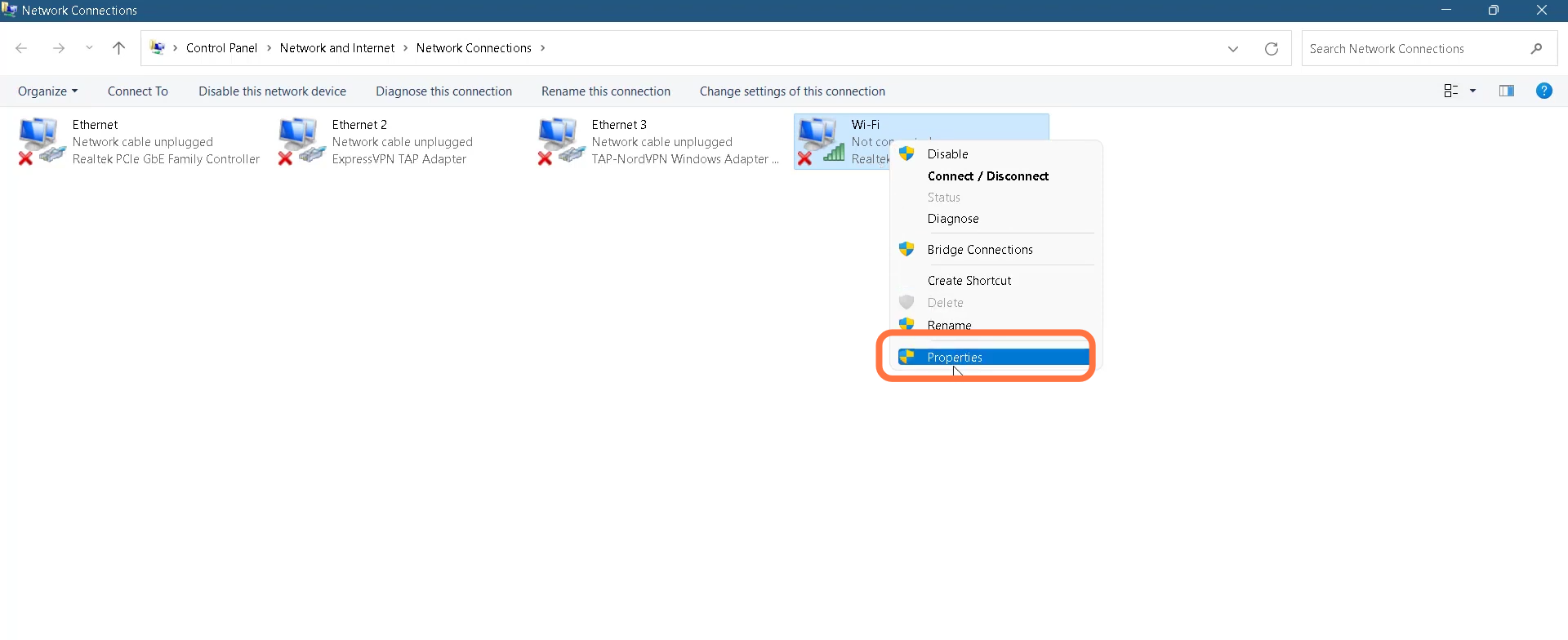
- Click on Internet protocol version 4 (TCP/IP) from the list and go into properties
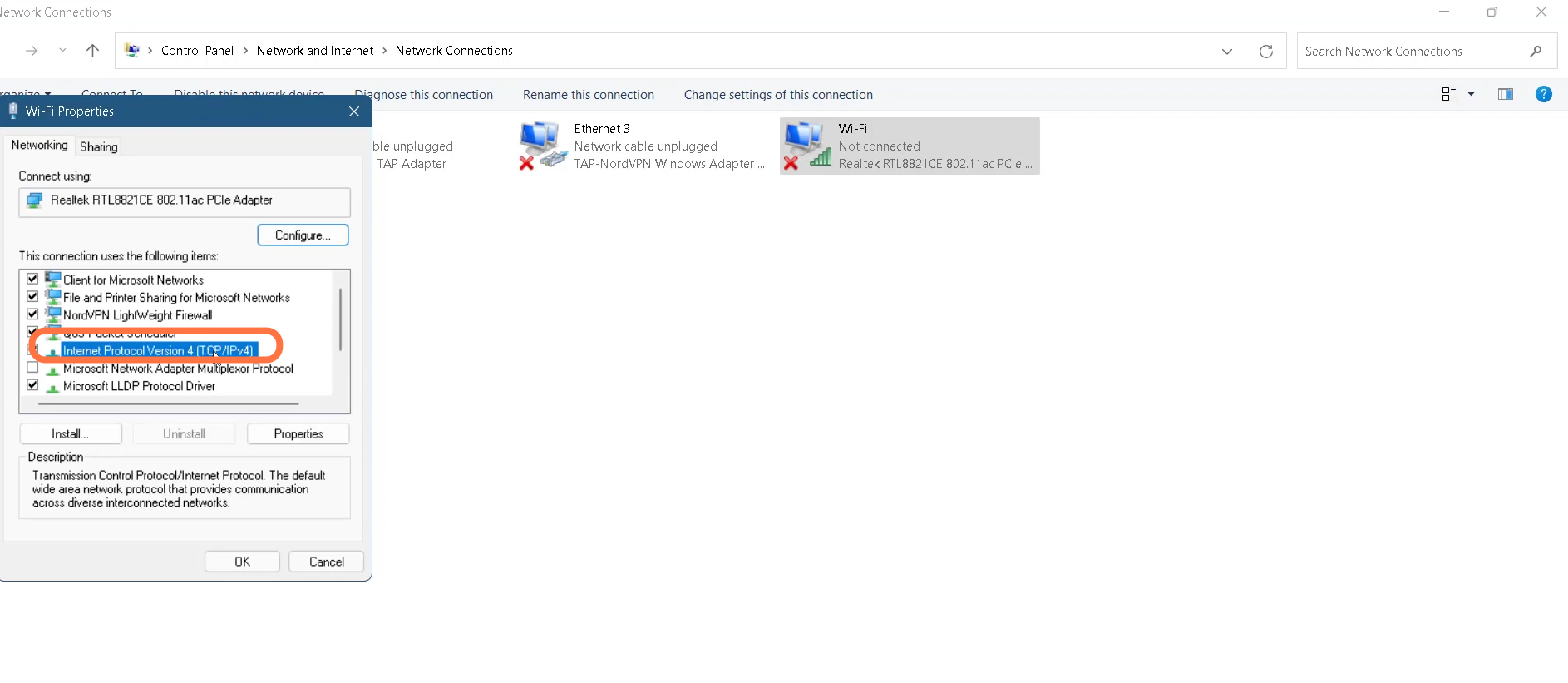
- Now click on Internet protocol version 4 (TCP/IP) from the list and go into properties
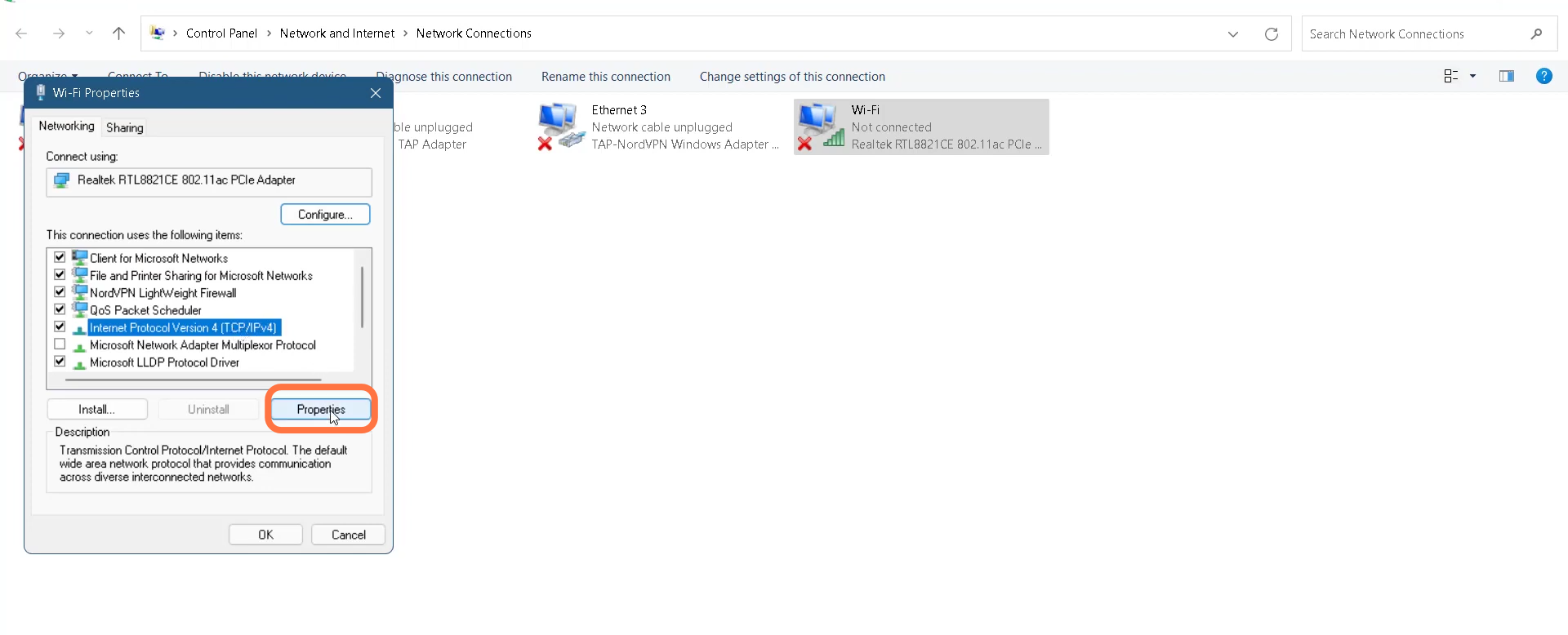
- You have to tick mark the 'Use the following DNS server address' option.
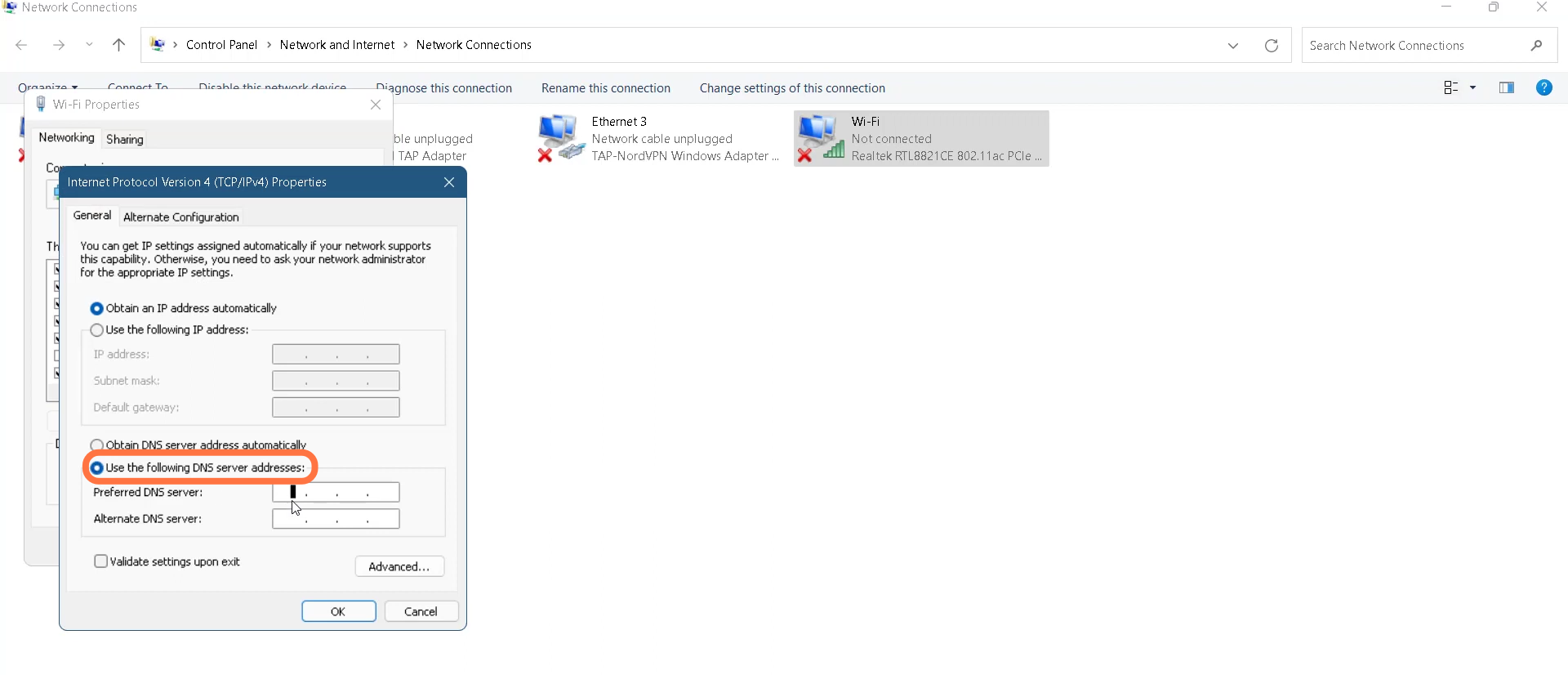
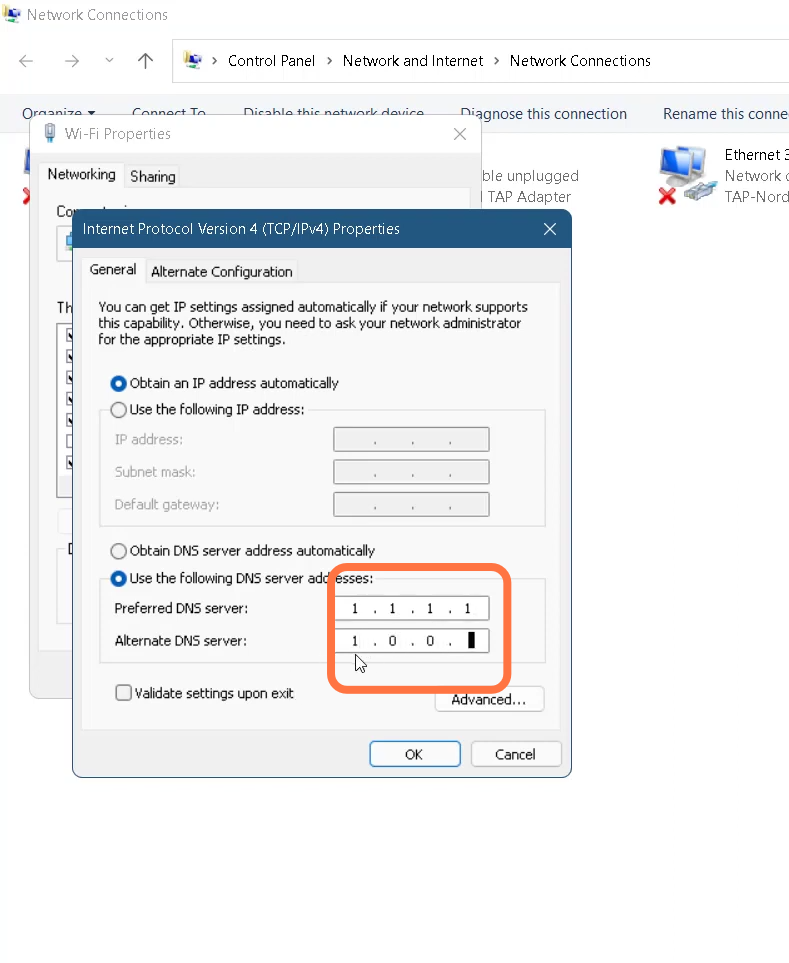
- Replace the Preferred DNS server address with 1.1.1.1 and Alternate DNS server with 1.0.0.1 and click Ok.
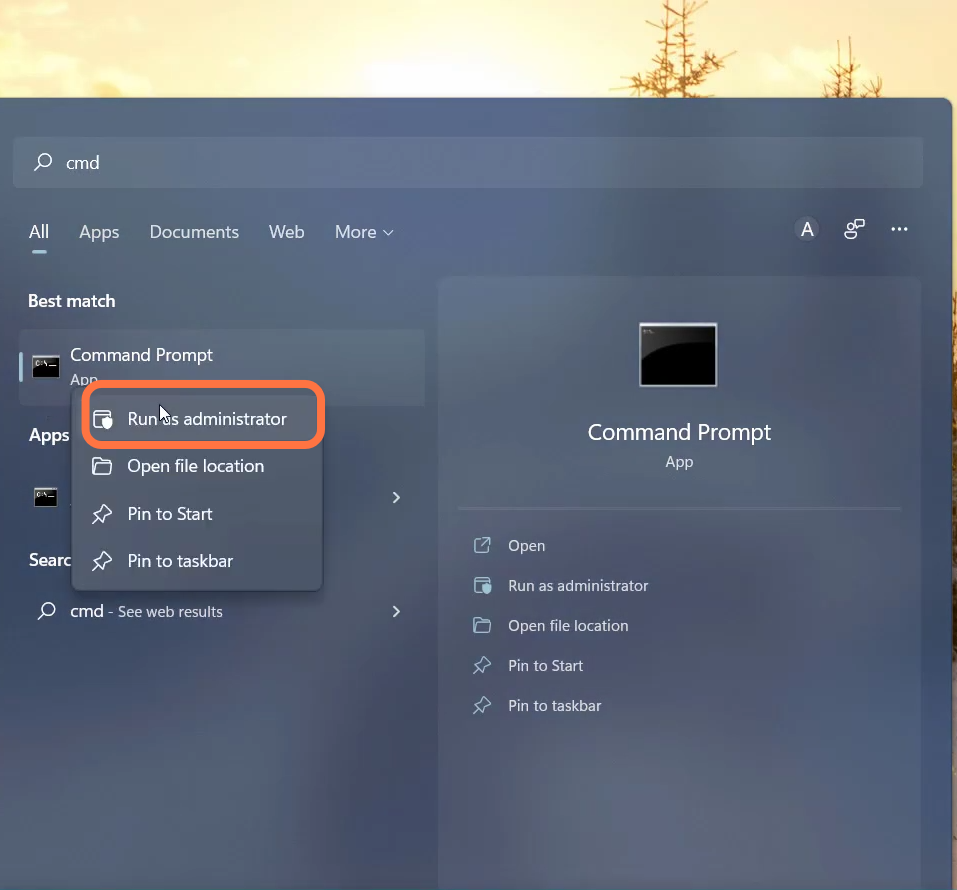
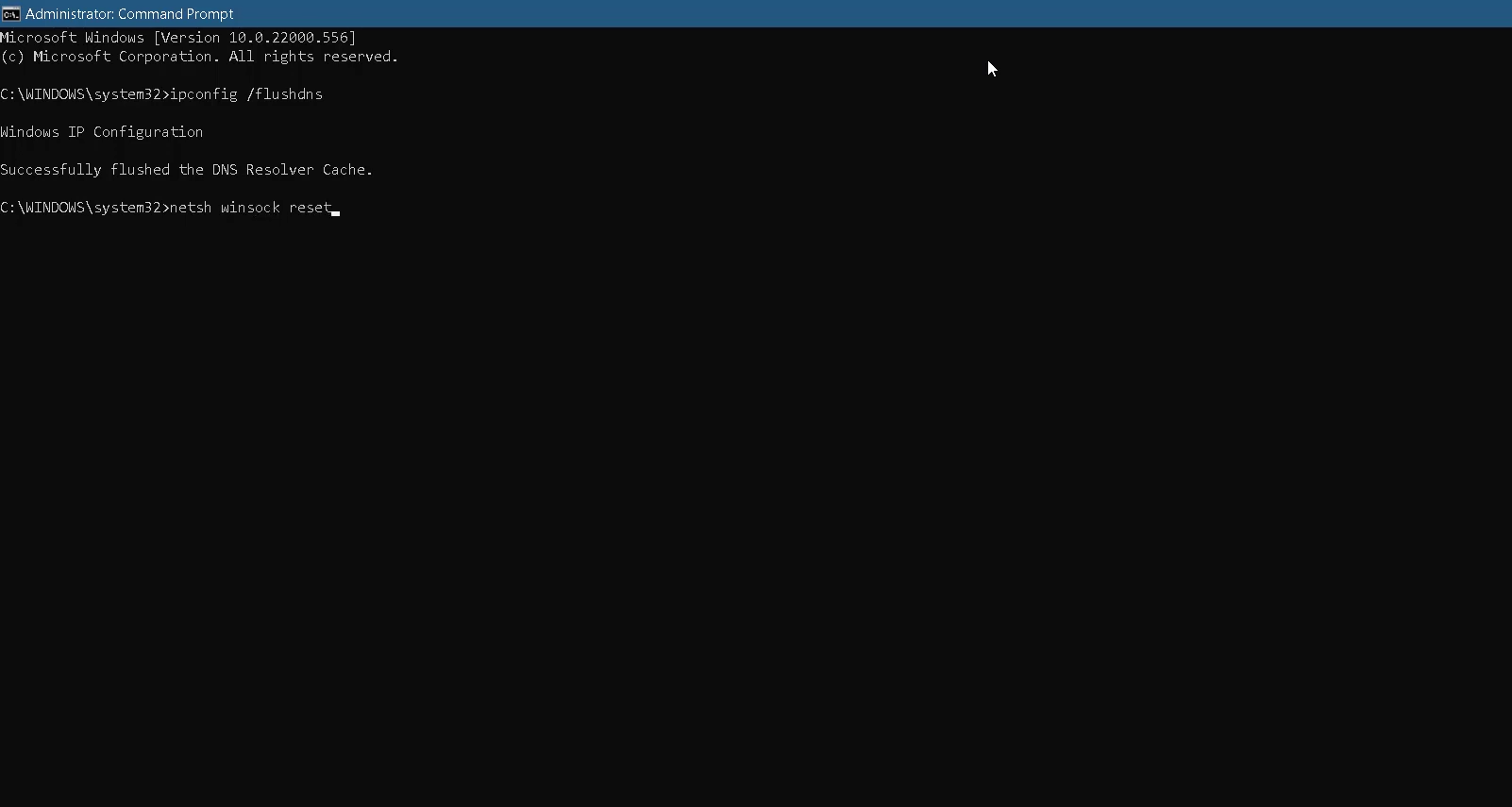
- After that, tap the Start button and type in Command Prompt, right-click on the CMD, and select Run as administrator.
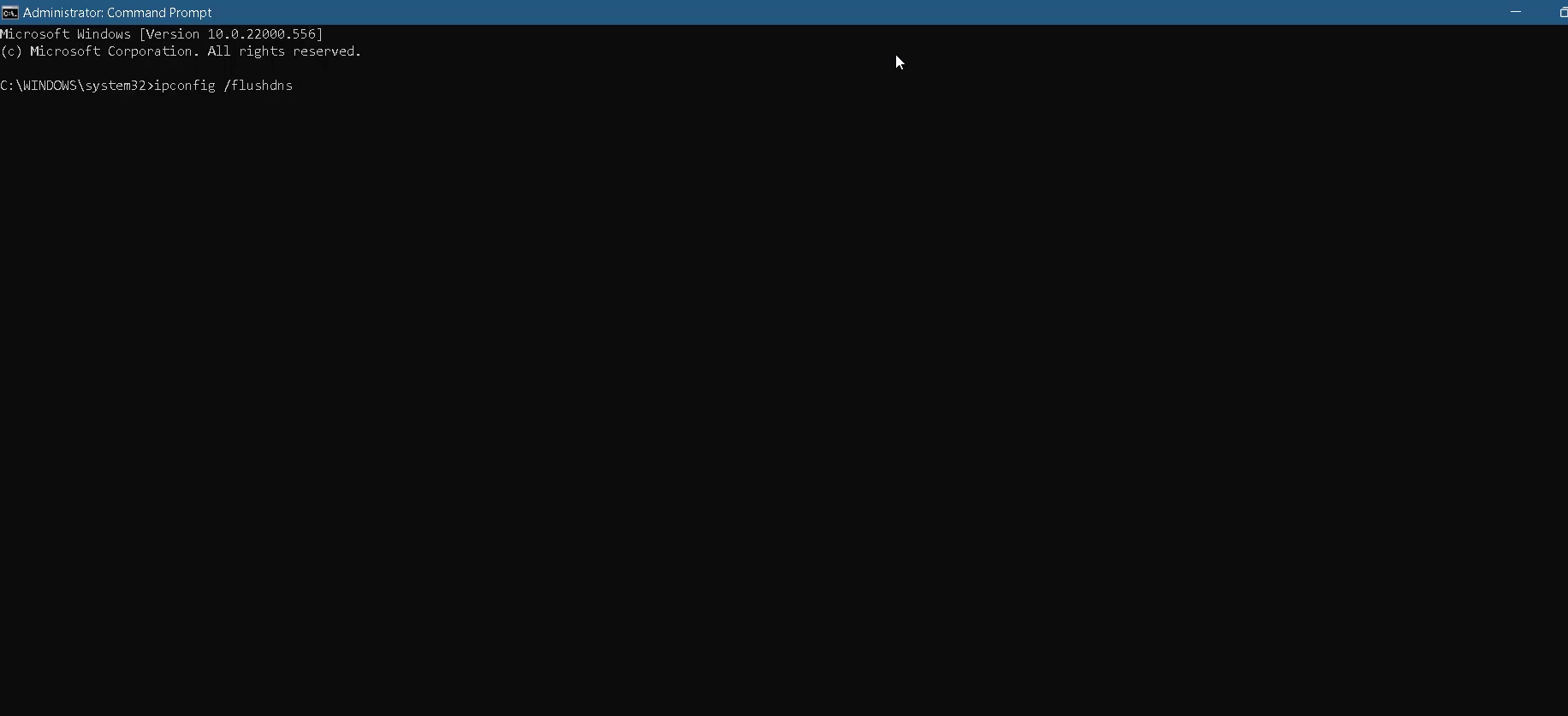
- Type in 'ipconfig/flushdns' command and hit enter to execute it.
- Then you need to use this command 'netsh windock reset'
- After that, use the exit command to close the CMD.
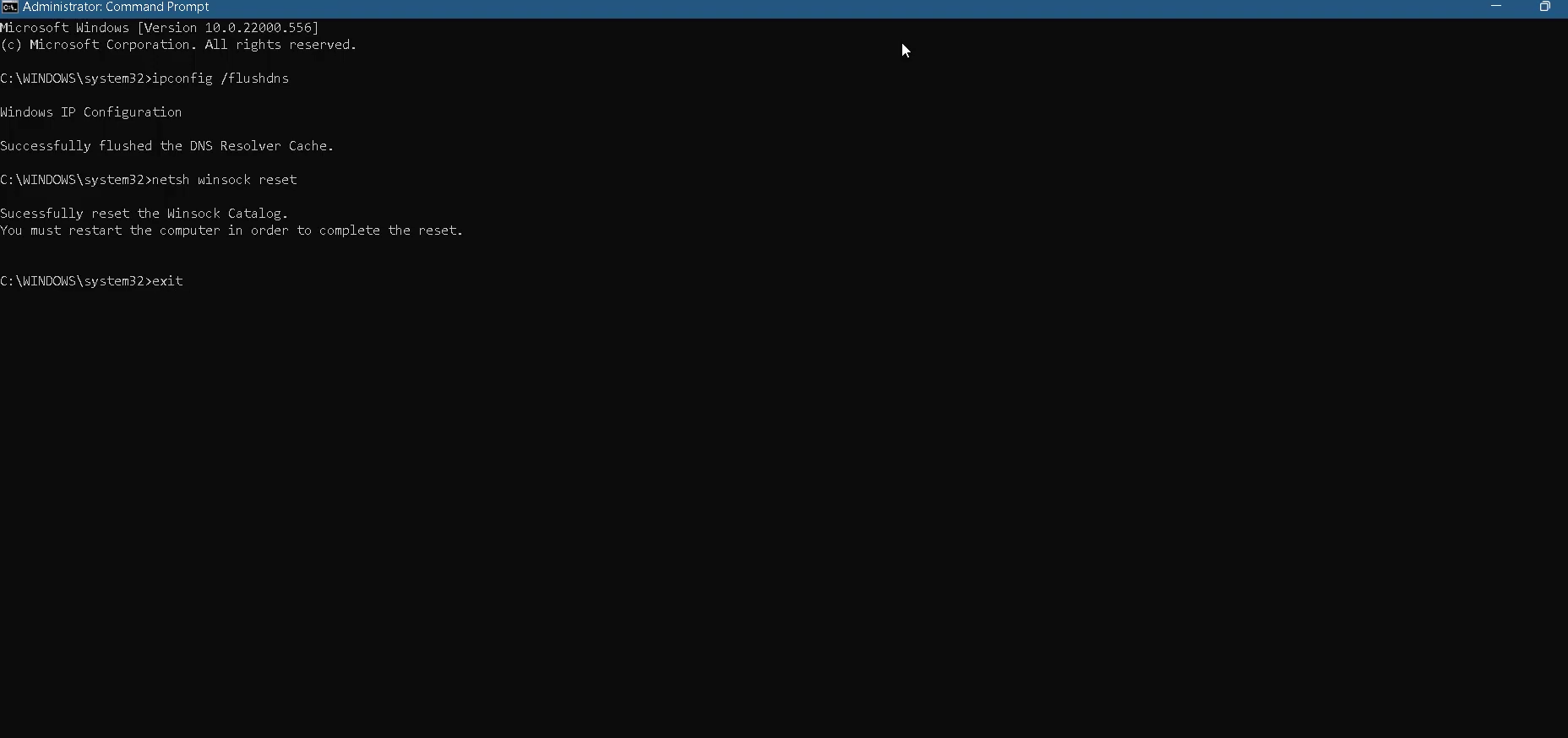
- Next, you will need to simply restart your PC.