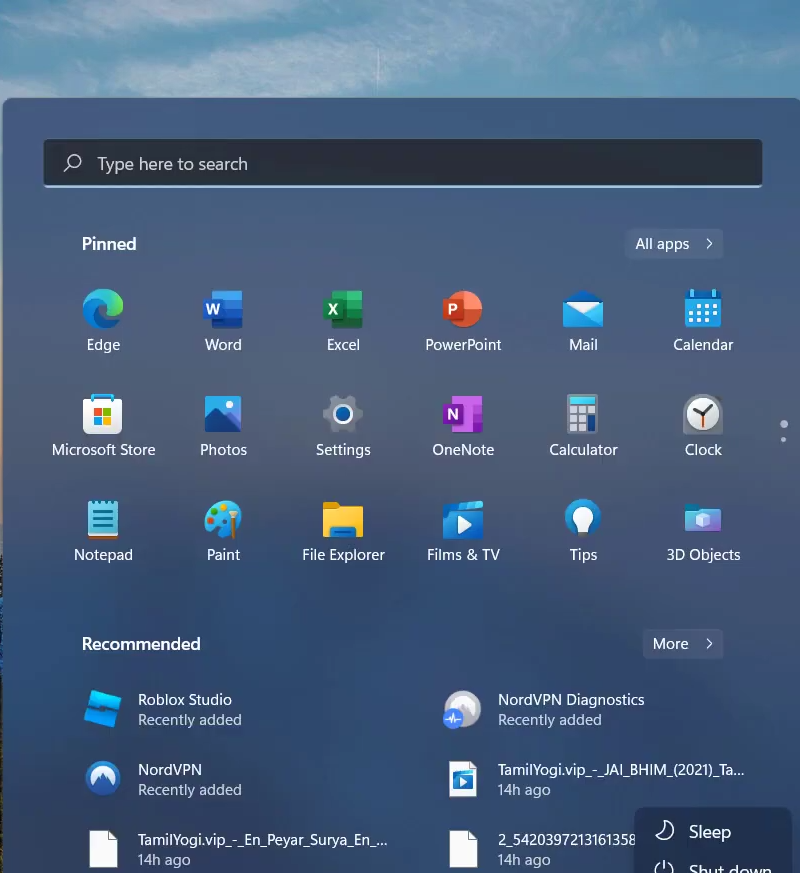
How to Fix Roblox 503 Service Unavailable
You have to follow all the instructions carefully to get rid of this error.
- First, you will need to open Google Chrome.
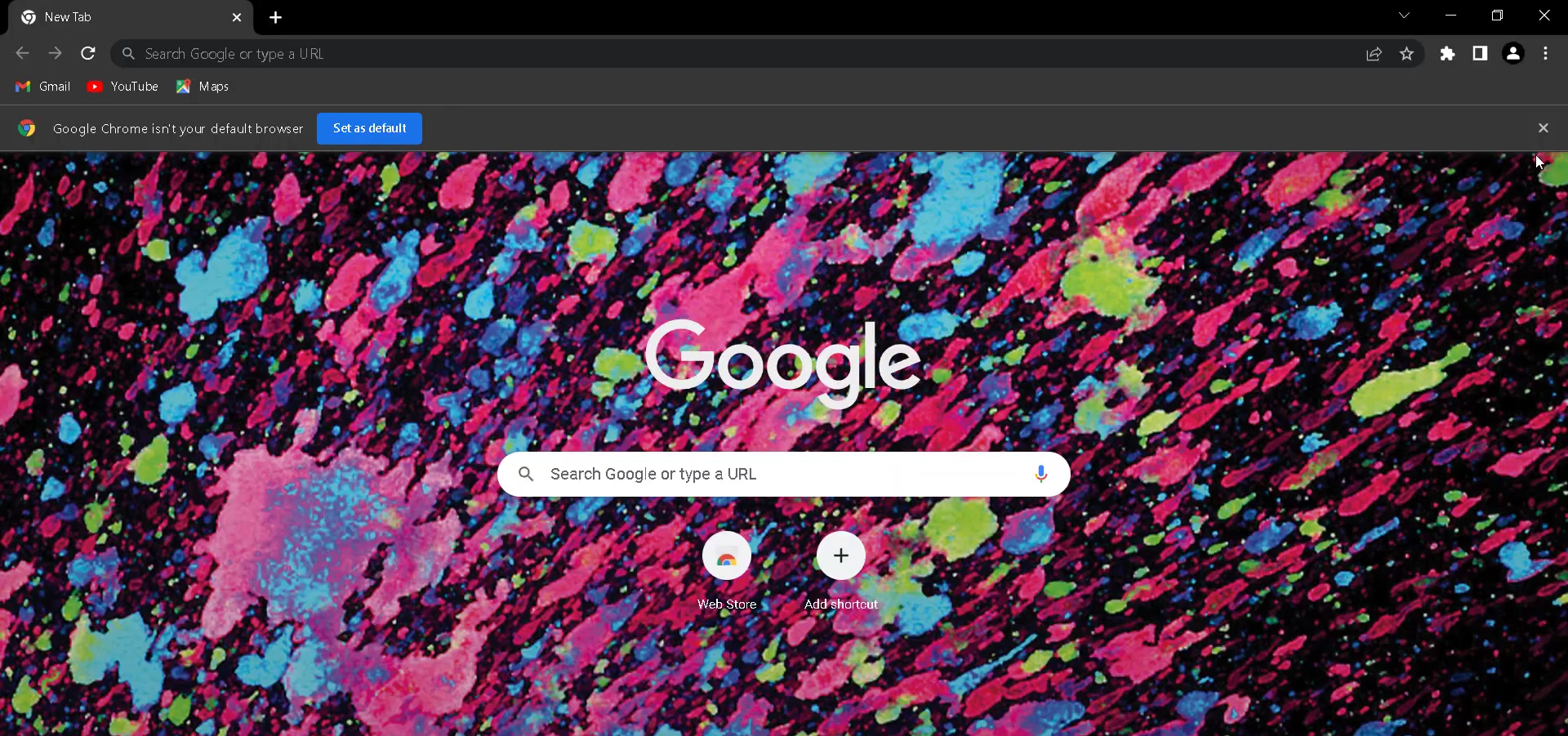
- And navigate to Settings by clicking on the dotted vertical bar at the top right of the browser window.
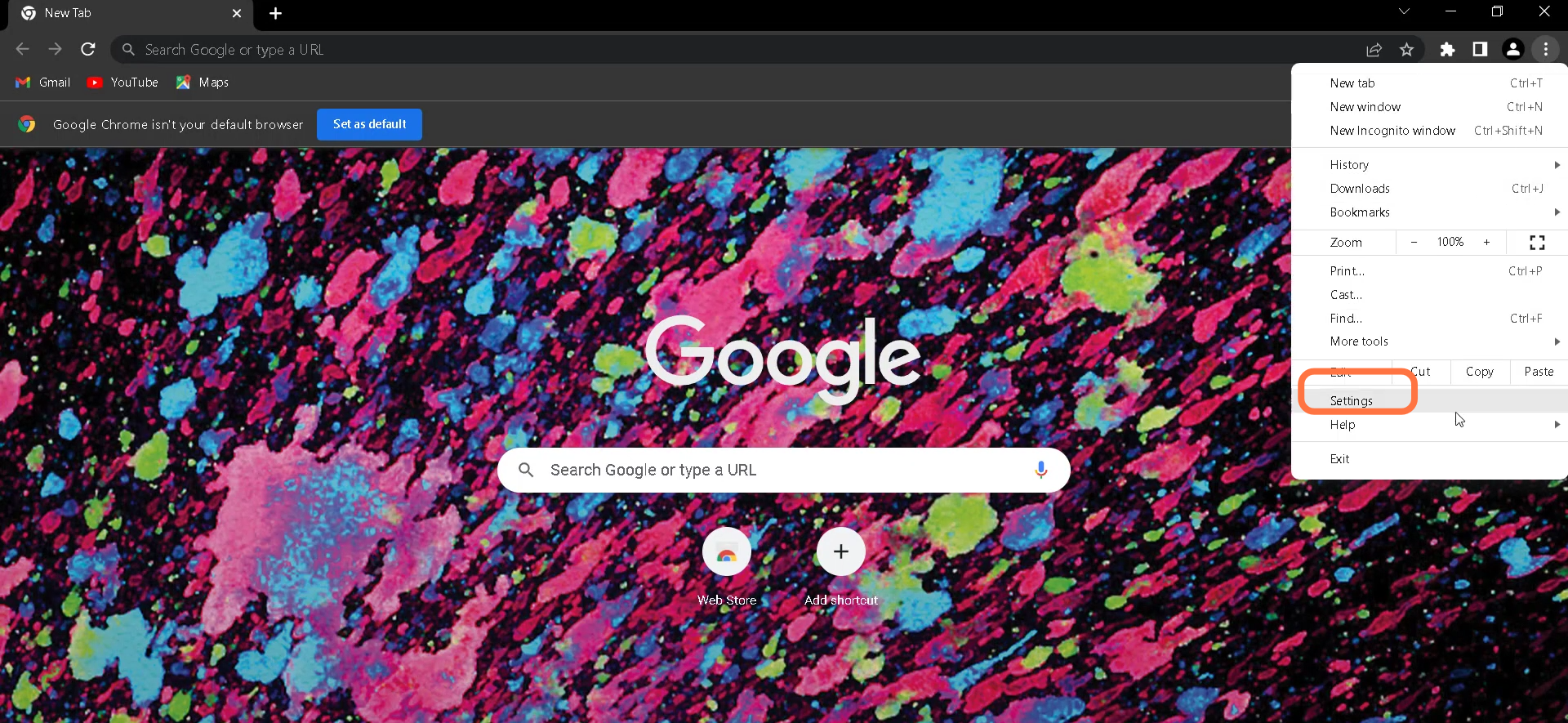
- After that, enter into the Privacy and Security section.
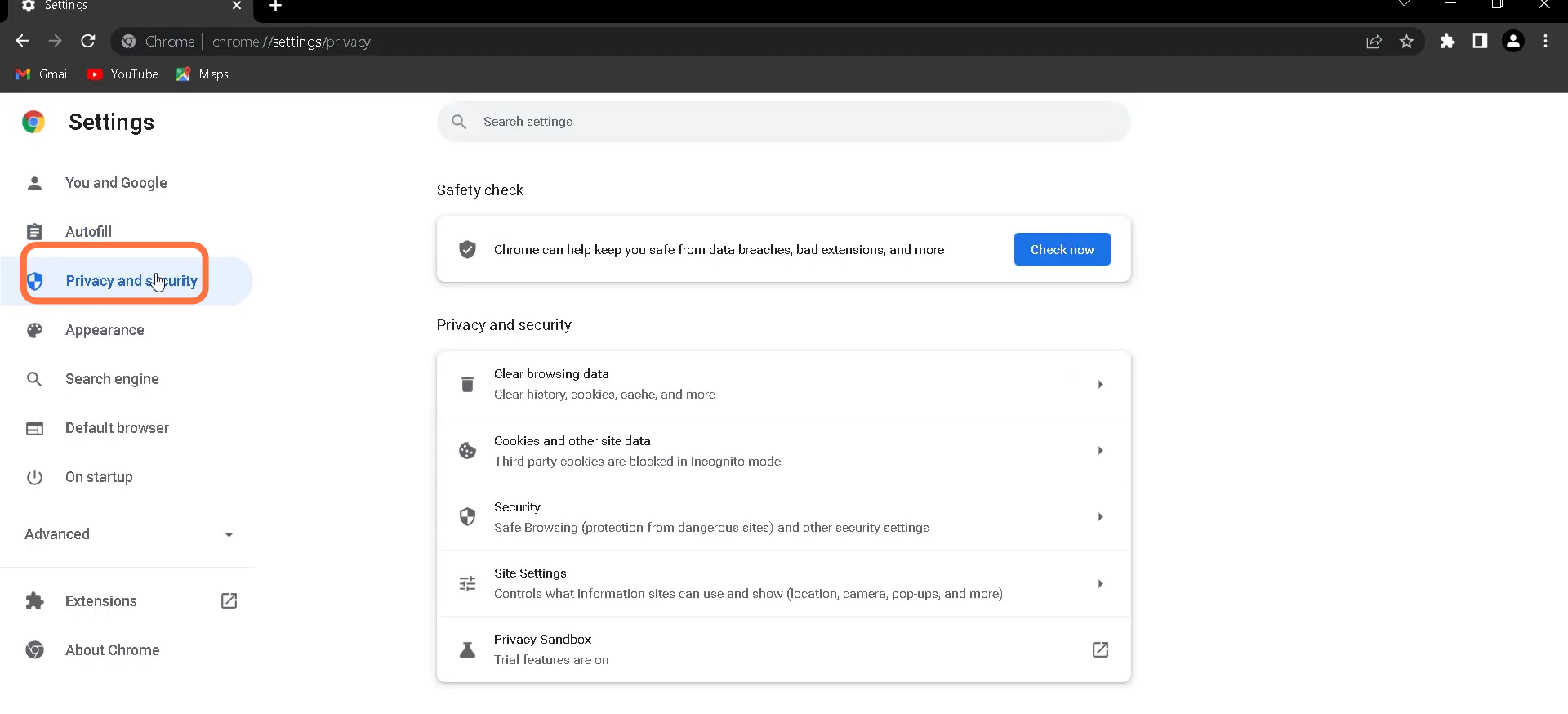
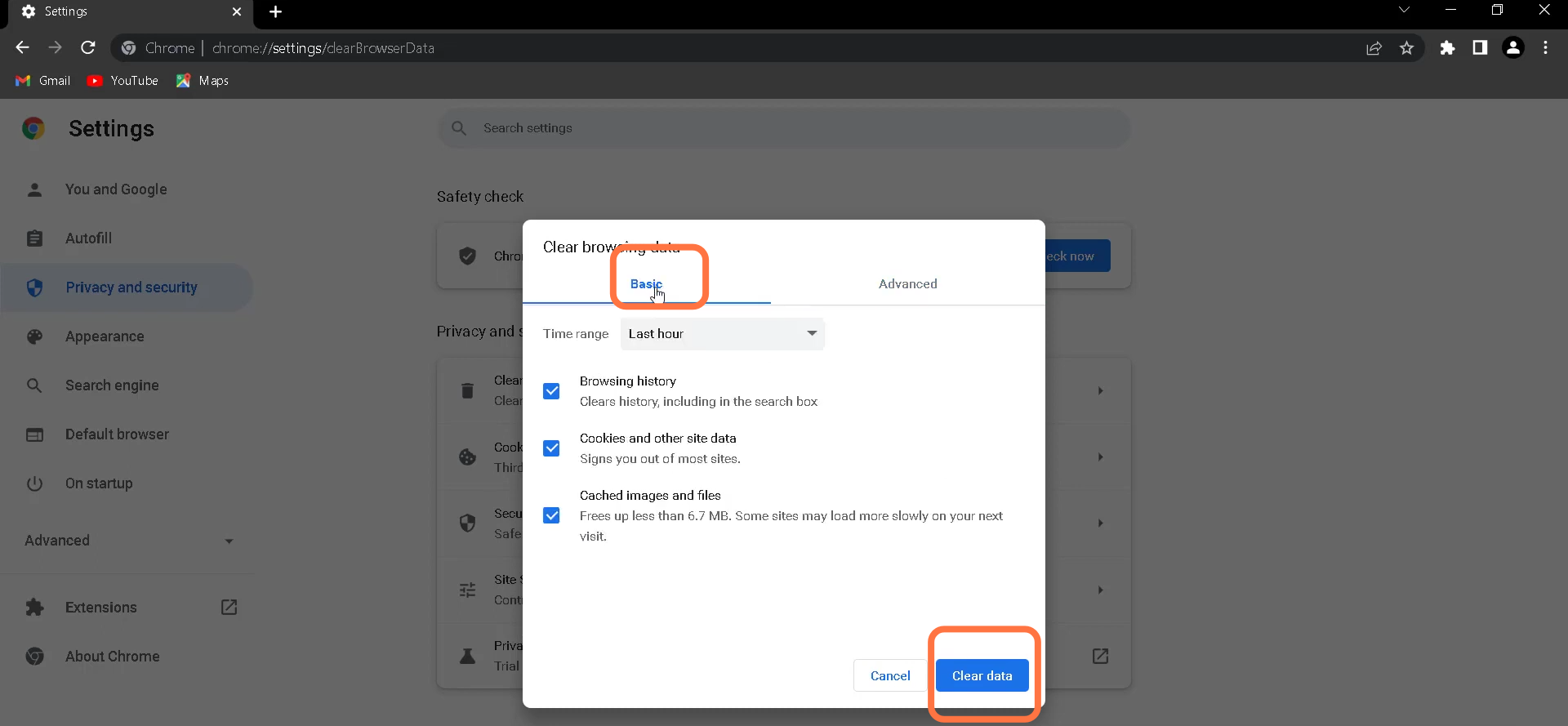
- Then you have to go and click on Clear browsing data.
- After that, click on the 'Basic' Tab under the Clear browsing data window and hit the 'Clear data' button at the bottom right.
- Finally, you need to restart your PC to fix the error.