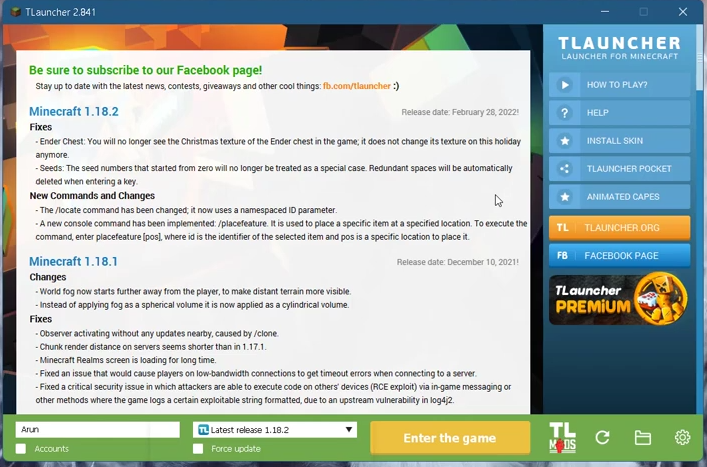
How to Fix Minecraft Issues (exit code 0,1) Tlauncher Crash Fix
There are multiple reasons why Minecraft might not work (exit code 0,1). These could be due to incompatible software, a problem with Java, or a problem with the graphics driver.
You have to follow all the instructions carefully to fix them.
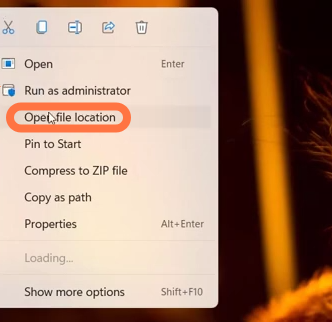
- First, you will need to right-click on the Minecraft launcher and tap on "Open file location".
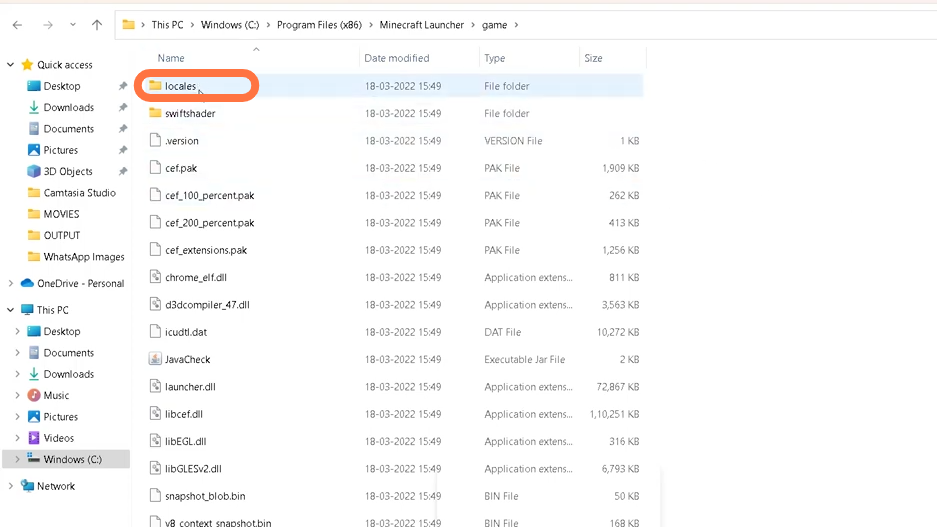
- In the file location folder, navigate to the game folder and open locales.
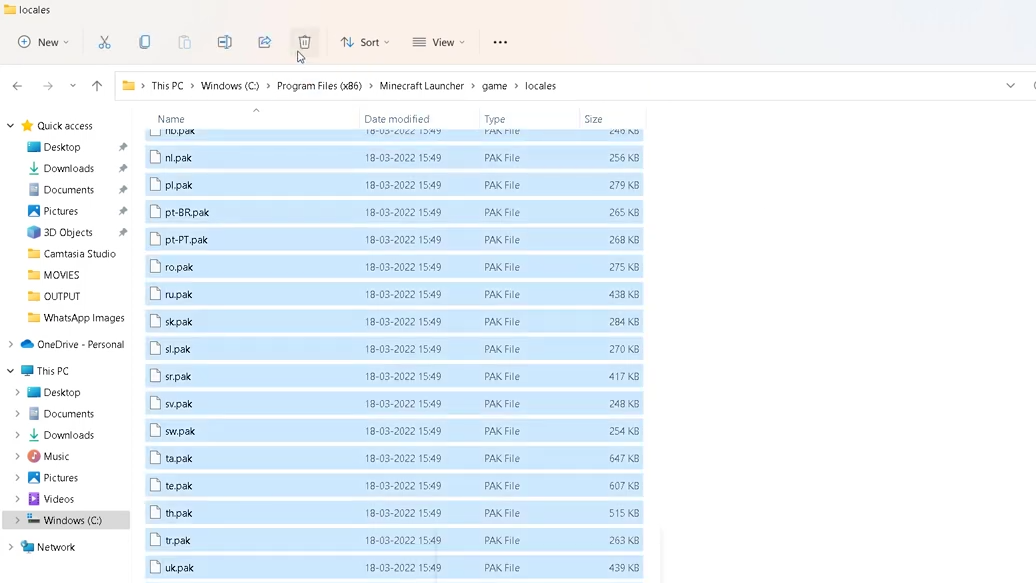
- Now select all files in the folder and delete them.
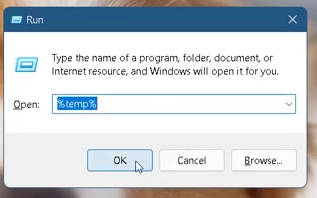
- After that, press the windows + R key and enter %temp% in the input field.
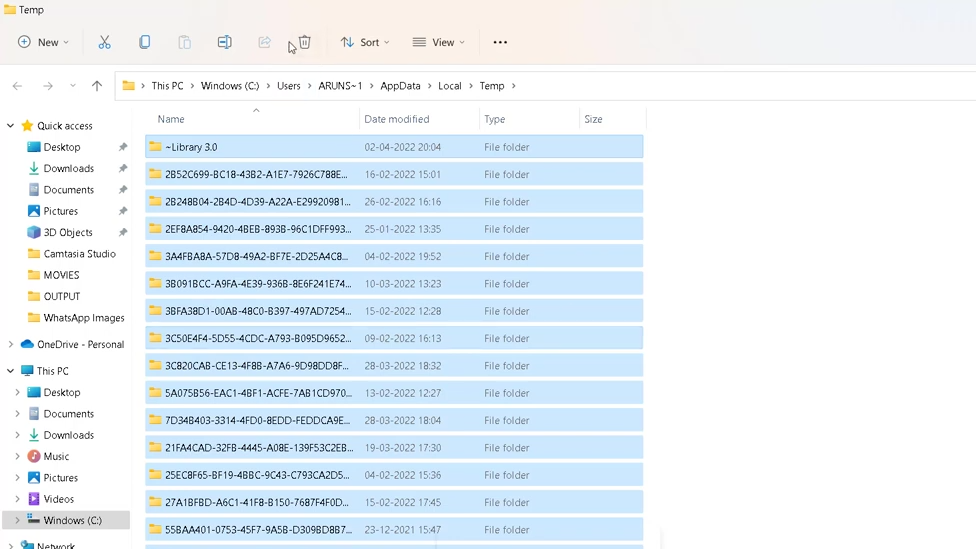
- You have to select all folders and delete them.
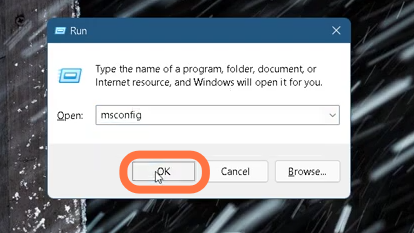
- Now again press Windows + R keys and enter Msconfig in the input field.
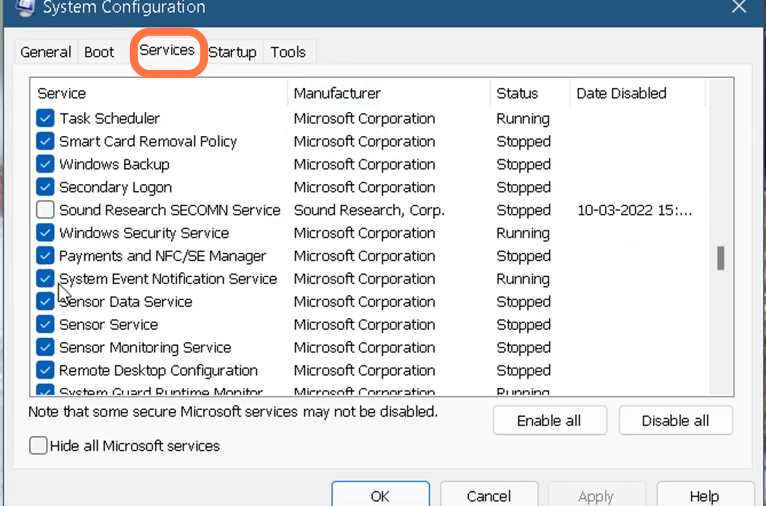
- When the system configuration window opens, you need to enter into services and scroll down to find the system event notification service, enable it and press OK.
- Finally restart your PC, open Minecraft, and hopefully the problem will be resolved.