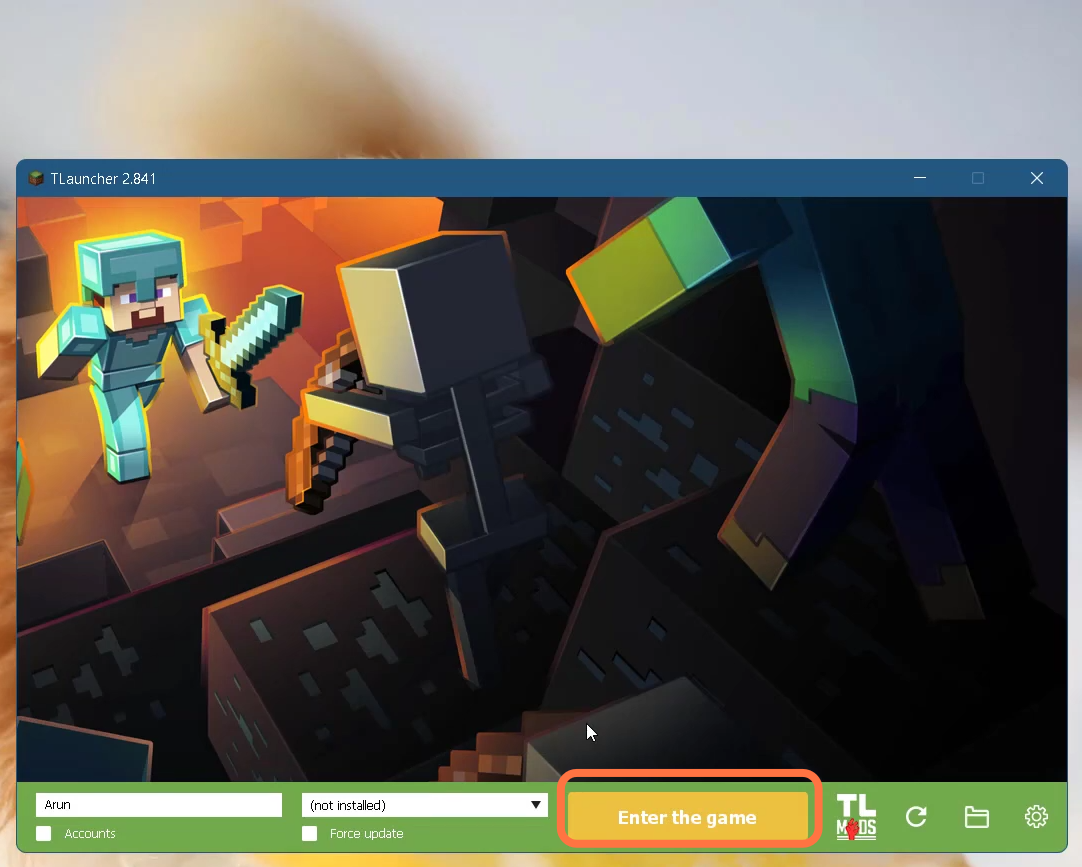
How to Fix Java error in TLauncher Minecraft
This guide will tell you how to fix Java errors in TLauncher Minecraft.
1. First, you will need to right-click on the Tlauncher and open it up.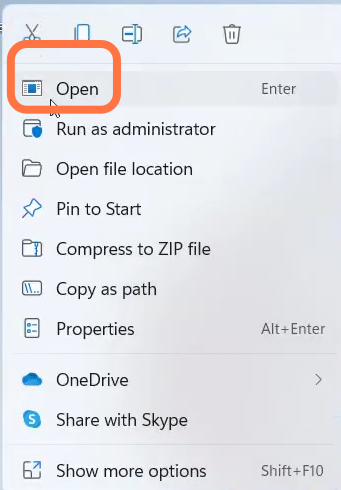
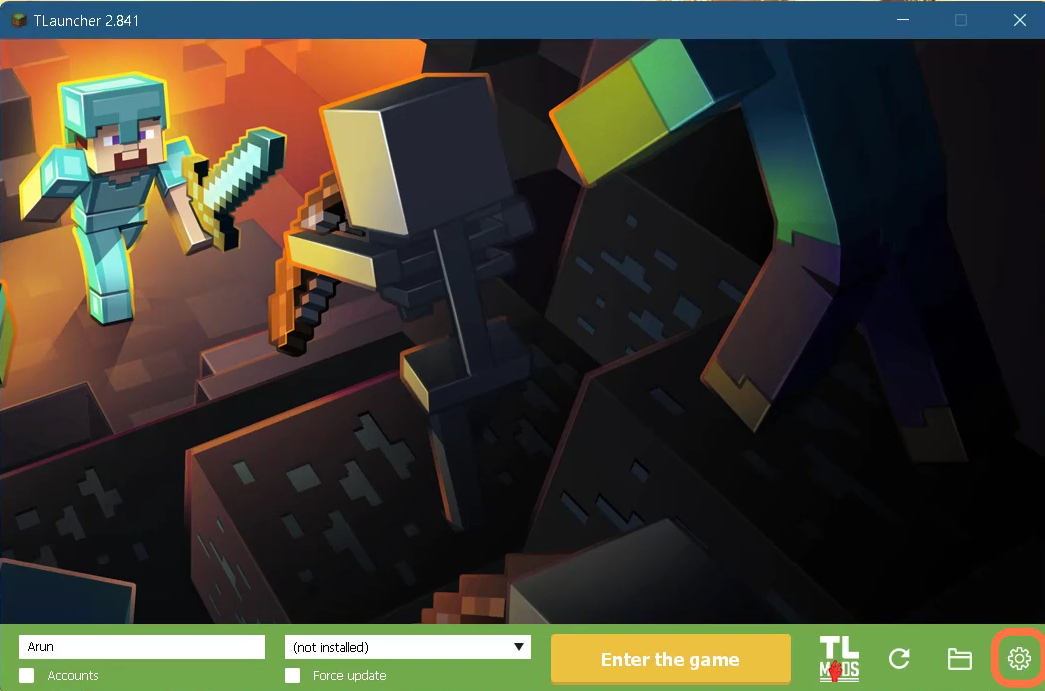
- Enter Into Settings by clicking on the icon at the bottom right of Tlauncher window.
- After that, click on the Change button.
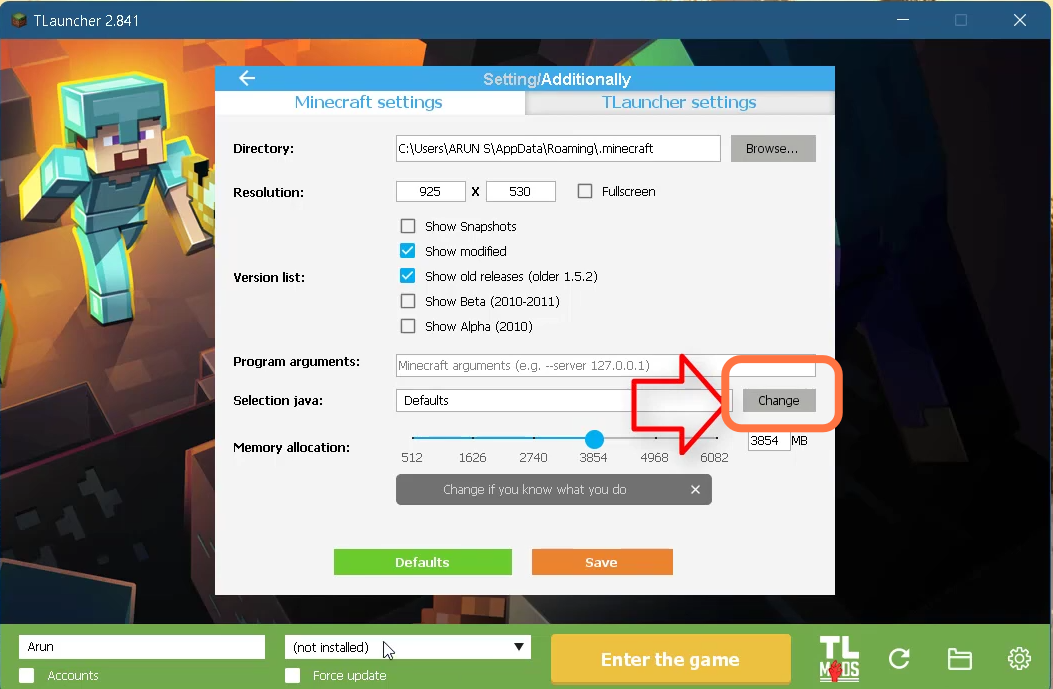
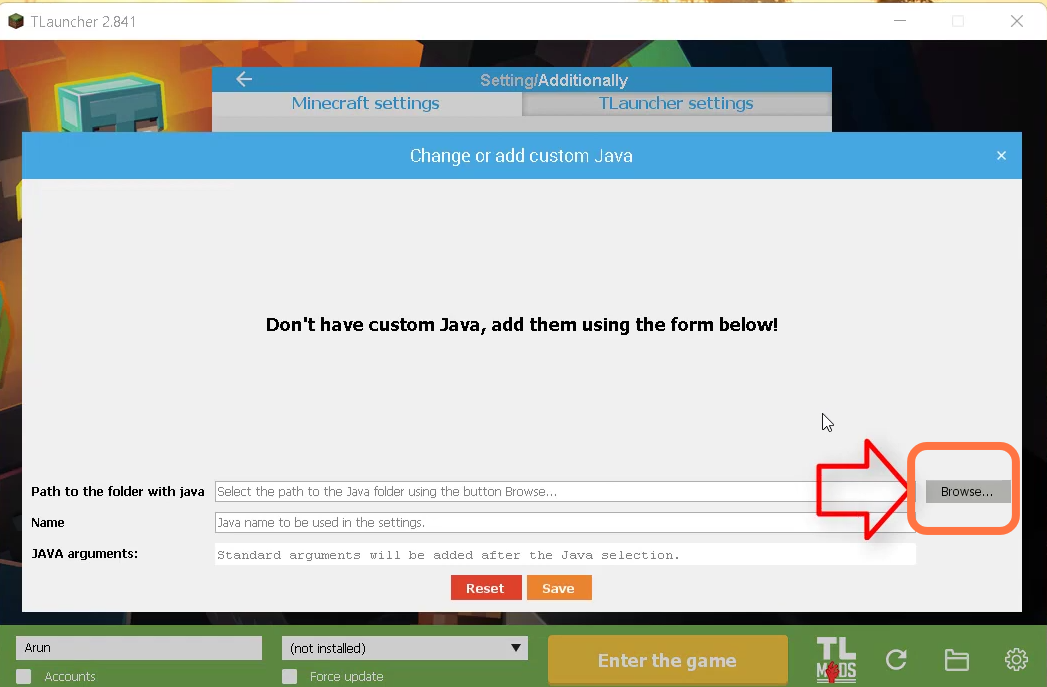
- After that, choose to Browse to add the file
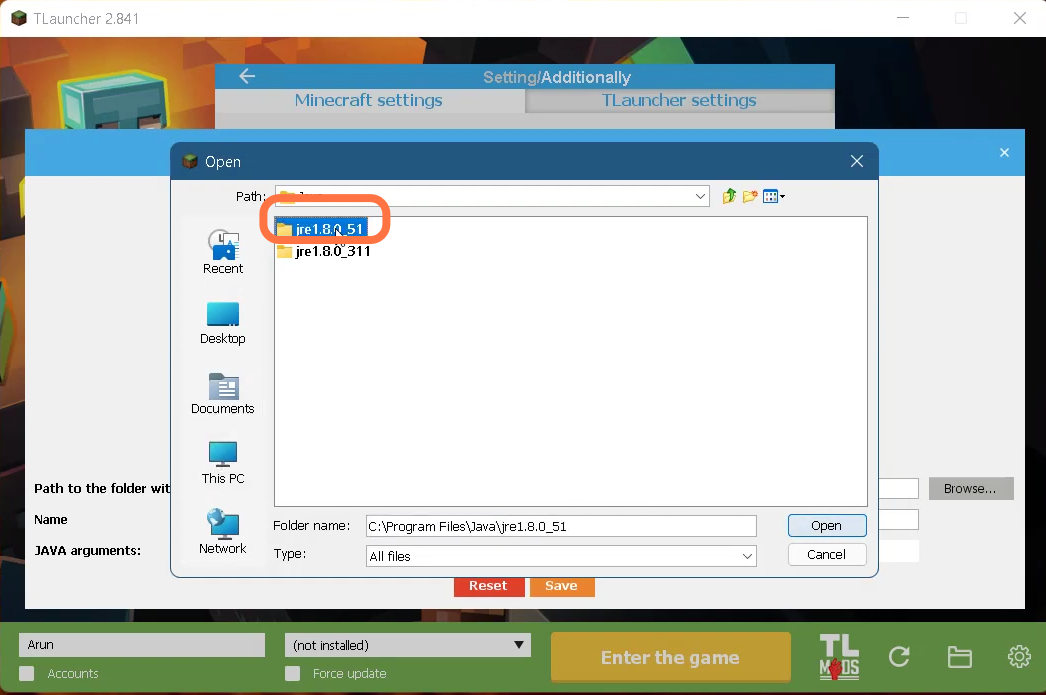
- Now Select 'jre 1.8.0.51' and open it.
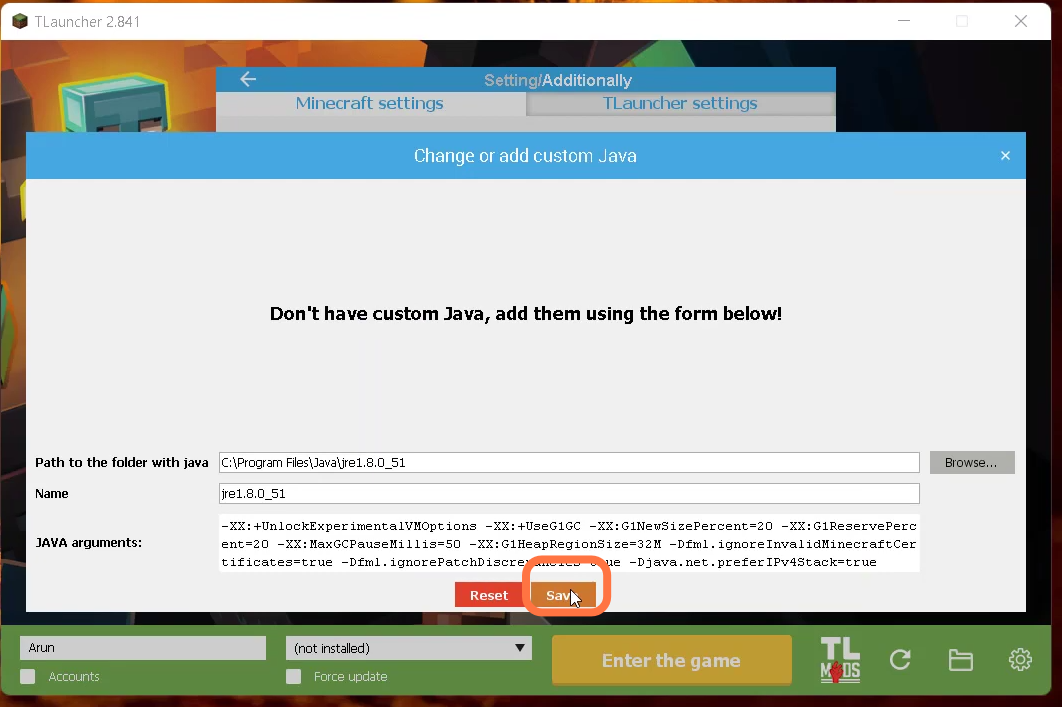
- Then you need to click on the Save button.
- Finally you need to click on the 'Enter the Game' button on Tlauncher.