How to Fix Error 0xc000005 - Valorant
The Valorant Error 0xc000005 occurs because of
corruption in the Windows registry, faulty drivers, outdated applications, or malware infections.You will need to follow the simple instructions to fix this error.1. You have to press Window Key + R, type "sysdm.cpl" and hit OK.
2. Enter into the Advance tab and click on the Setting.

3. After that, click on Custom:

4. You need to check "turn on DEP for all programs and services except those i select" and click on apply.

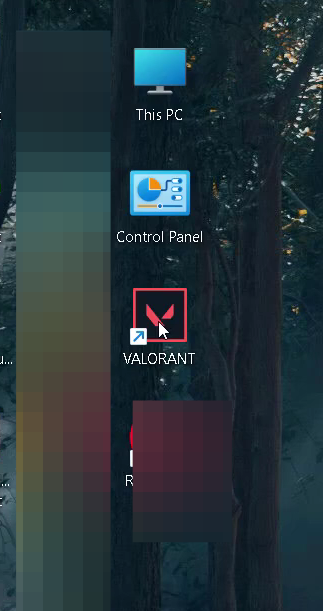
5. Now Open Valorant.
6. And restart your PC to check if the error is resolved.