How to Fix Can't Join Roblox Games Bug
Follow all the steps carefully to fix the issues.
1. You will need to open Google chrome and enter into settings.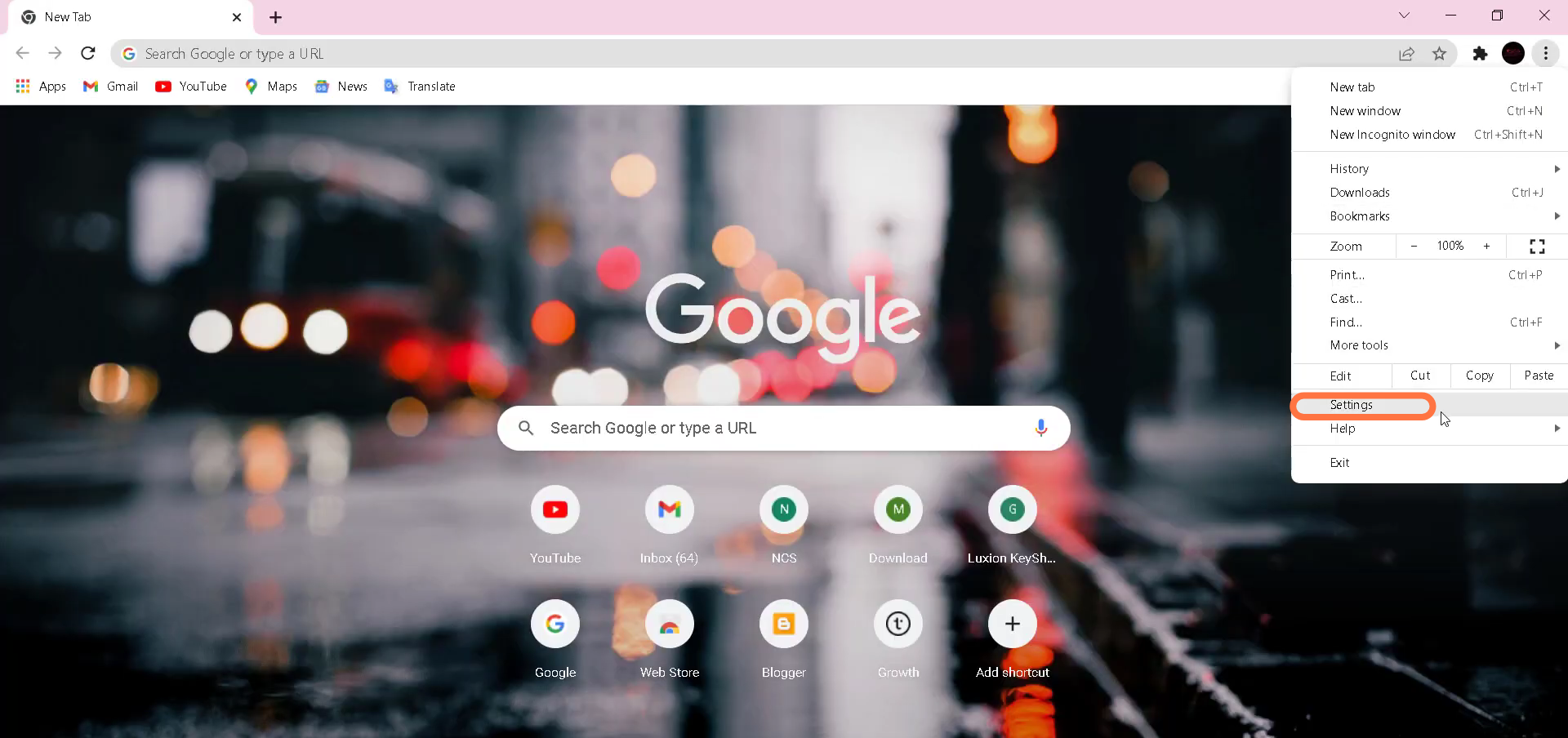
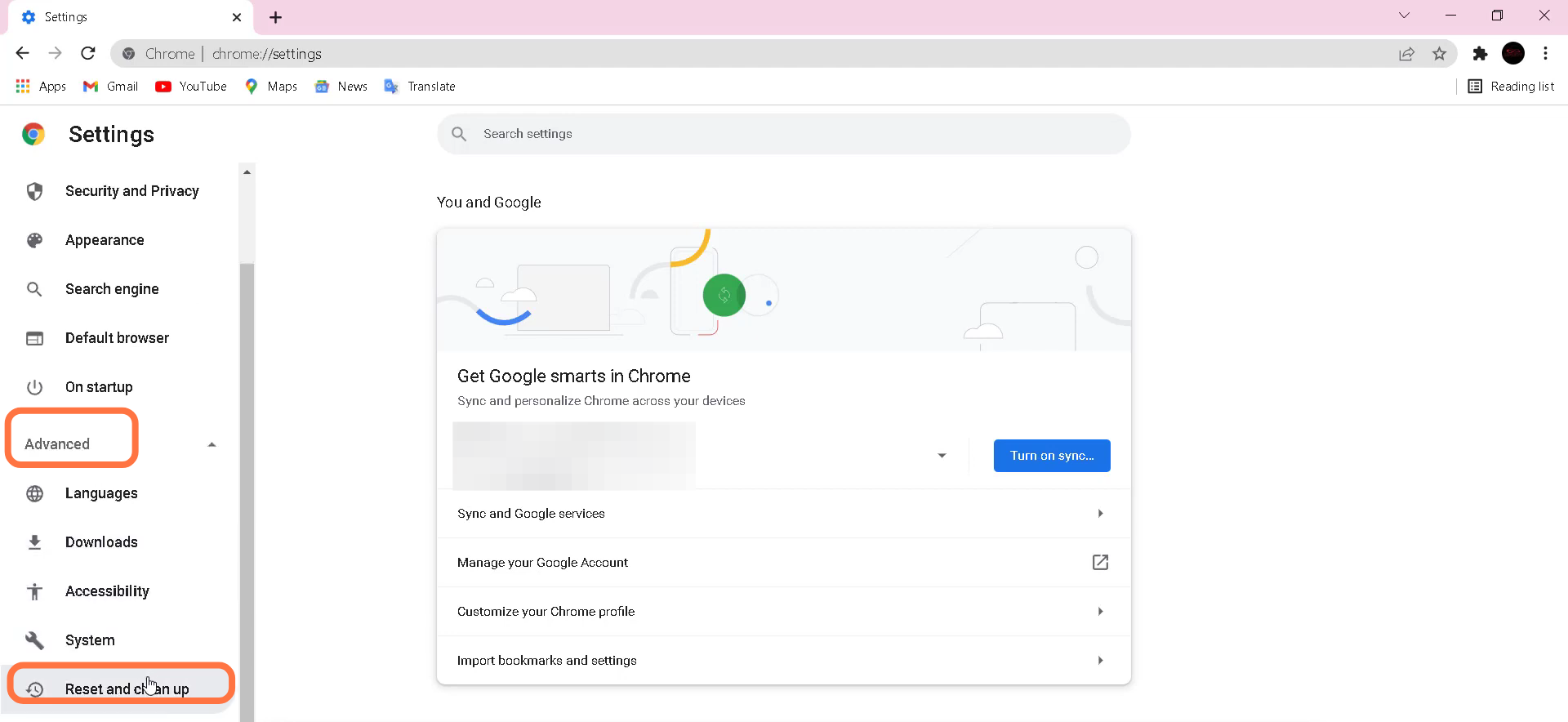
- Go to the Advanced option and click on "Reset and clean up".
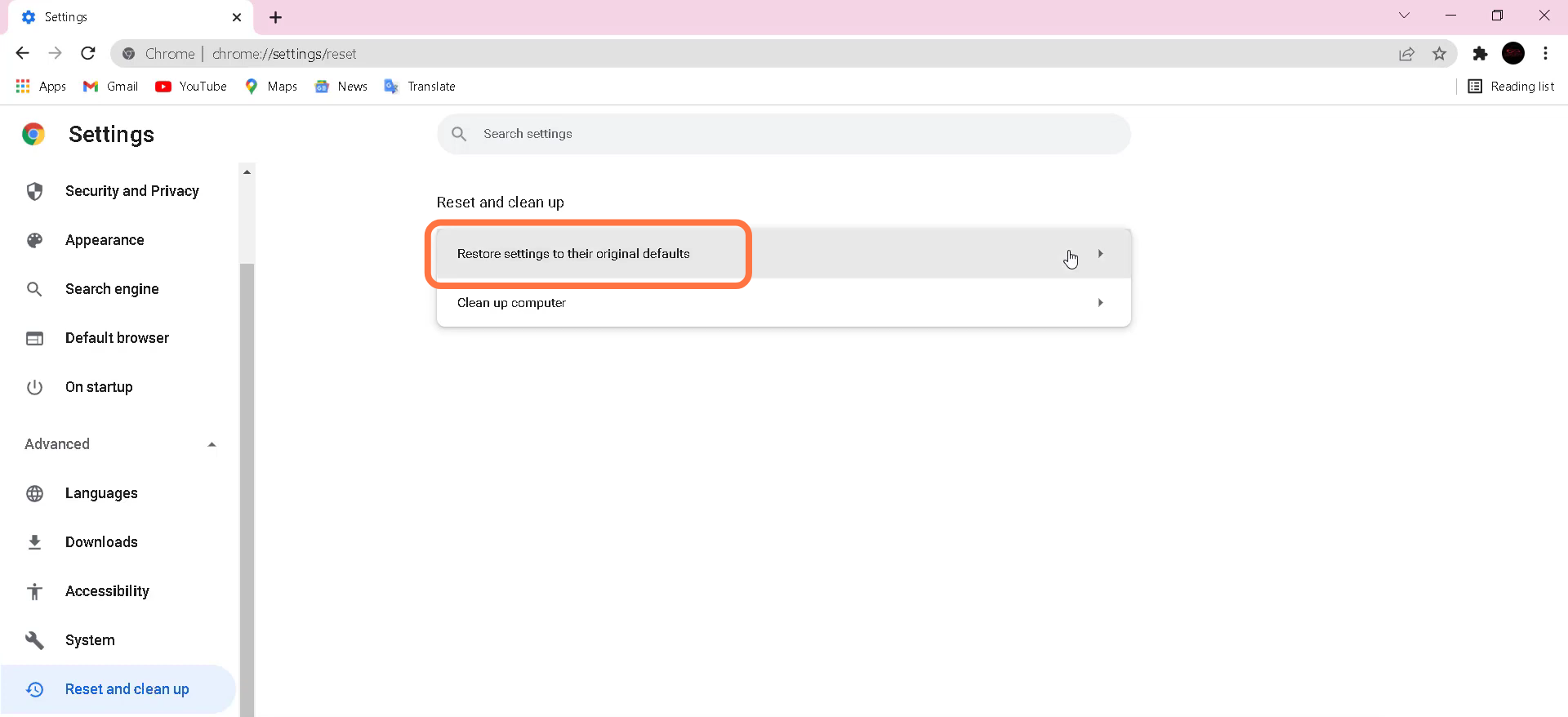
- After that, tap on "Restore setting to their original defaults".
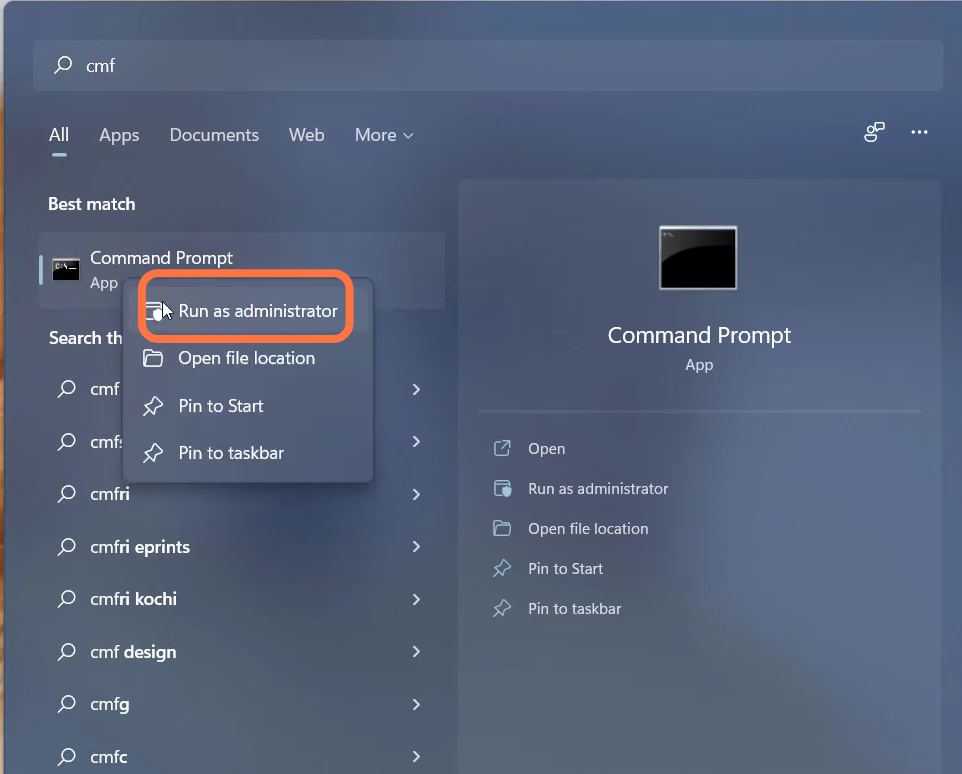
- Then you have to search "Command Prompt" and run it as administrator.
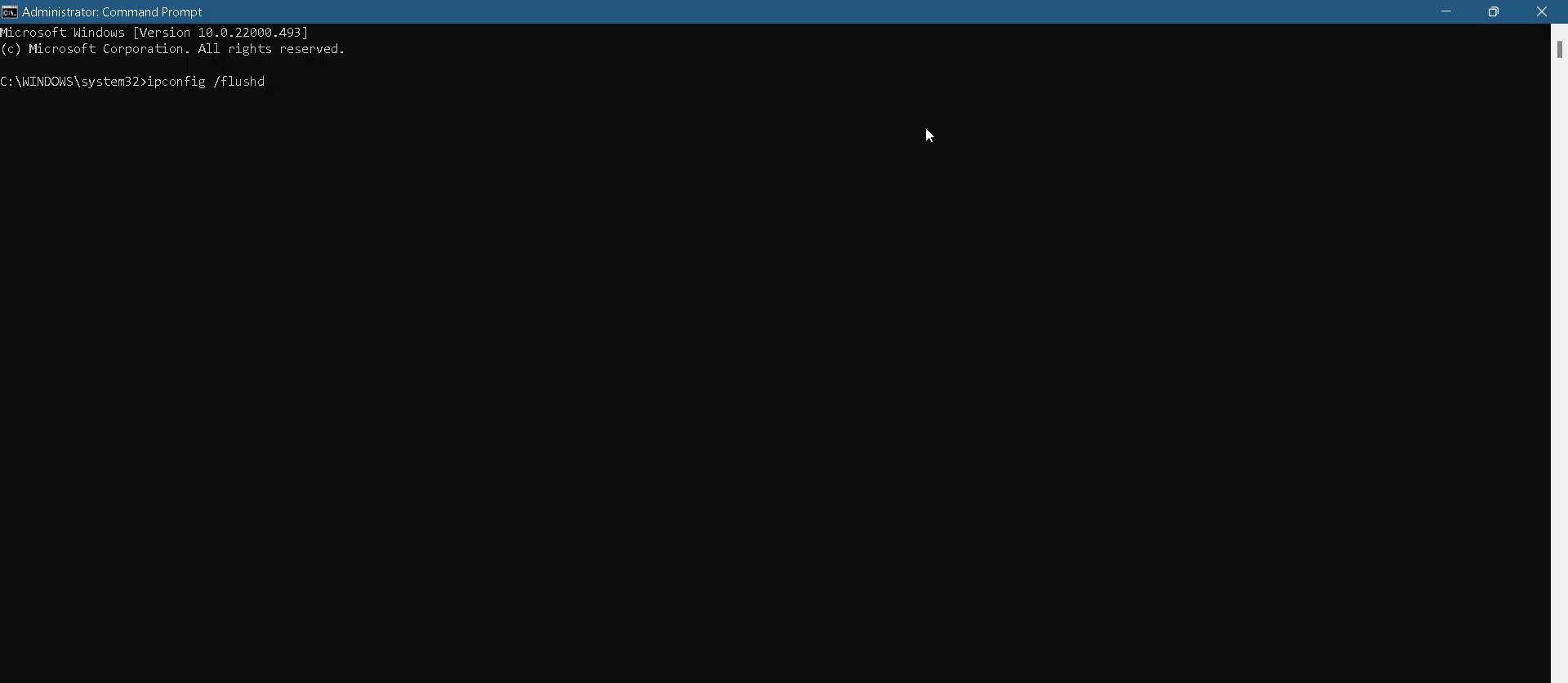
- Input the "ipconfig /flushdns" command and hit enter to execute it.
- And then input the "netsh winsock reset" command.
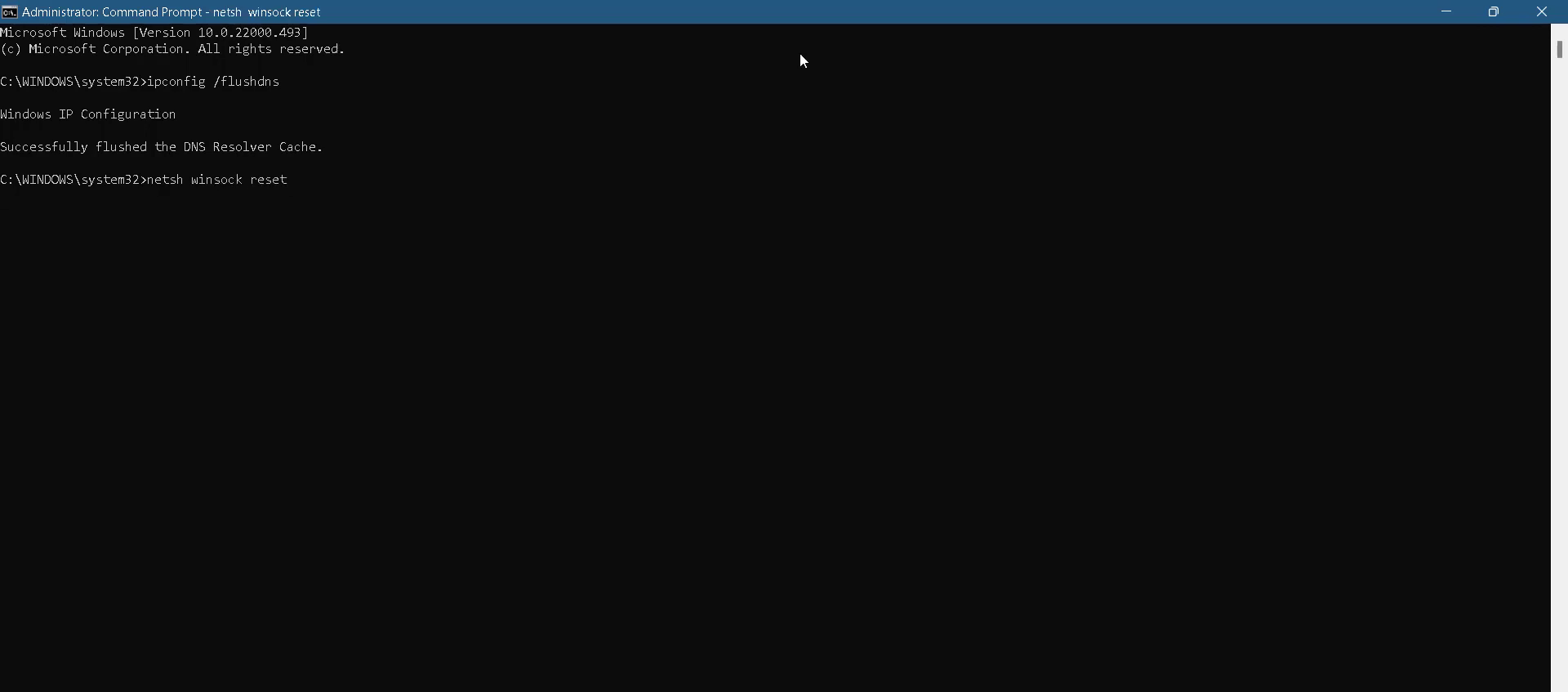
- After that, use the "Exit" to close the cmd interface.

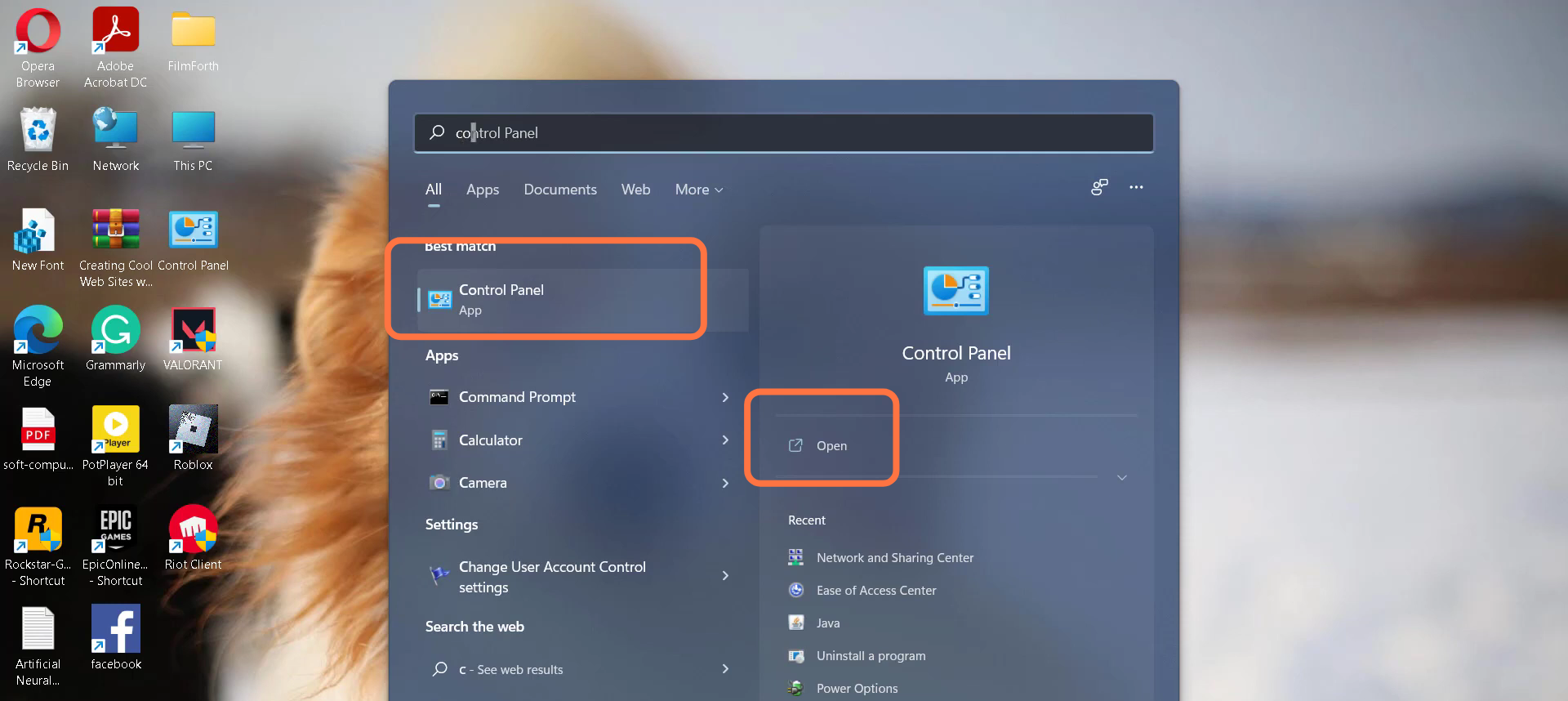
- Now you will need to navigate to Control panel.
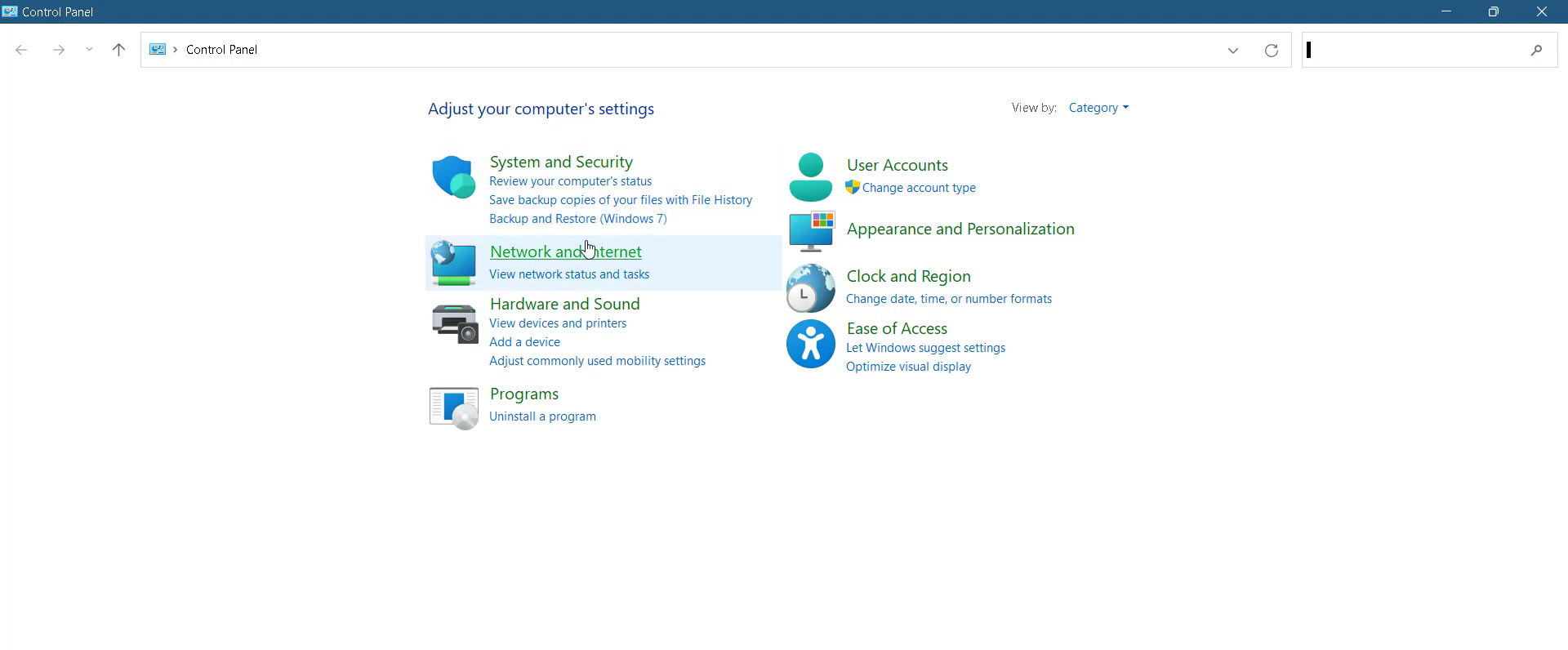
- And enter into "Network and Internet".
- Tap on "Network and Sharing center".
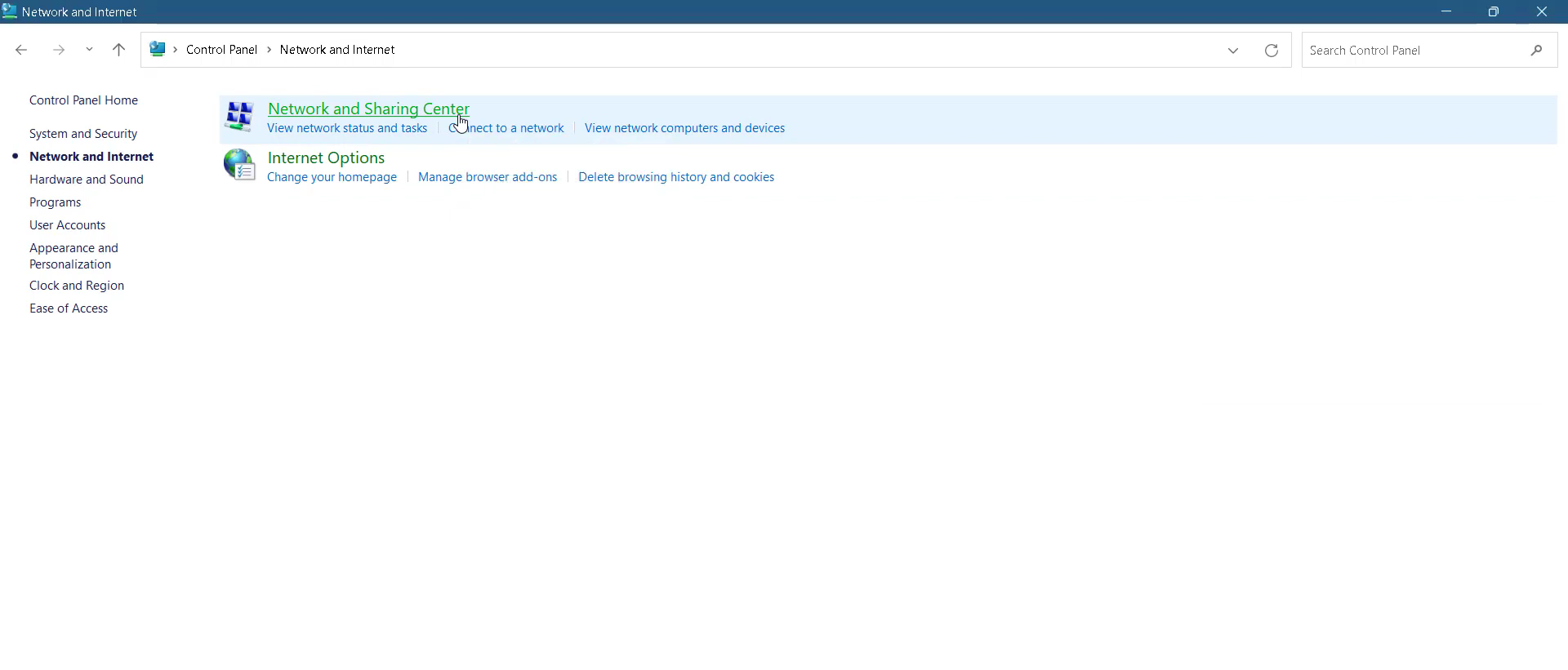
- After that, click on "Change adapter".
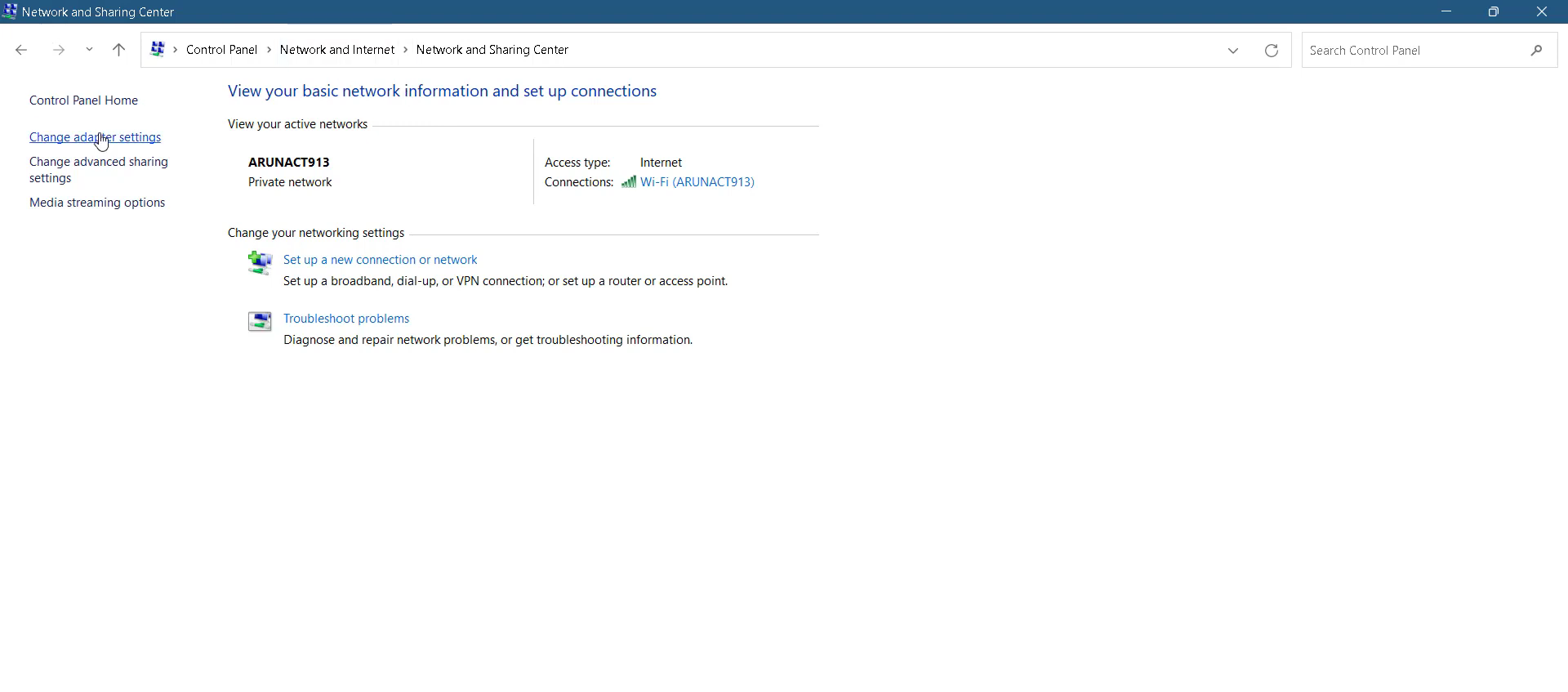
- Left Click on Ethernet 2 and head to its properties.

- Enter into internet protocol version 4(TCP/lP) > Properties.
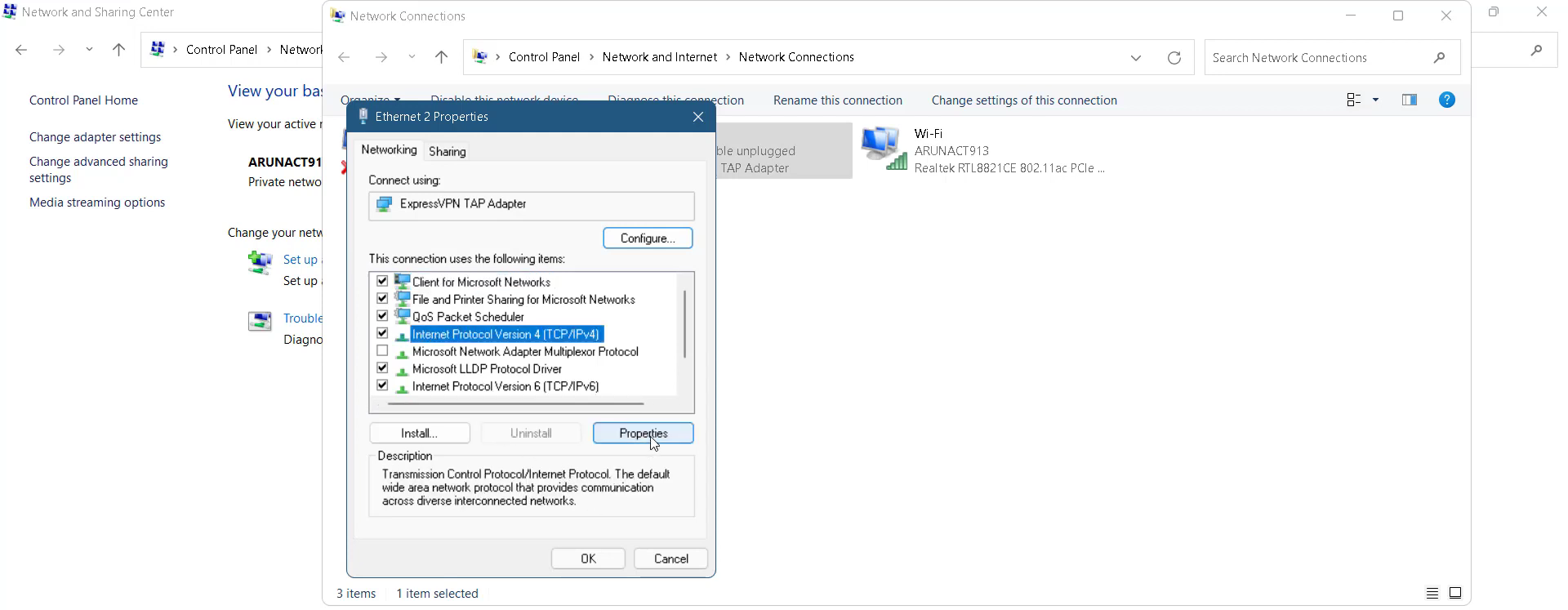
- You need to enable DNS, input 1.1.1.1 in the Preferred DNS server and 1.0.0.1 in the Alternate DNS server, and press ok.

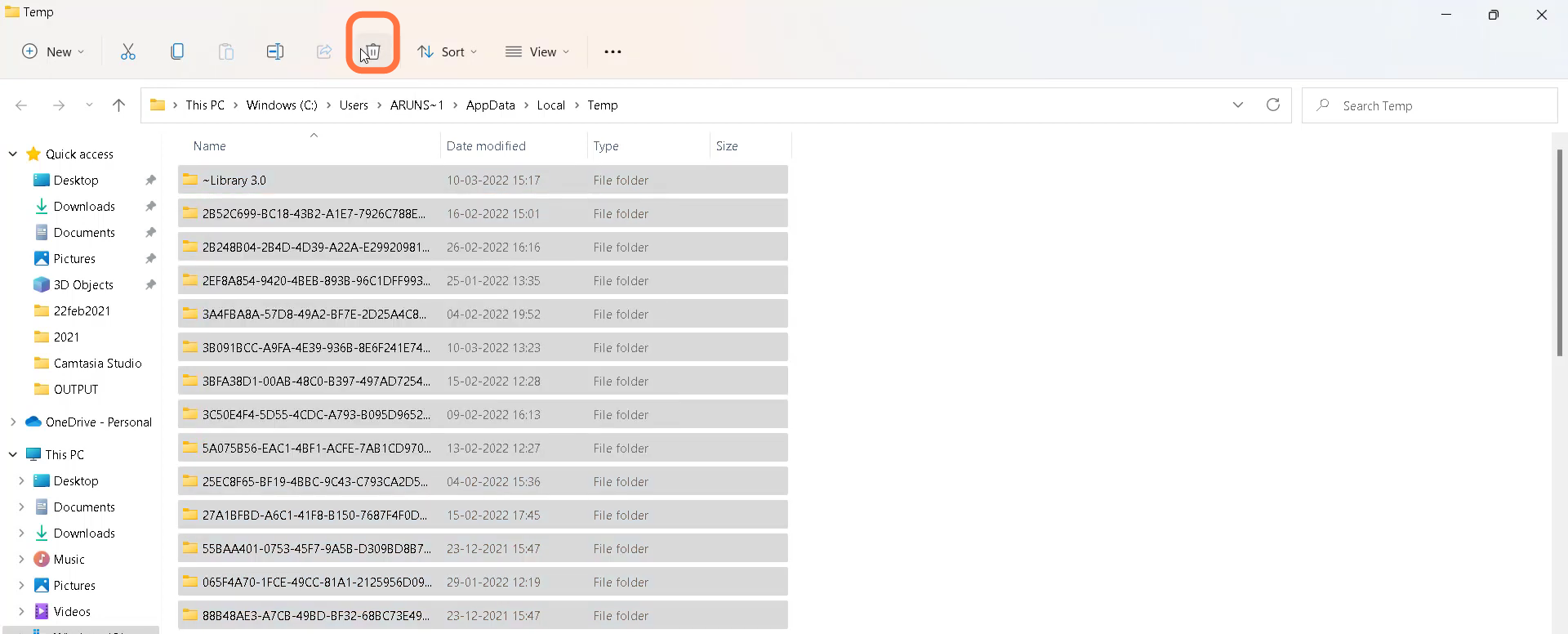
- After that, press the Window key + R and type %temp% .
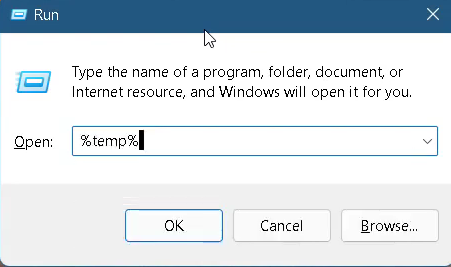
- Select all the files in the folder and delete them.
- Finally restart your PC to resolve the issue.
