How to Fix Among US Error 6 pings that Remote has not Responded
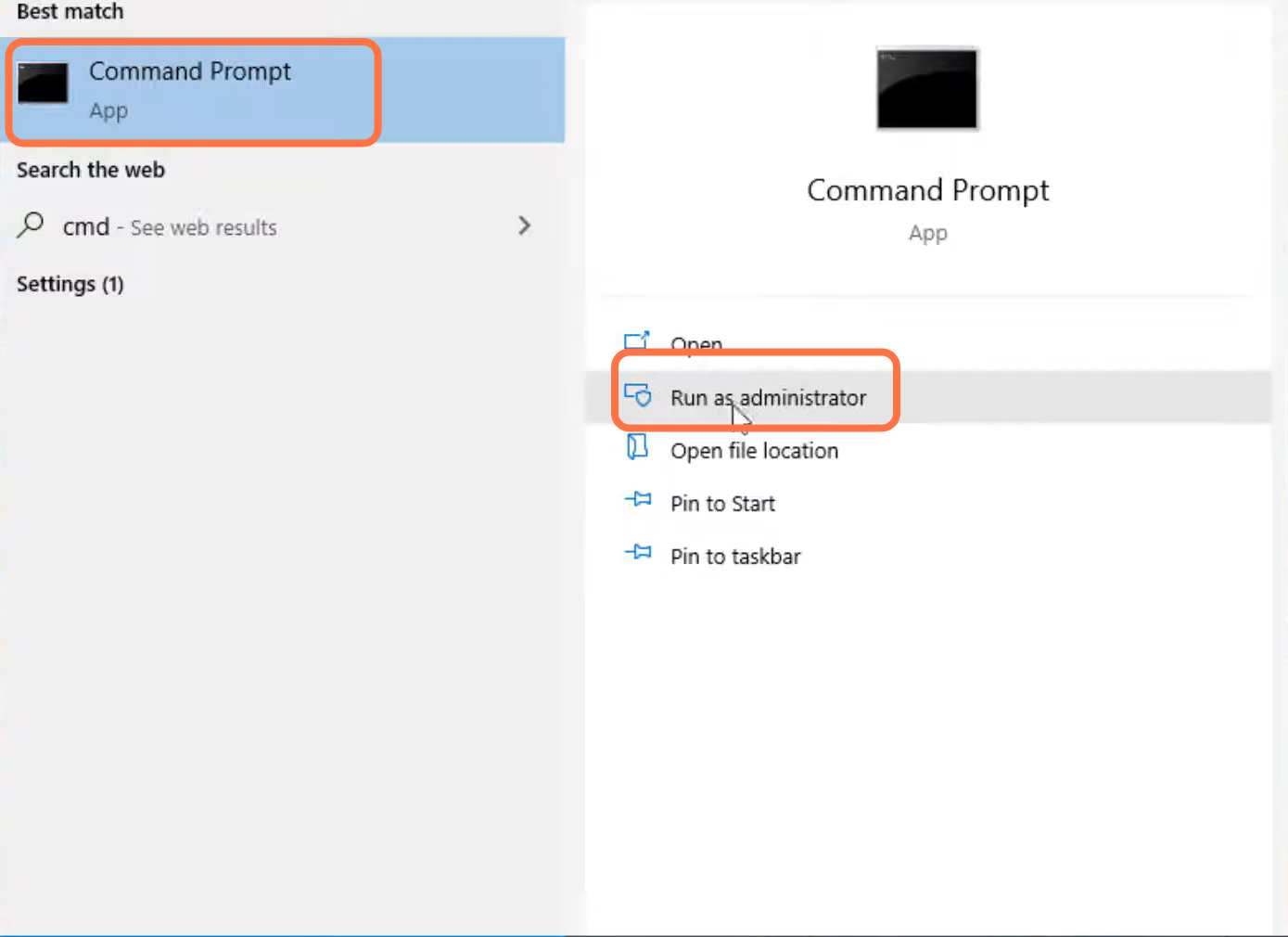
- You will need to search for the command prompt and tap on Run as administrator.
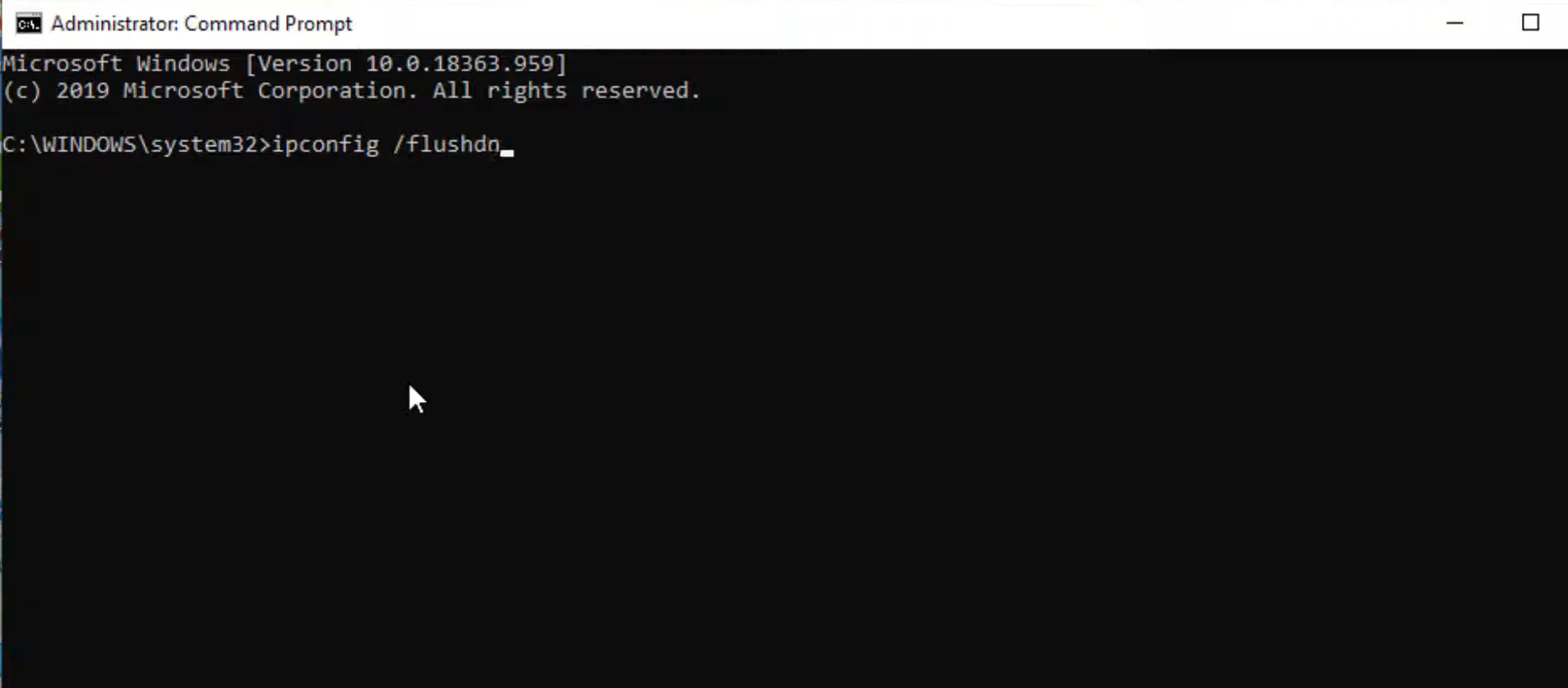
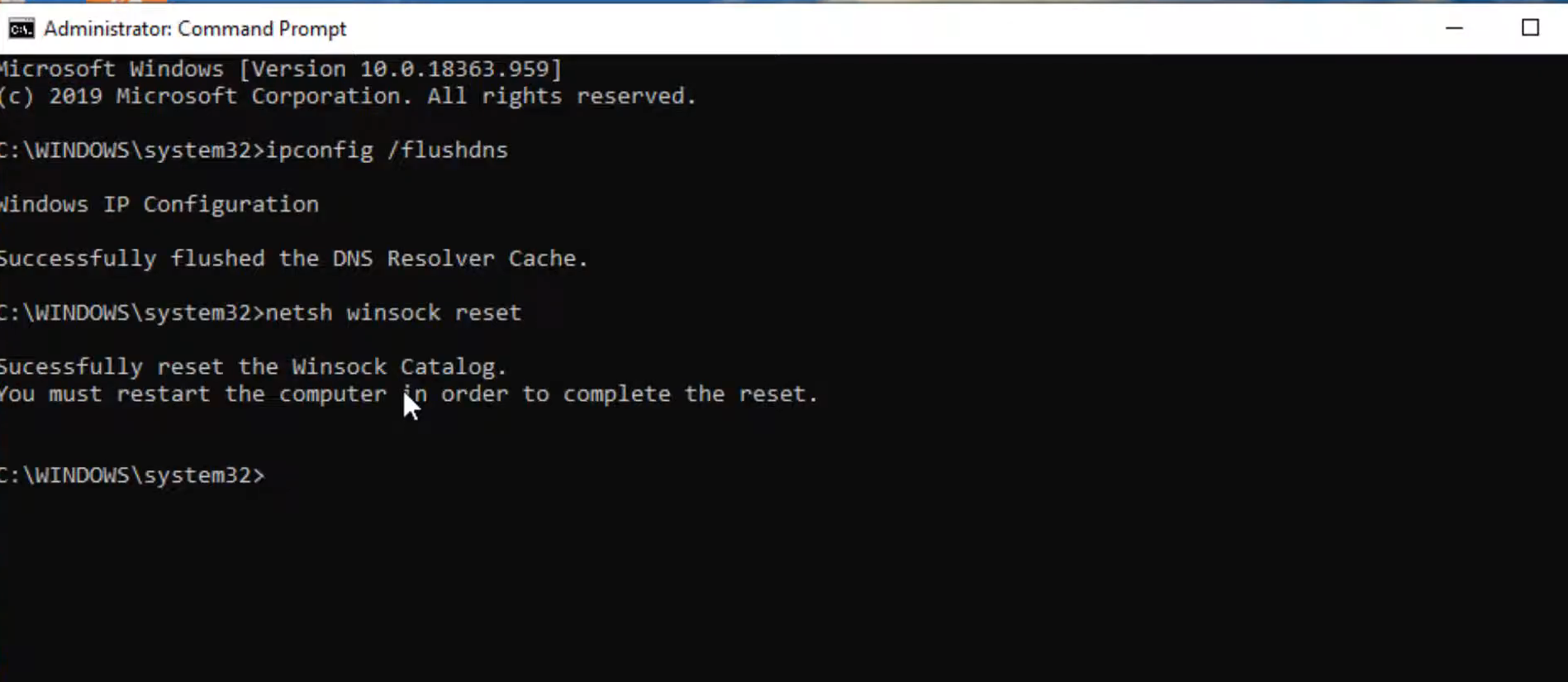
- Type "ipconfig /flushdns" and press the enter button.
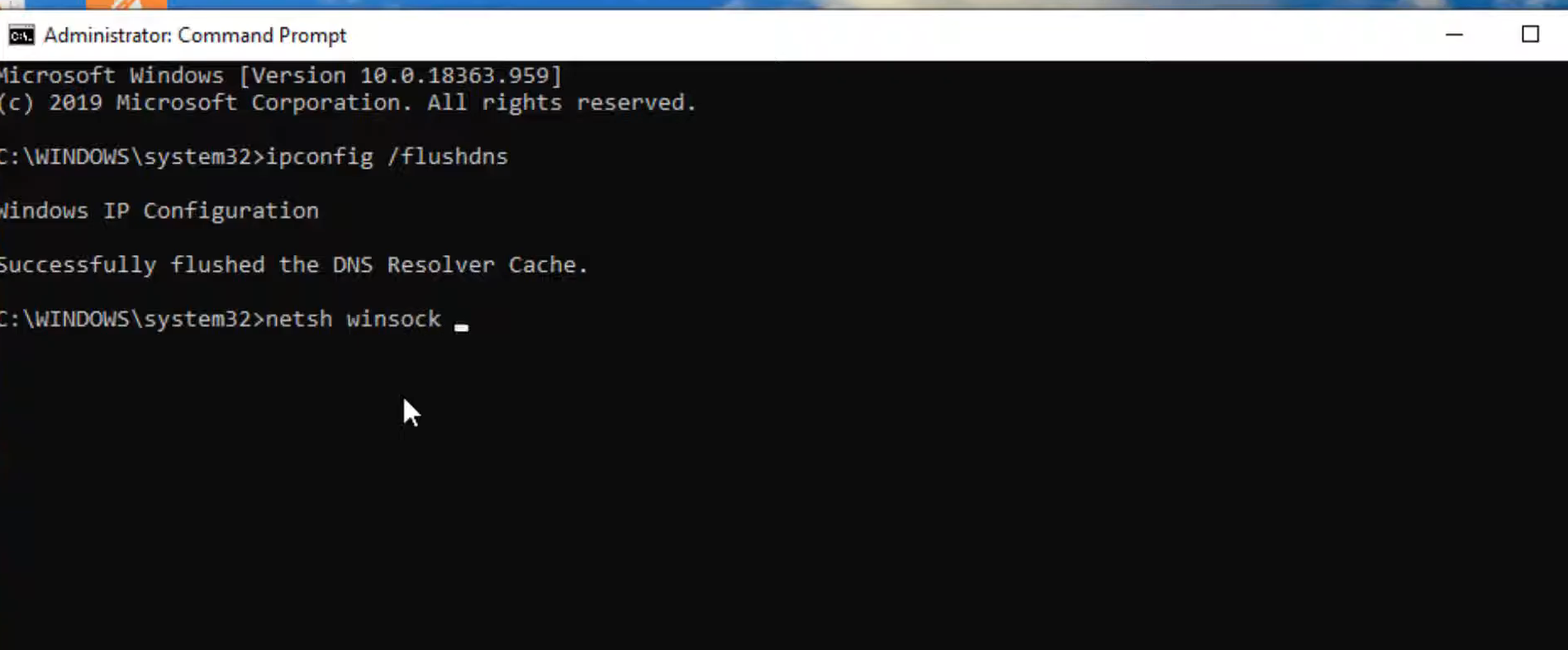
- After that, type "netsh winsock reset" and hit the enter button.
- Type "exit" and press the enter button to close the cmd interface.
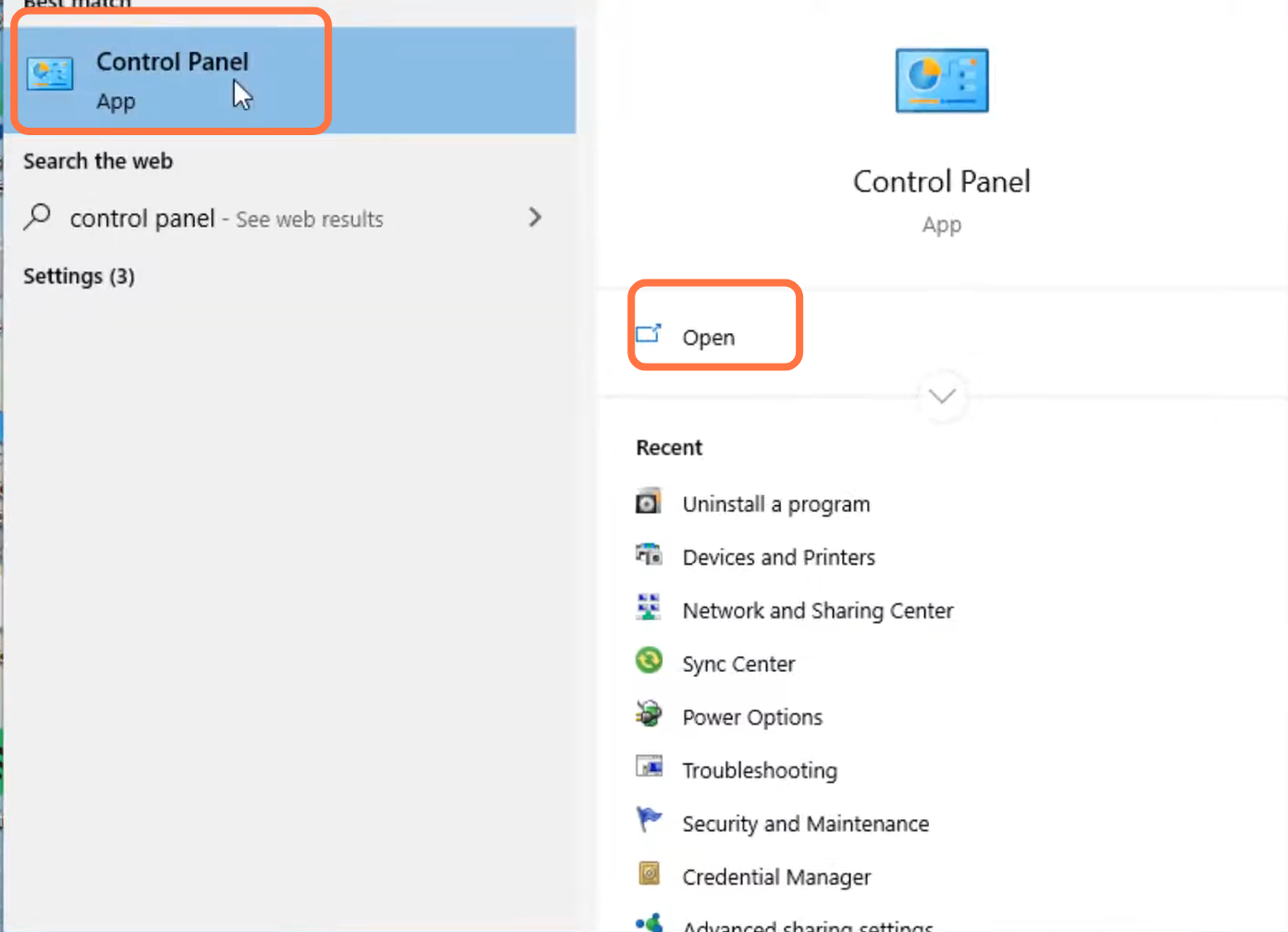
- Then you will need to open the control panel.
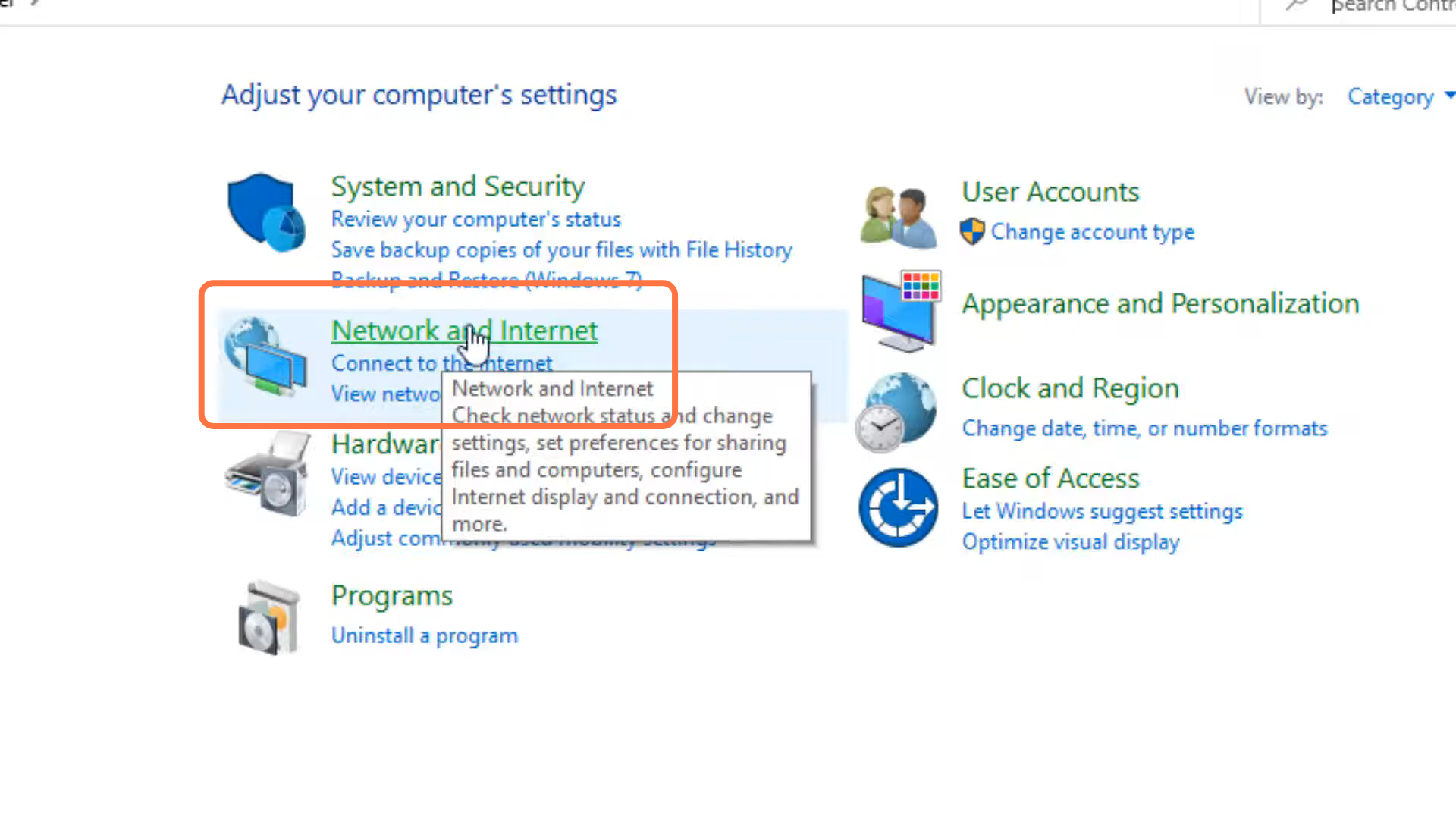
- Enter into Network and internet.
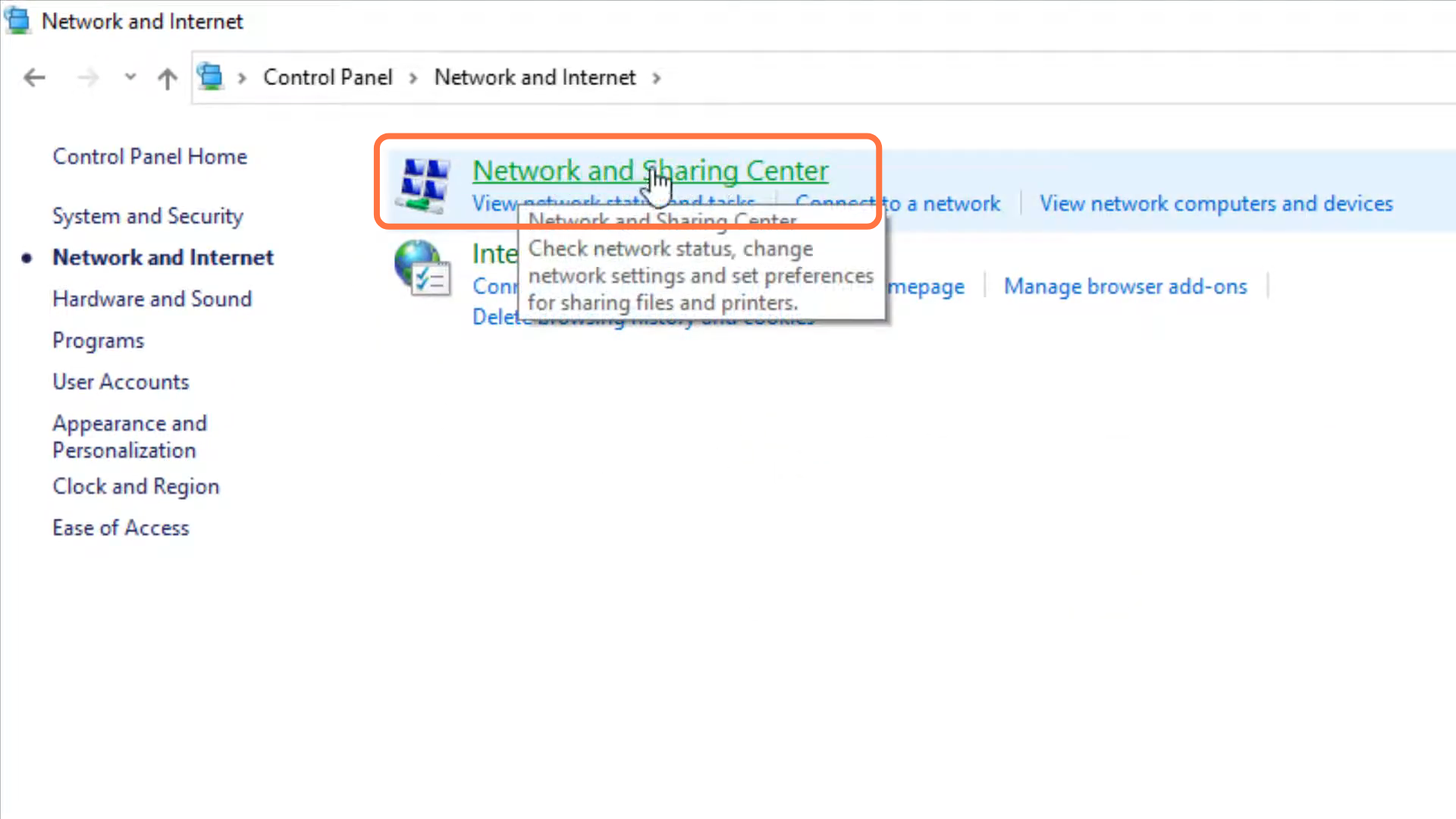
- And navigate to Network and sharing center.
- After that, tap on "change adaptor setting".
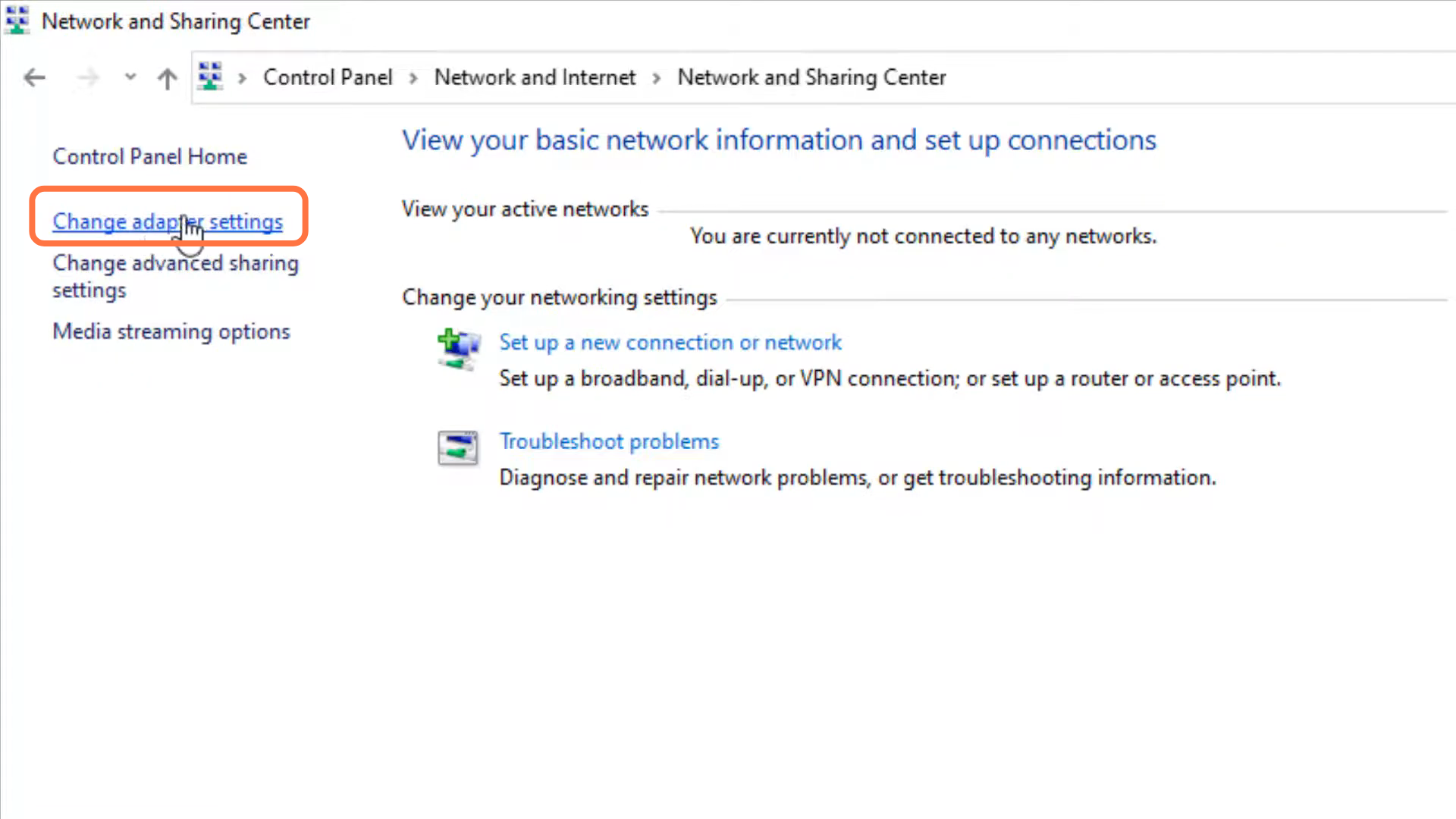
- Left click on Ethernet and go to its properties.
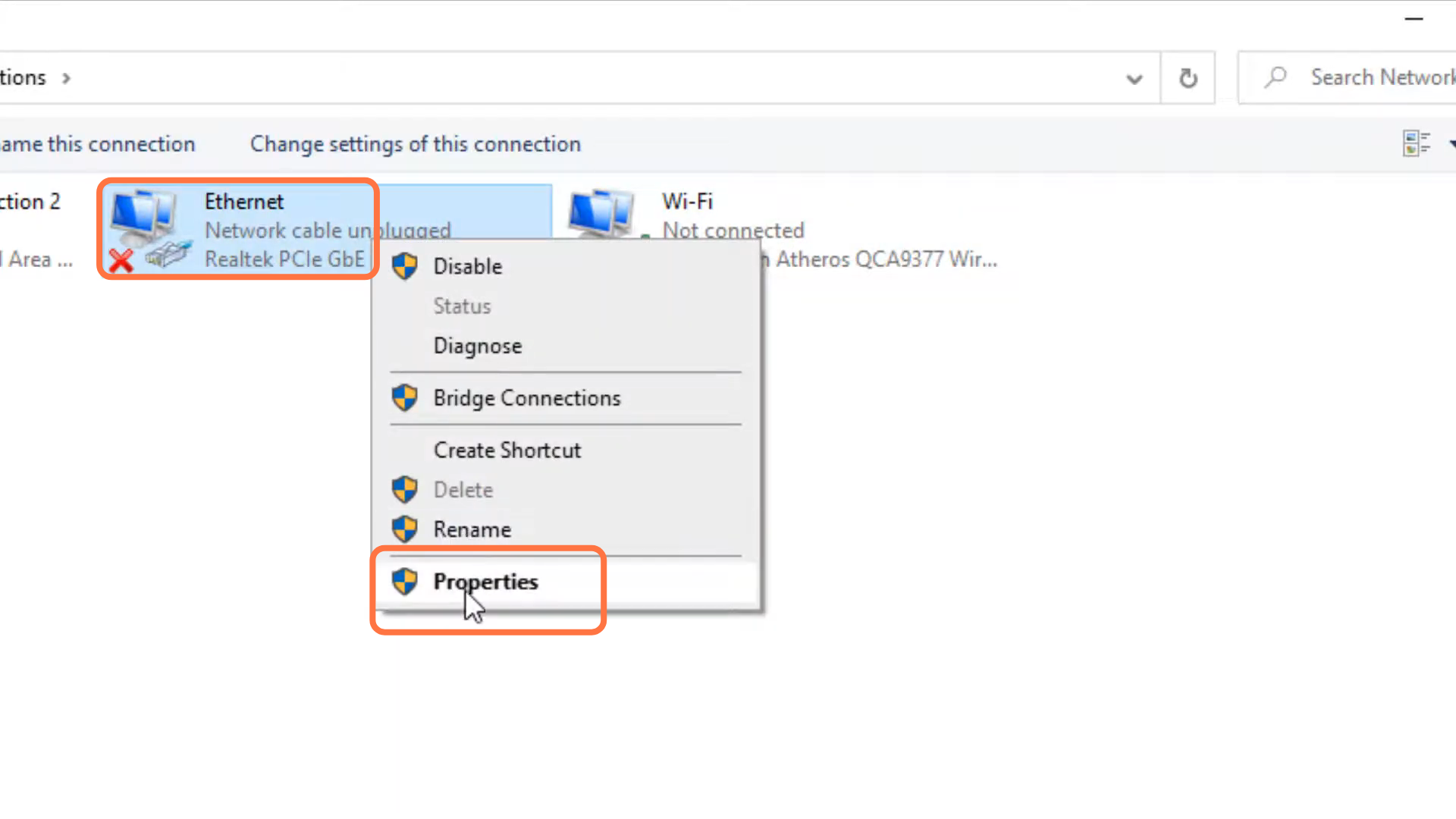
- Click on internet protocol version 4 (TCP/IPv4) and go to properties.
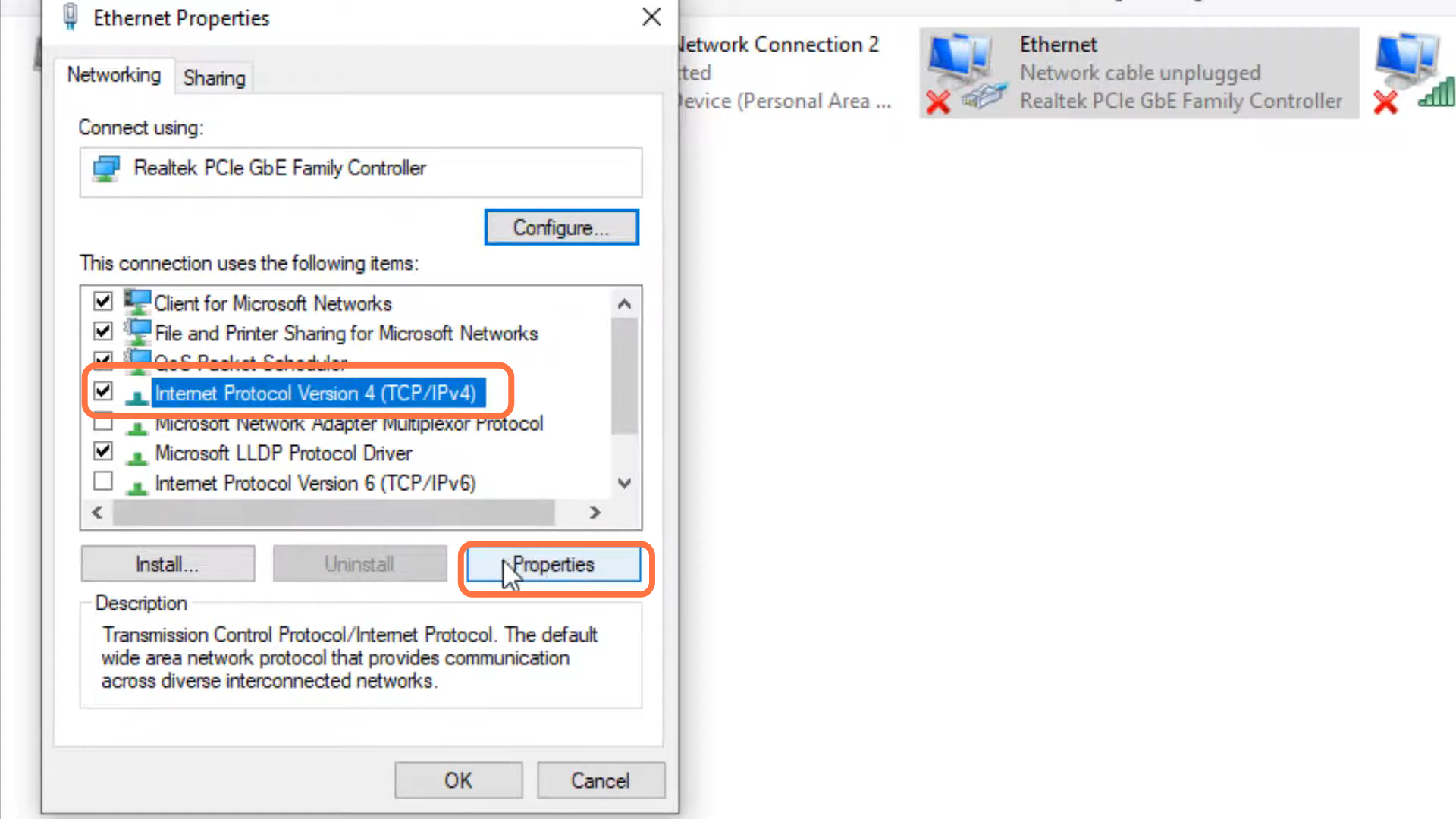
- You have to enable DNS server, input 8.8.8.8 in "Preferred DNS server" and 8.8.4.4 in "Alternate DNS server" and press OK.
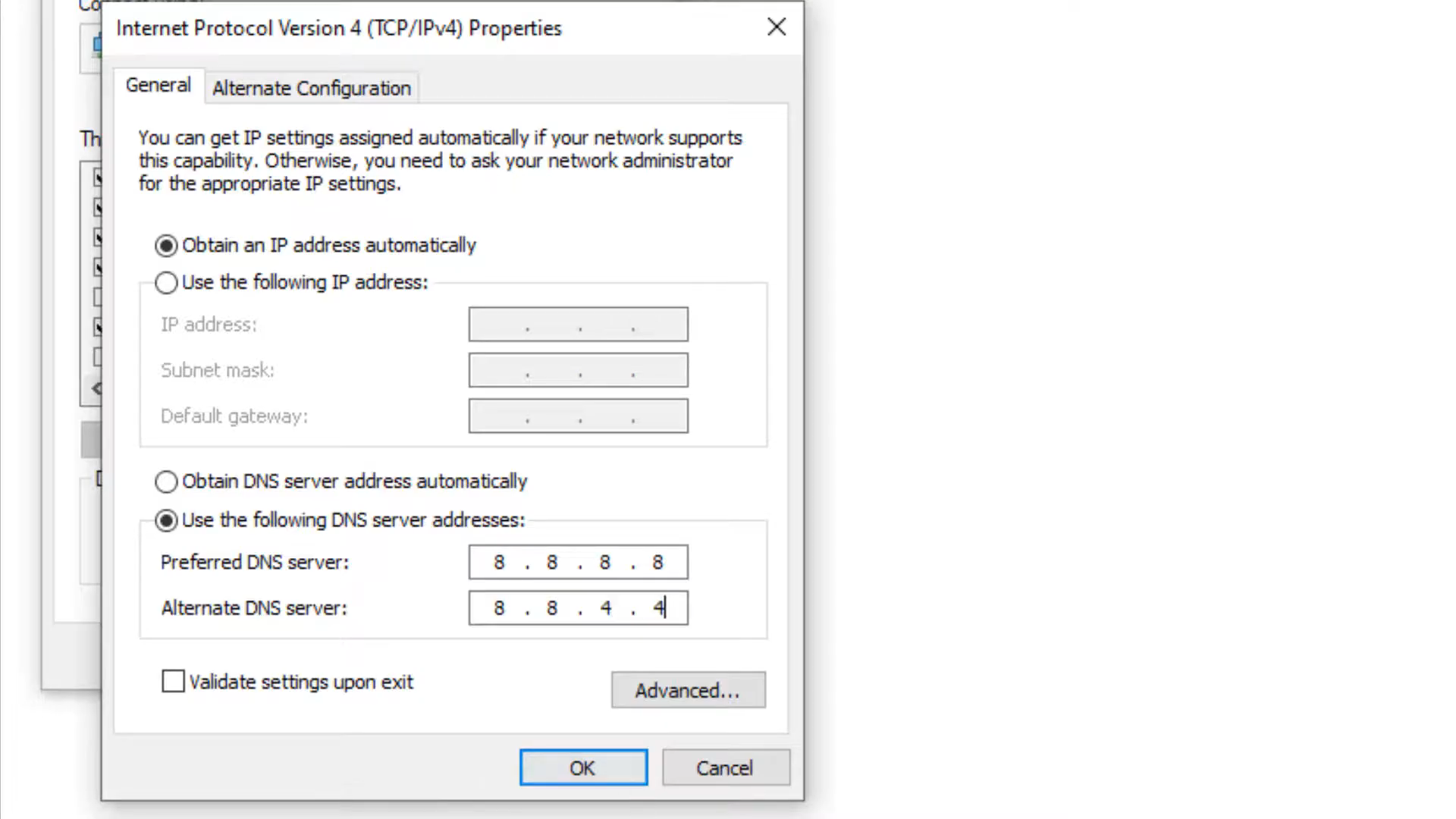
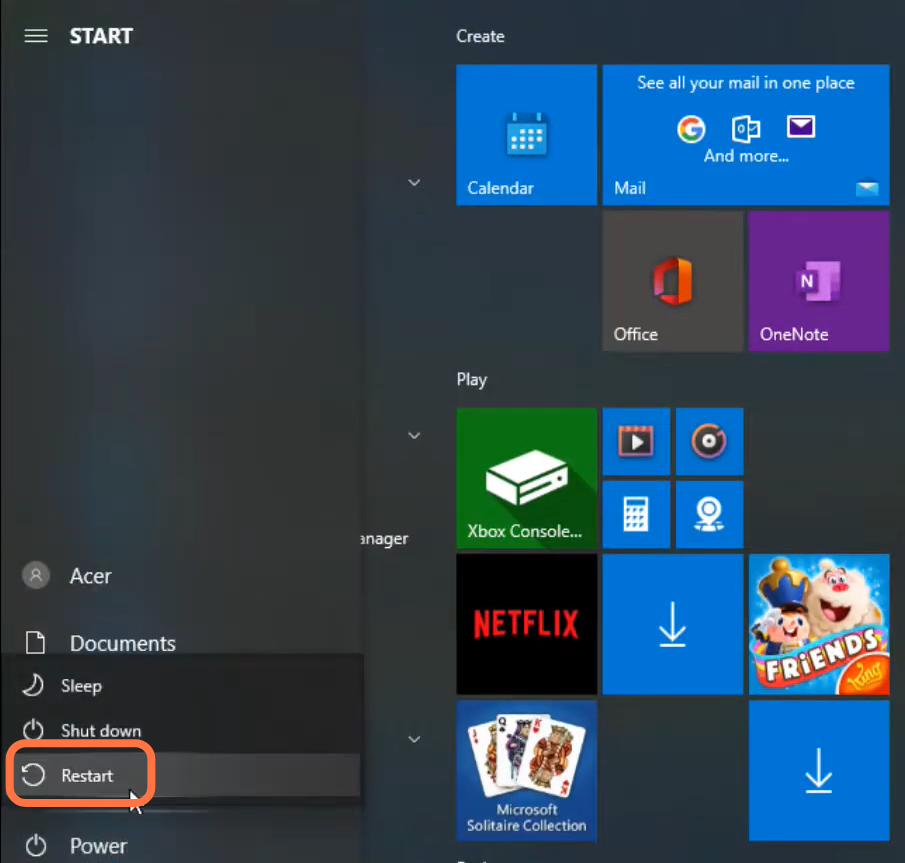
- Finally restart your PC to check if the error is resolved.