How to Find Out Greg's Human Form - The Sims 4
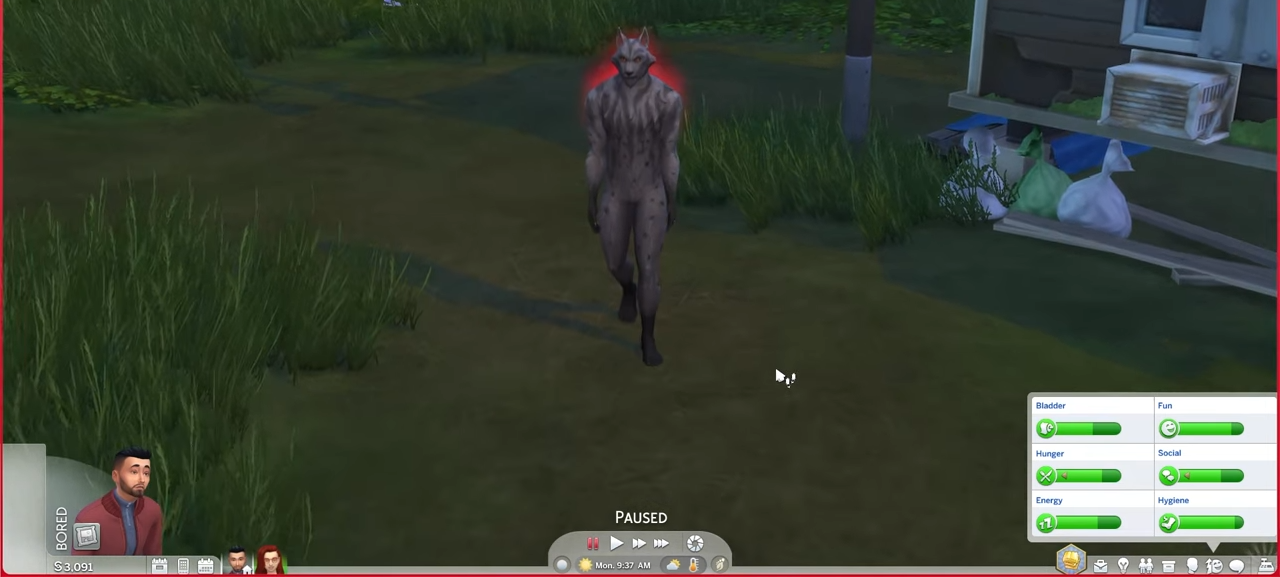
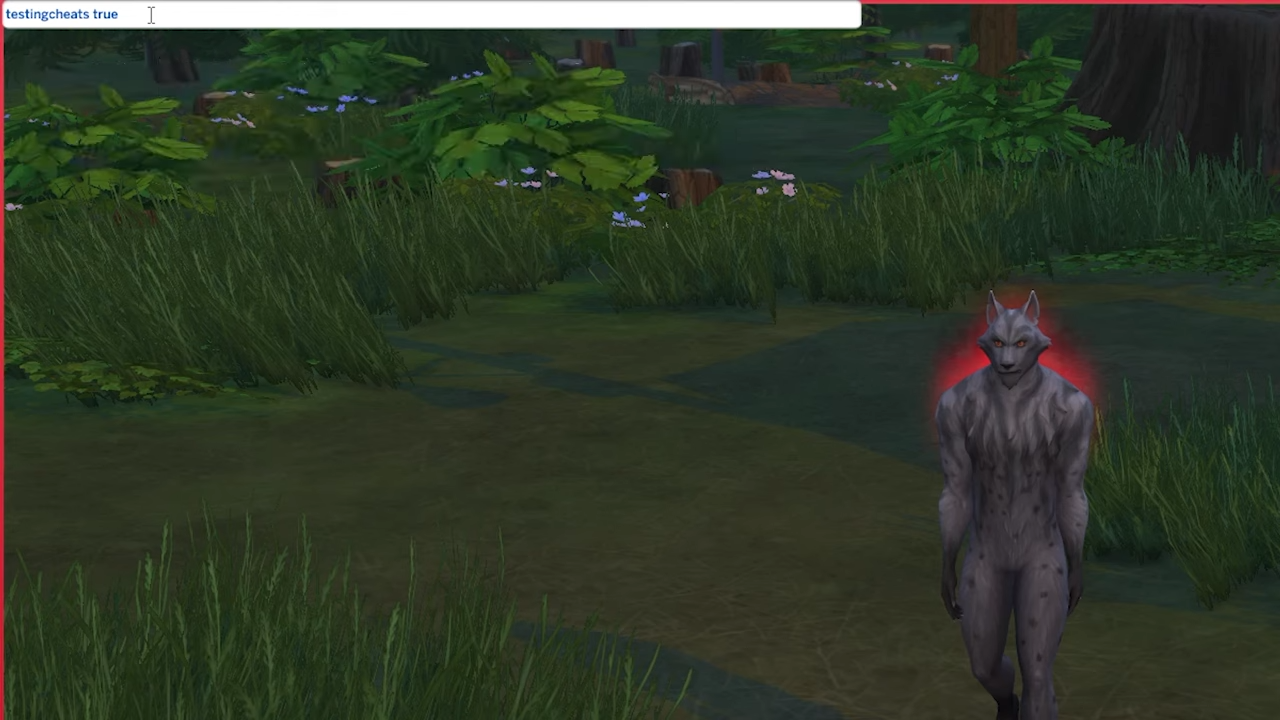
2. A white box will appear at the top left corner of the screen. Type in "testingcheats true" and hit enter on your keyboard.
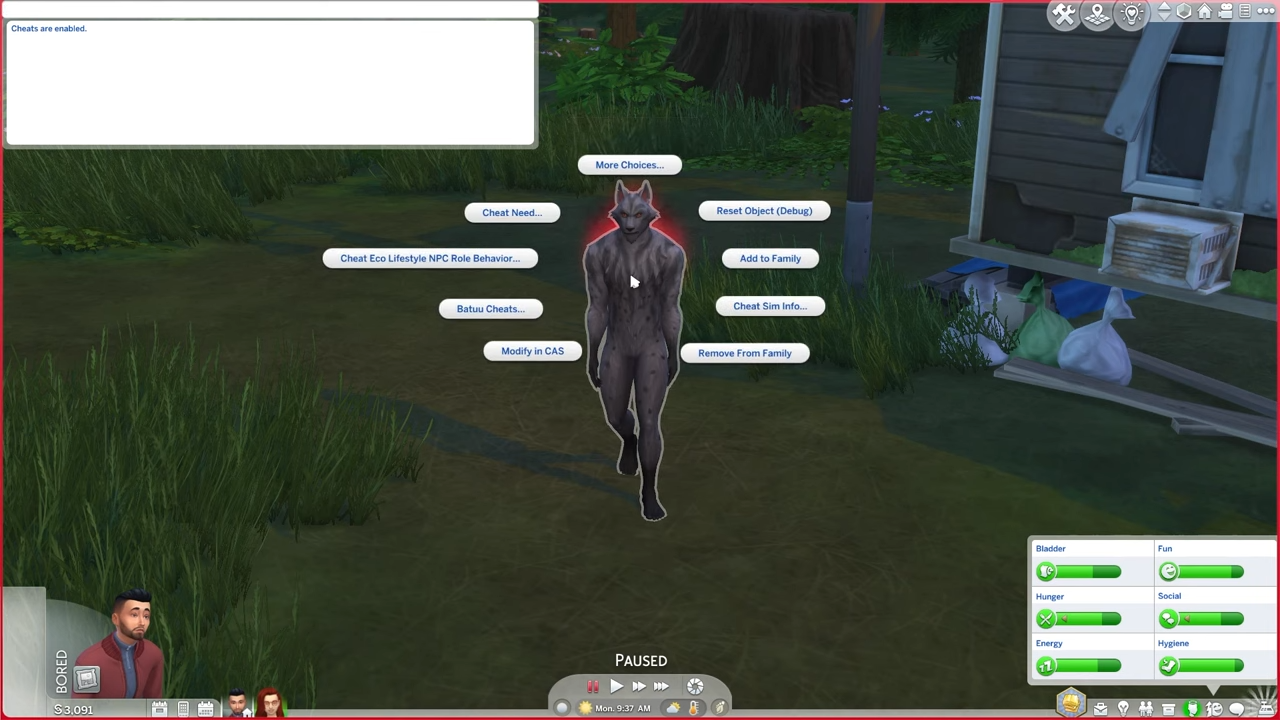
3. Go to Greg & click on him while pressing the Shift button at the same time. A number of options will appear around Greg.
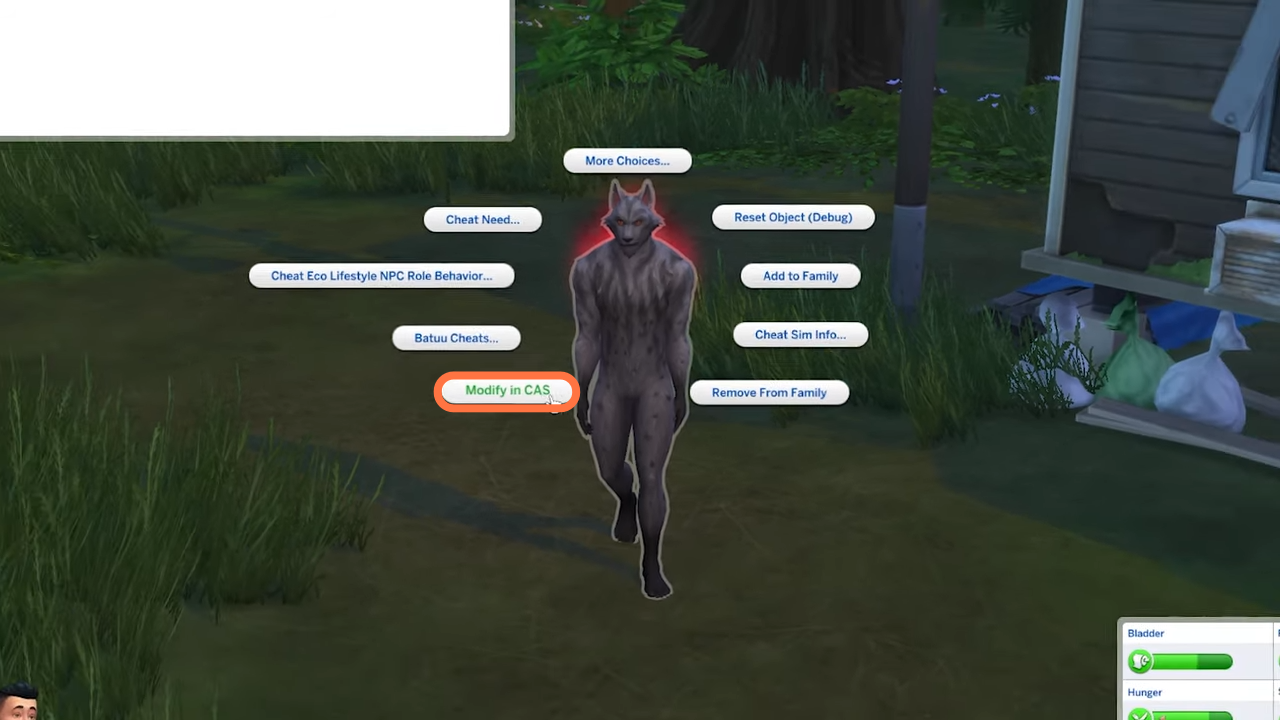
4. You need to click on the 'Modify in CAS' option.
5. Move to the bottom left corner of the screen to see the human form of Greg!

6. Here is Greg's Human form.

7. You can also find his traits at the top left corner of the screen.
