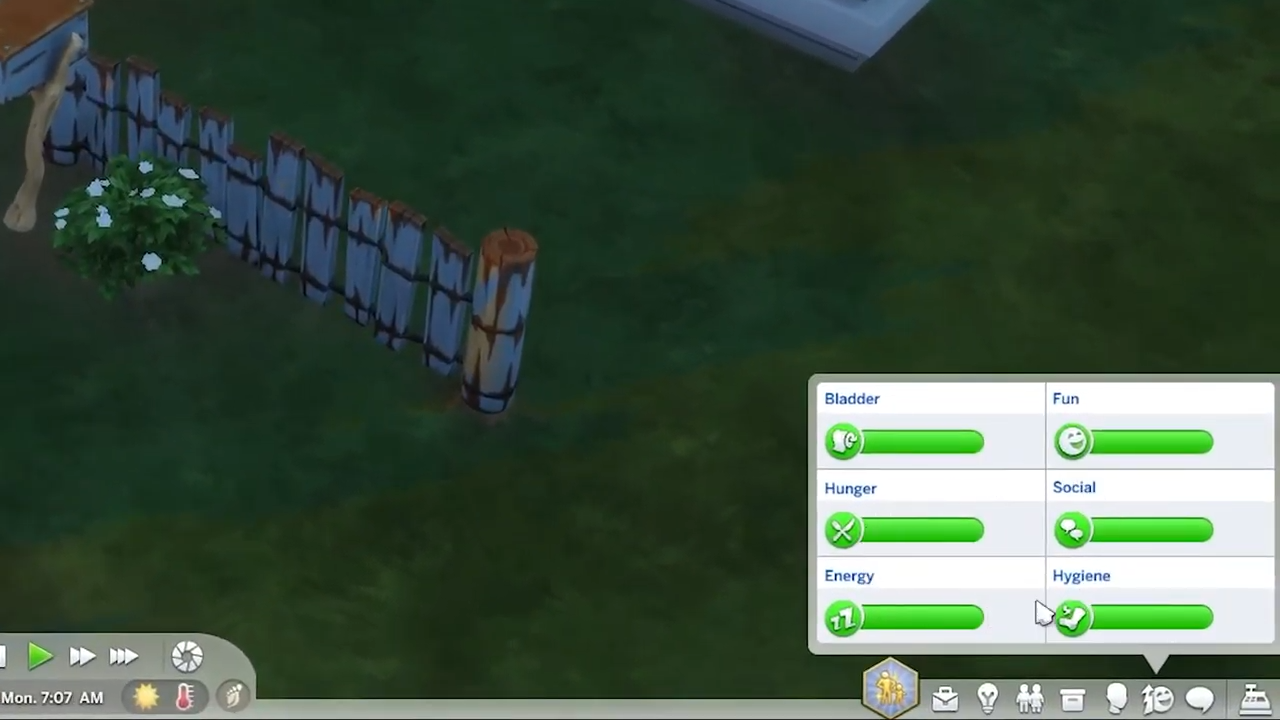
How To Fill Needs To 100% (Cheat) - The Sims 4
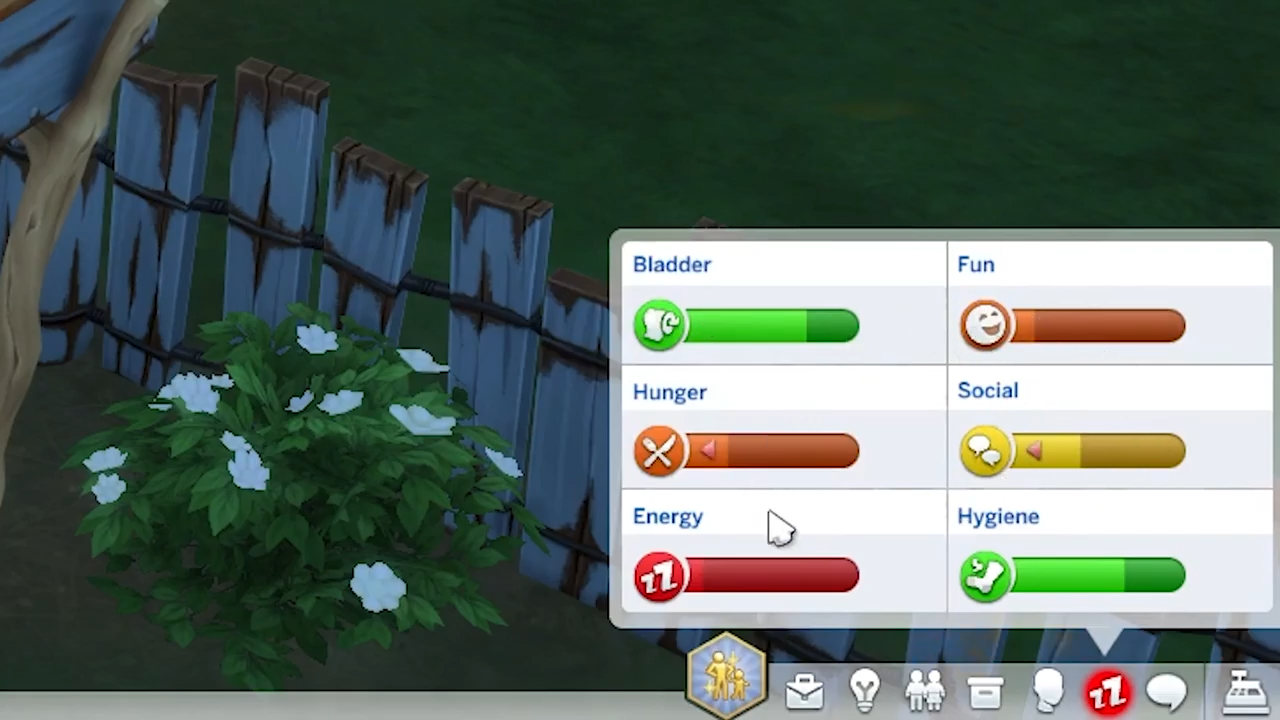
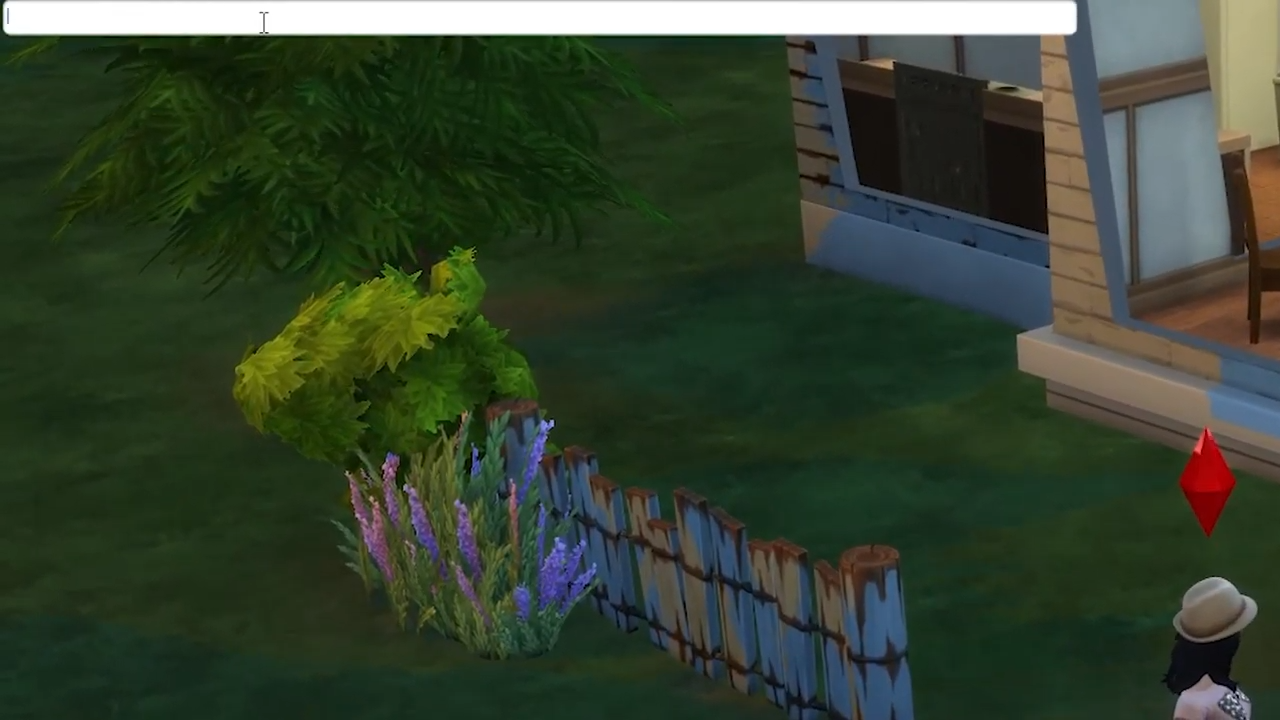
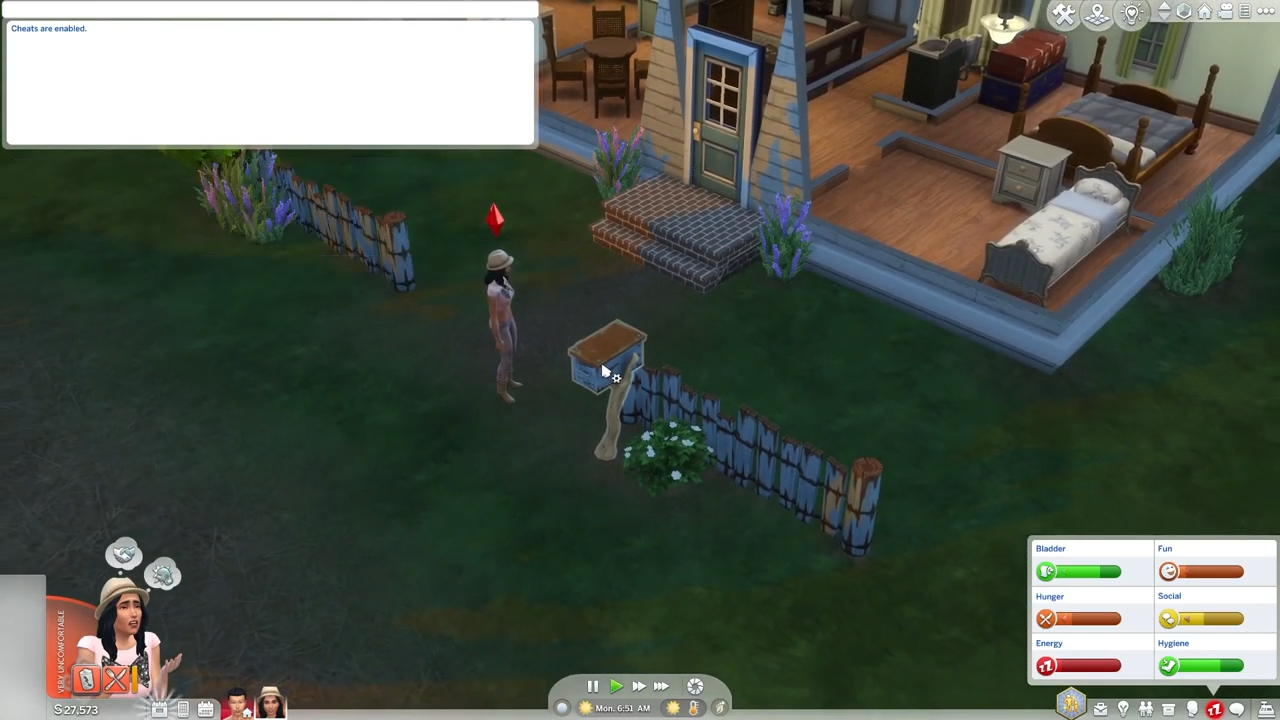
2. Using cheats, you can achieve it 100%. Press CTRL+Shift+C simultaneously on your keyboard to open the cheat box and a white box will appear at the top left corner of the screen.
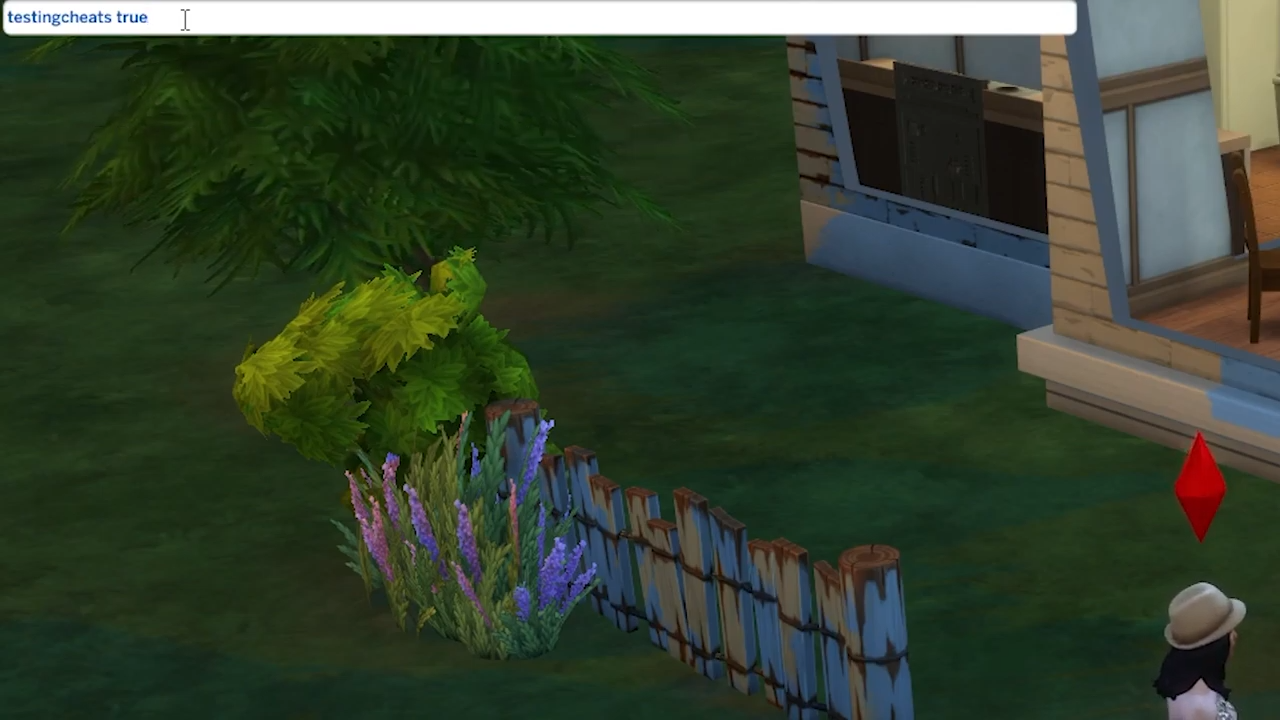
3. You have to type "testingcheats true" and hit enter to enable cheats.
4. After that, find a mailbox outside your home and click on it while pressing shift at the same time.
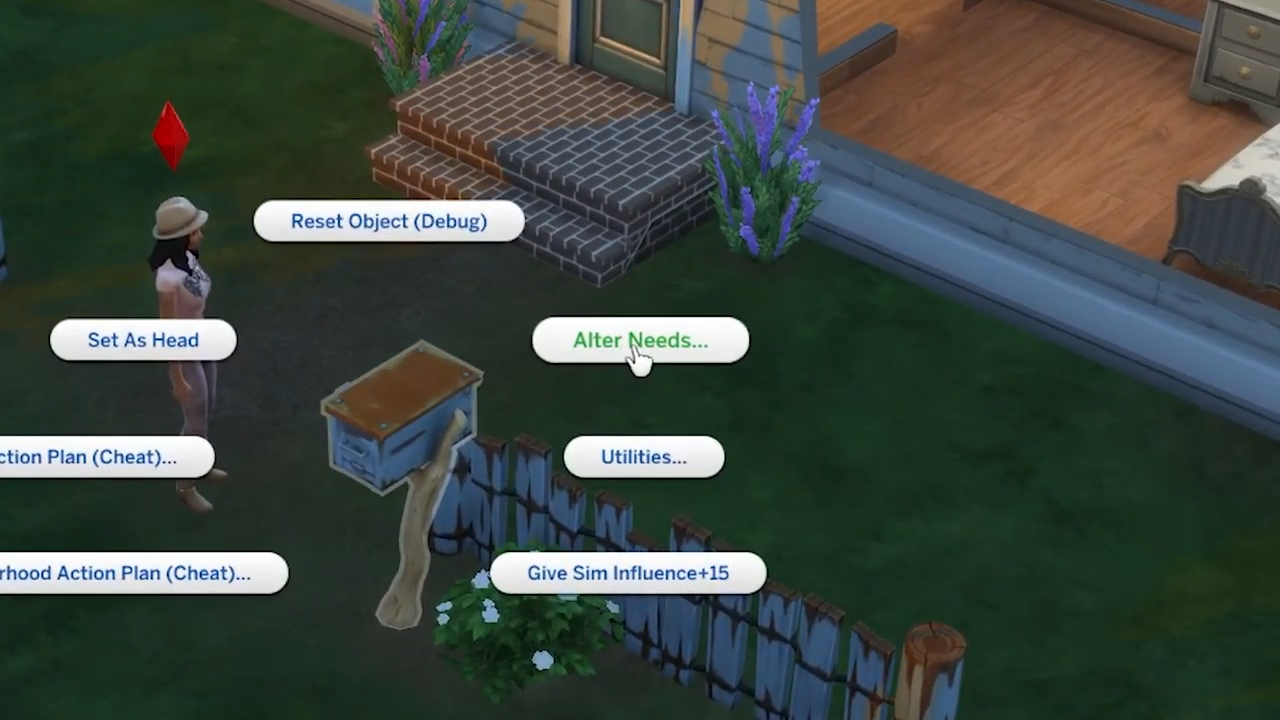
5. Choose "Alter Needs" from list of the options.
6. Then further, you can select Fill Needs(World) or Fill Needs(Household) within Alter Needs.
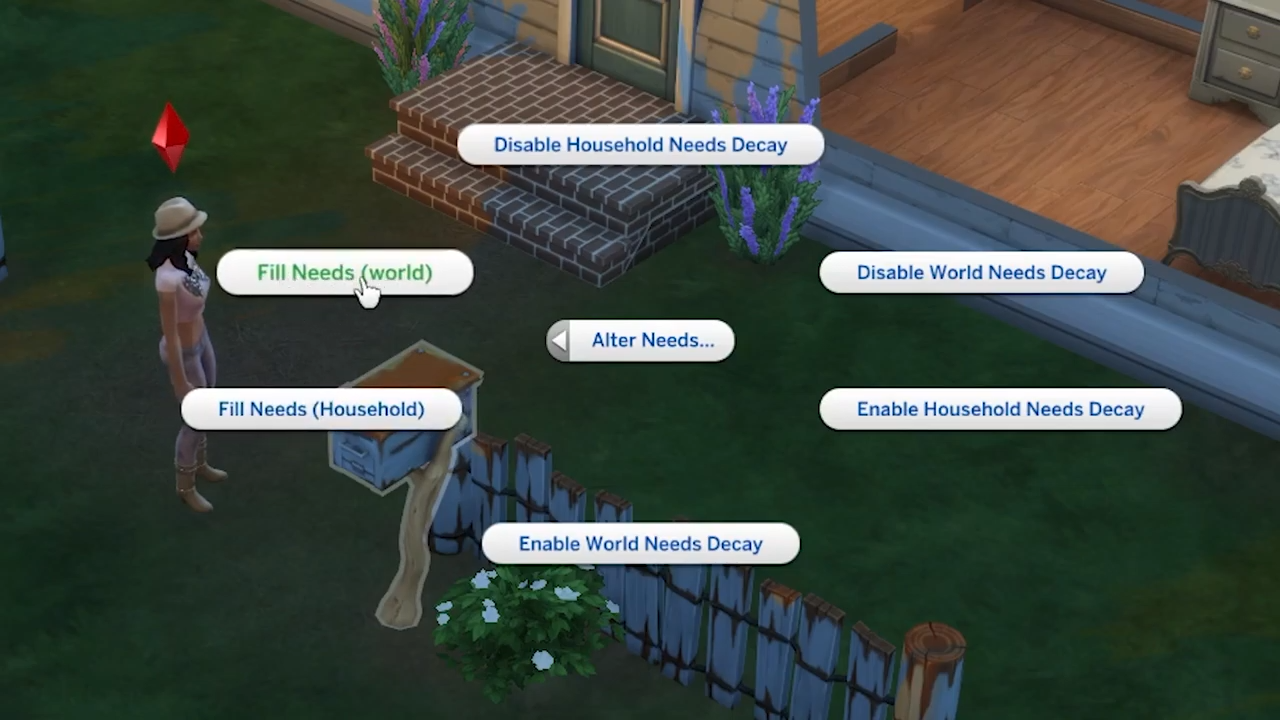
7. All bars representing needs will be set to full.