How to Enable 2FA in Rocket League
In this guide, you will learn how to enable two-factor authentication in Rocket League. First, you need to log in to Epic Games, after which you can enable two-factor authentication.
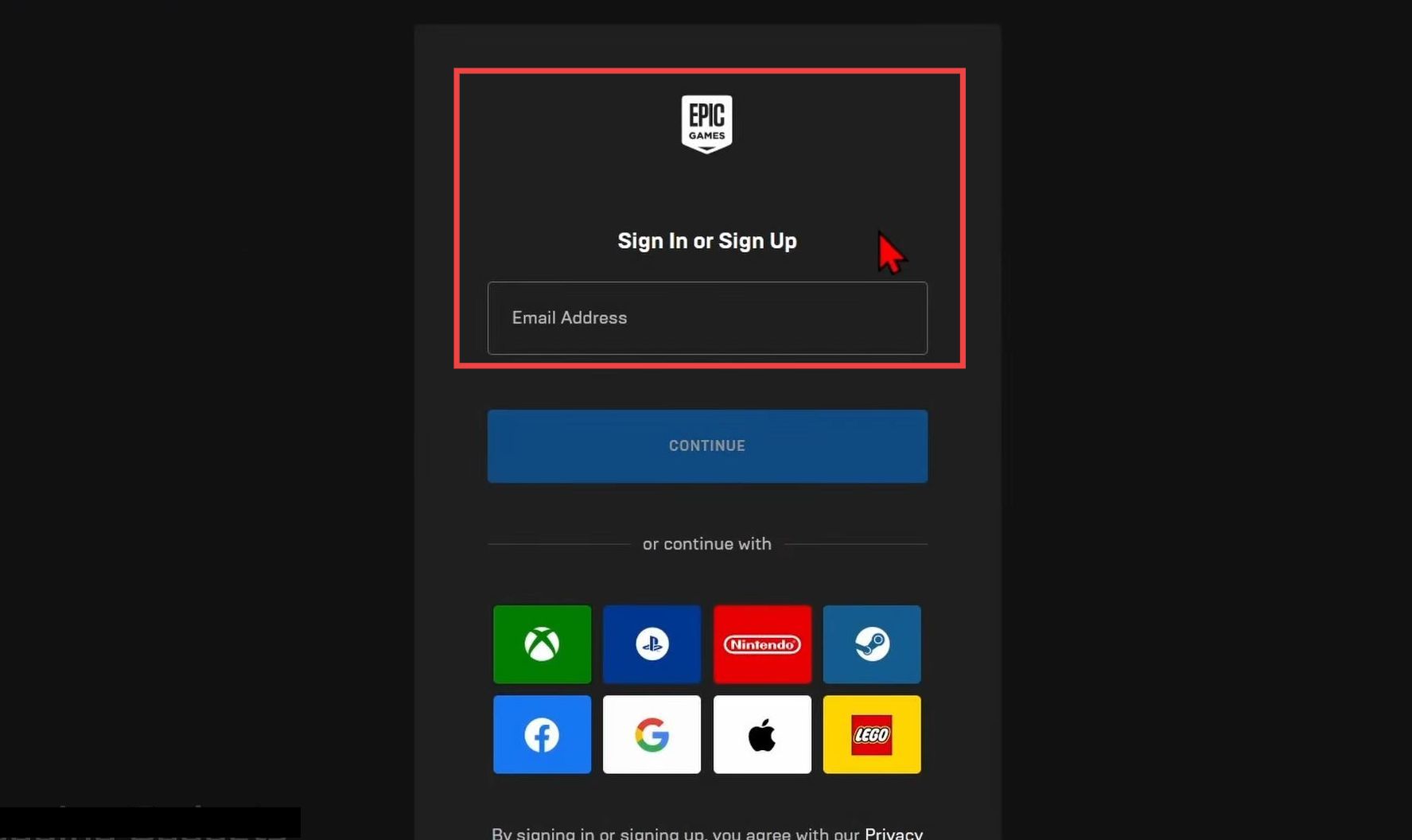
Log in to Epic Games
This section walks you through the steps to log in to Epic Games.
- First, go to Epic Games and click the Profile icon in the top-right corner of the screen.
- Log in to your Epic Games account. If you are playing on Xbox, PlayStation, Nintendo, or Steam, sign in using your respective account.
Turn on 2FA
This section explains how to turn on 2FA after successfully logging into your account.
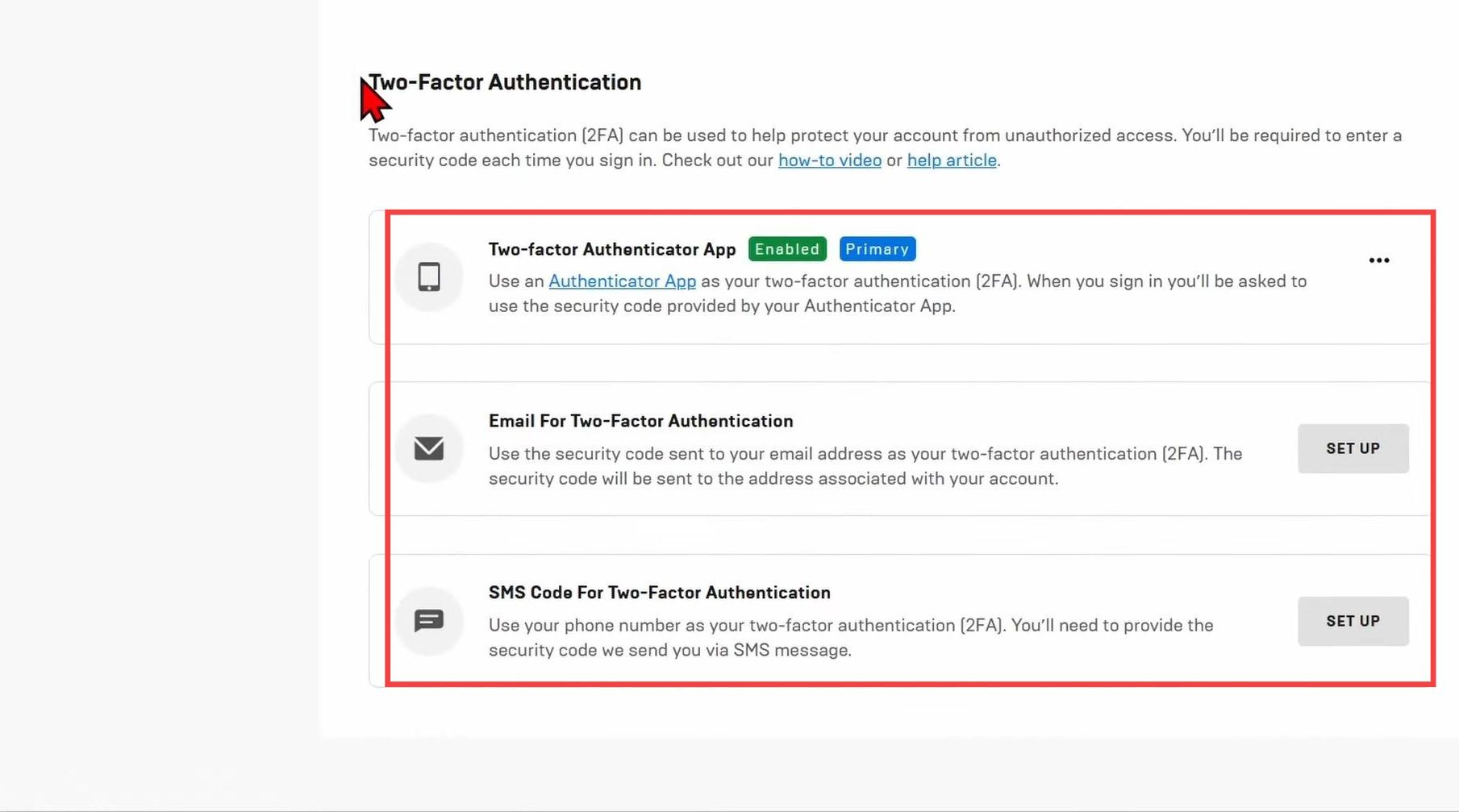
- Click the Profile icon again and select Account from the menu. Navigate to the Password & Security tab on the left side, then scroll down to Two-Factor Authentication.
You can use email, an authenticator app, or SMS text messages for two-factor authentication. - Select your preferred method and click Set Up.
Follow the on-screen steps to complete the setup. - If you choose email, open the inbox linked to your Epic Games account and enter the code sent to you. Then click Enable Email Authentication to turn it on.