How to Download and Install the Skinwalkers mod for Lethal Company
In this guide, you will learn how to download and install the Skin Walkers mod for Lethal Company. There are multiple ways to do this. You can use the Thunder Store Manager or the manual method.
Thunder Store Manager
In this section, we will walk you through the steps to download and install the mod using the Thunder Store Manager.
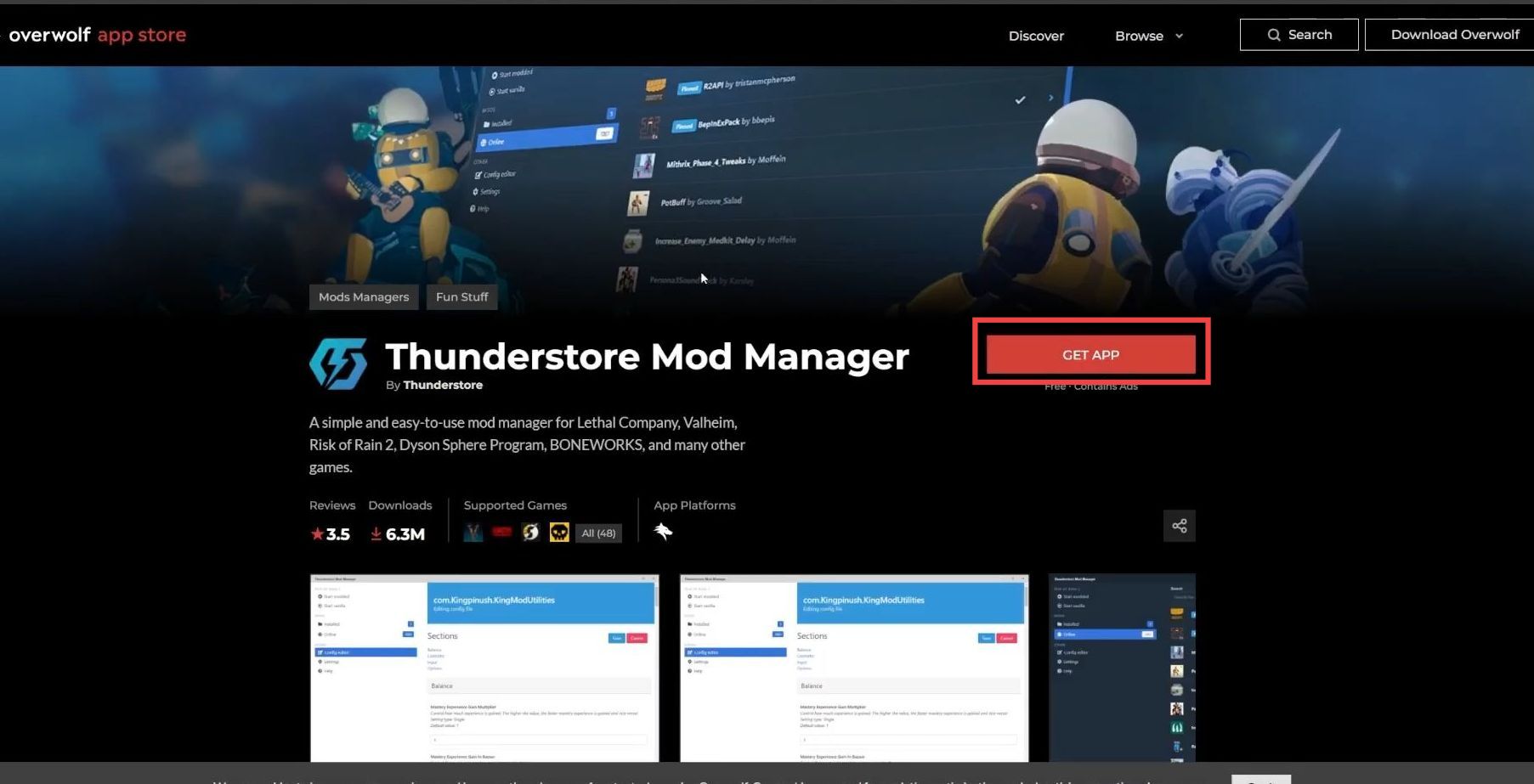
- The first method is using the Thunder Store Manager. First, download the Thunder Store Manager.
- Once you reach the web page, click on the Get App button.
It may take a few seconds to download the file.
- Open the Downloads folder and drag & drop the downloaded file onto the desktop. Double-click the mod manager file, click the Next button, and accept the terms and conditions.
- Click the Next button two times, then wait for the Thunder Store Mod Manager to install.
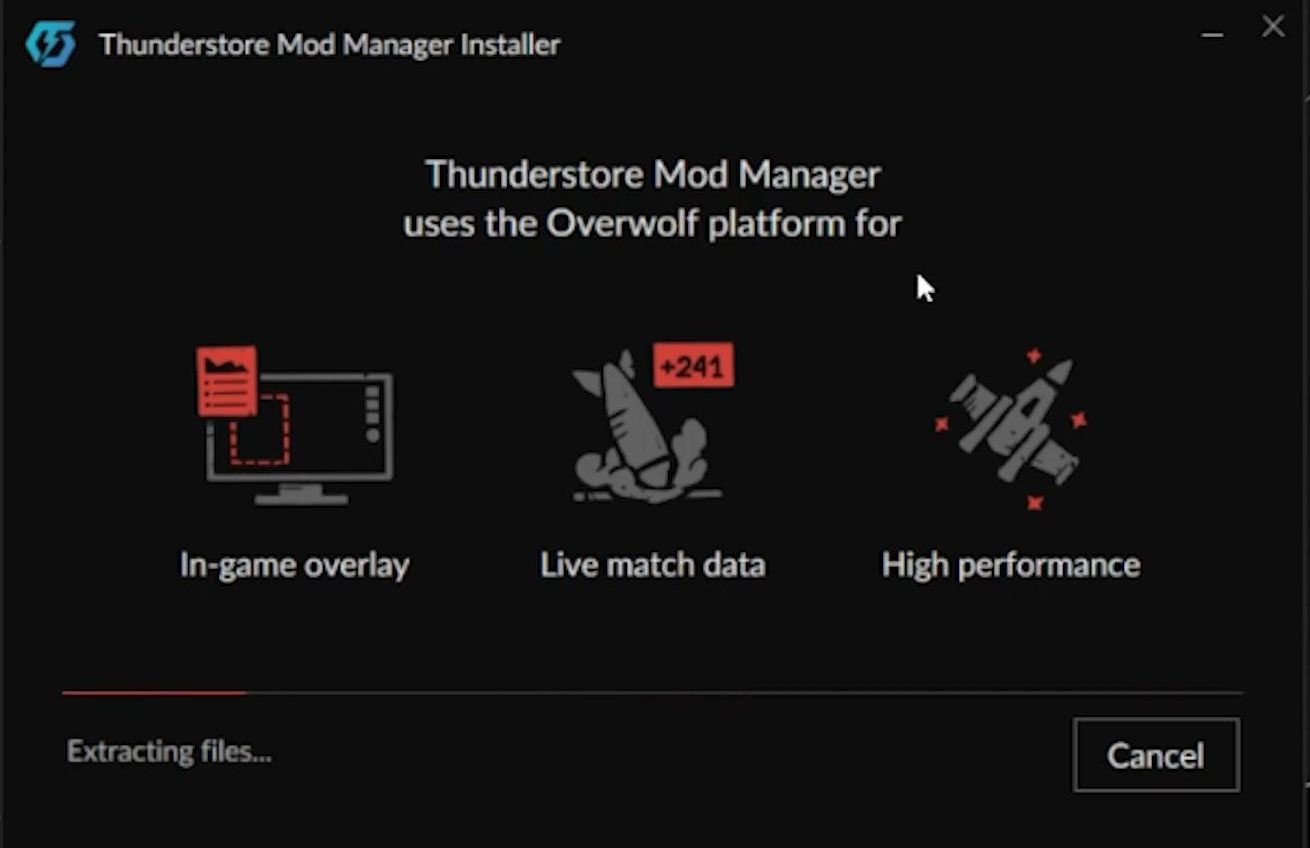
- Once installation is complete, click the Launch button and search for Lethal Company in the search bar. Select the game and click Create New.
- Name your profile and press the Create button. Select your profile and click Select Profile.

- On the next screen, click Get Mods and download the BepInEx pack. Then search for the Skinwalkers mod and click the Download button.
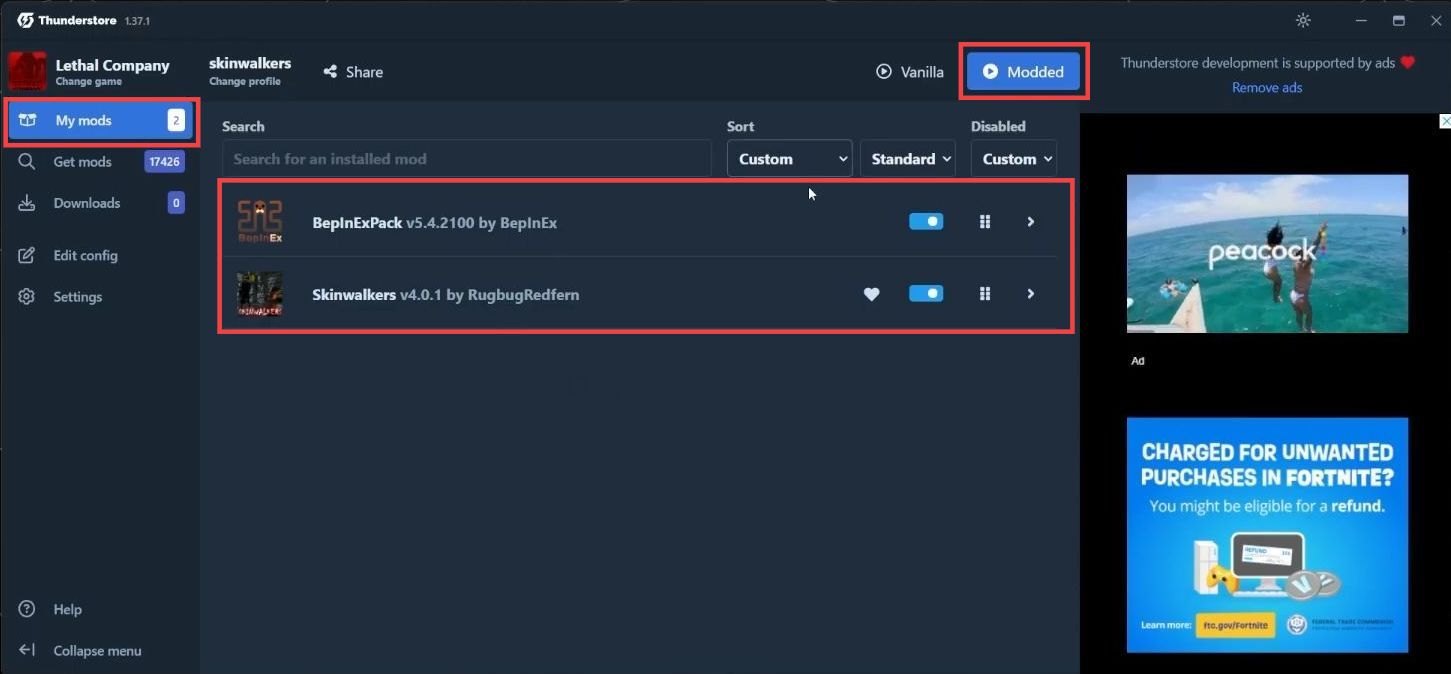
- Go to My Mods and click Modded in the top-right corner to launch Lethal Company with mods enabled.
Manual Method
This section explains how to manually download and install the mod.
- First, download the BepInEx pack. On the web page, click the Manual Download button.
This allows you to use other mods. - Open the Downloads folder and drag & drop the downloaded file onto the desktop. Then download the Skinwalkers mod by clicking the Manual Download button. Drag & drop this file onto the desktop as well.

- Extract both downloaded files. Open the Steam application, right-click on Lethal Company, select Manage, and click Browse local files to open the game installation folder.
- Open the extracted BepInEx folder and drag & drop its contents into the game installation folder.
- Open the extracted Skinwalkers folder and drag & drop its contents into the game installation folder.
- Return to Steam and click the Play button.
You can now play the game with mods installed and add more mods if needed.
