How to Cure Poison - The Sims 4
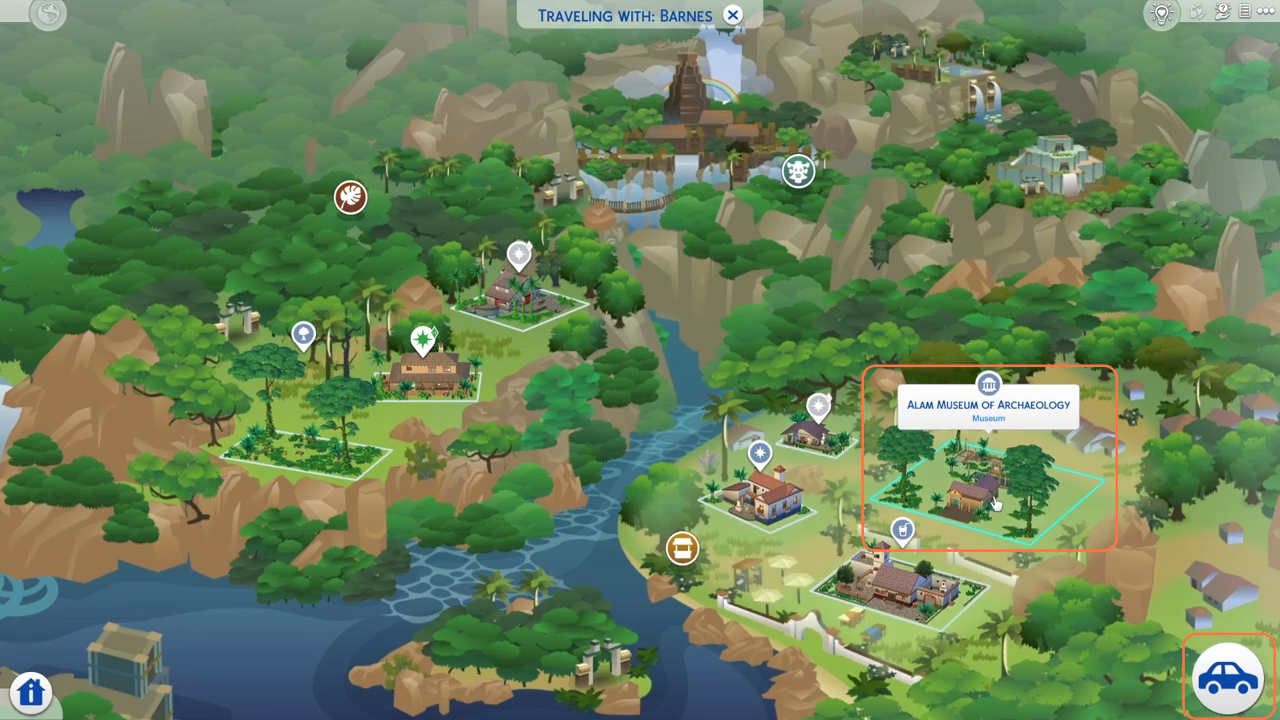
Step 1: Begin by pressing the 'M' key on your keyboard to open the in-game map. In the upper left corner, you'll see the World Select icon. Select the Selvadorada (jungle) world, and visit the museum called "Alam Museum of Archaeology".
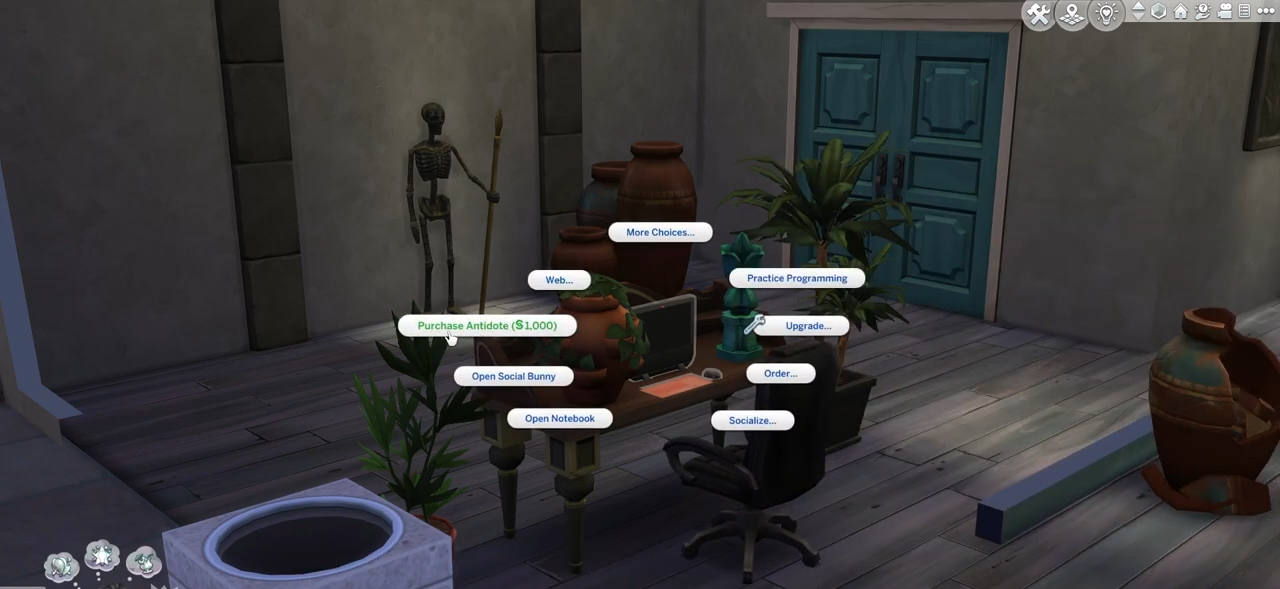
Step 2: As you enter the museum, you'll quickly notice a computer, click on it to unveil a range of options. Click the "More Choices" option then select the coveted "Purchase Antidote" option. Give it a click, and the transaction will be completed, granting you the much-needed antidote.
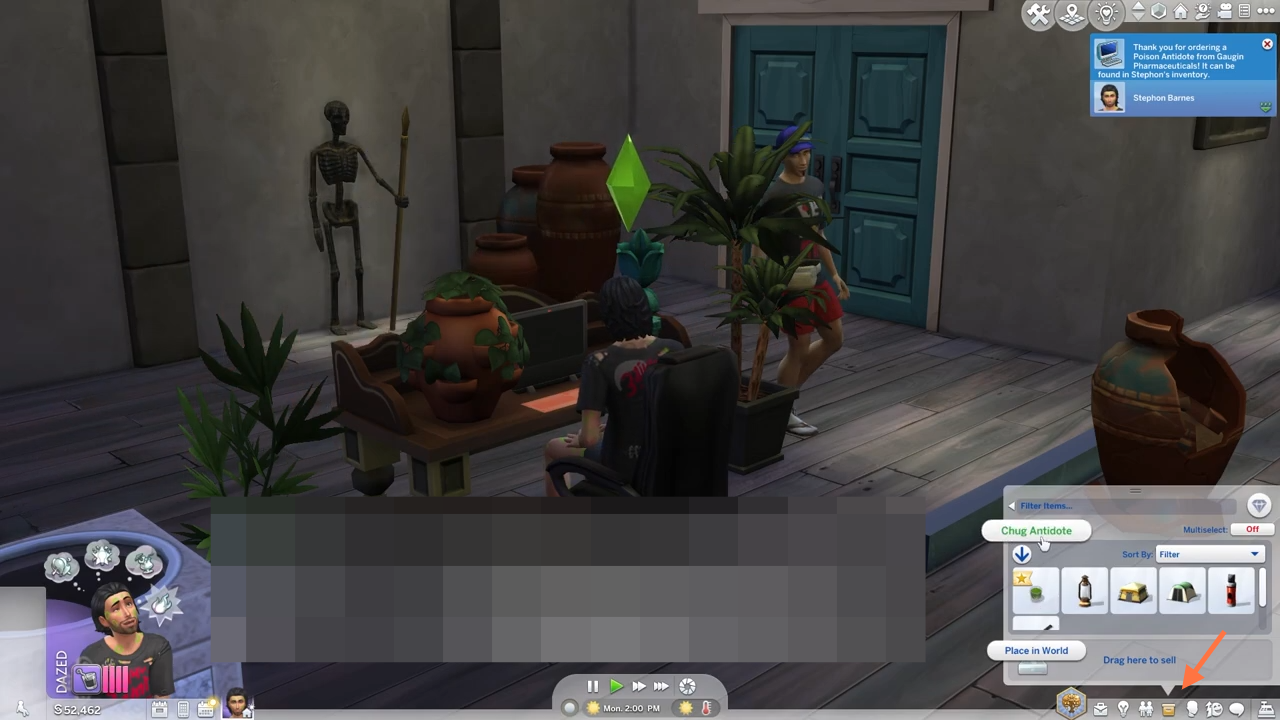
Step 3: You can acquire the antidote from the comfort of your own home if you aren't in the Selvadorada (jungle) world. Simply access your home computer, and navigate to the purchase option for Antidote there. Once the transaction is complete, you will find the Selvadoradian Poison Antidote neatly in your sim's inventory. Open the inventory and locate the antidote, then proceed to click on it. A selection of options will appear before you, and among these choices, you'll find "Chug Antidote". Without delay, select this option to provide relief to your sim.