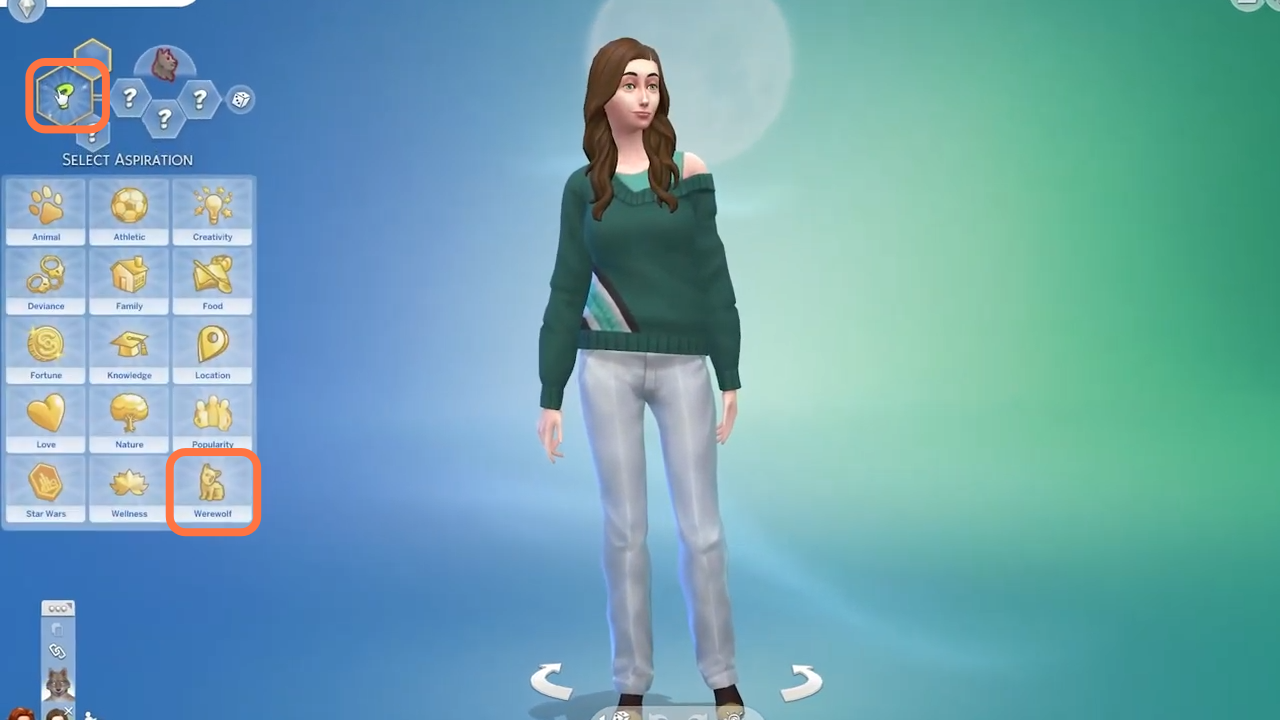
How to Create A Werewolf - The Sims 4
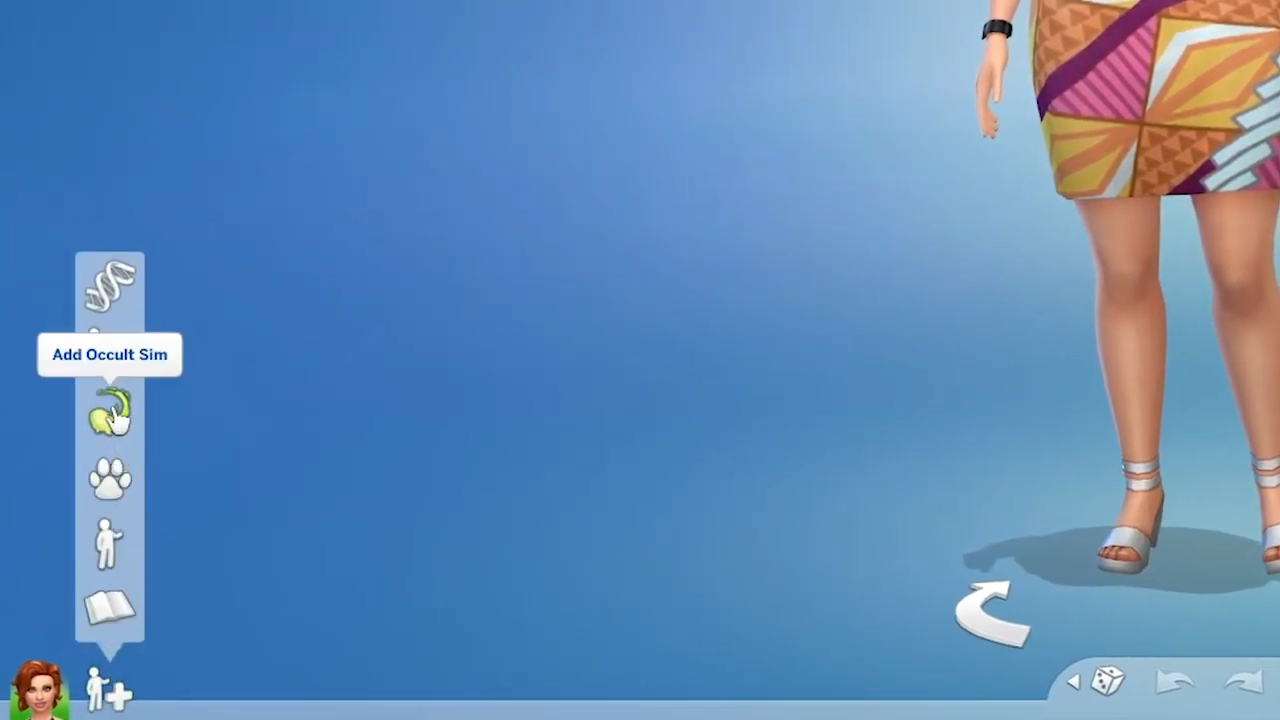
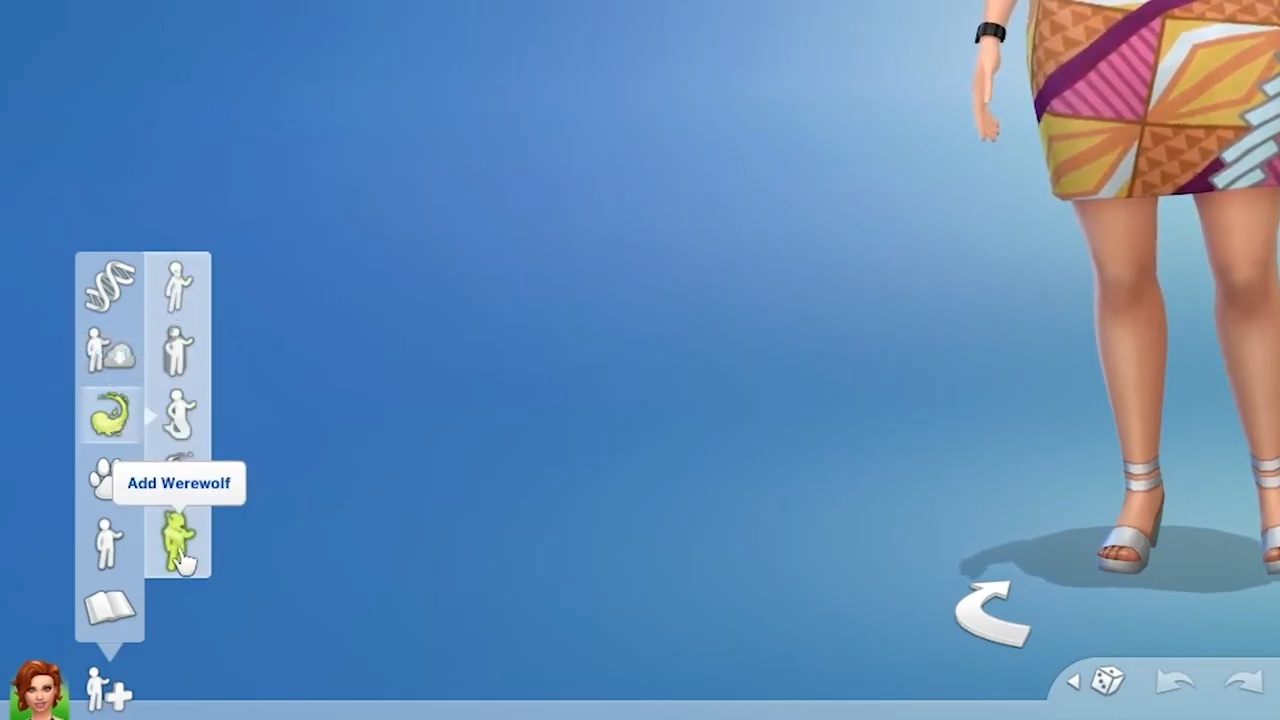
- After that, choose to add a werewolf sim from the list.
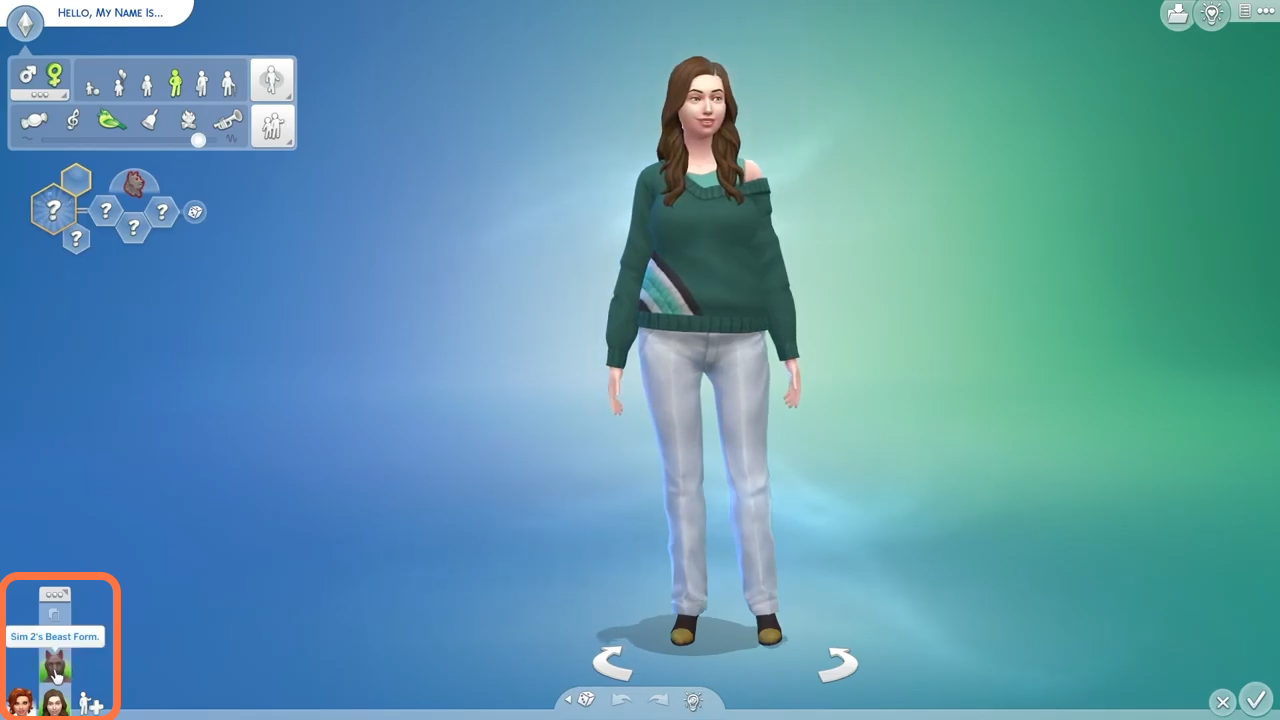
- You can change between forms of sim from beast to normal from the bottom left corner of the screen.
- You can dress a werewolf like a normal sim. You can choose your body type.
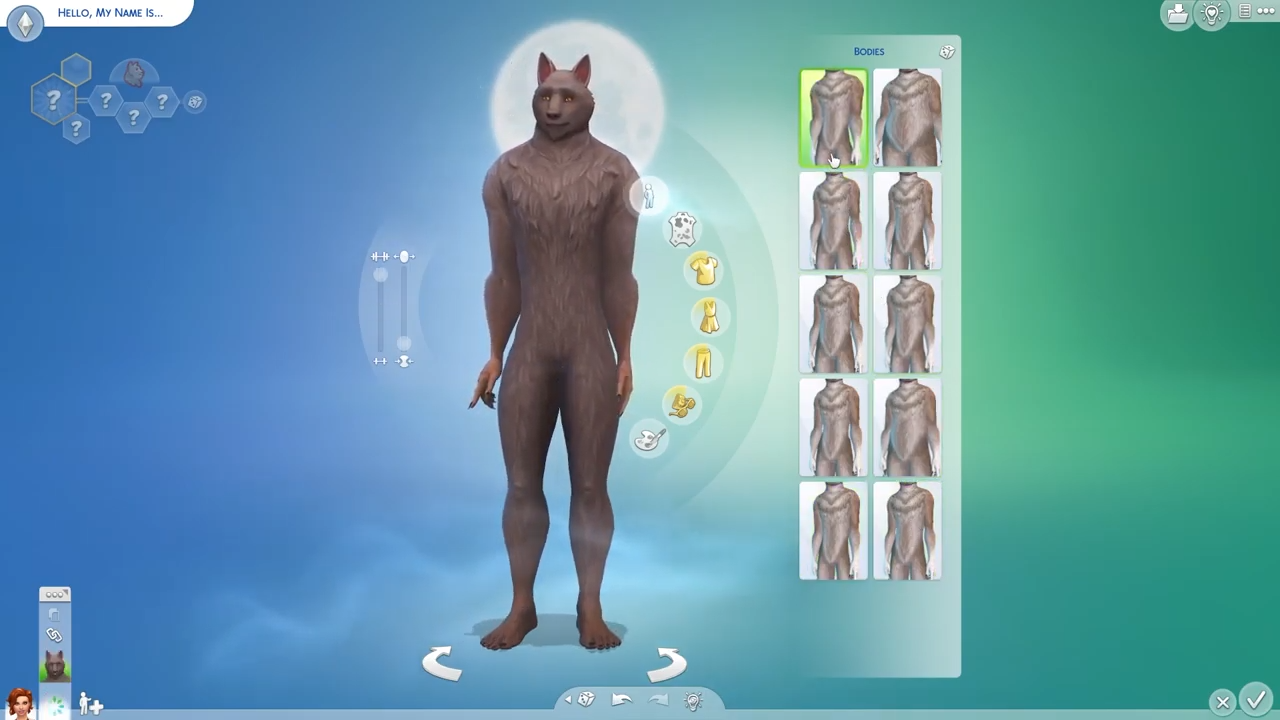
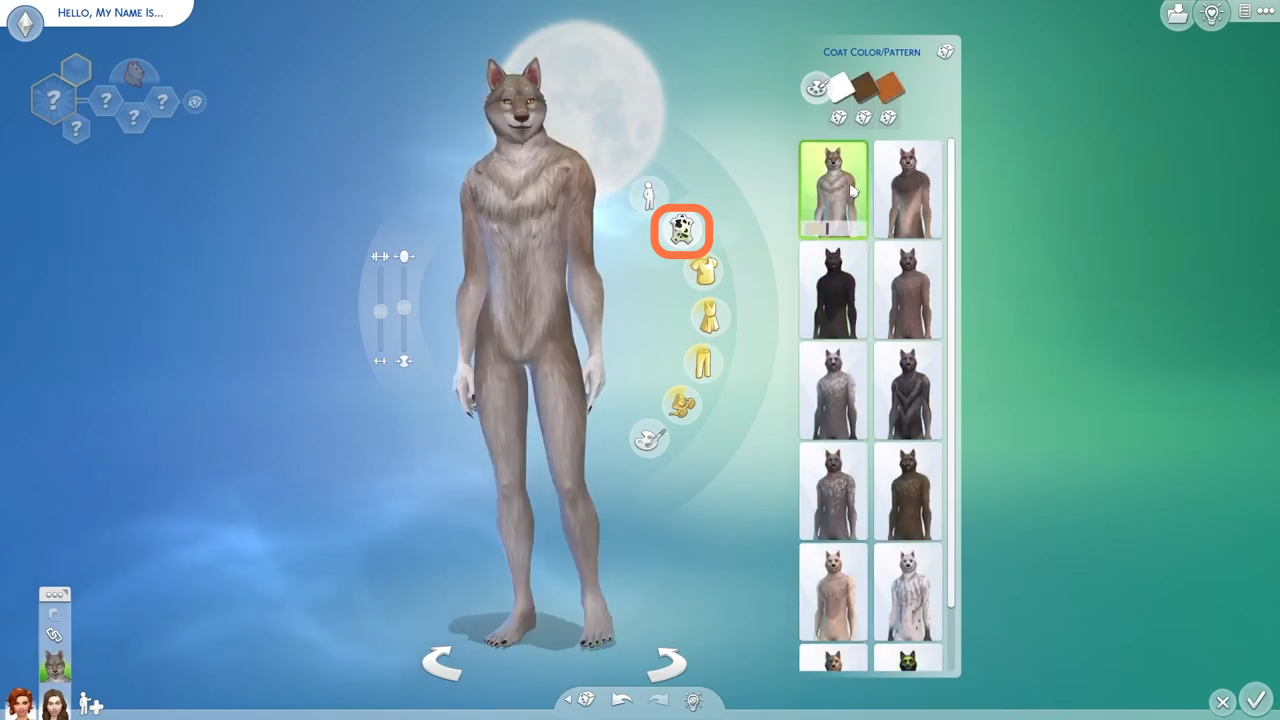
- You can also choose color and pattern of your werewolf.
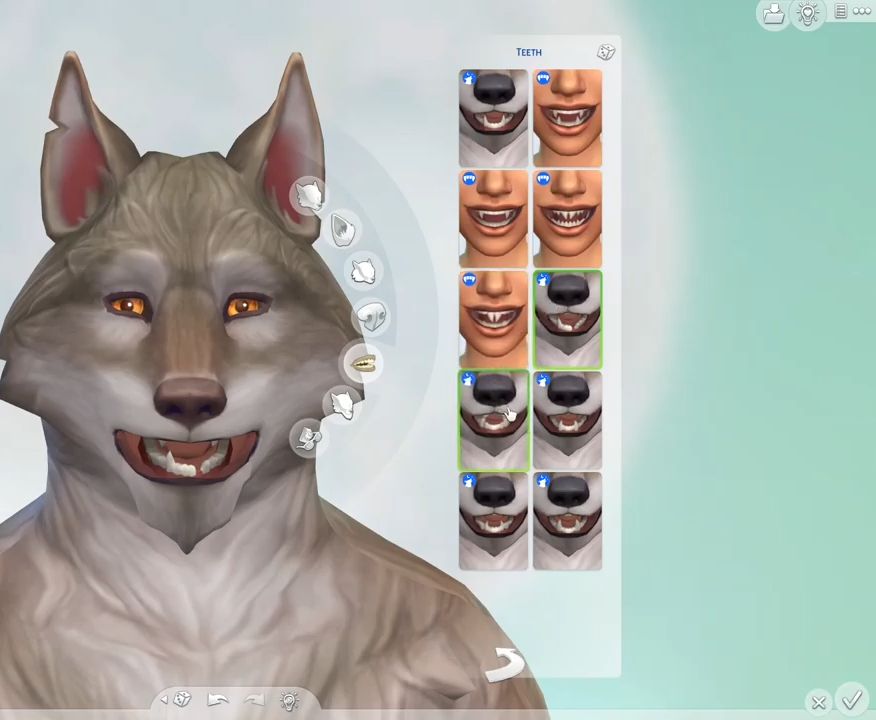
- Now click the head of your werewolf to edit eyes, ears, teeth, etc.
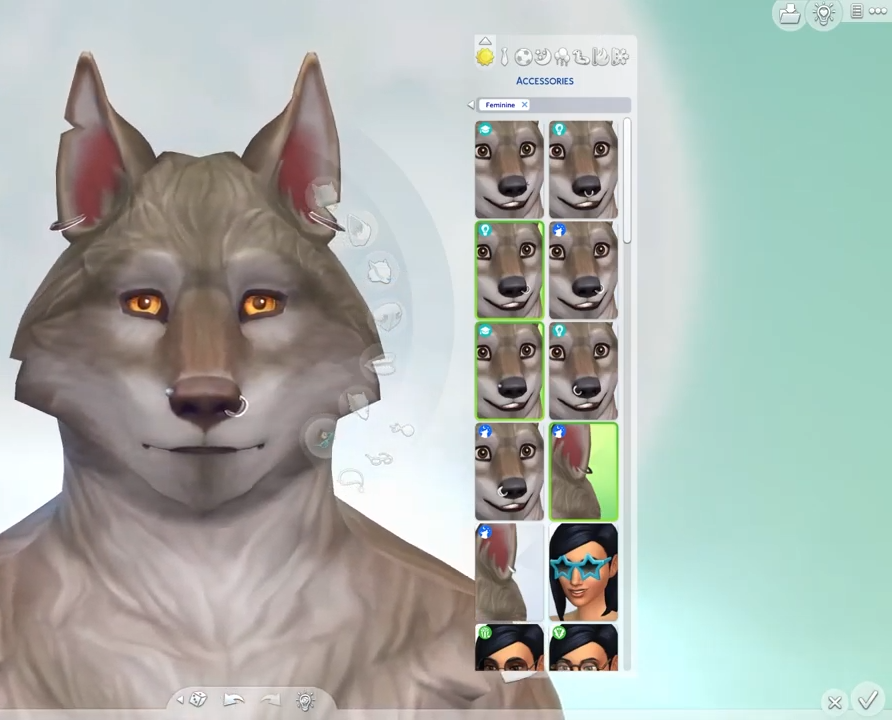
- Piercing is also available for werewolves.
- There is also a new werewolf trait. You will need to change to the sim form first.
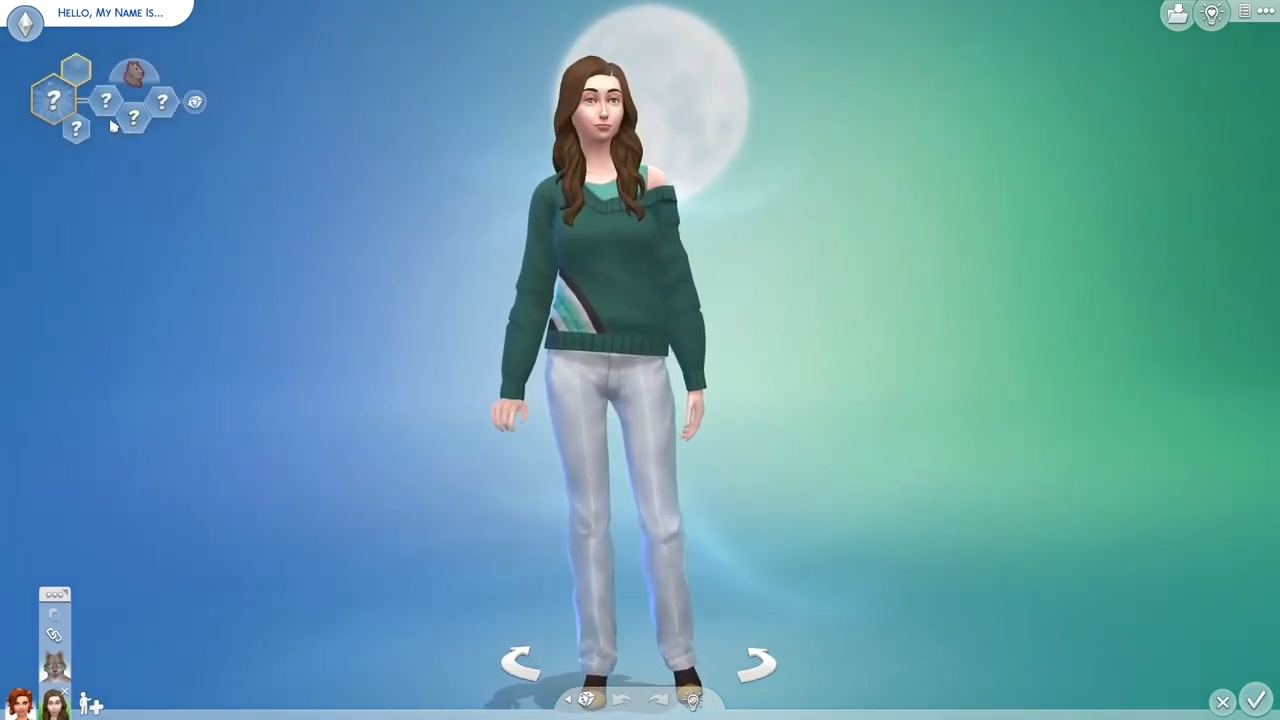
- After that, click on any question mark from the net at the top left corner of the screen and select werewolf from the grid.