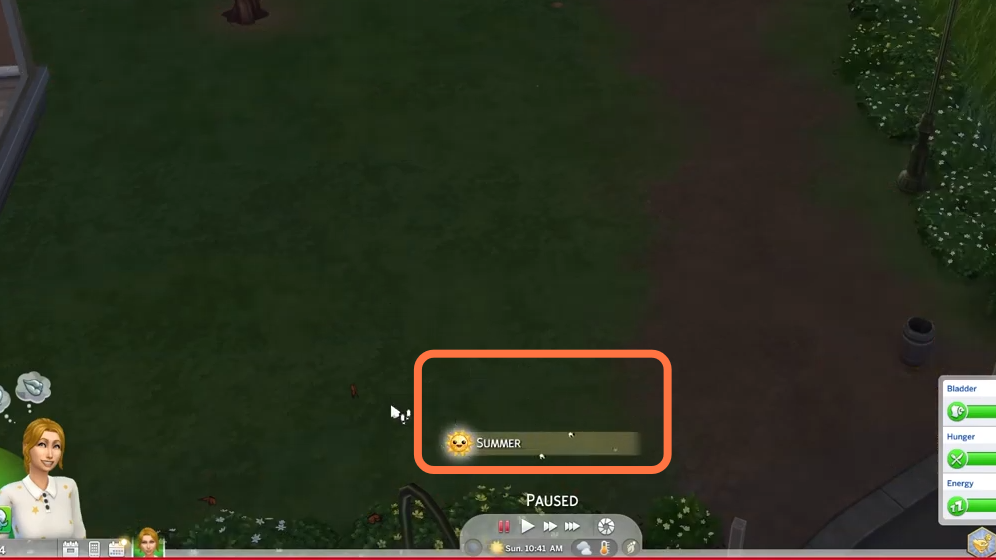
How to Change The Season (Cheat) - The Sims 4
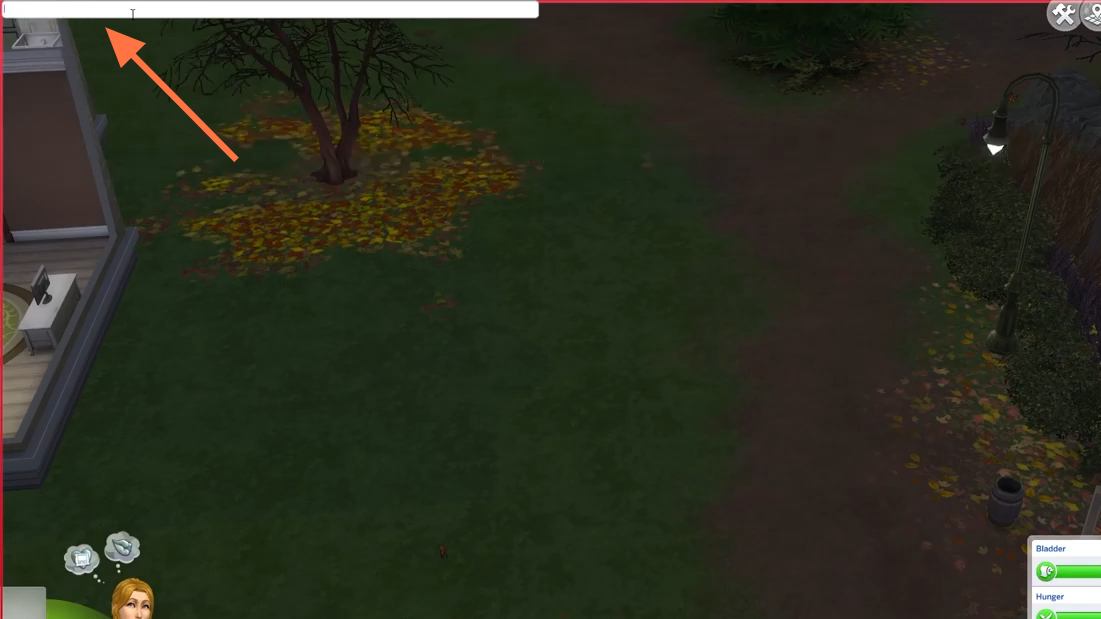
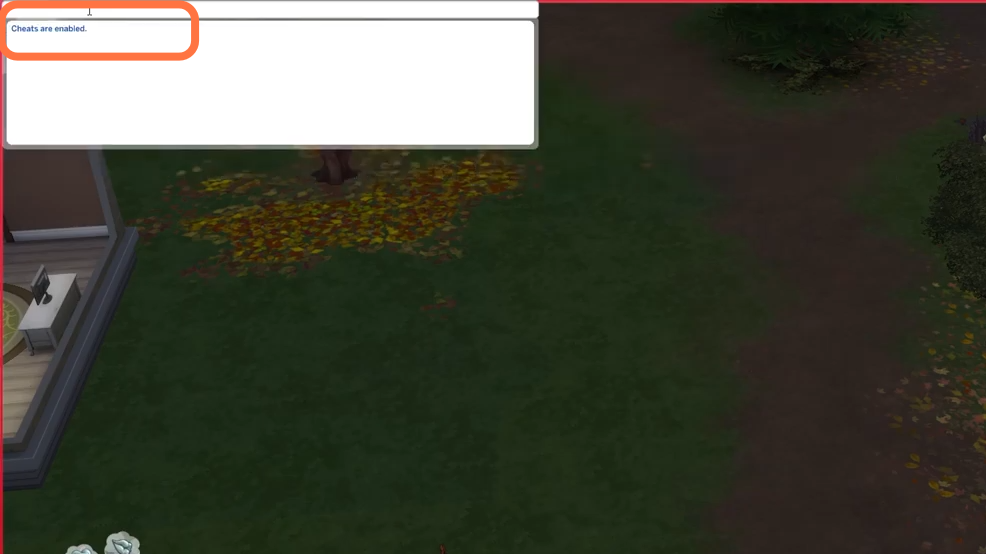
2. Type in "testingcheats true" and hit enter on your keyboard to enable cheats.
3. After that, type in "seasons.set_season 0" and hit enter on your keyboard to execute the cheat. 0 will change the season to summer, and 1 will change the season to fall and in the same way, 2 will change it to winter and number 3 is set for the spring season.