How to Change Hold to Sprint Mode on GTA 5
In this guide, you will find how to change hold to Sprint Mode on GTA 5.
- The first thing you need to do is press the options button on your controller.
It will take you to a new screen. - Scroll to the extreme right side and click the settings tab from the menu.
- After that click the control option from the left side.
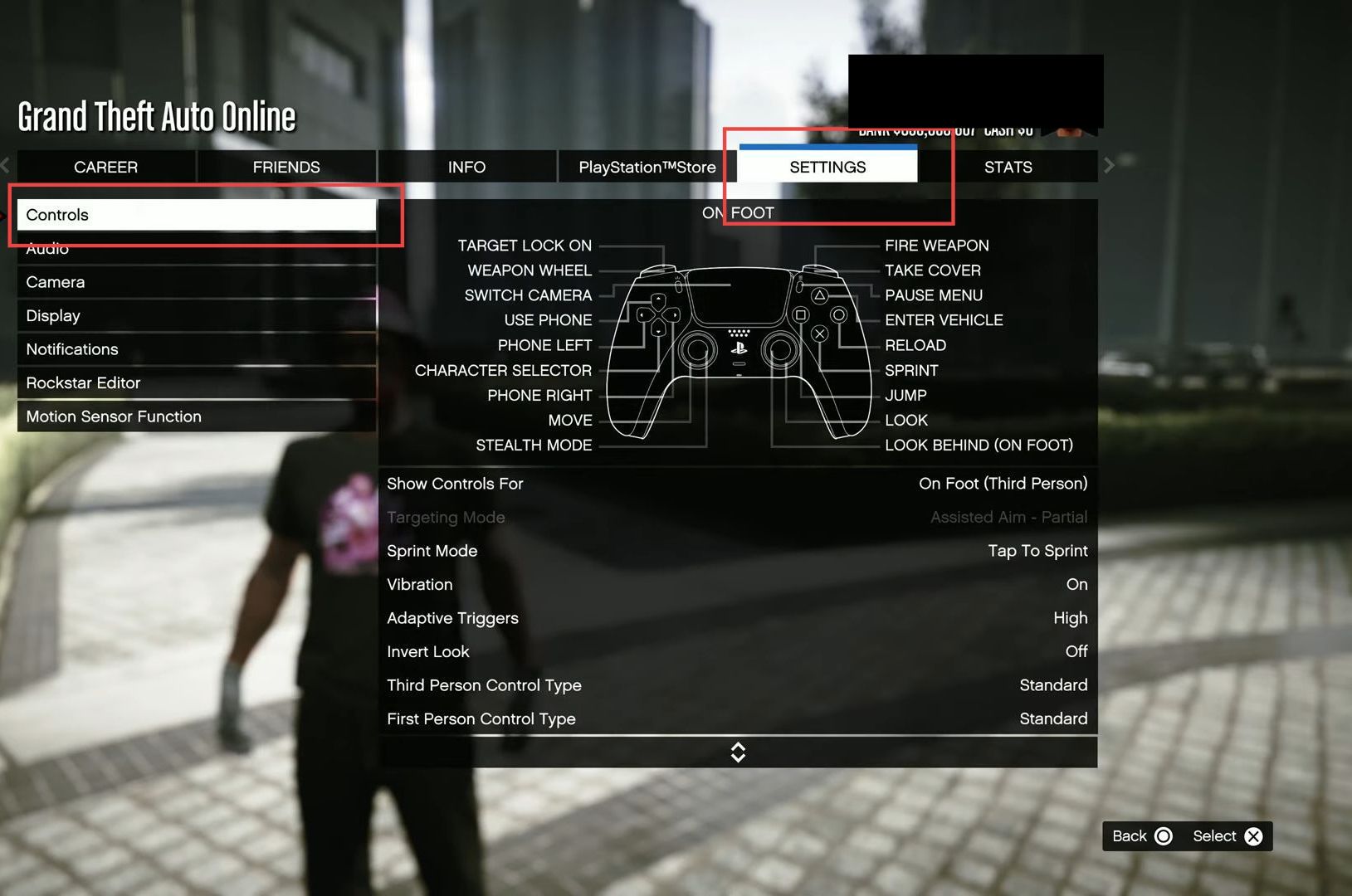
- Now press the sprint mode option and set the toggle to hold to sprint mode.
- After that, you have to push the control stick slightly forward to make the sprint mode.
While punishing the stick to completely forward will allow you to jogging mode.
