Glacial Awakening Mod: How To Download And Install In Minecraft
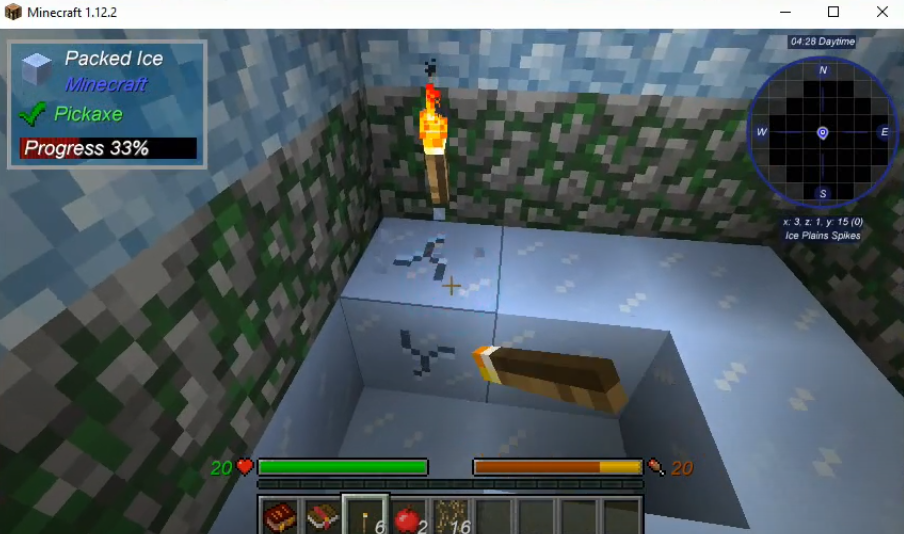
The GLACIAL AWAKENING modpack consists of several quests. You will find yourself locked in a chamber deep inside a glacier. You have to break out the chamber with limited resources and space. You will be guided through a progression of ice and snow.
Follow the following steps to install Glacial Awakening MOD 1.12.2 in Minecraft:
- Open the link below and click on "Download for Windows".
https://www.twitch.tv/downloads

- Click on Install.

- Login with your account details.

- And navigate to Settings.

- Click on Minecraft and set the Allocated Memory to 6144 MB.
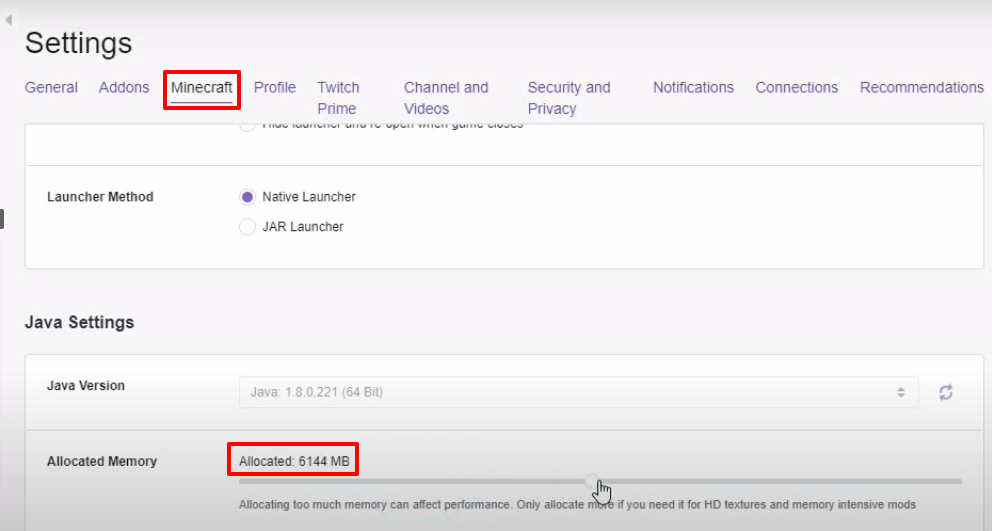
- Click on Mods and then tap on Minecraft.

- Click on Install.
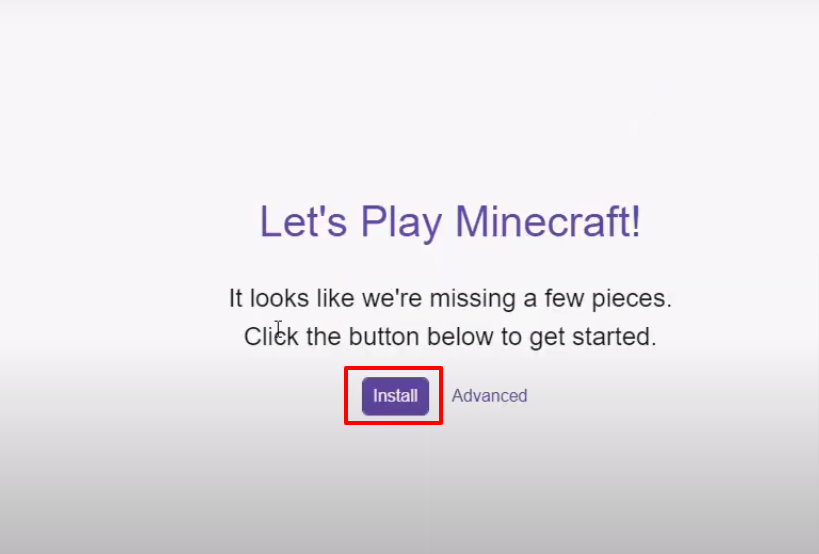
- Click on Browse Modpacks, search for glaci in the search bar and click on Install.

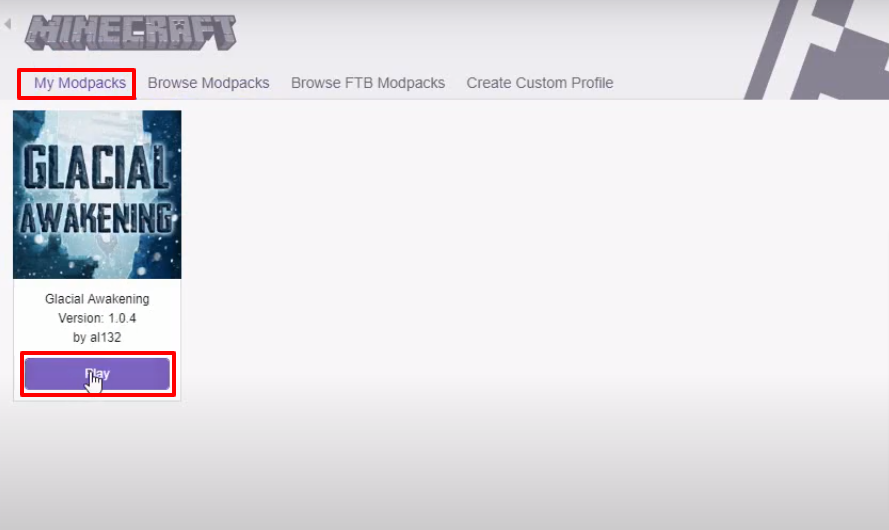
- Click on My Modpacks and then tap on the Play button.
- Log in with the account details.

- Click on Java Edition, then select Glacial Awakening and click on Play.

- Click on installation, then tap on the three dotted icon and then click on Edit.
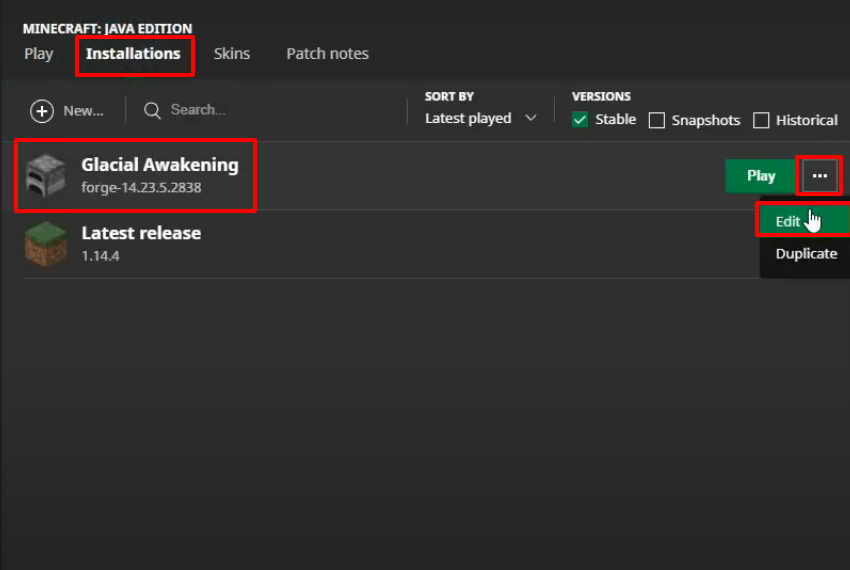
- Make changes as shown in the image below and then press Save.

- Click on PLAY.

- After that, you will need to click on options….
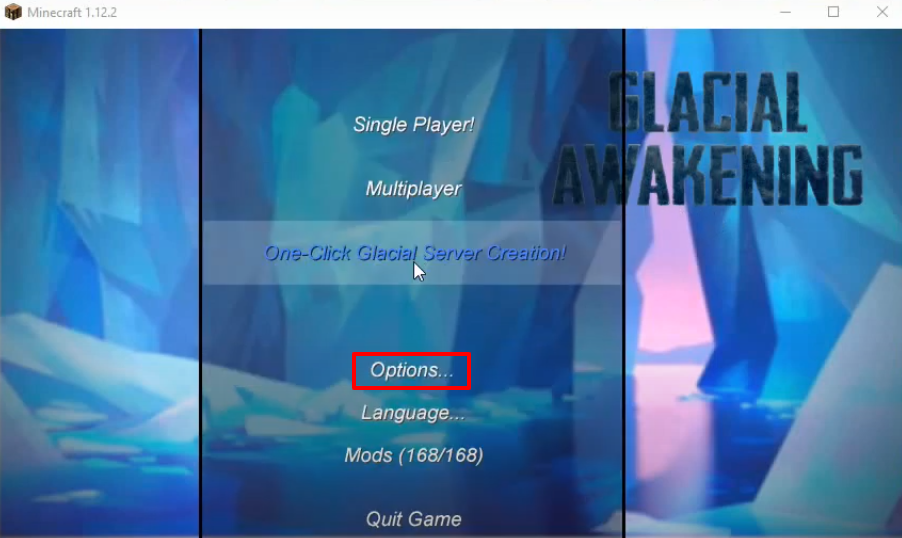
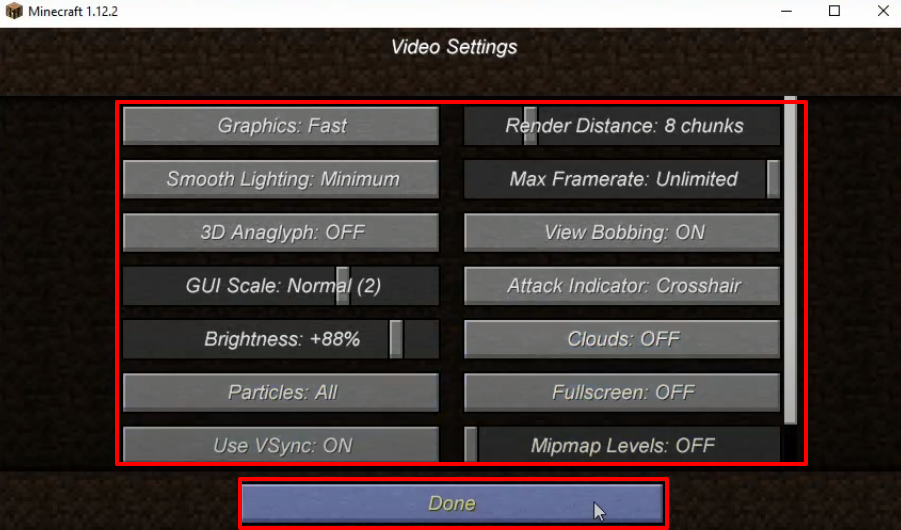
- Click on Video Settings.

- Make changes as shown in the image below and then click on Done.
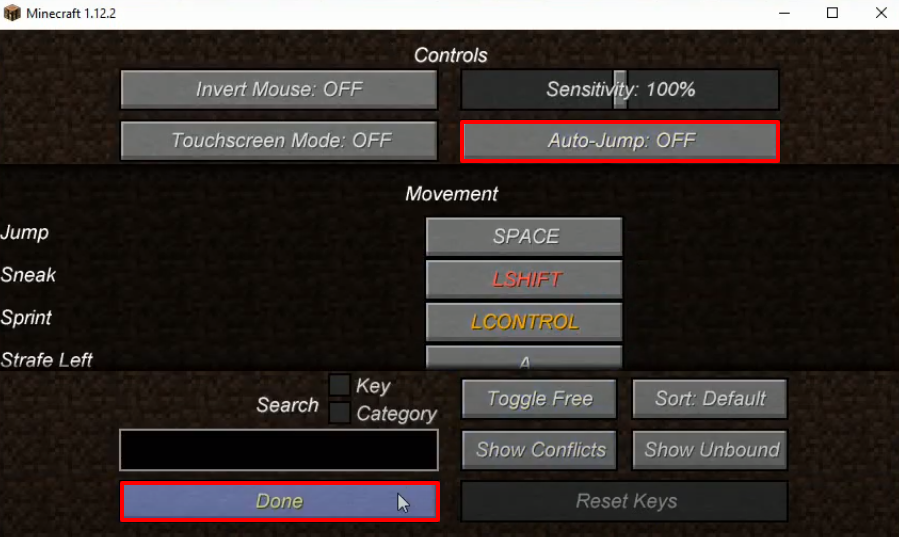
- Click on Controls.

- Make the change as shown in the following image and click on Done.
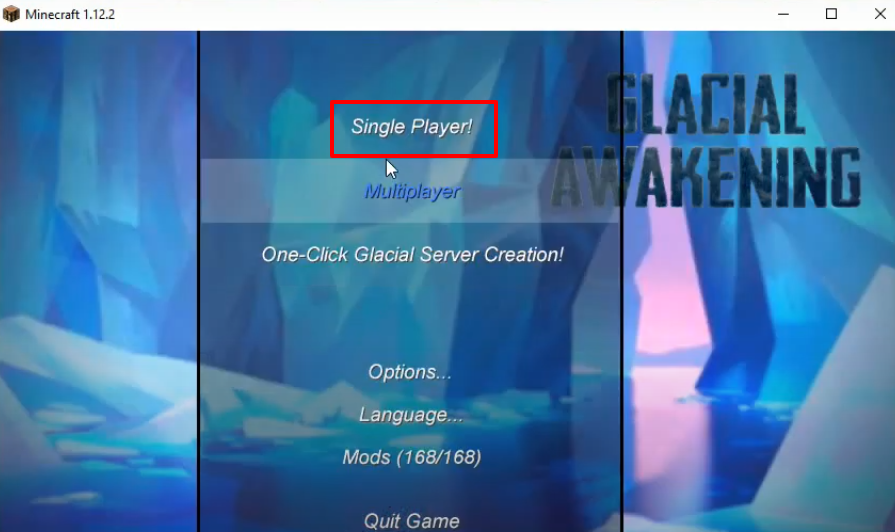
- Now you have to click on Single Player.
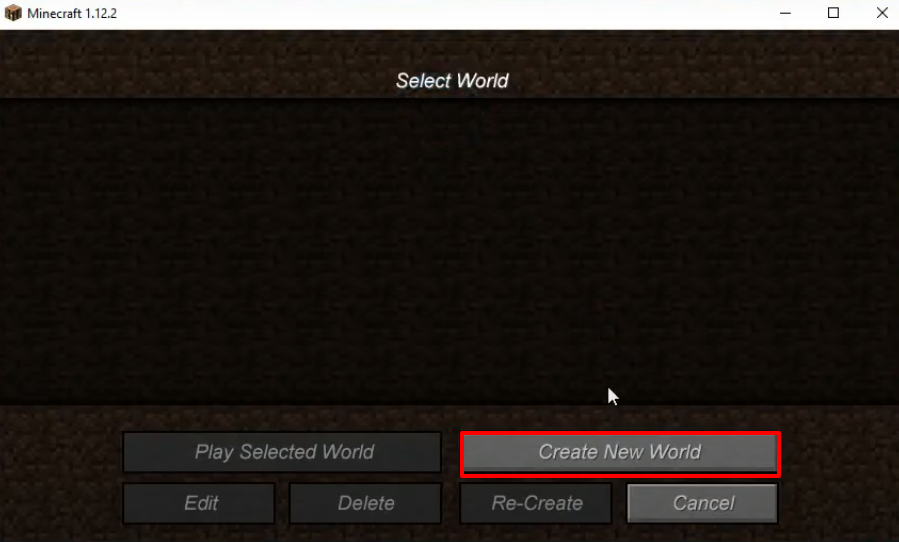
- And then tap on Create New World.
- Make changes as shown in the image below and then click on Create New World.

- Explore and enjoy the game.