Fortnite Device Not Officially Supported Error (Fixed)
You can fix this error by following all the instructions below.
1. First, you will need to Uninstall Fortnite.
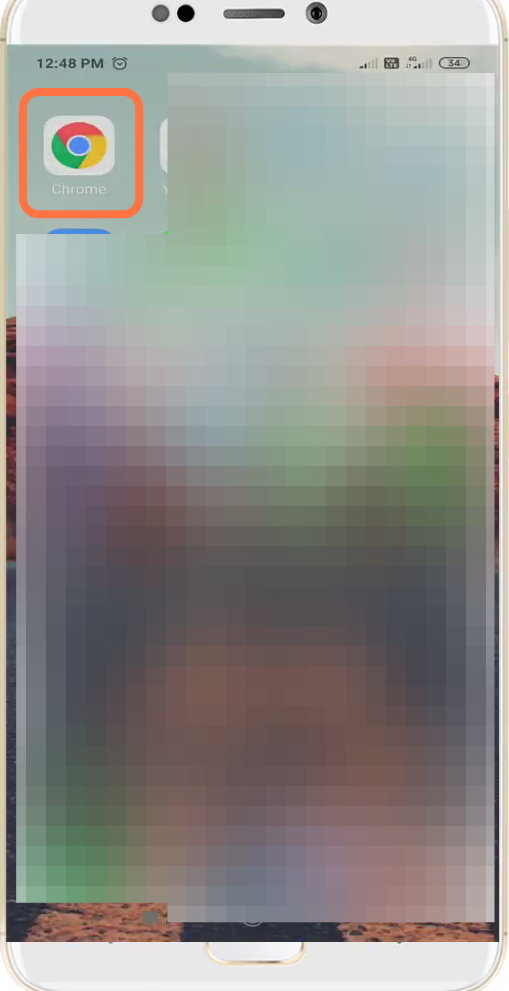
- And go to Google chrome.
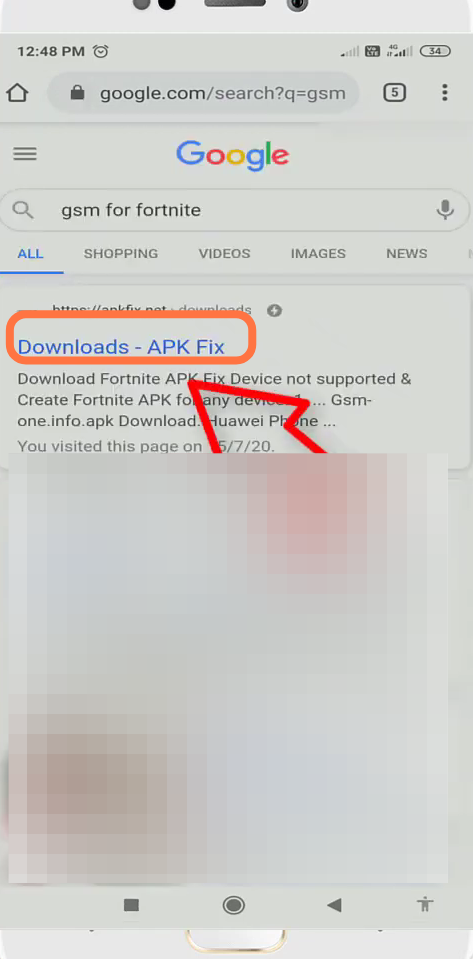
- Type "gsm for fortnite" and open the very first link.
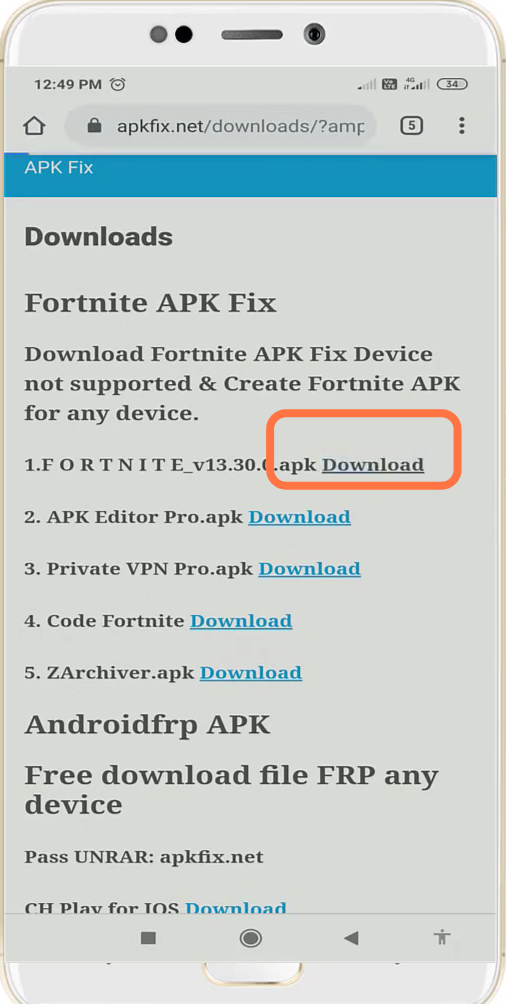
- After that, click on apk download.
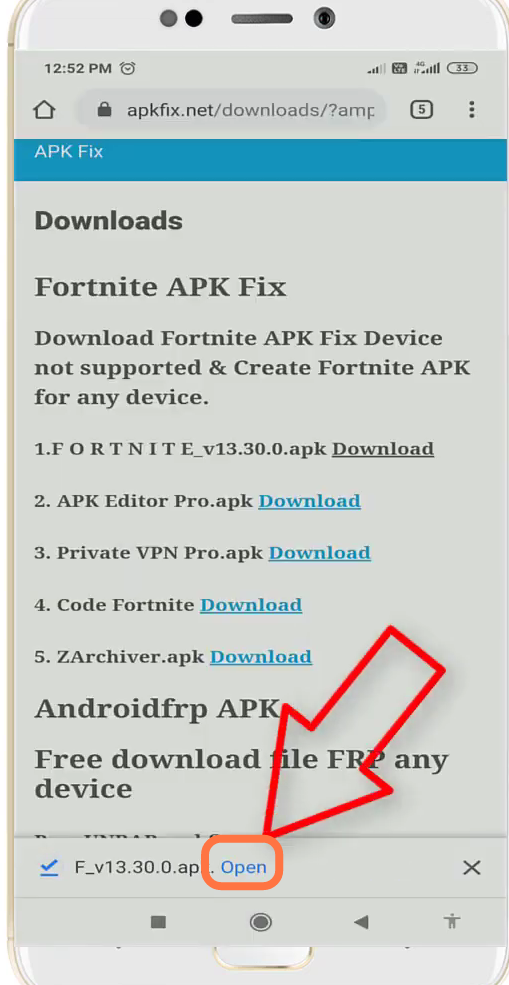
- And open up the downloaded file.
- Next, you will need to click on Install.
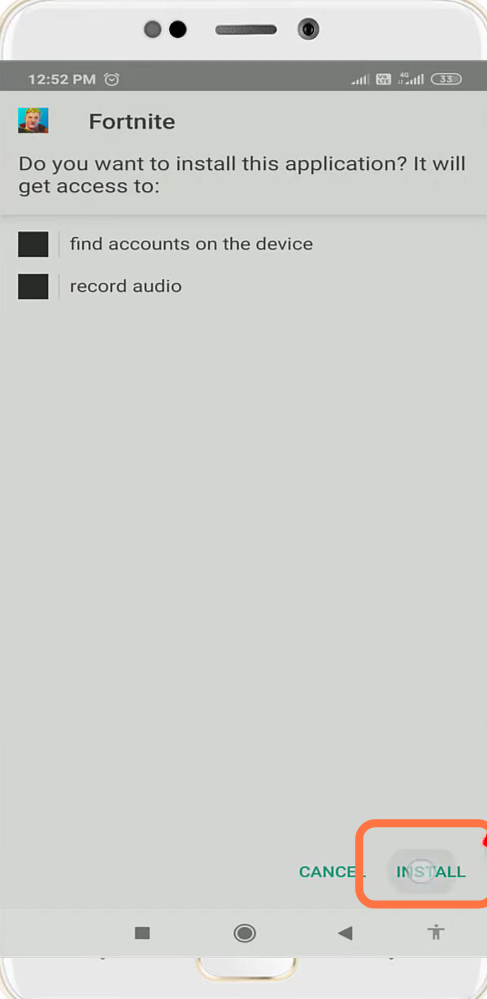
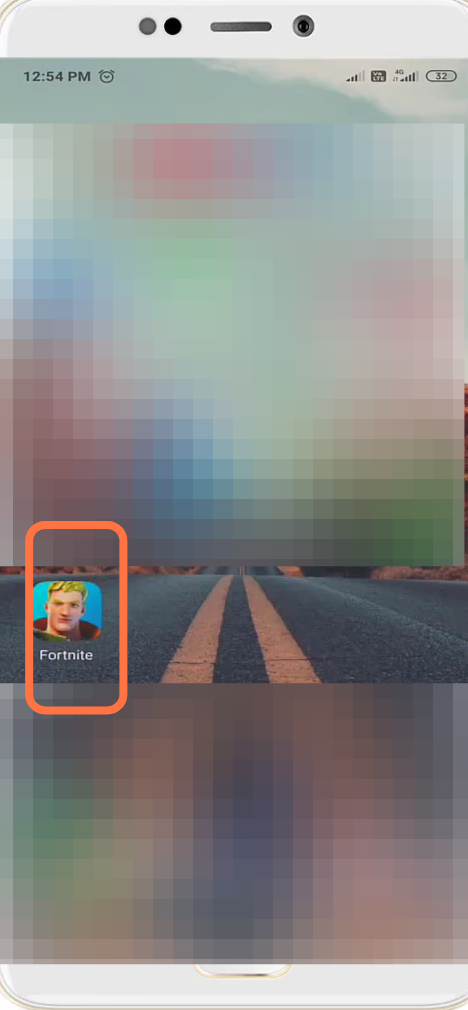
- And open up the installed game.
- You have to click on "Yes, Find My Account".
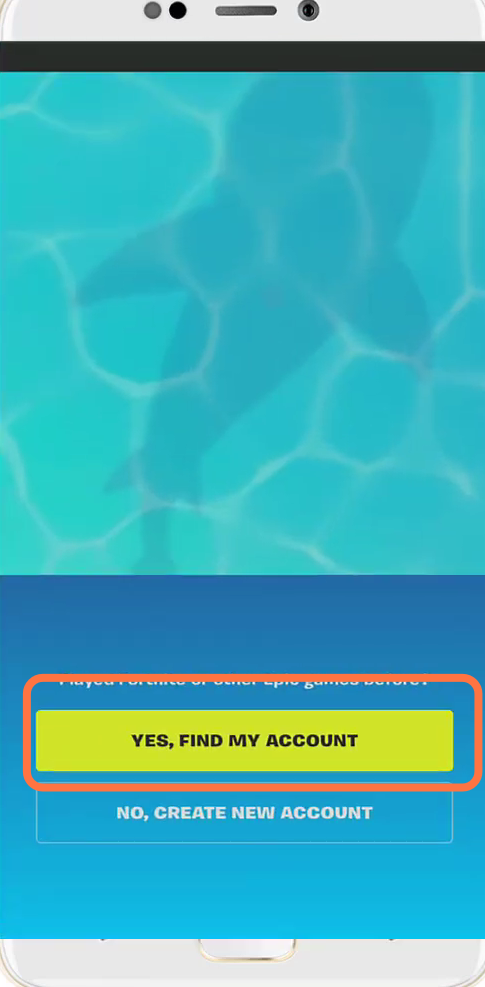
- And then click on "sign in with epic games".
