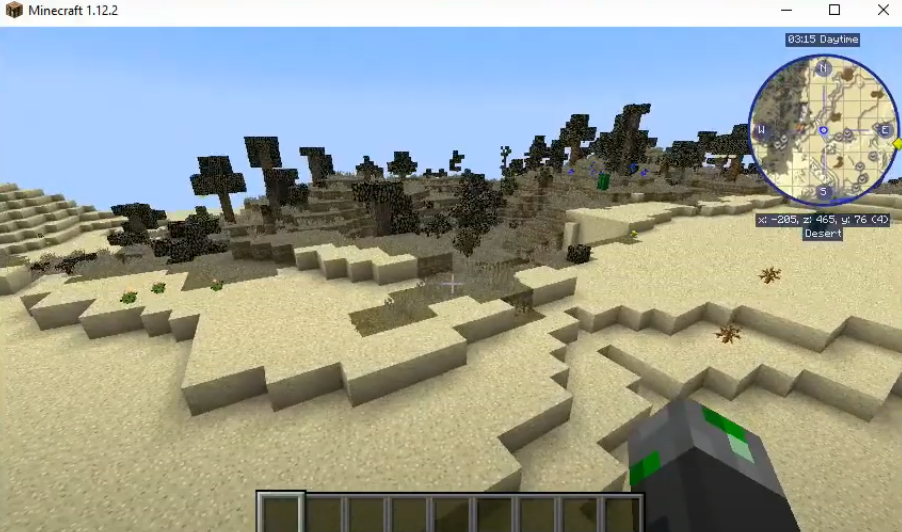
FC Modpack : How To Download And Install In Minecraft
FUNCRAFT is a modpack designed to let the players enjoy the game. It doesn’t involve any kind of quests or puzzles to solve. This is a very light mod to showcase your creativity in the game
Follow the steps below to install FC Modpack 1.12.2 in Minecraft:
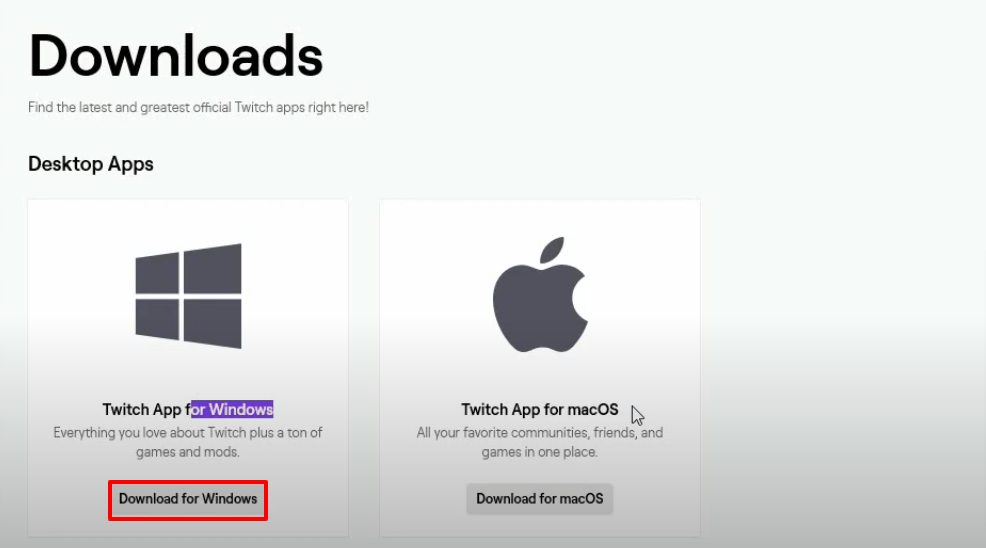
- Open the link below and Download the twitch app.
https://www.twitch.tv/downloads
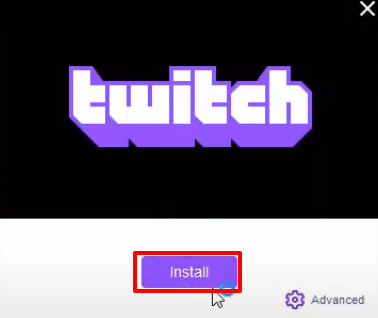
- Click on Install.
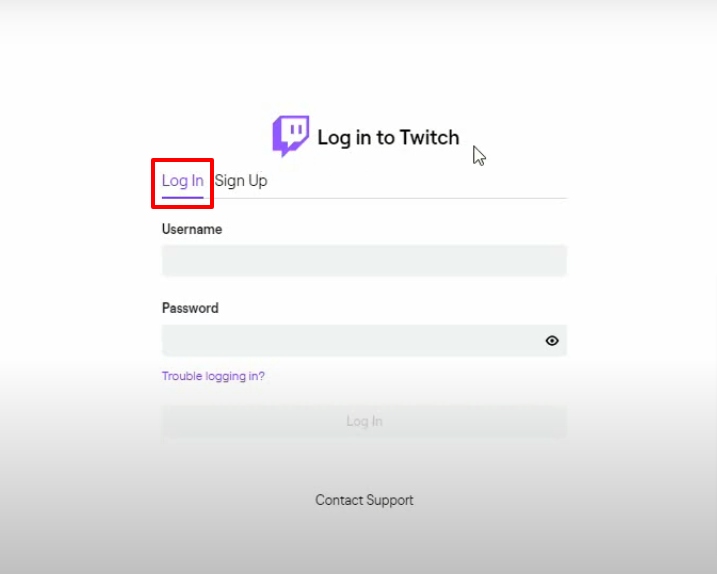
- Login with your account details.
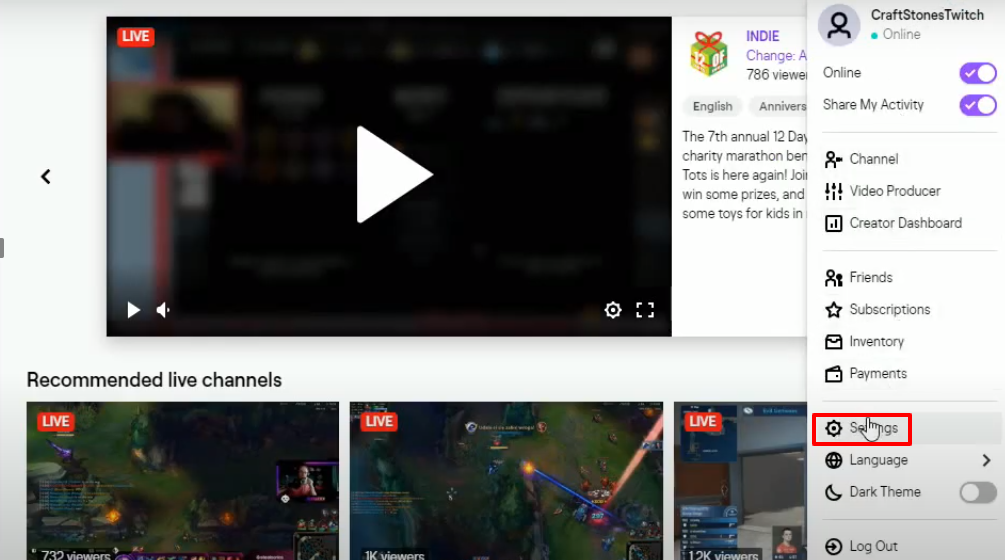
- Click on Settings.
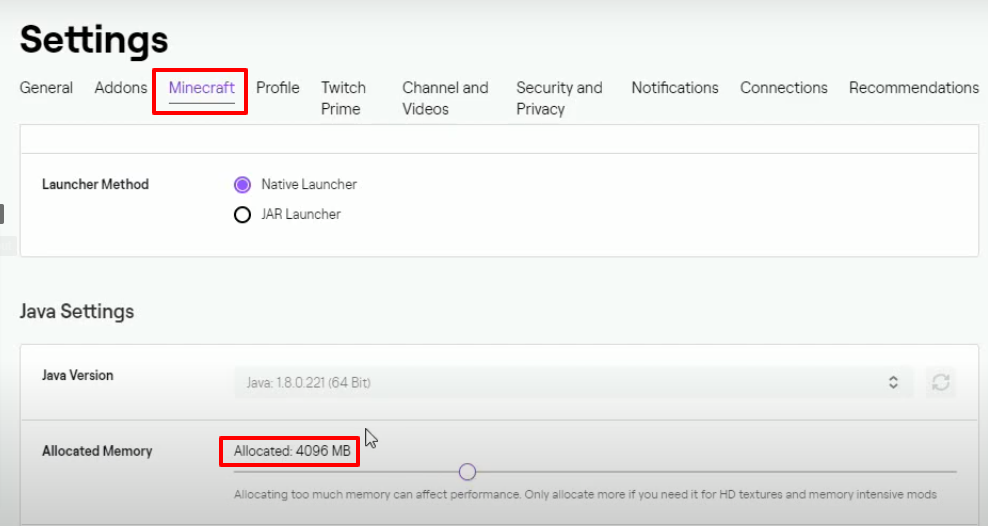
- Click on Minecraft and set the Allocated Memory 4096MB.
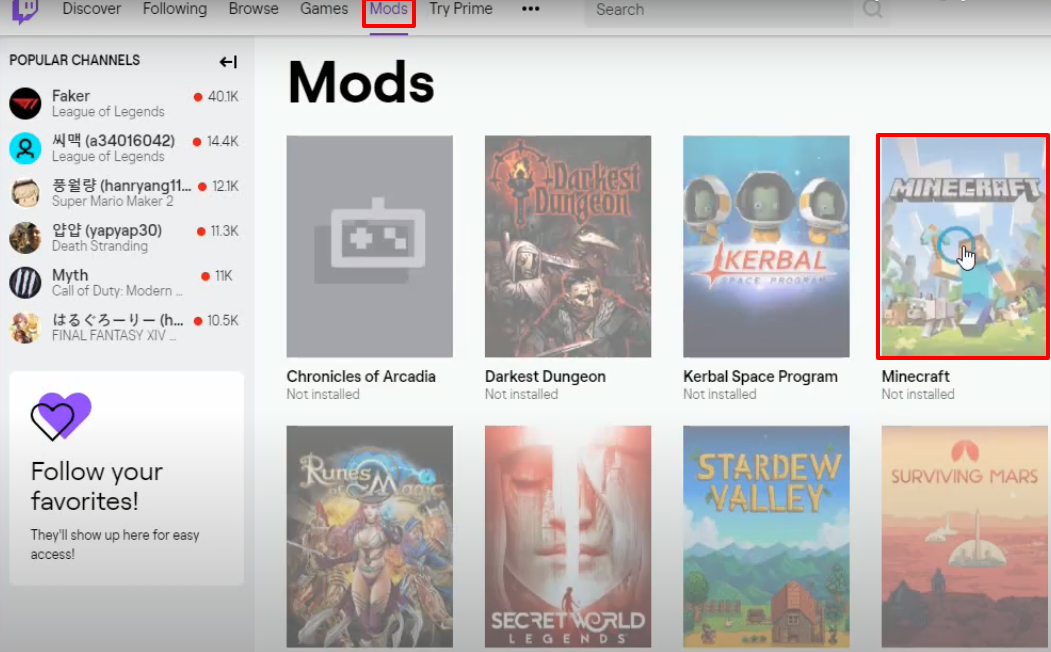
- After that, click on Mods and then click on Minecraft.
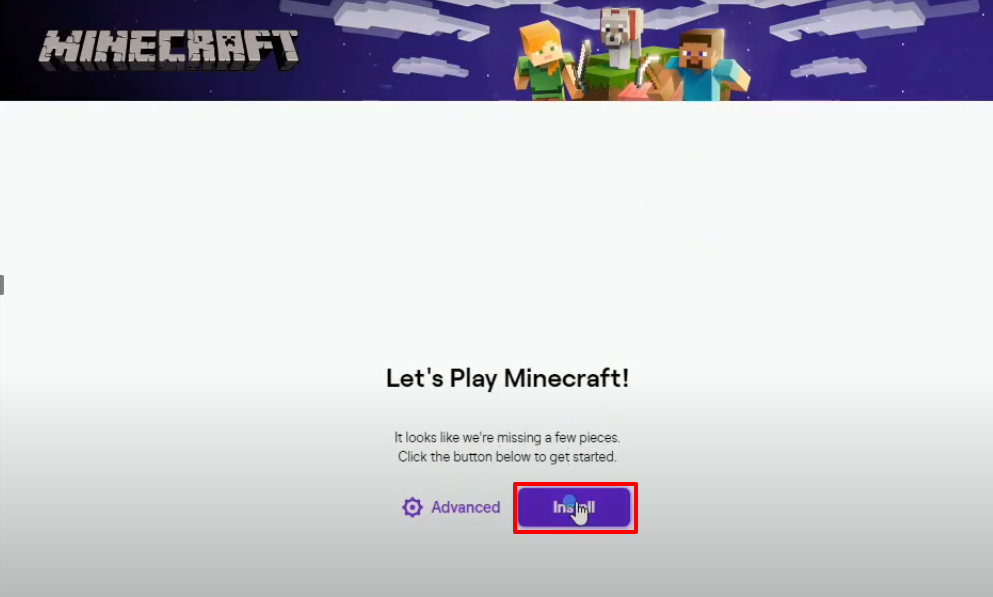
- And then you will need to click on Install.
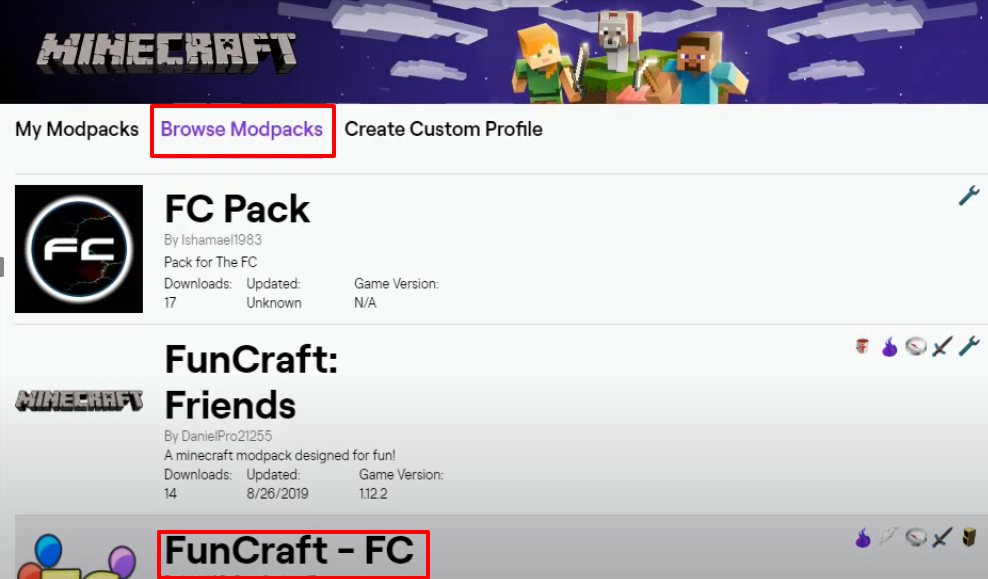
- Click on Browse Modpacks, look for FunCraft-FC mod and then click on Install.
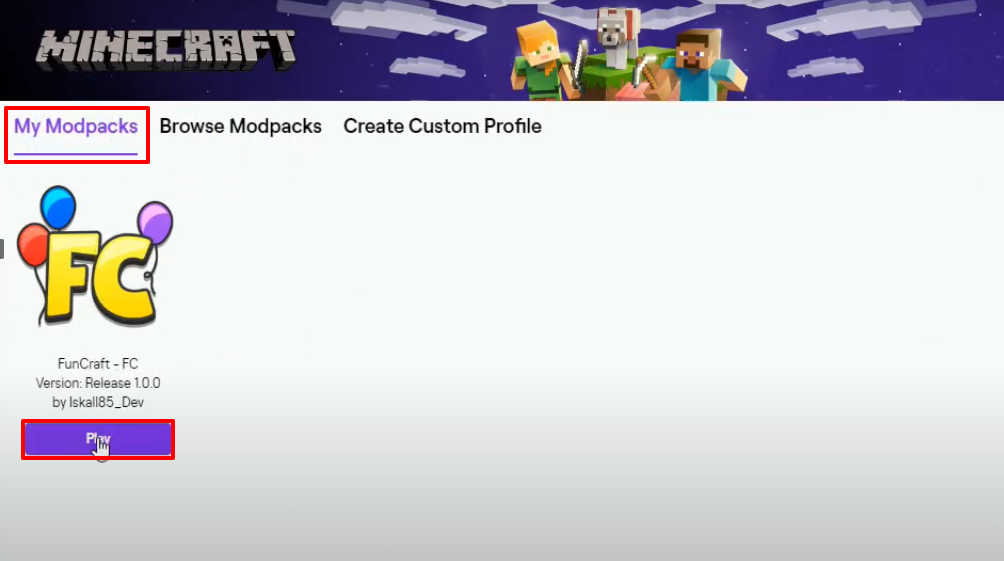
- Click on My Modpacks and tap on the Play button.
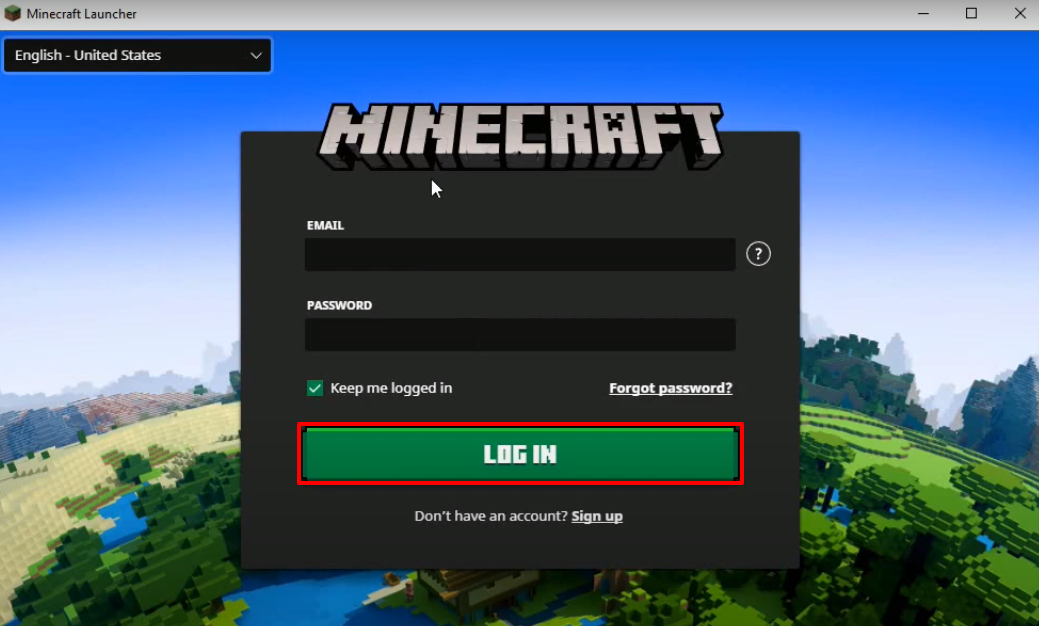
- Login with your account.
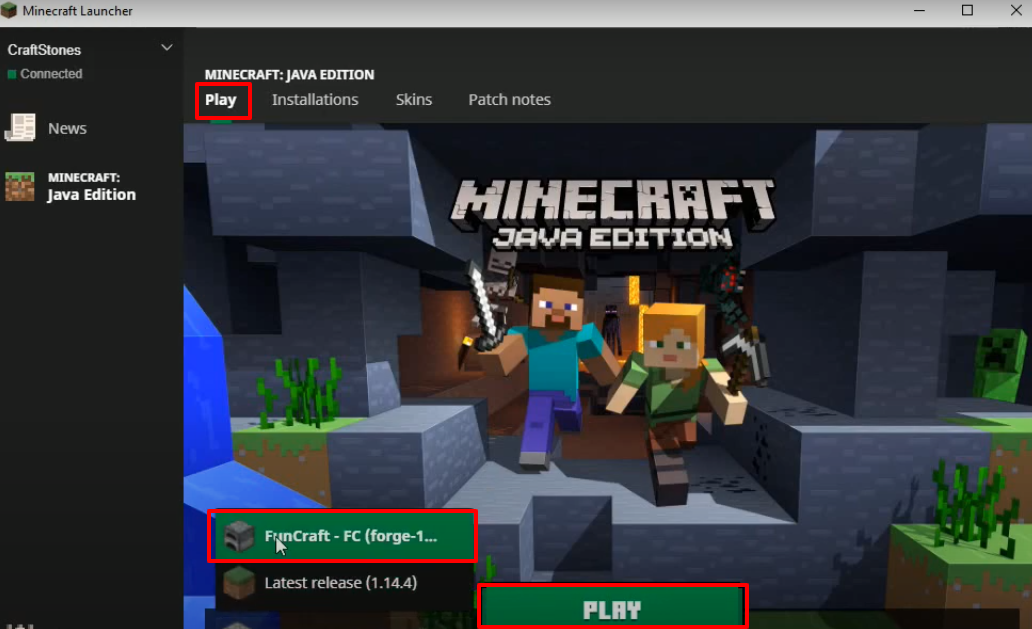
- Click on Play, select FunCraft-FC and then click on PLAY.
- Click on Installations, tap on the three-dotted icon and then click on Edit.
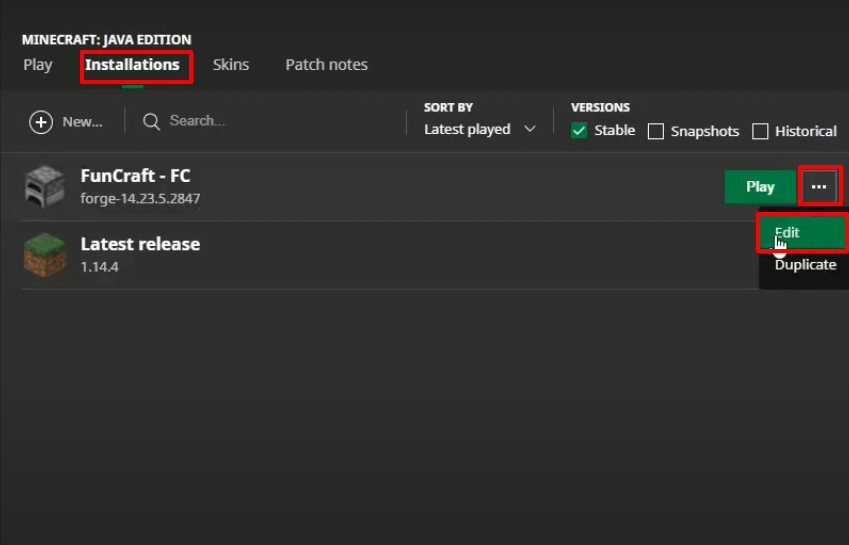
- Make some changes as shown in the image below and then click on Save.
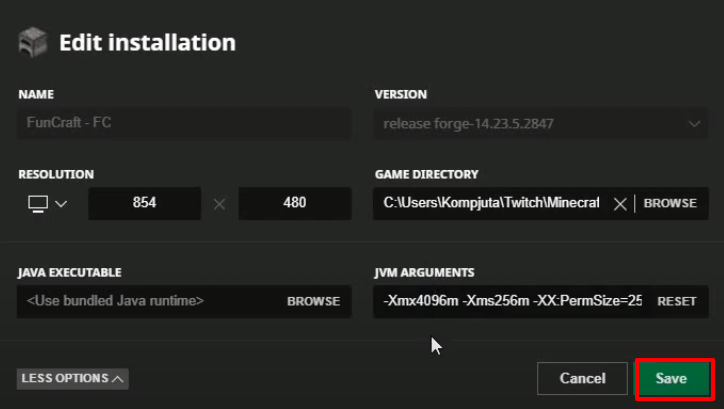
- Click on the PLAY button.
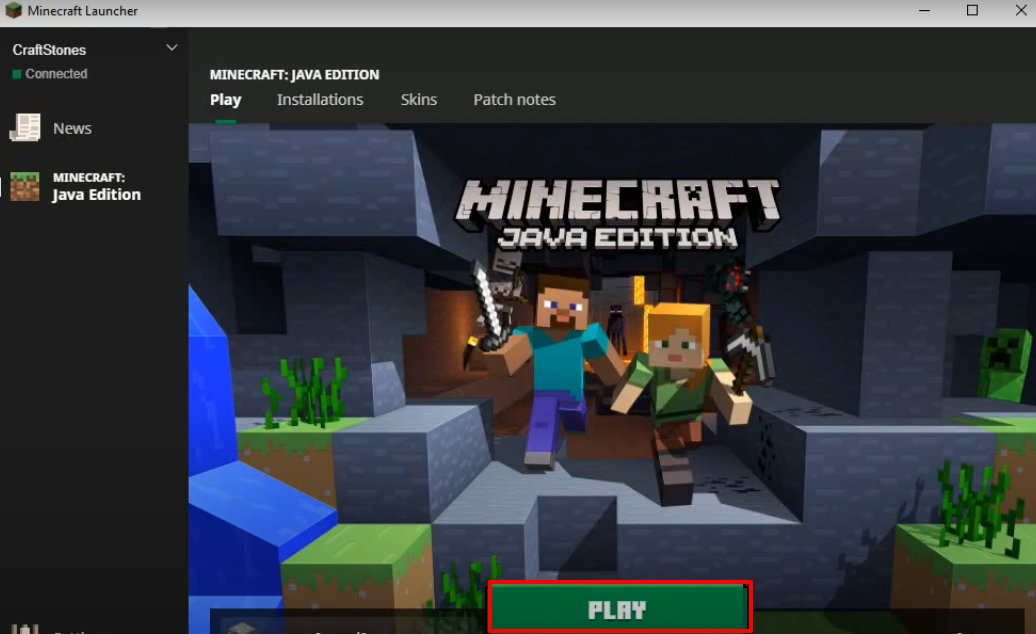
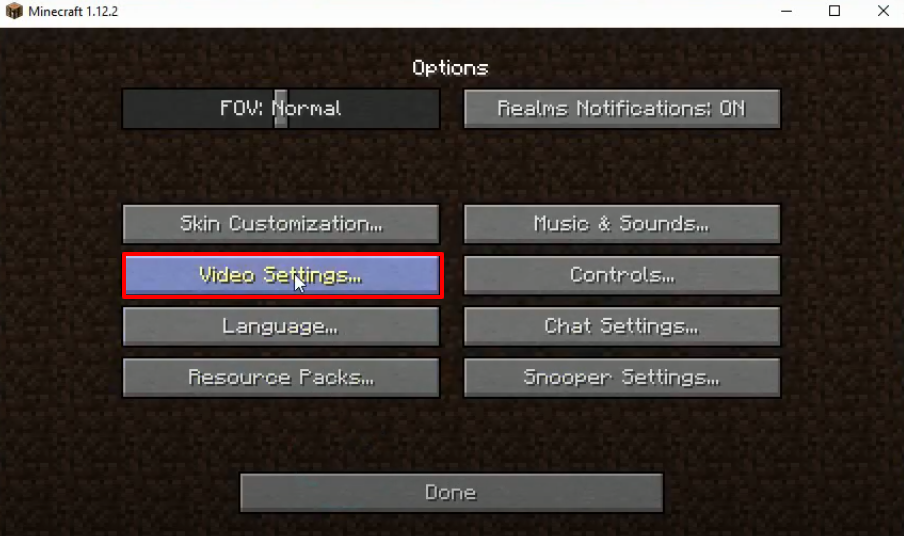
- Click on Options...
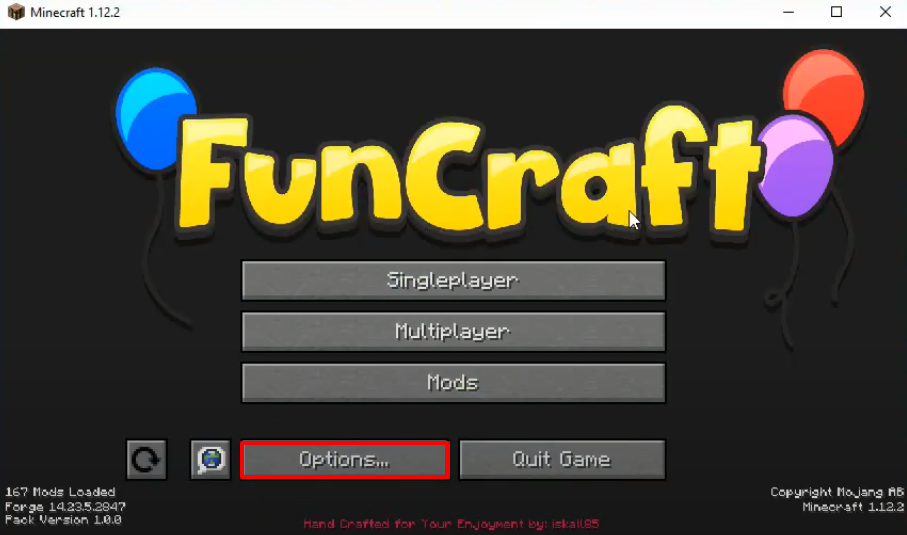
- Then tap on Video Settings...
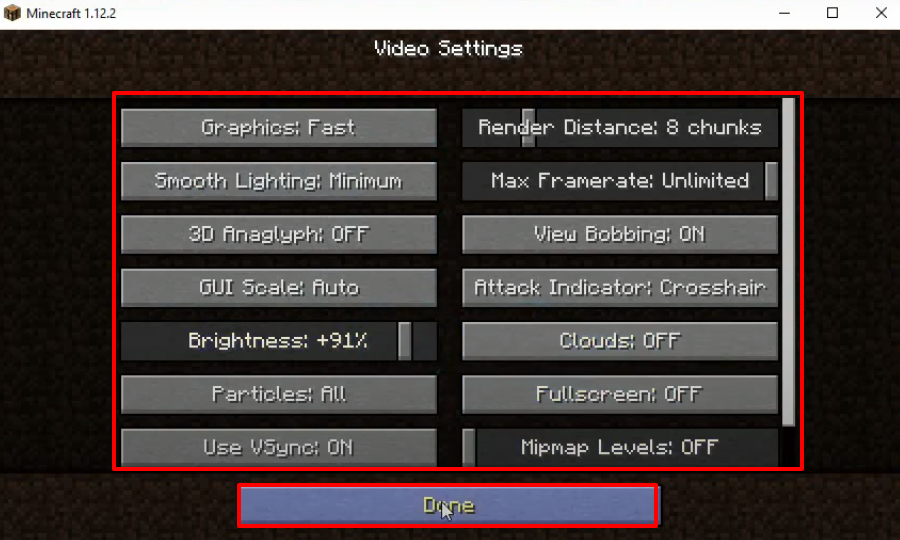
- Make changes as shown in the image below and then click on Done.
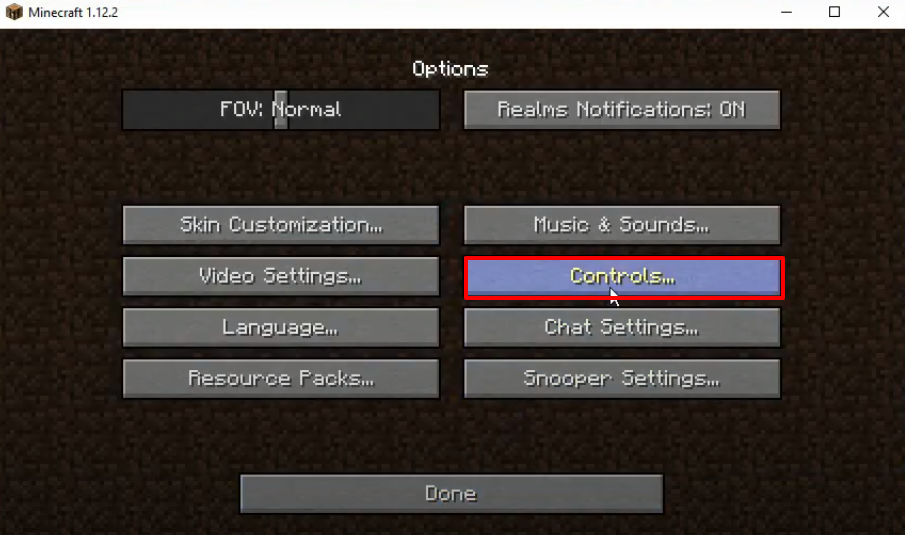
- Click on Controls…
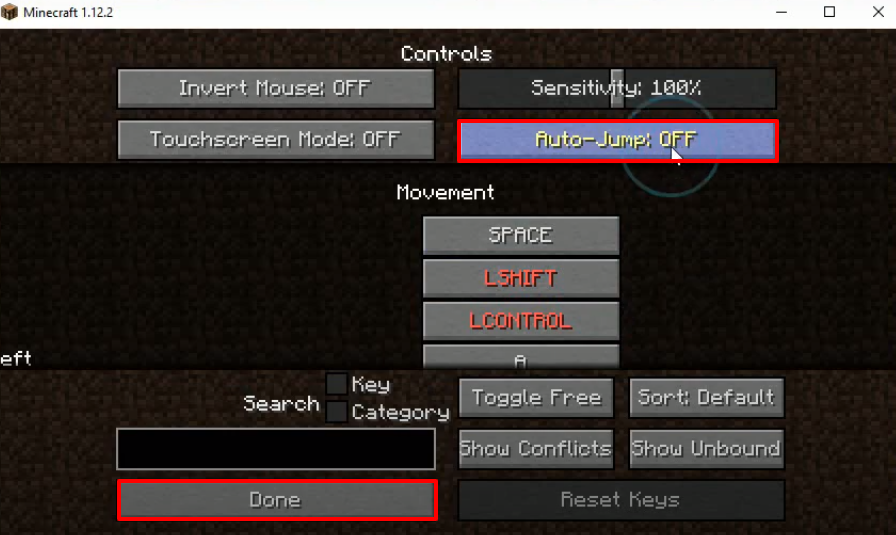
- Make some changes as shown in the image below and then tap on Done.
- Click on Done.
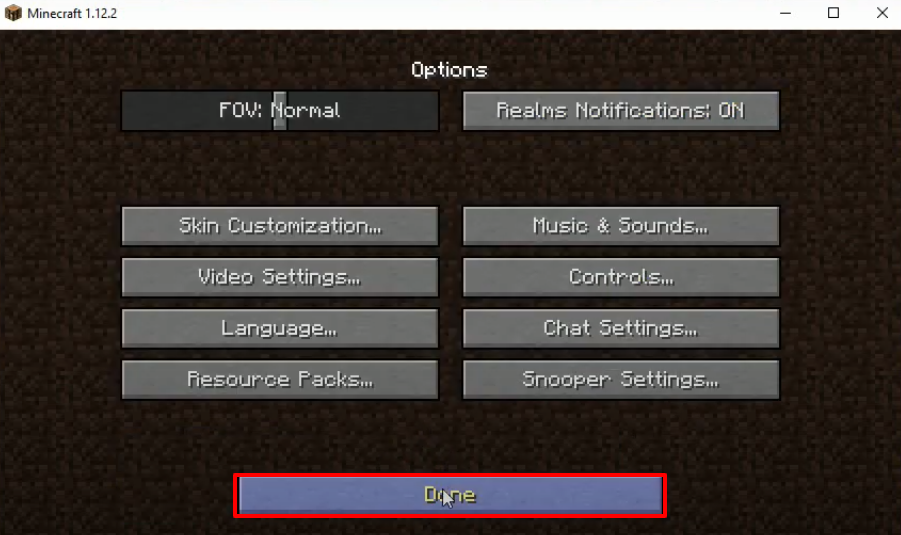
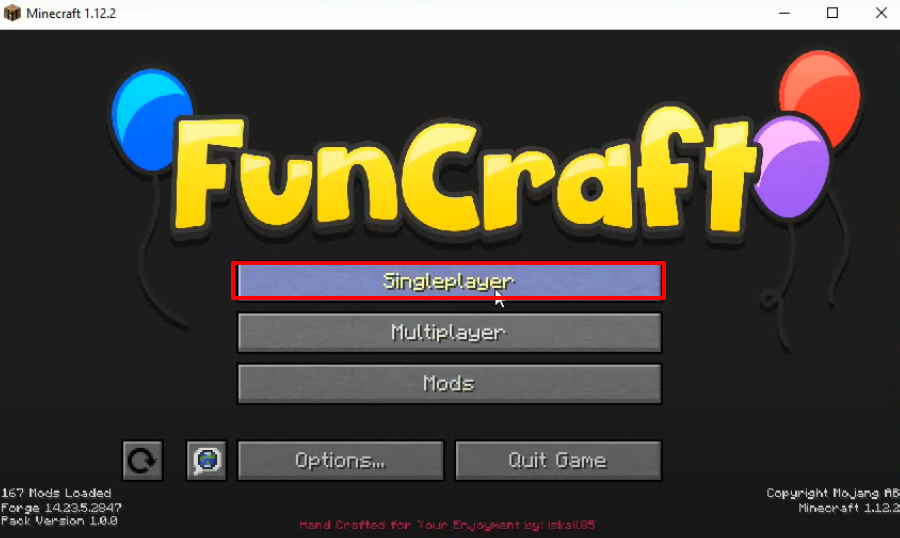
- Now you will need to click on Singleplayer.
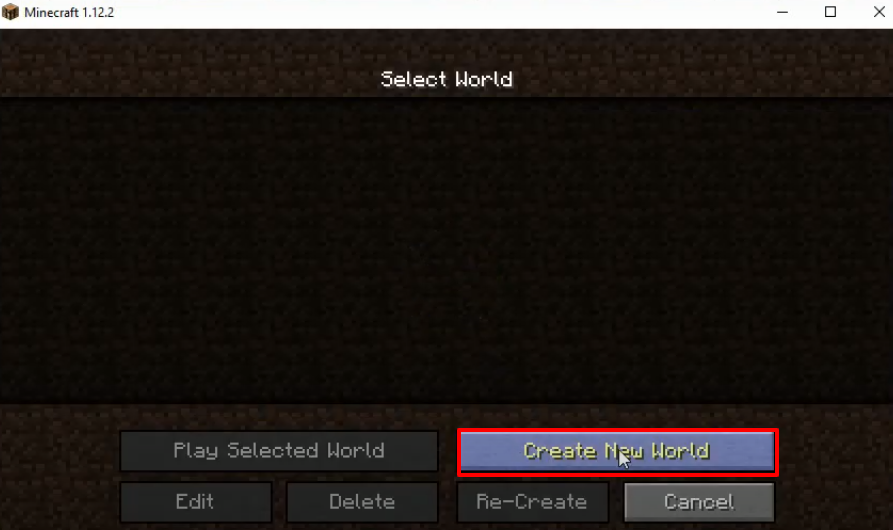
- Click on Create New World.
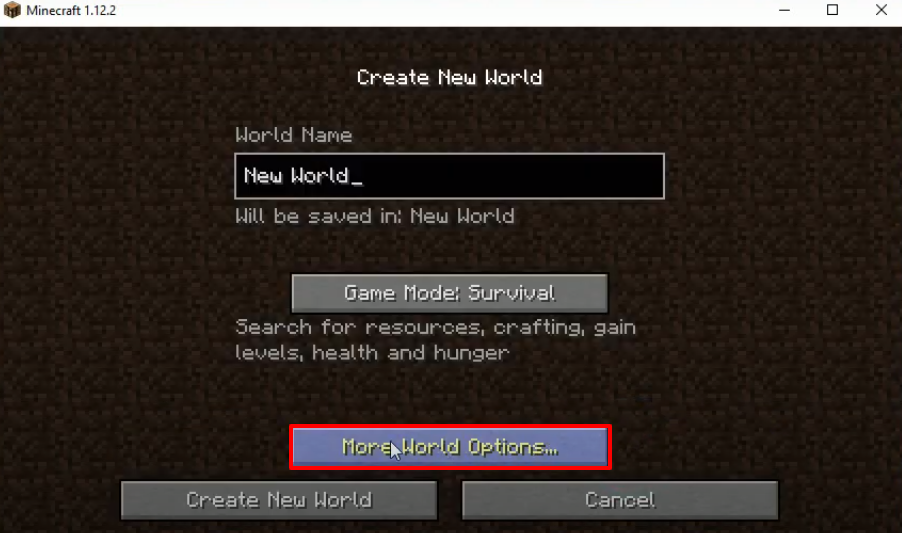
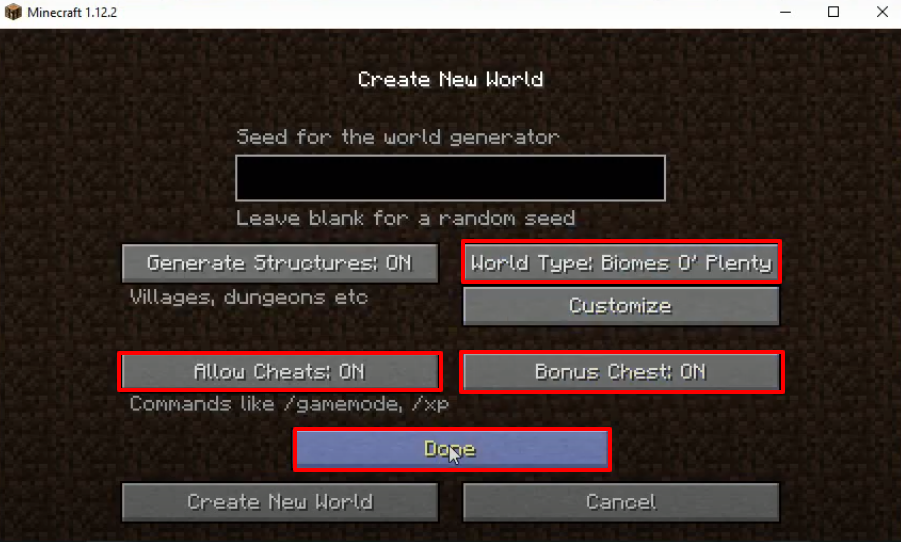
- Click on More World Options...
- Make some changes as shown in the image below and then click on Done.
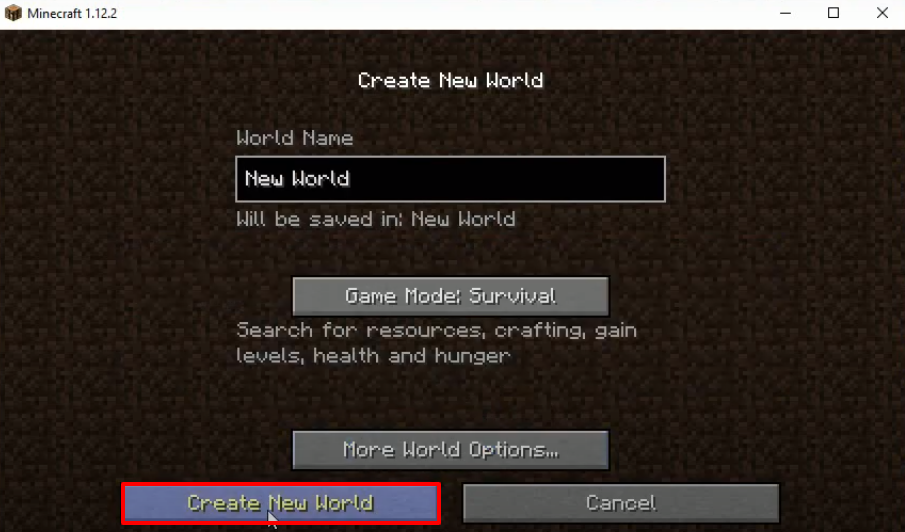
- After that, you have to click on Create New World.
- Launch the game, explore and enjoy.