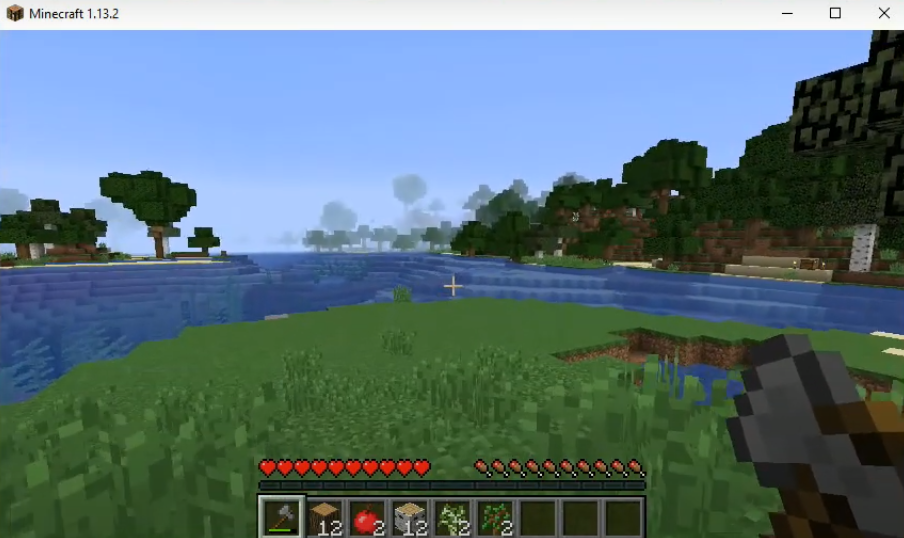
Fast Leaf Decay Mod: How To Download And Install In Minecraft
The FAST LEAF DECAY MOD speeds up the leaf decay once you cut down a tree. It will quickly decay the leaves in just a few moments. This mod basically speeds up the tree farming for the players.
Follow the following steps to install Fast Leaf Decay Mod 1.13.2 in Minecraft:
- First, download Minecraft Forge from the link below.
https://files.minecraftforge.net/net/minecraftforge/forge/index_1.13.2.html

- Download the Fast Leaf Decay from the link below.
https://www.curseforge.com/minecraft/mc-mods/fast-leaf-decay

- Now open the Minecraft Launcher and hit the PLAY button.

- Check the version at the bottom left side of your screen and then tap on "Quit Game".
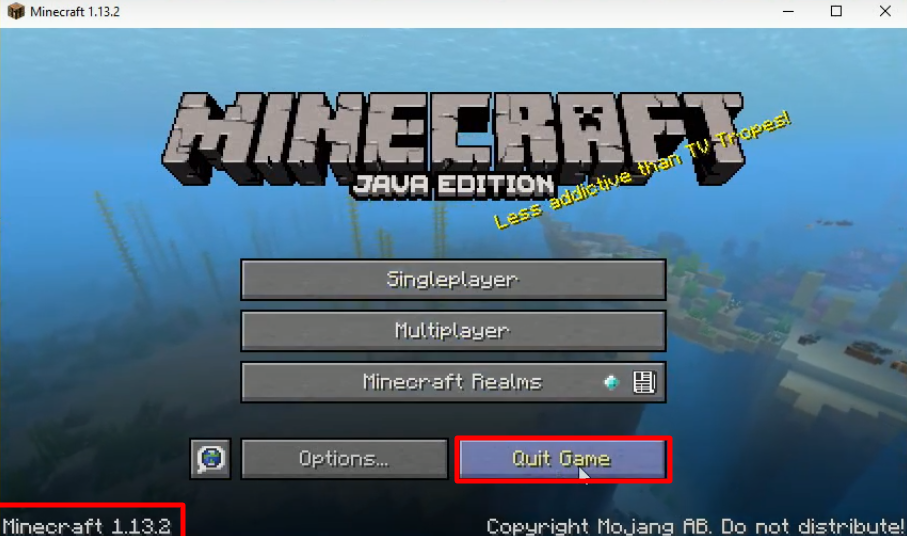
- Press Windows + R to open the run dialog box, type %appdata%, and press OK.

- Open the versions folder by following this directory “appdata\roaming\.minecraft\versions”.
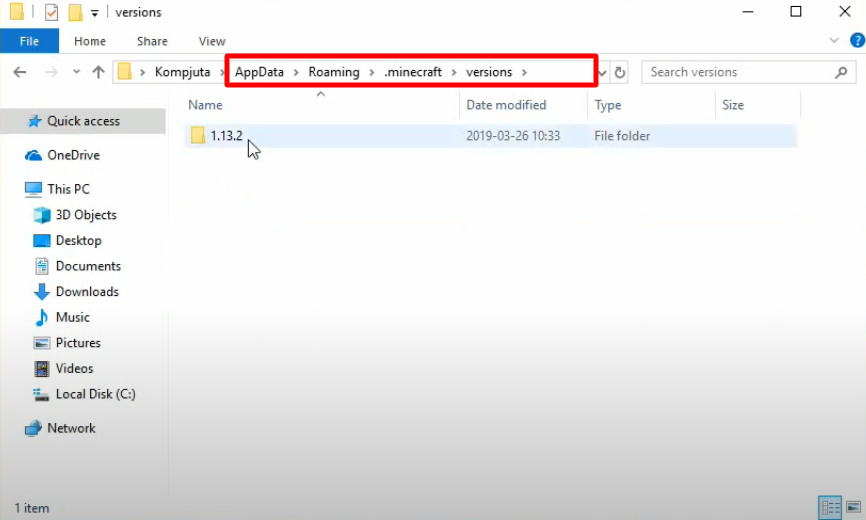
- Keep the version folder opened, and then open up the forge installer. Select "Install client" and then click on OK.
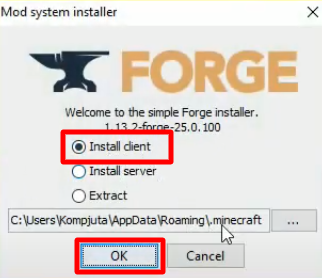
- As the installation gets completed, a new folder with the name of forge will be generated in the versions folder.
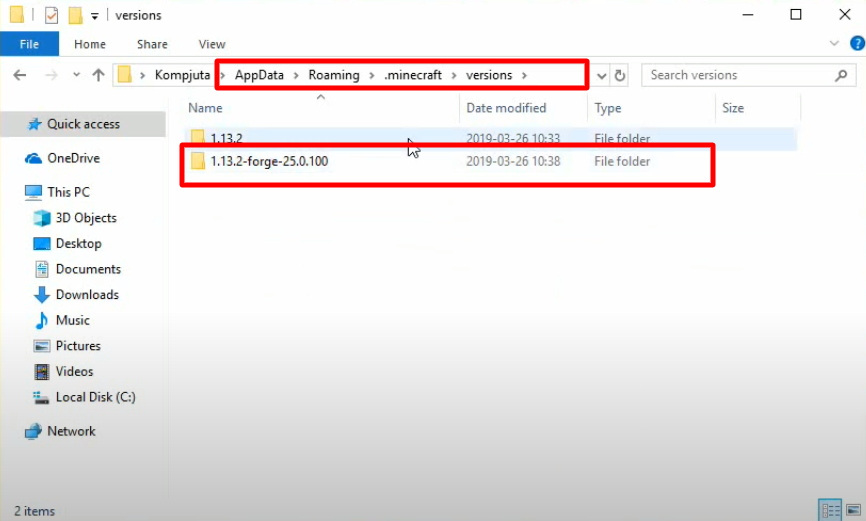
- Open the Minecraft launcher, select forge, and hit the PLAY button.
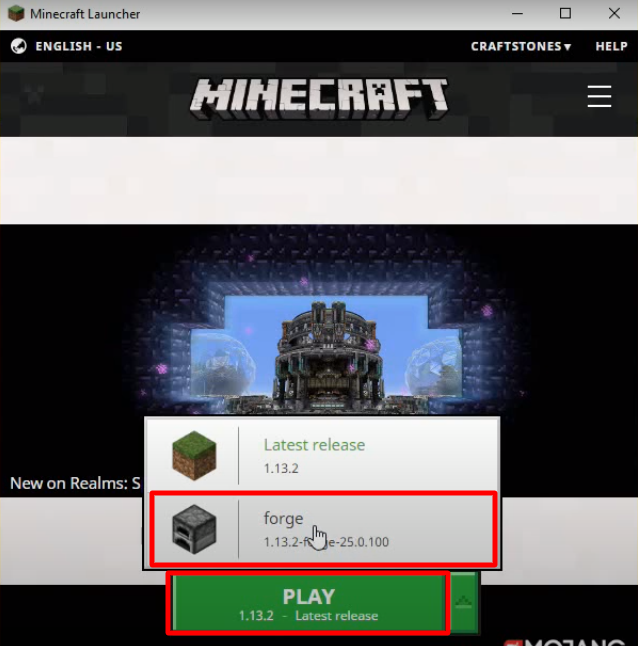
- After that, you will need to click on Mods.
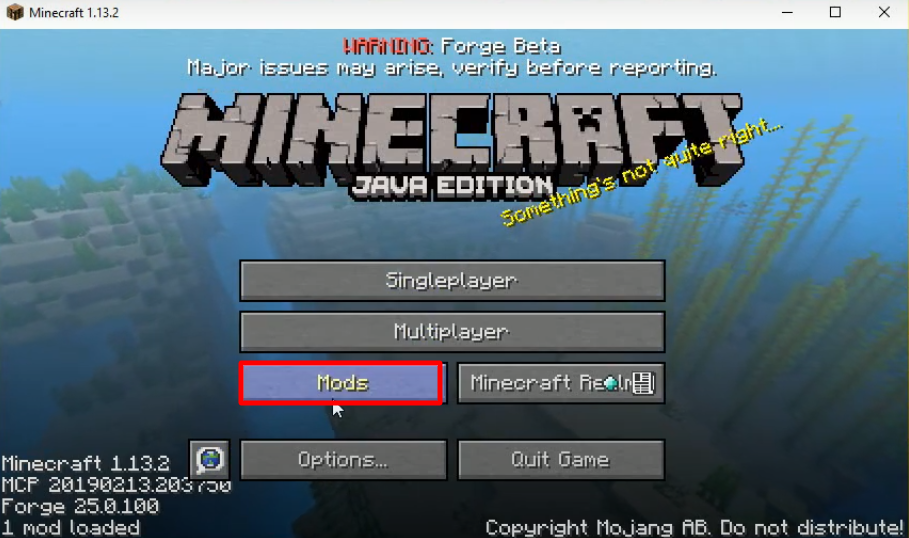
- Check whether the right program is installed and then press Done.

- Open the appdata folder through the run dialog box, navigate to the mods folder by following this directory “appdata\roaming\.minecraft\mods” and paste the downloaded software in this folder.

- Open the Minecraft launcher, select forge, and hit the PLAY button.

- After that, you have to click on Mods.

- Check whether the right program is installed and then press Done.

- As you get navigated to the main menu, click on SinglePlayer.
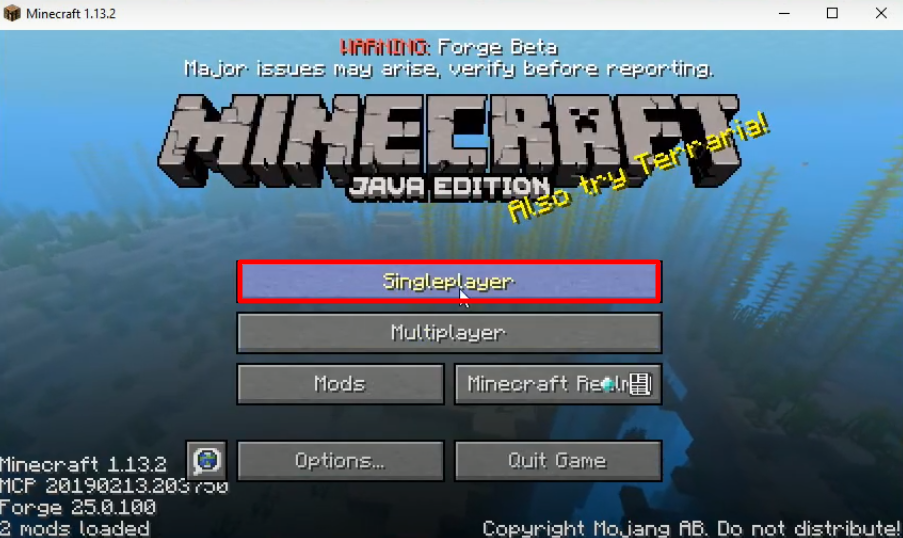
- Click on Create New World.
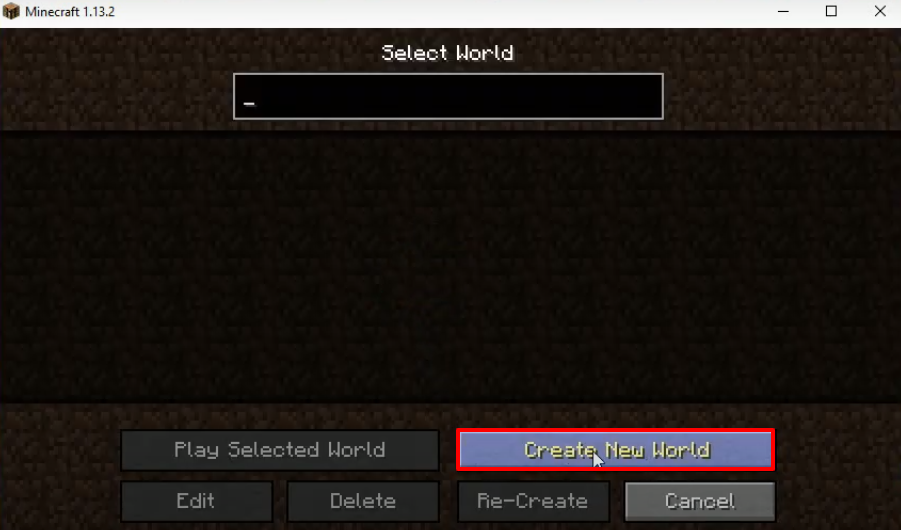
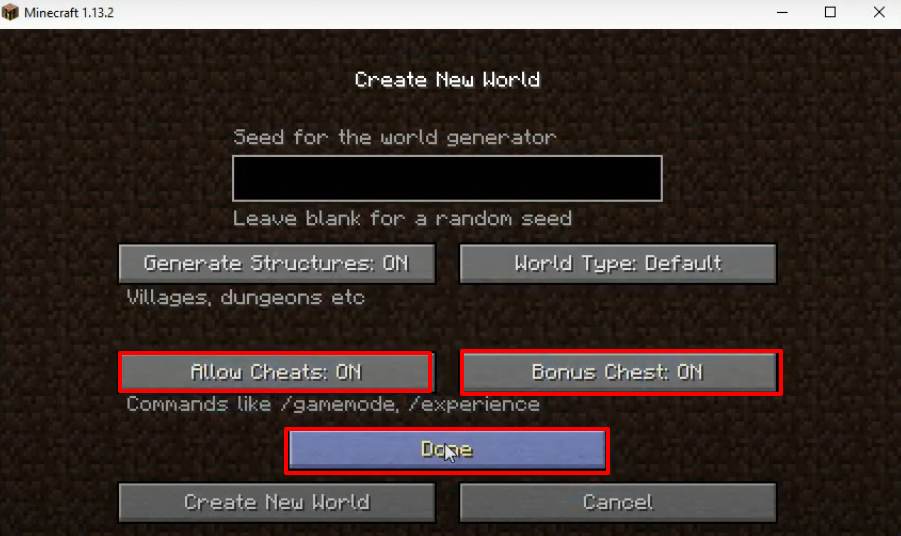
- After that, click on More World Options.

- Make some changes as shown in the image below and press Done.
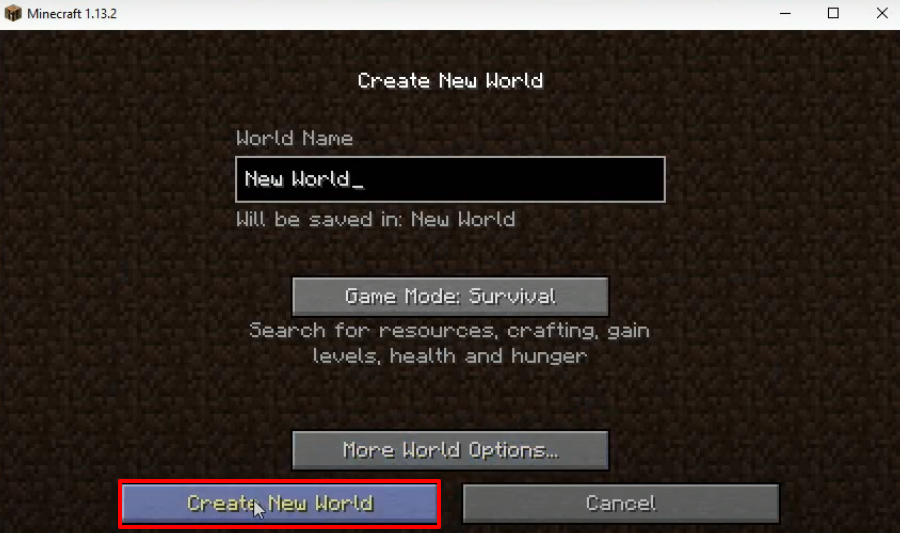
- Click on Create New World.
- Apply the mods that you want and enjoy the game.