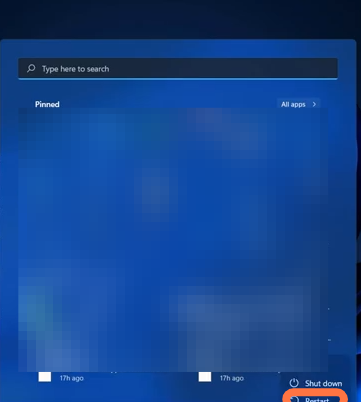
Failed To Connect. Please Check Your Network Settings - Genshin Impact Error 4201
You have to follow the step-by-step instructions to fix this error.
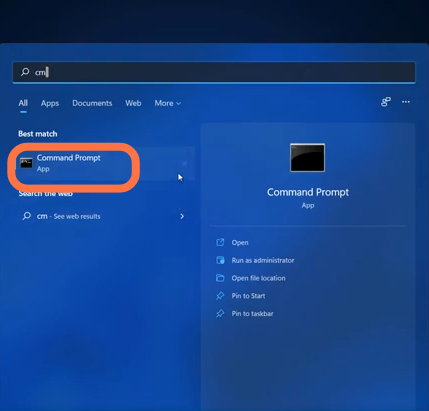
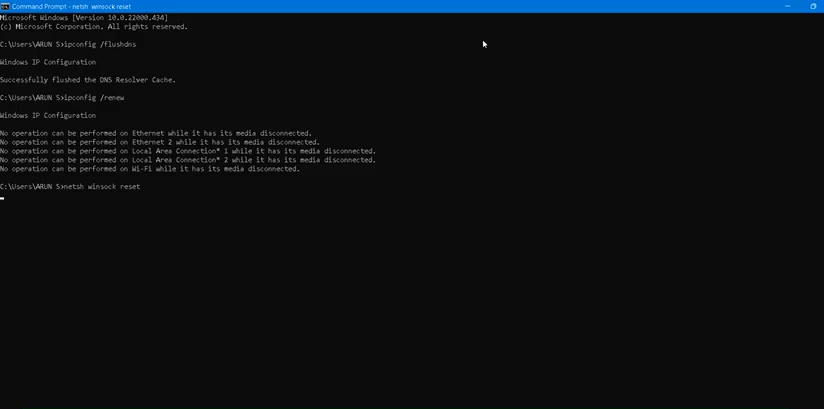
- You will need to click on the Start button and search for Command Prompt, then choose to Run it as administrator.
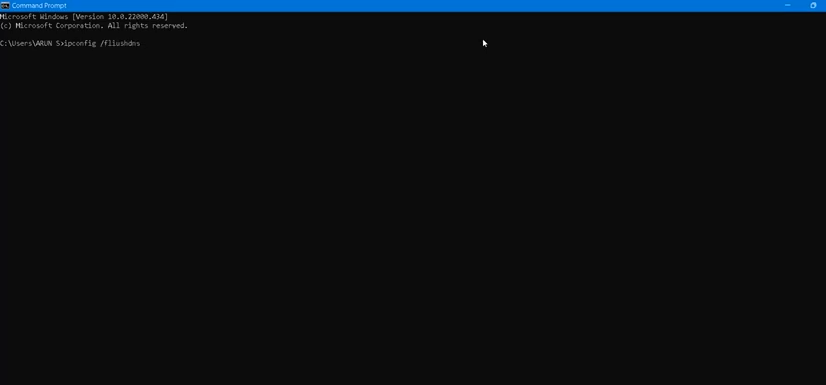
- Type in "ipconfig /flushdns" and hit enter to execute the command.
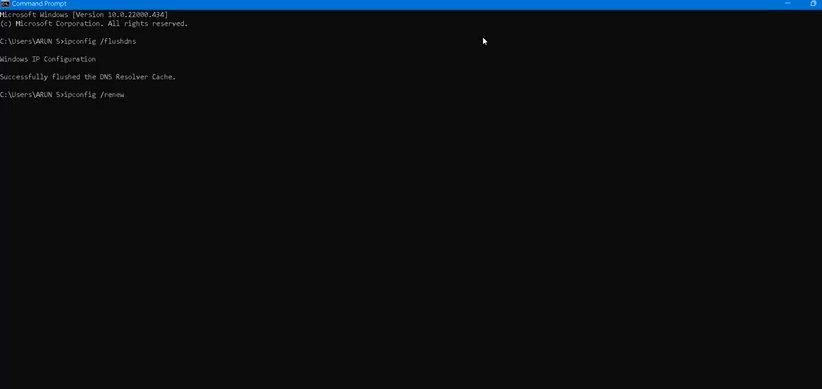
- Next command to execute is 'ipconfig /renew'.
- After that, run 'netsh minstock reset' and then use Exit to close the CMD Interface.
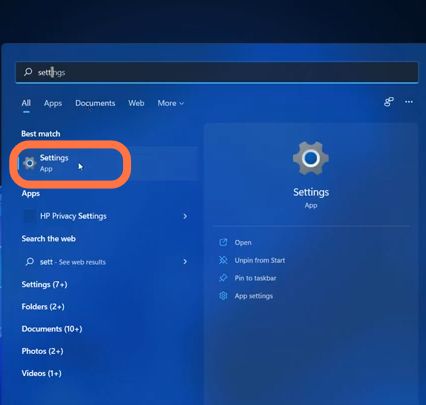
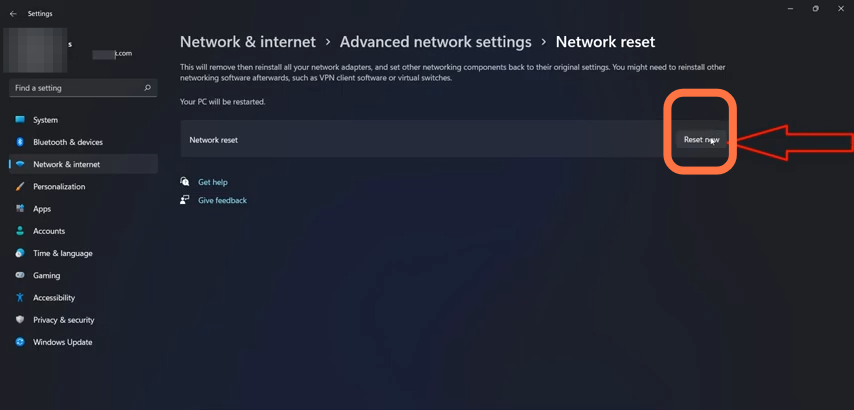
- Now, you have to enter into the settings of the PC.
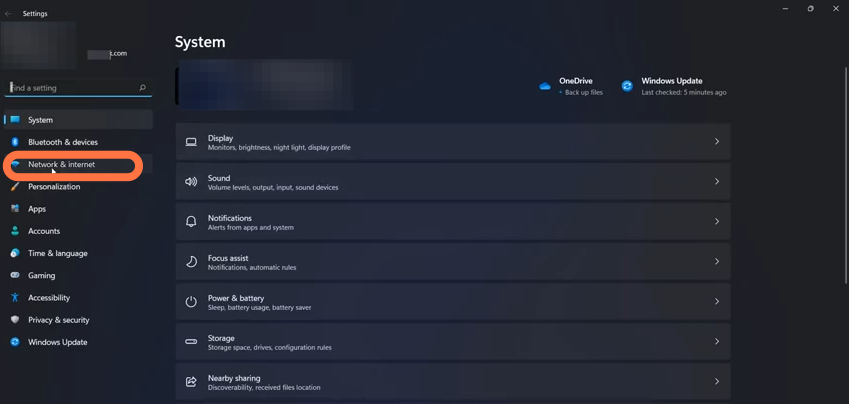
- Select Network & Internet settings.
- Then find and click on the "Network Reset" option.
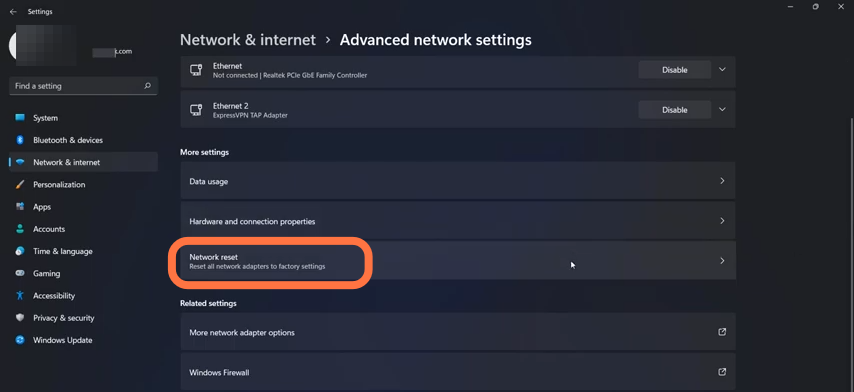
- After that, click on the Reset Now button and press Ok/Yes to confirm it.
- And finally, you need to restart your PC to resolve the error.