Epic Games - Unable To Connect Service Please Check Your Network Connection
You have to follow the step-by-step instructions to get rid of this problem.
- You will need to download & connect VPN.

- Problem Solved. If not, then follow next.

- You have to change the server in Hotspot VPN.
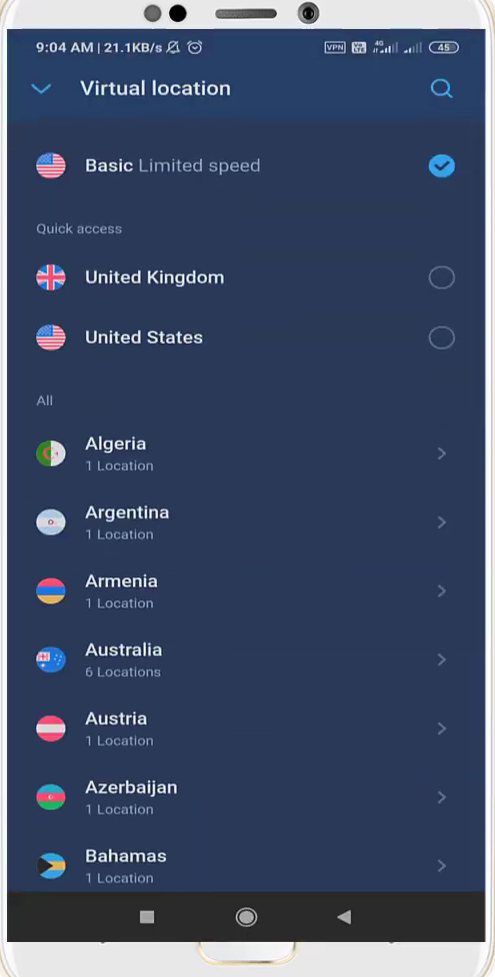
- After that, turn Off VPN.
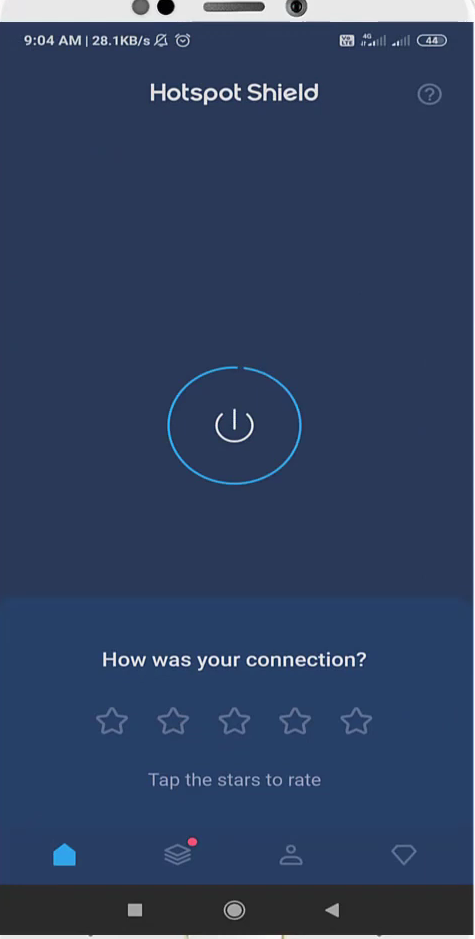
- And enter into "Sim cards & mobile networks" settings.

- You have to select your sim card.

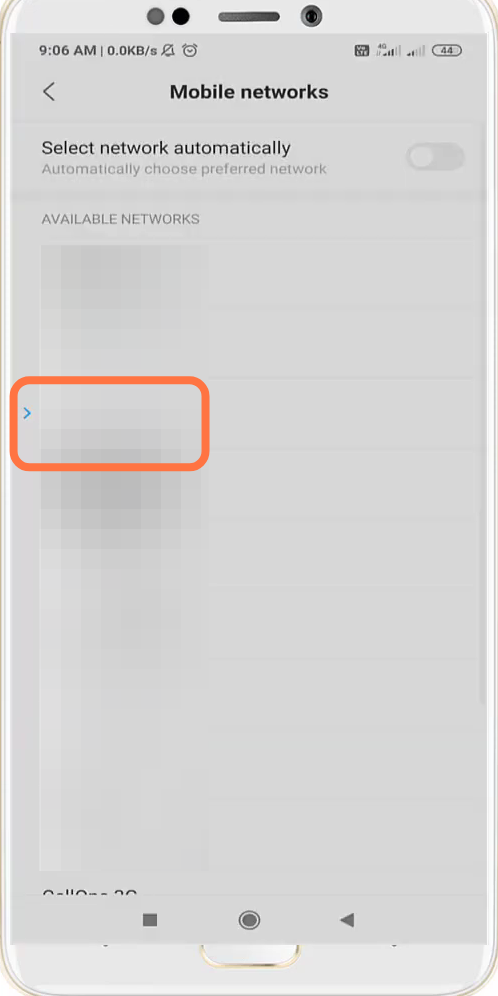
- And enter into Mobile networks.

- After that, enable the Manual Settings.

- Now you are registered on a Mobile network.
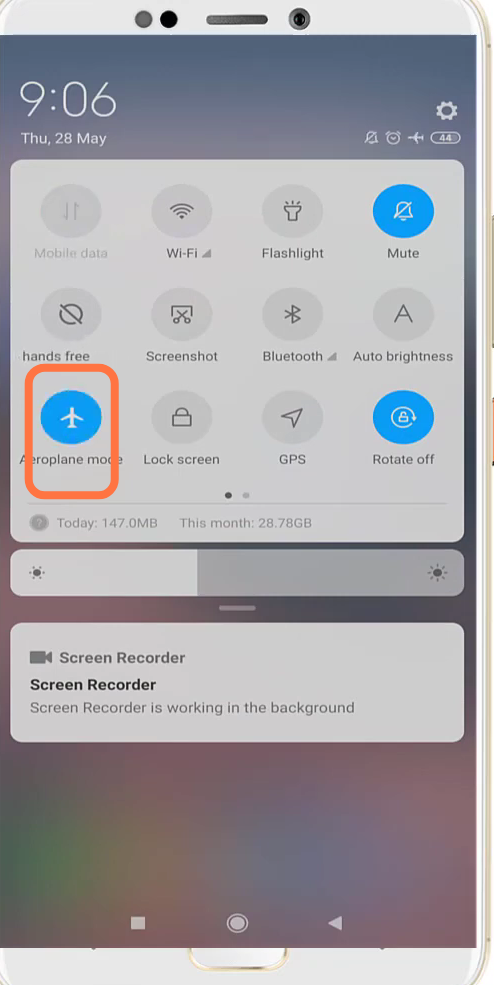
- You will need to turn on & off the Airplane mode.
- And then enter into the App Settings.

- After that, navigate to Manage apps.

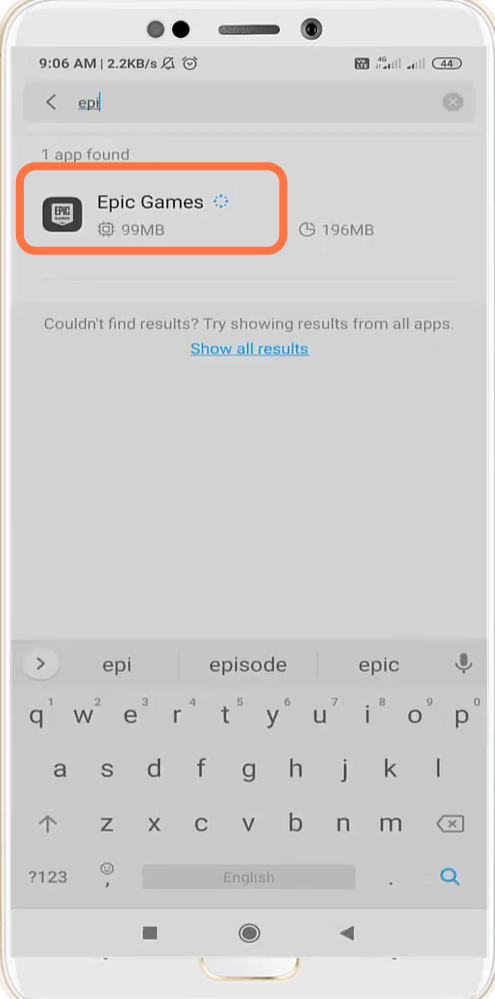
- You will need to search for Epic Games.
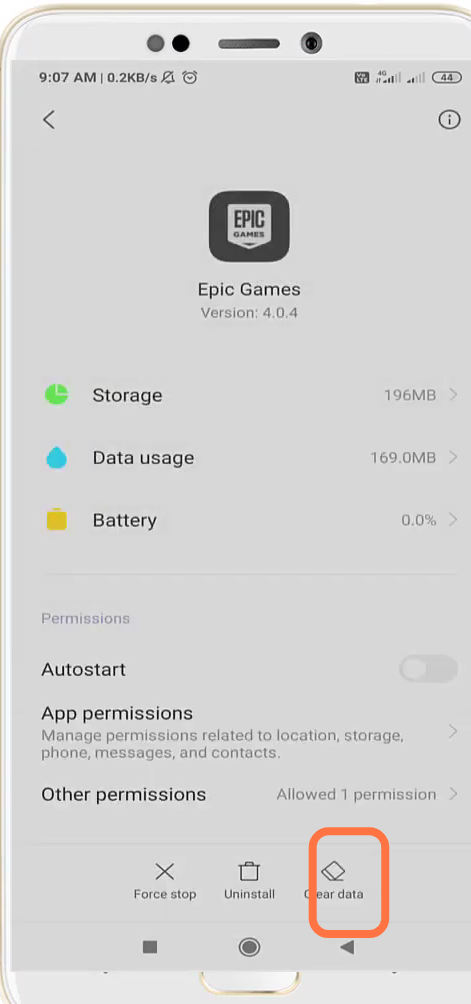
- And clear the Cache Data.
- Finally, reboot the system to check if the error is resolved.
