Dx11 Feature Level 10 .0 Is Required To Run The Engine - Valorant
In this guide, you will find out the most reliable method to get rid of this error.
1. First, you will need to open up the Device manager.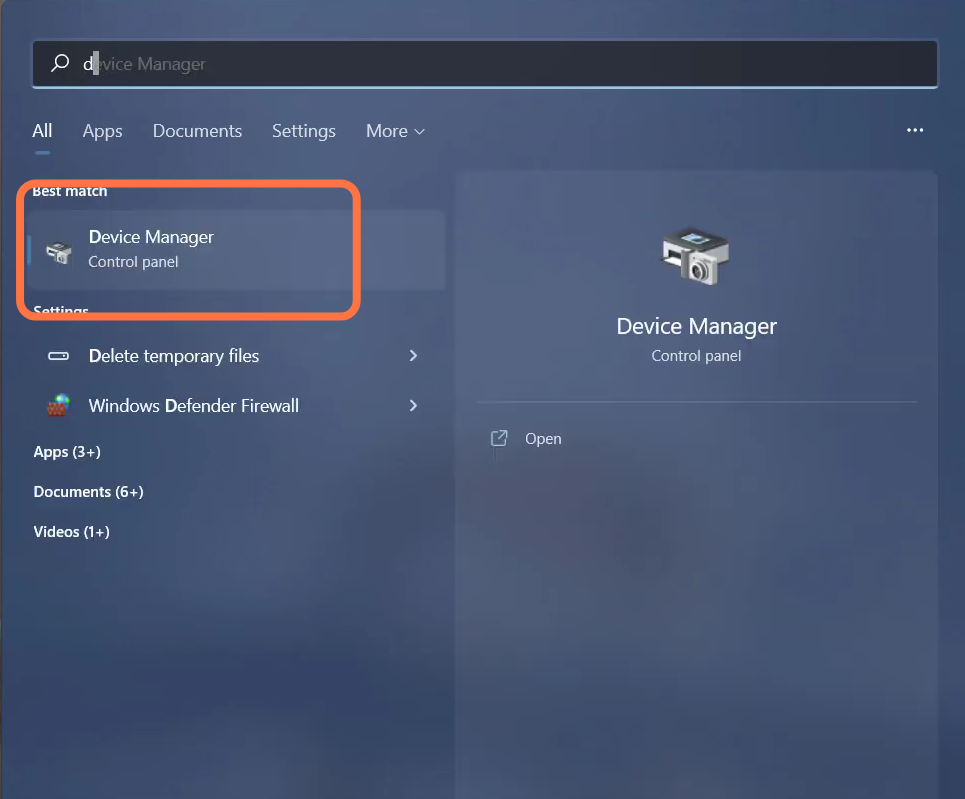
- And enter into Display adapters.
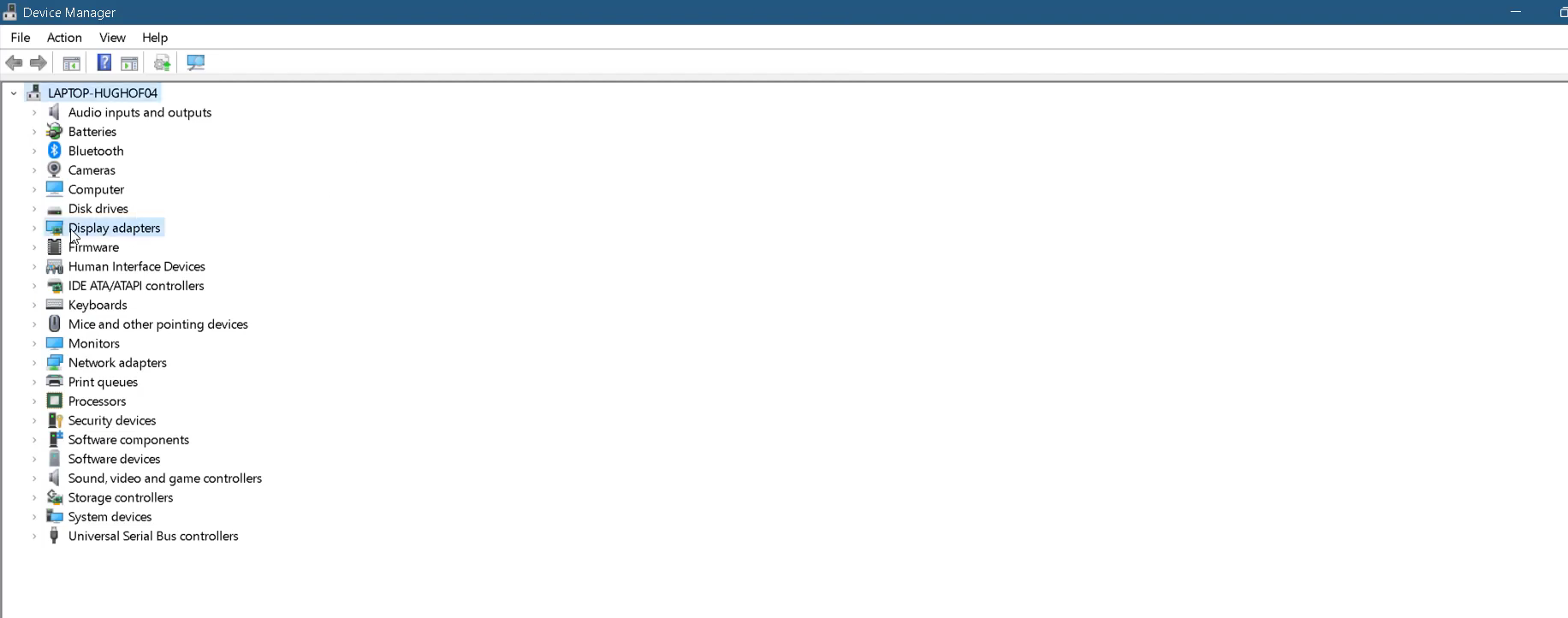
- Left click on AMD Radeon (TM) Graphics and tap on "update driver".
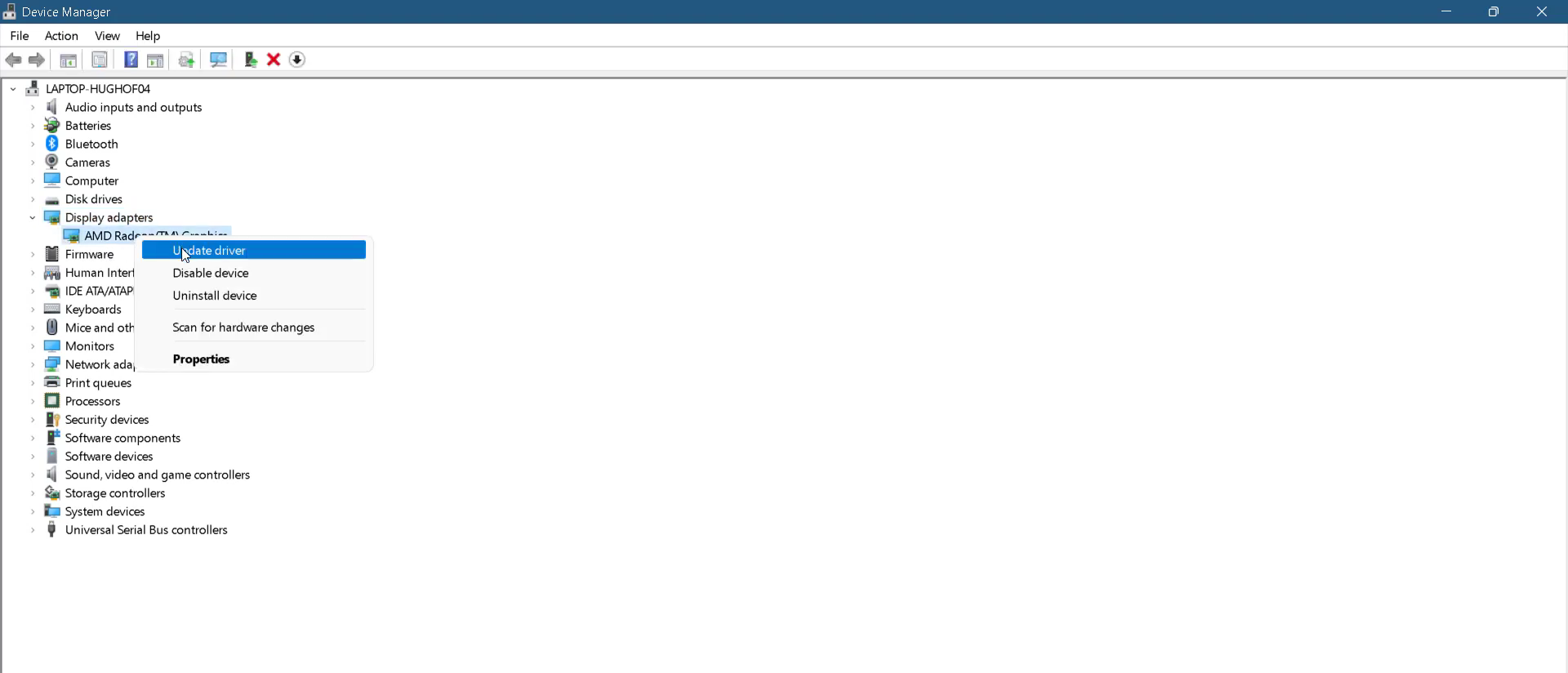
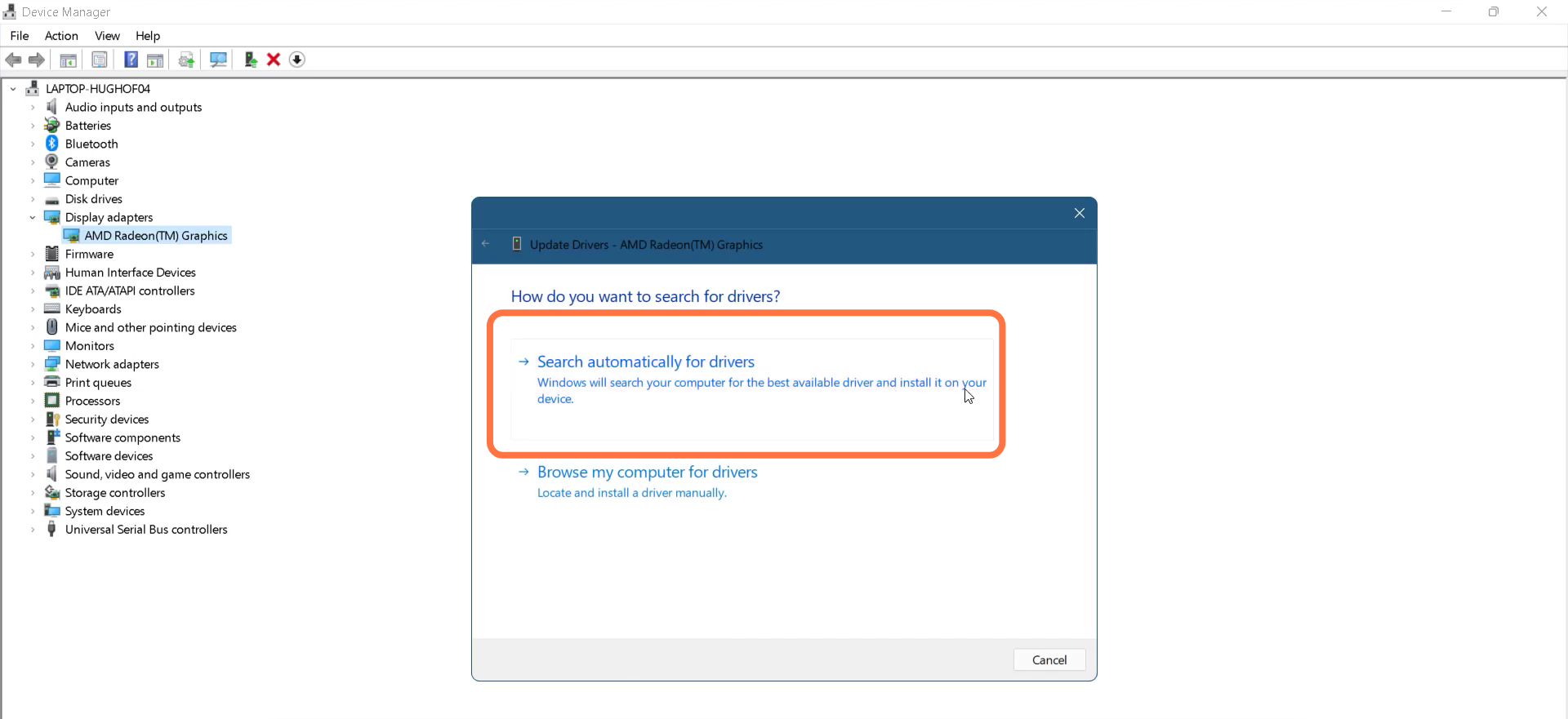
- After that, click on "Search automatically for drivers".
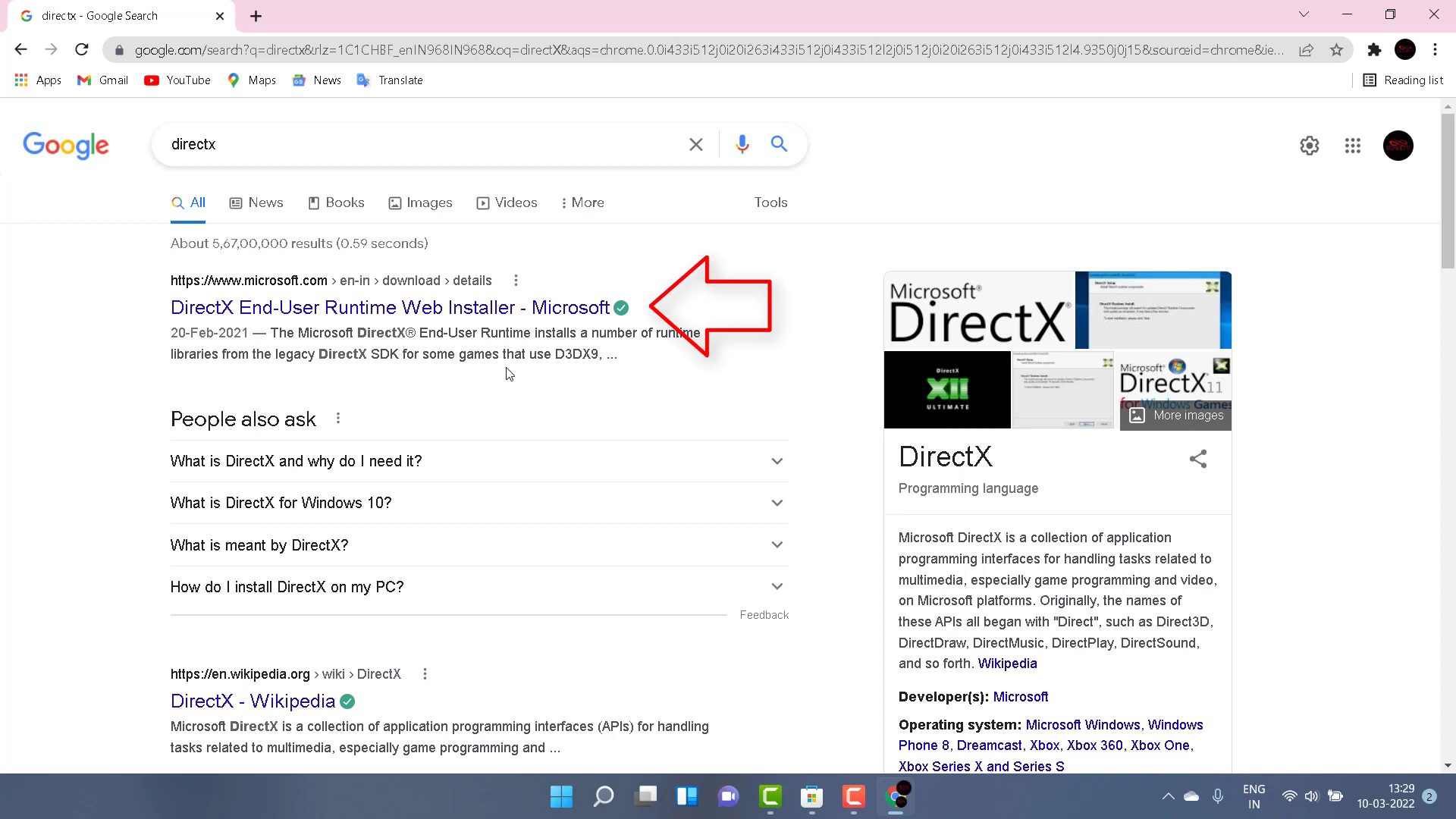
- Open Google chrome and search "DirectX".

- You have to open the first link, as shown in the image below.
- Select your language and click on the Download button.

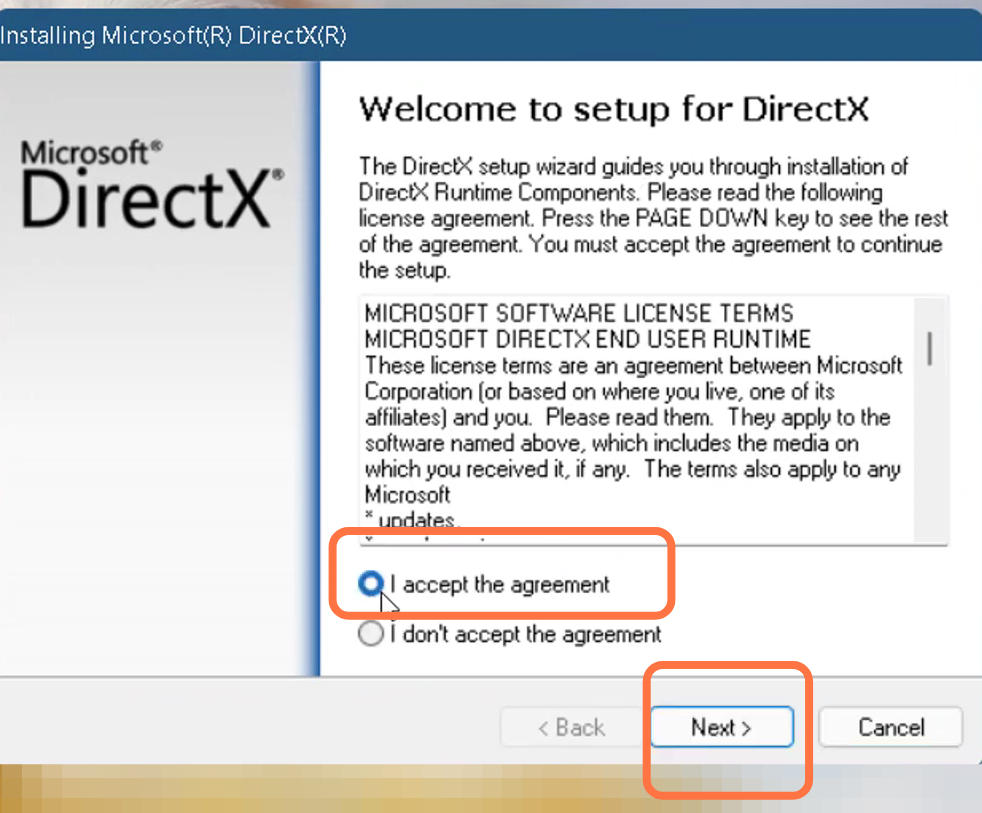
- After that, open the downloaded dxwebsetup.exe file, check the "I Accept the agreement" box, and follow the steps.
- Then restart your PC to check if the error is resolved.