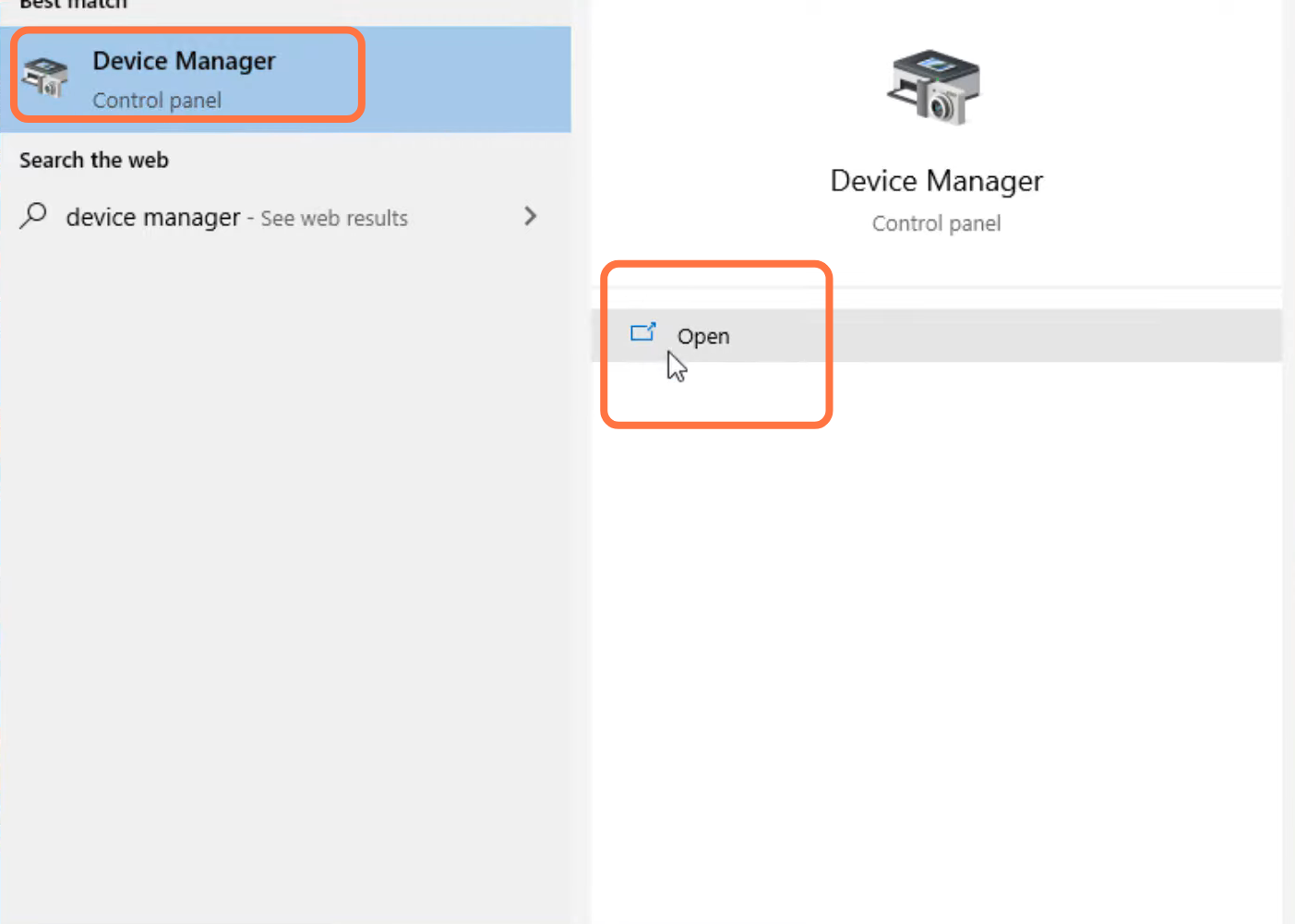
CSGO Your Graphics Hardware Does Not Support (Fixed)
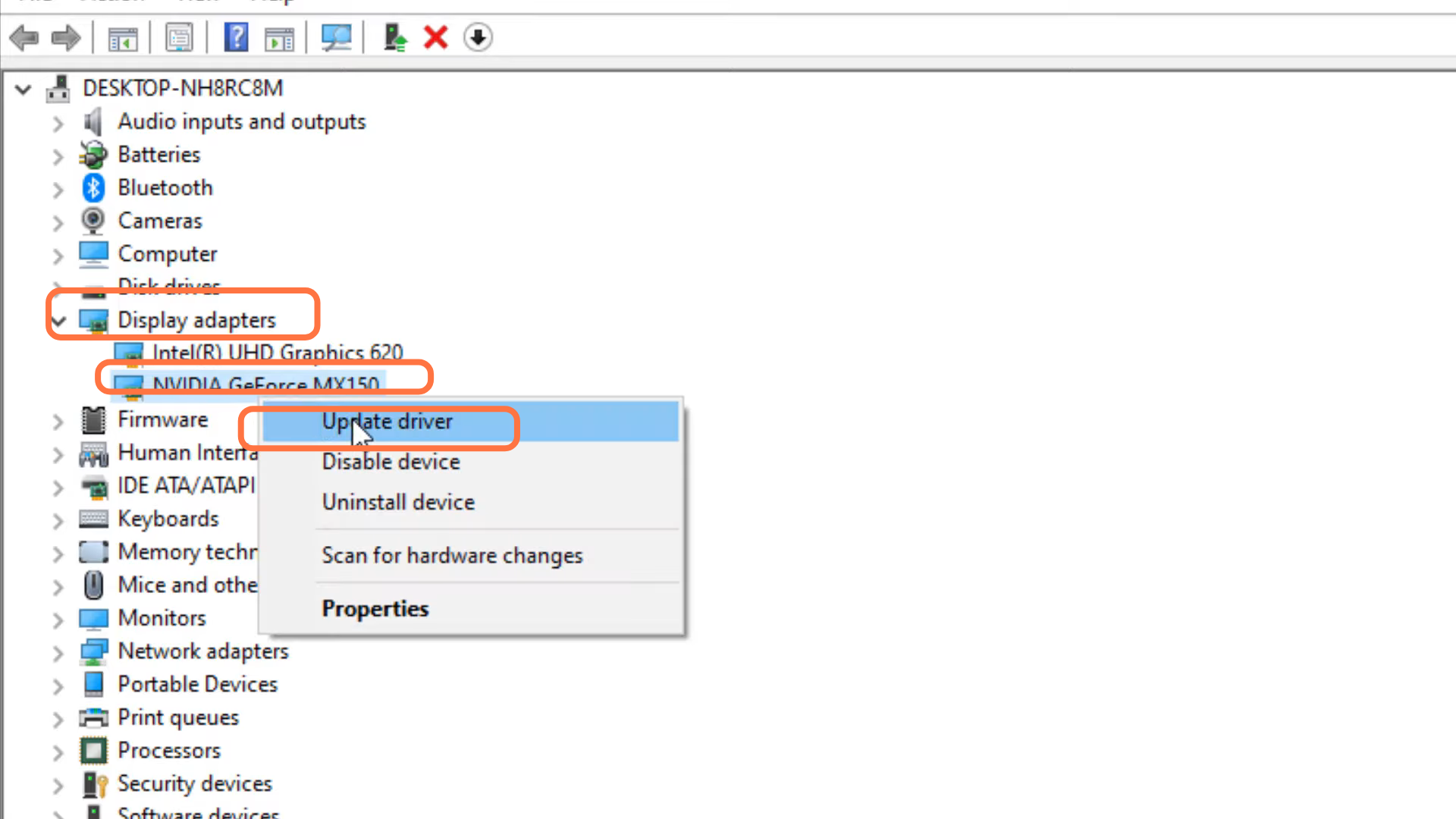
- Enter into Display adapter, right click on Navidia Geforce MX150 and tap on "update driver".
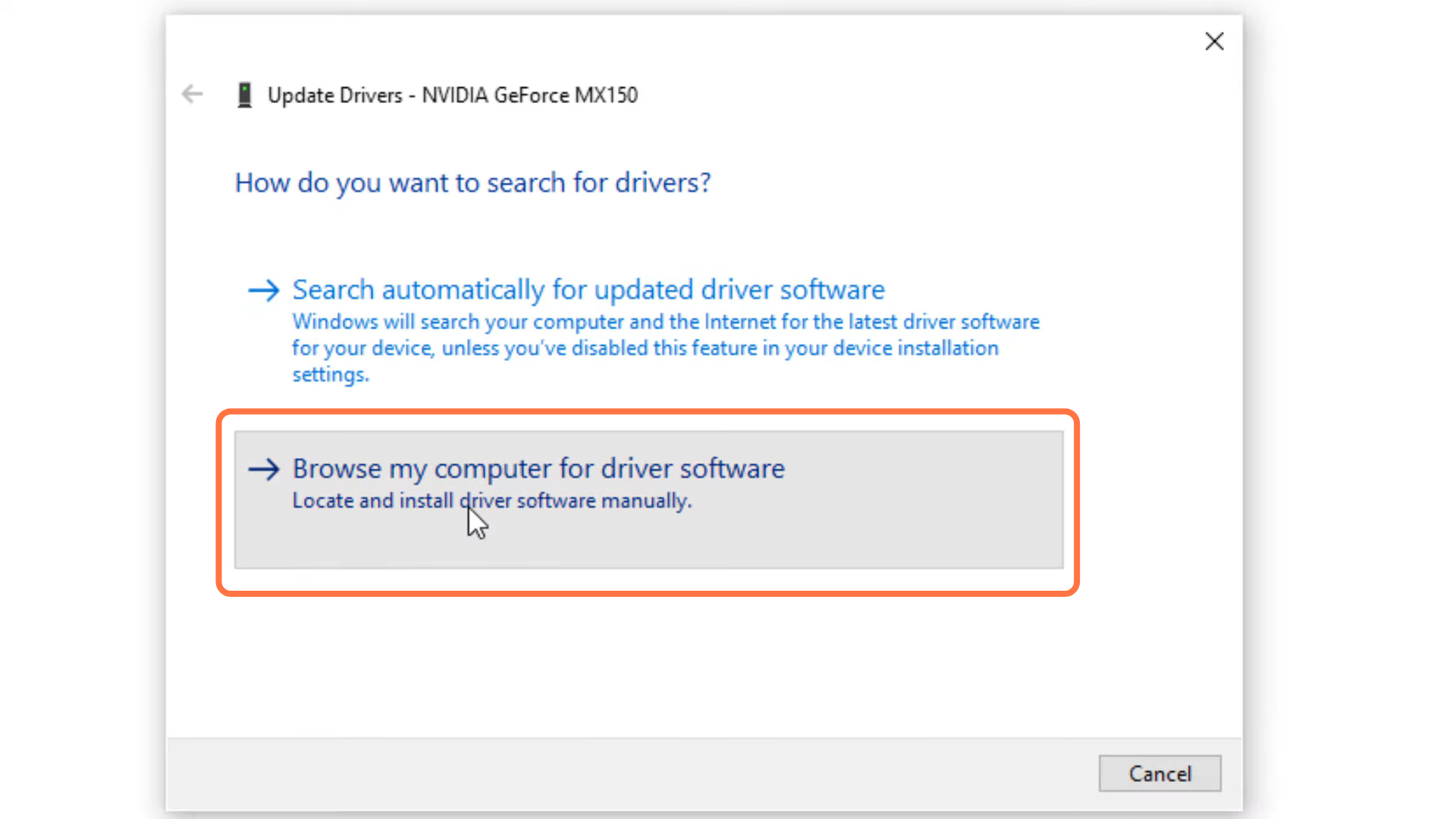
- After that, click on "Browse my computer for driver software".
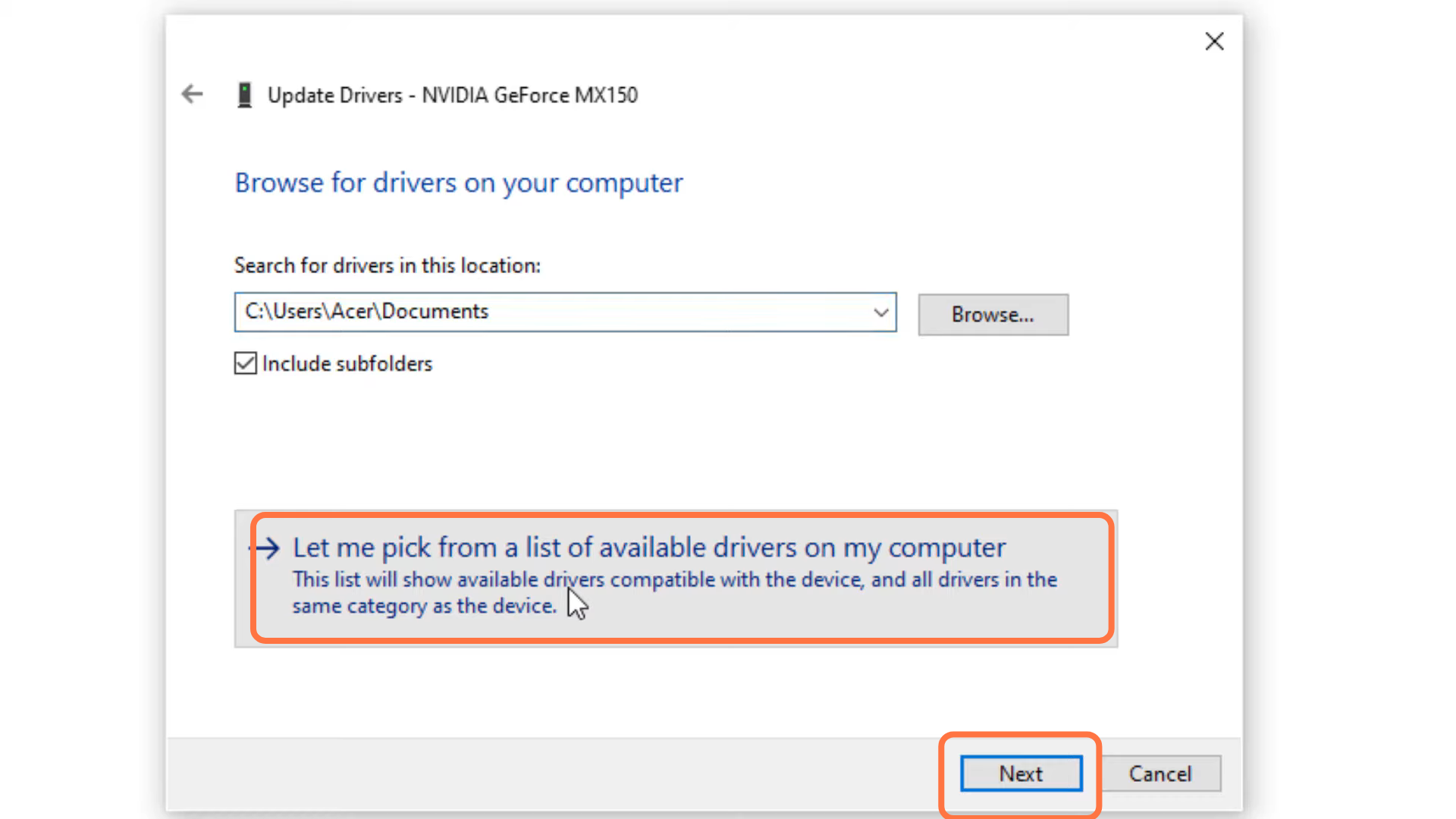
- And then tap on "let me pick from a list of available drivers on my computer".
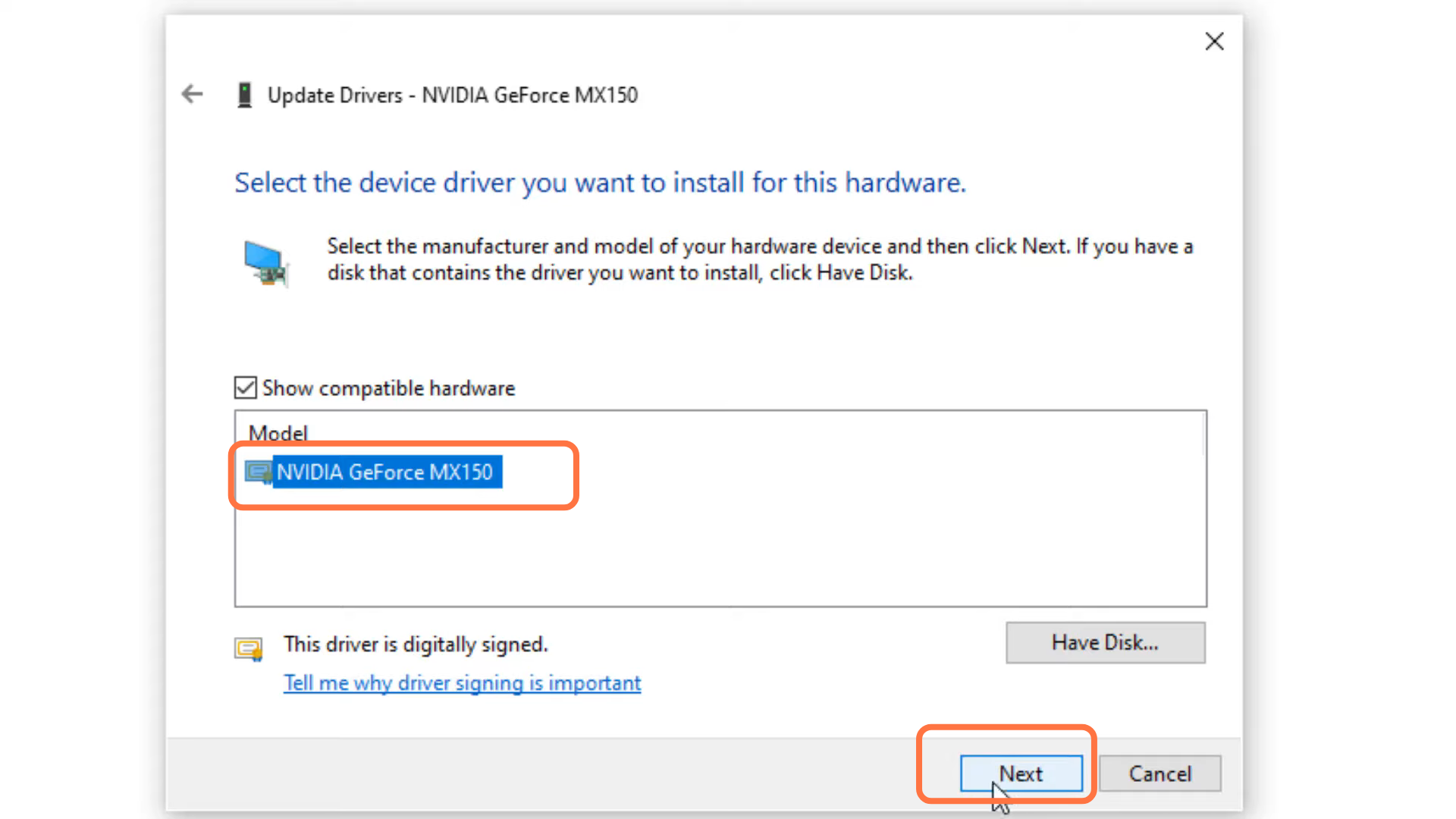
- Click "NVIDIA GeForce MK150" and press "Next".
- Now, you need to tap the Close button.
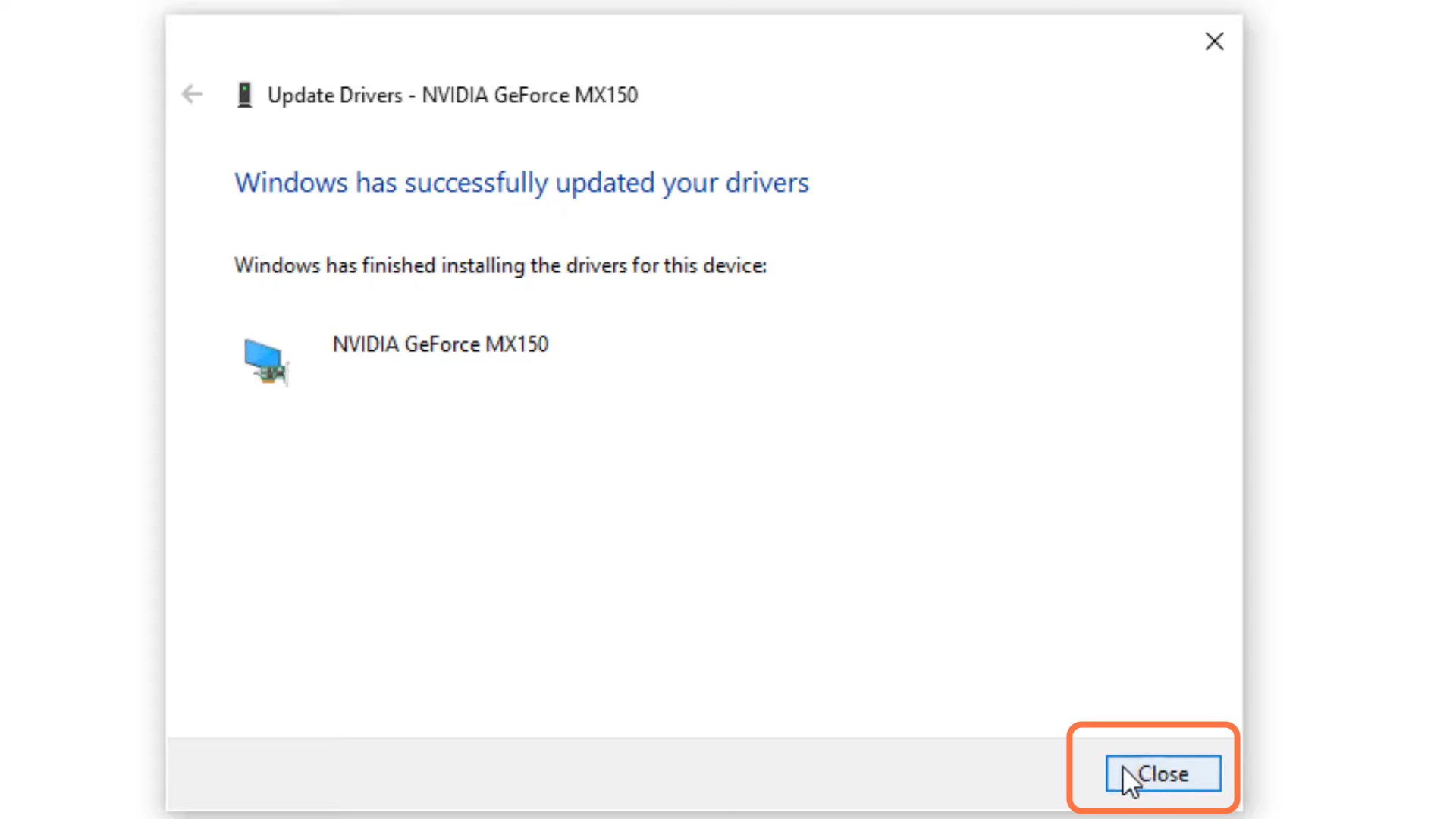
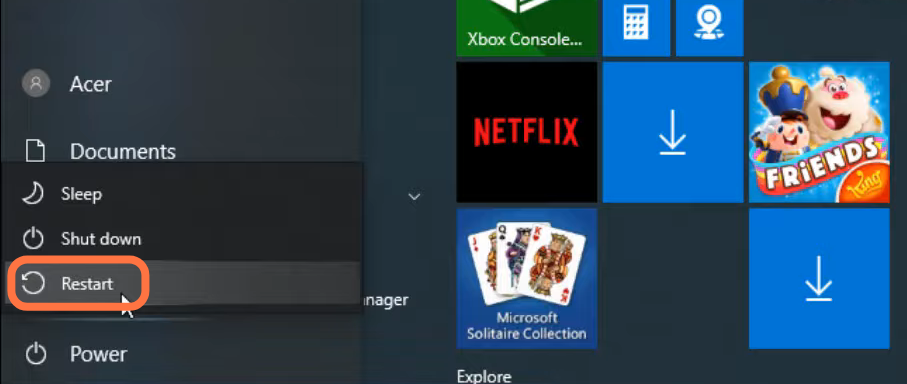
- And restart your PC to check if the error is resolved.