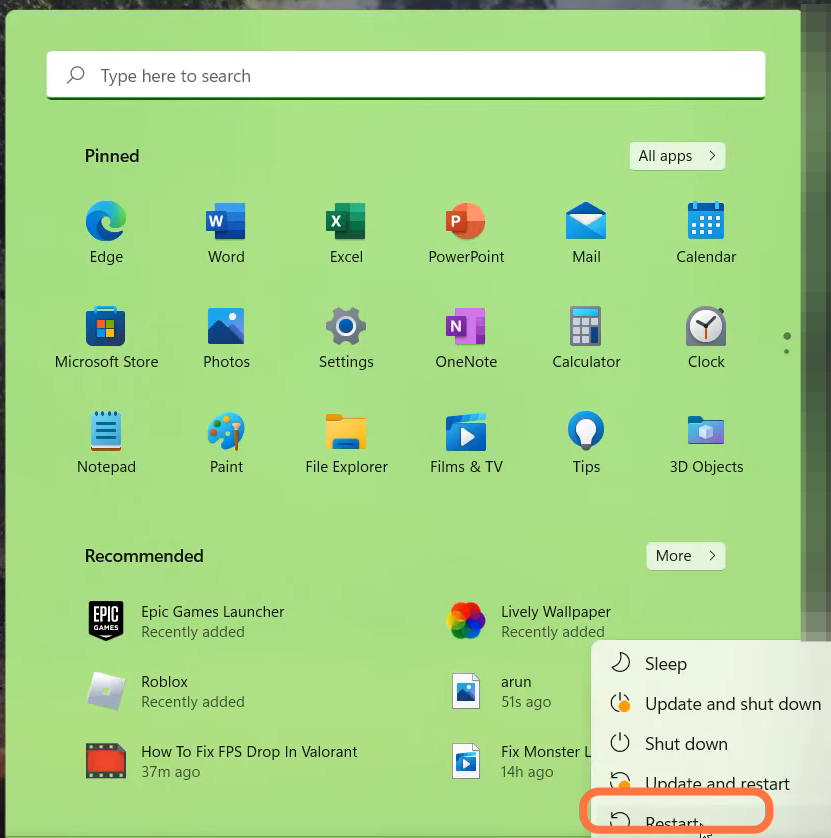
Critical Error Has Occurred And The The Process Must Be Terminated - Valorant
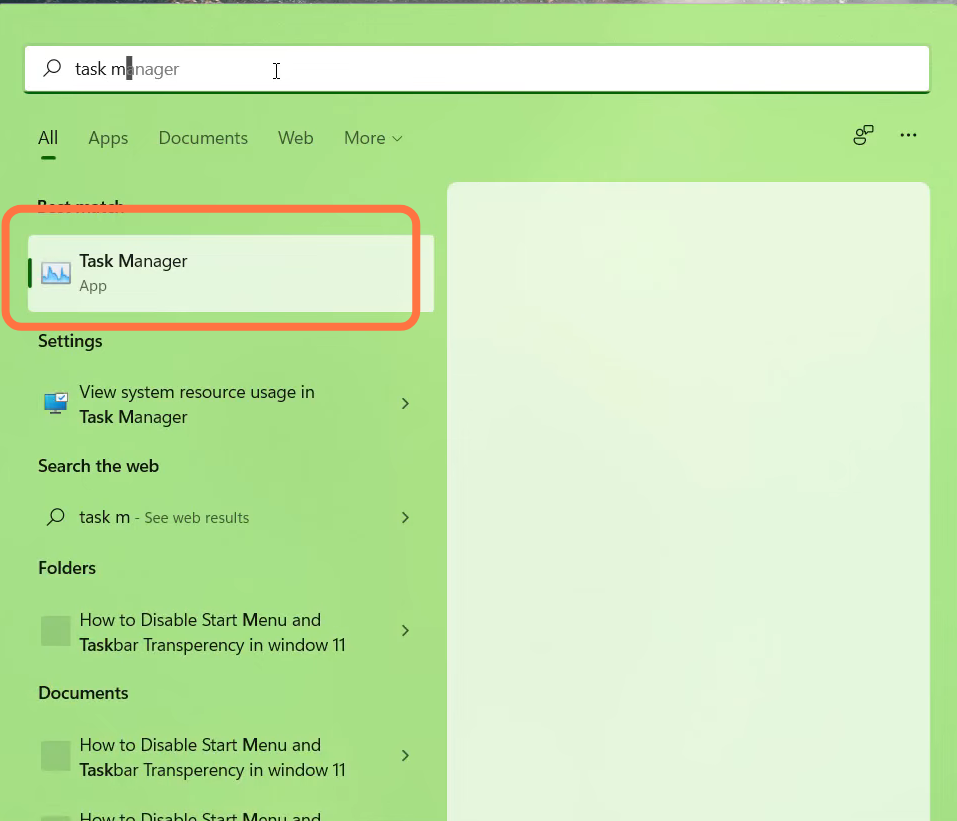
- Left click on the Riot Client (32 bit) and end the task.
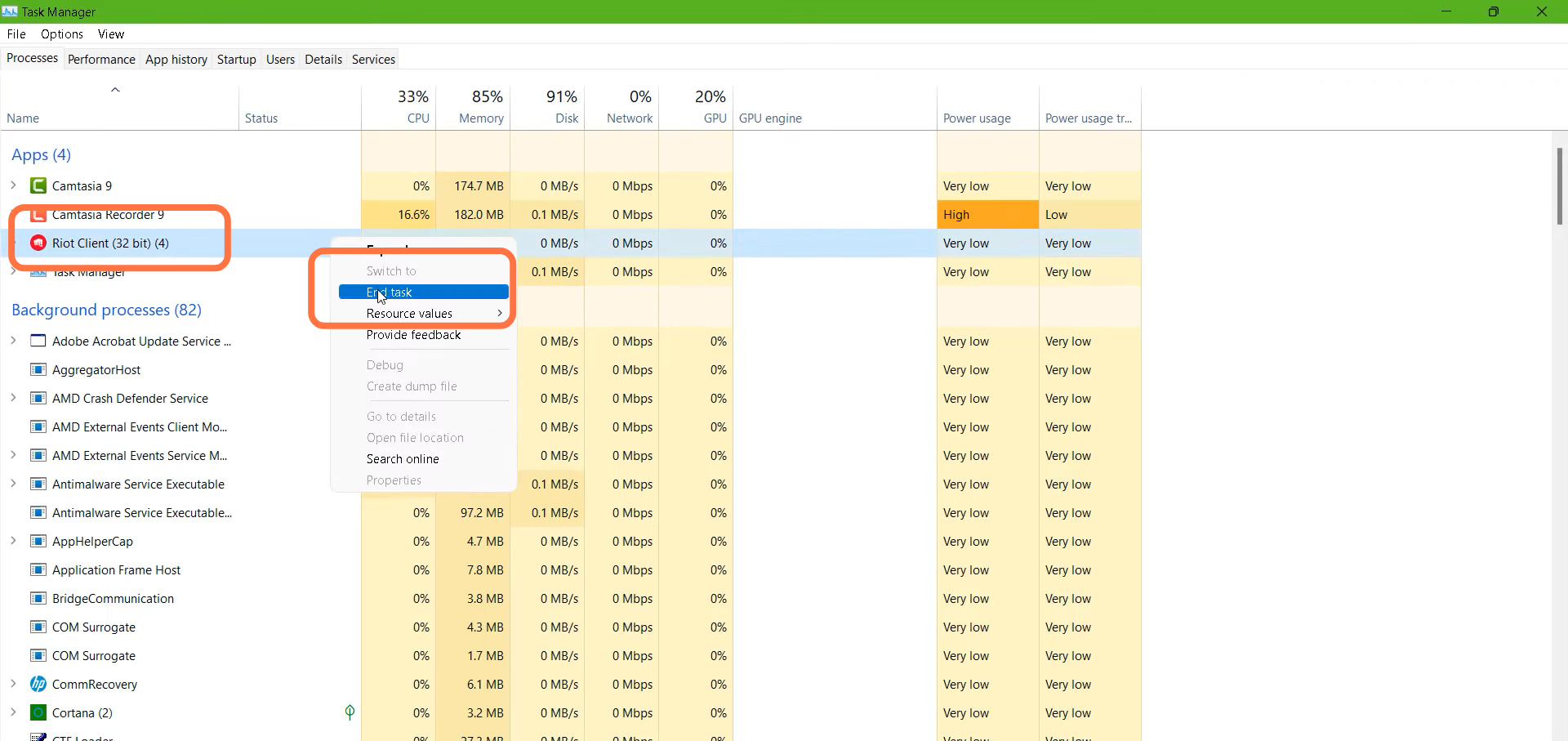
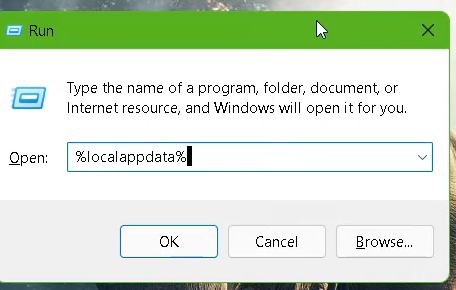
- After that, press the Window key +R, type %Appdata% and hit the OK button.
- Enter into the VALORANT folder and navigate to Saved.
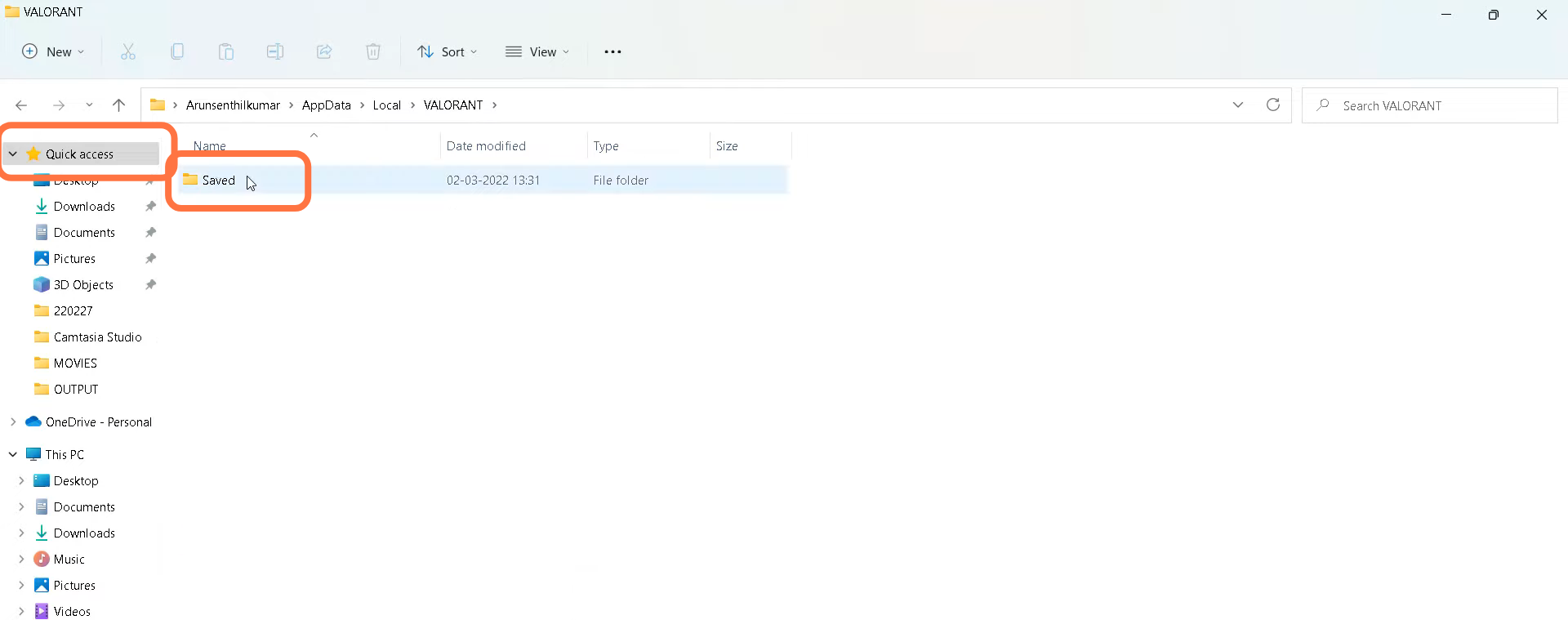
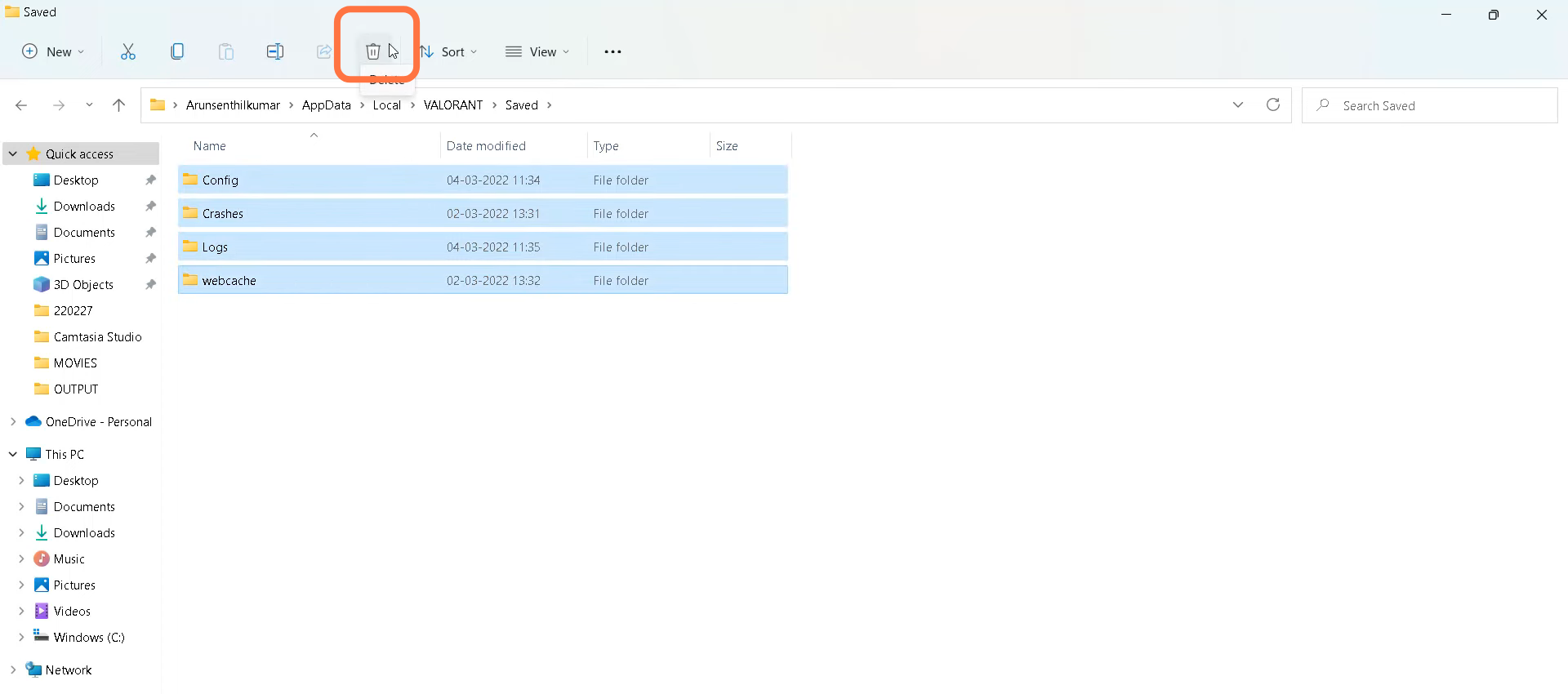
- You need to select all the files and delete them.
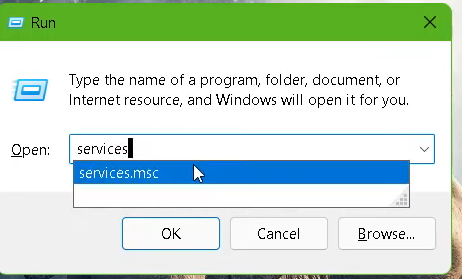
- Then press Window Key + R, type "Services.msc" and hit the OK button.
- Left click on Vgc and go to its Properties.
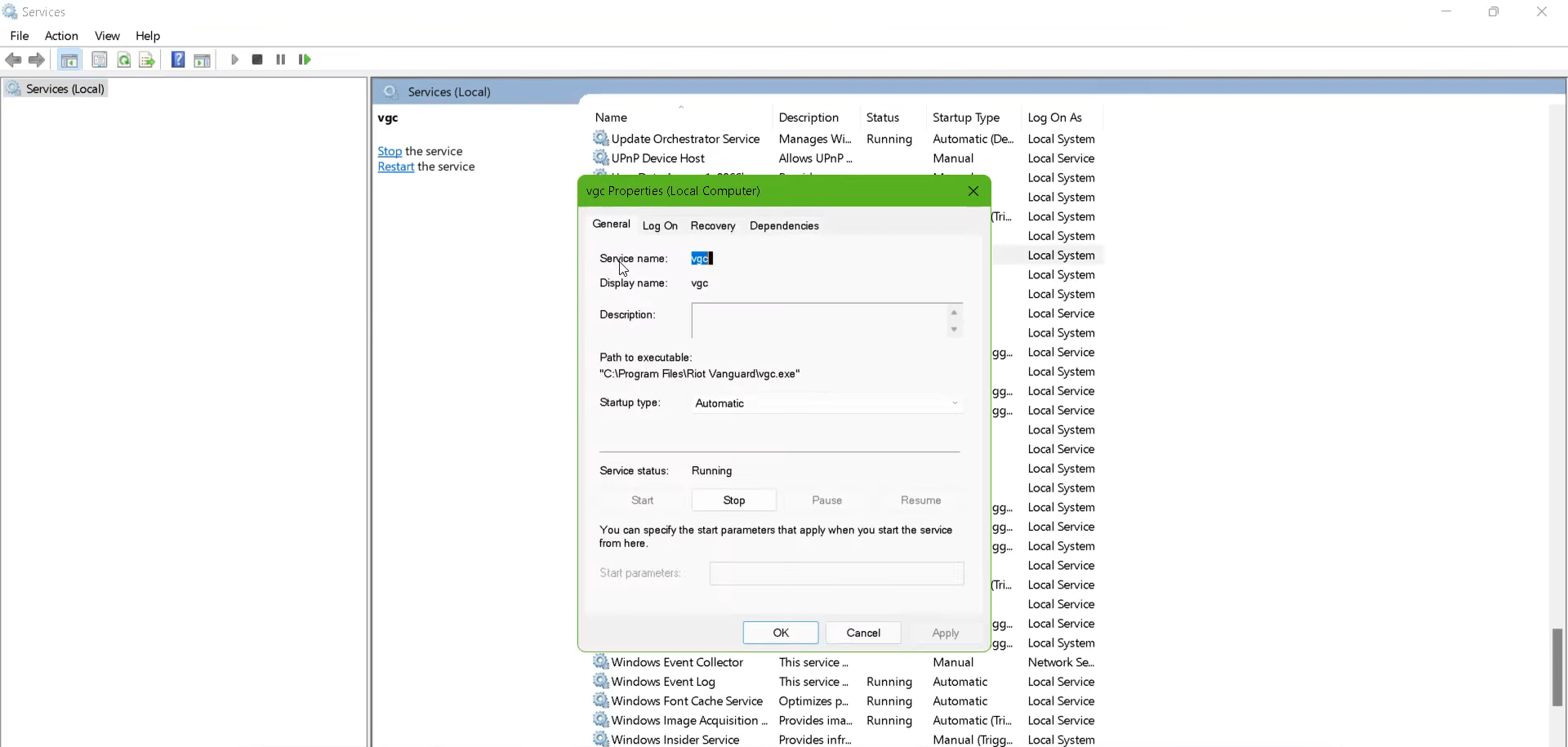
- You need to change the Startup type to Automatic and turn Service Status to Running.
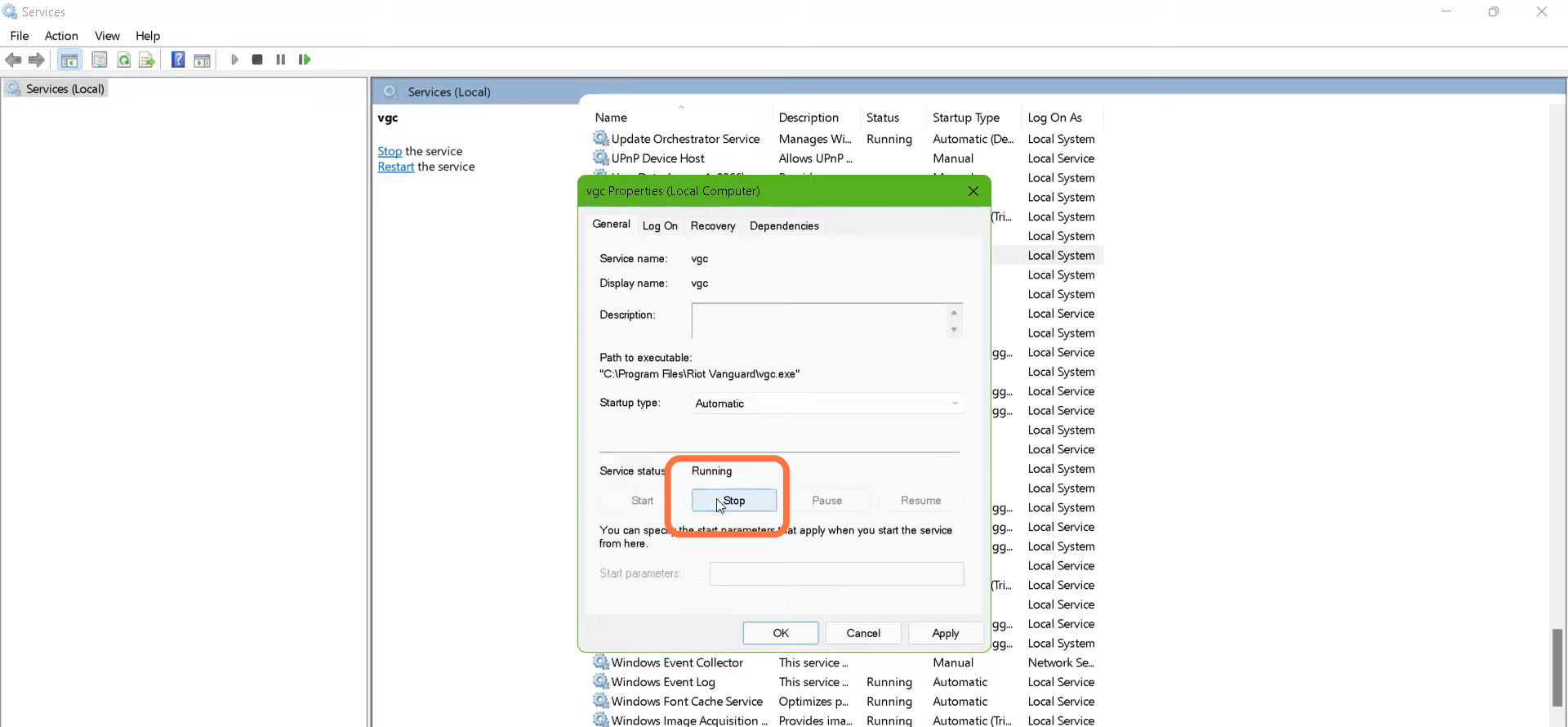
- After that, restart your PC.
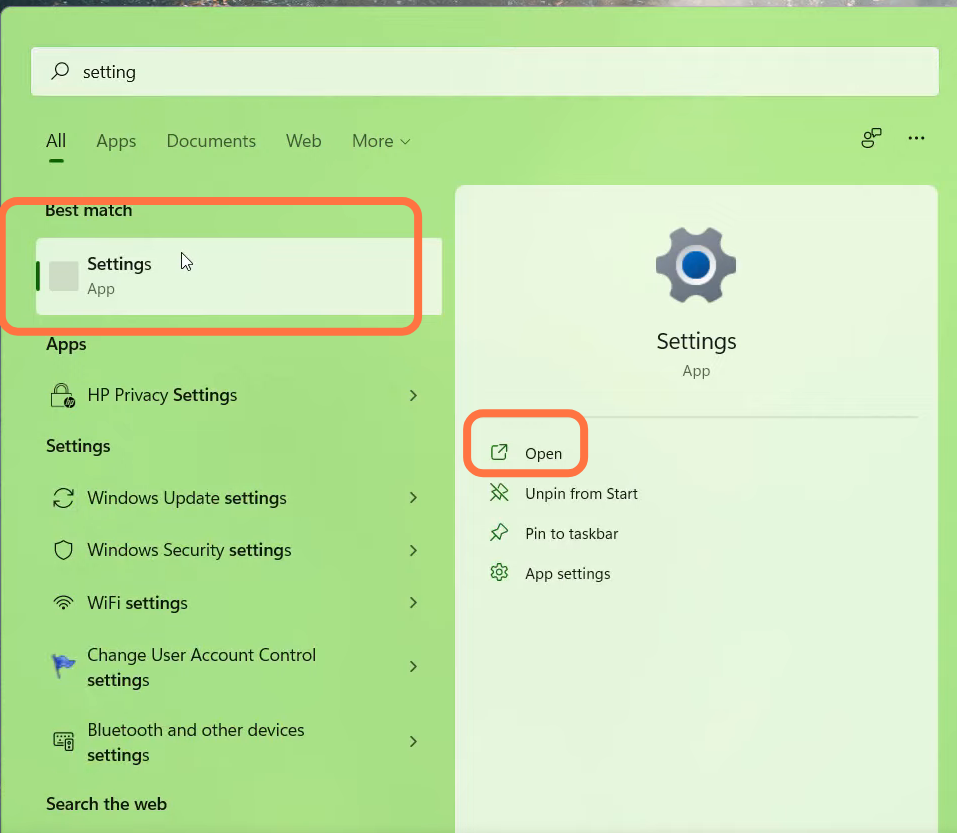
- If the problem is not solved, then you need to open Settings.
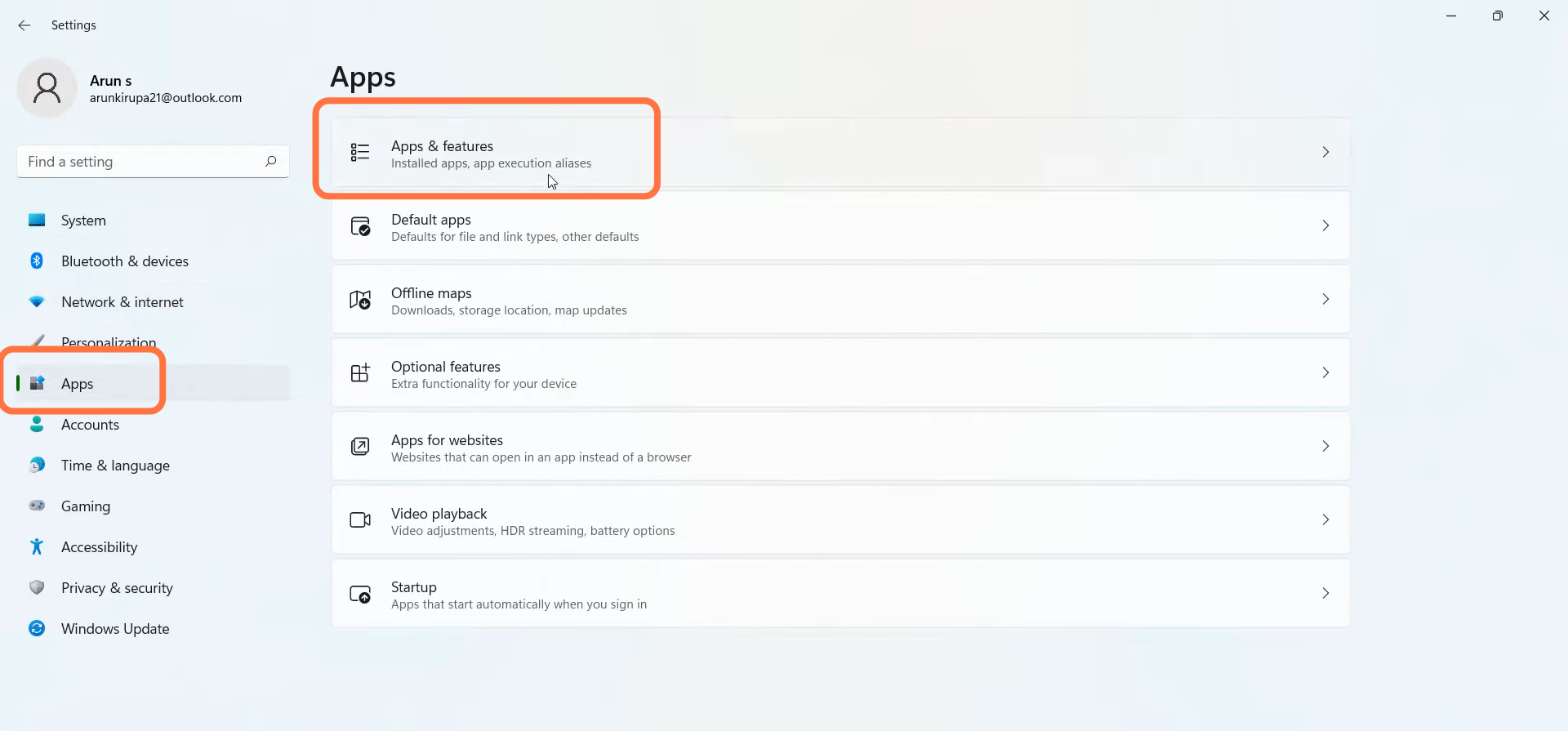
- Go to Apps settings and navigate to App & Features.
- Search For Valorant and Uninstall & Install it again.
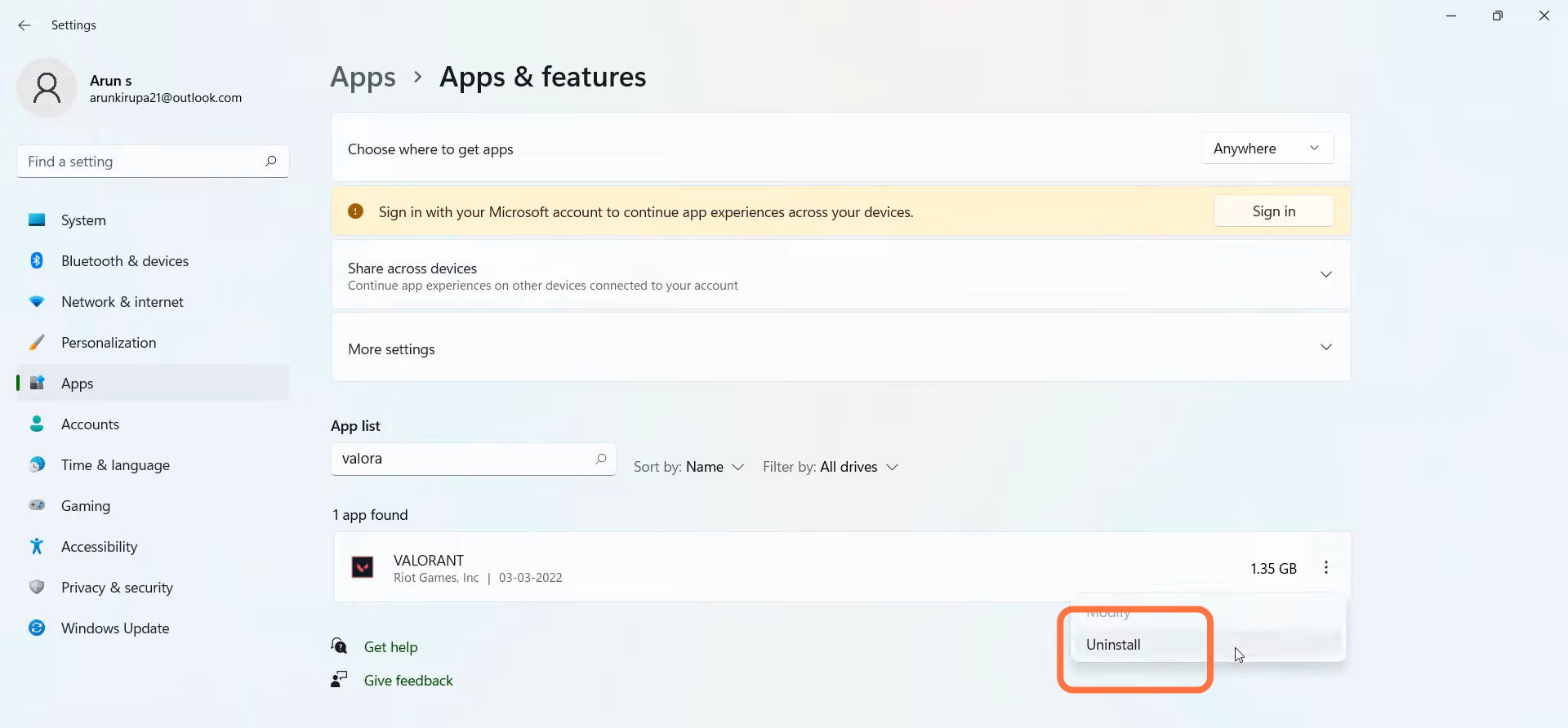
- Then restart your PC to check if the error is resolved.