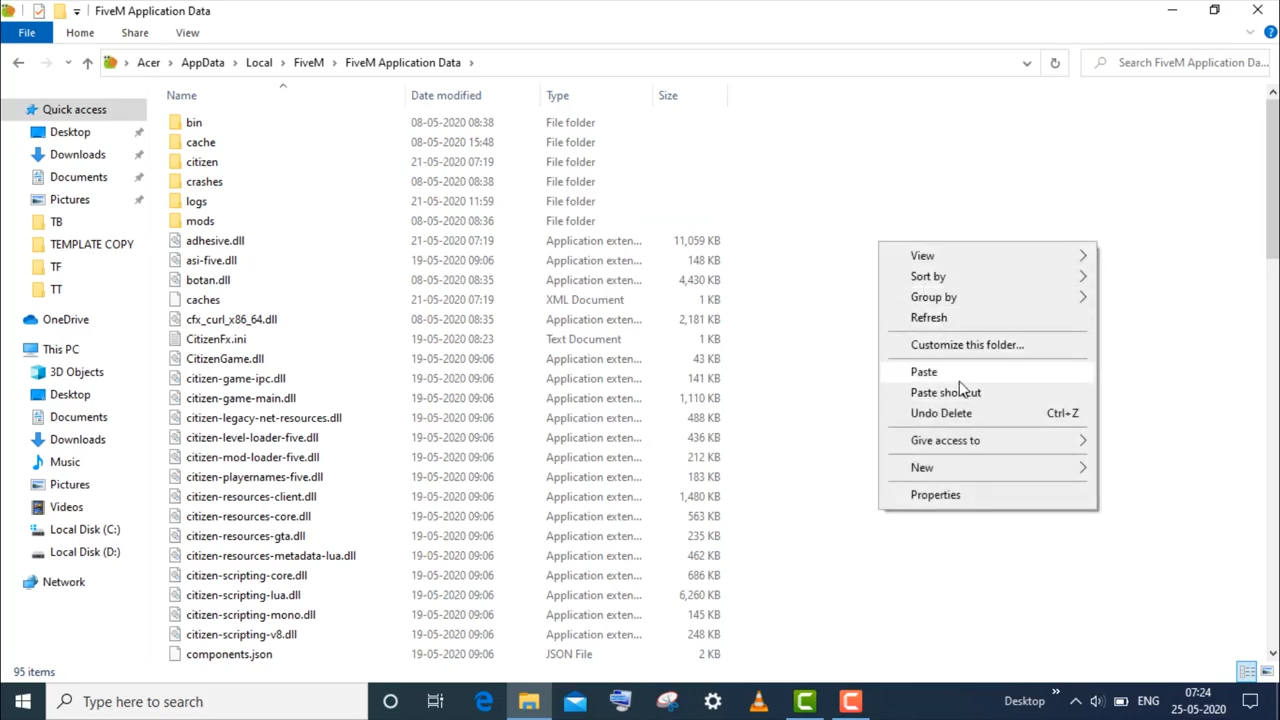
Could Not Load Dependent Module d3d9.dll. - FiveM
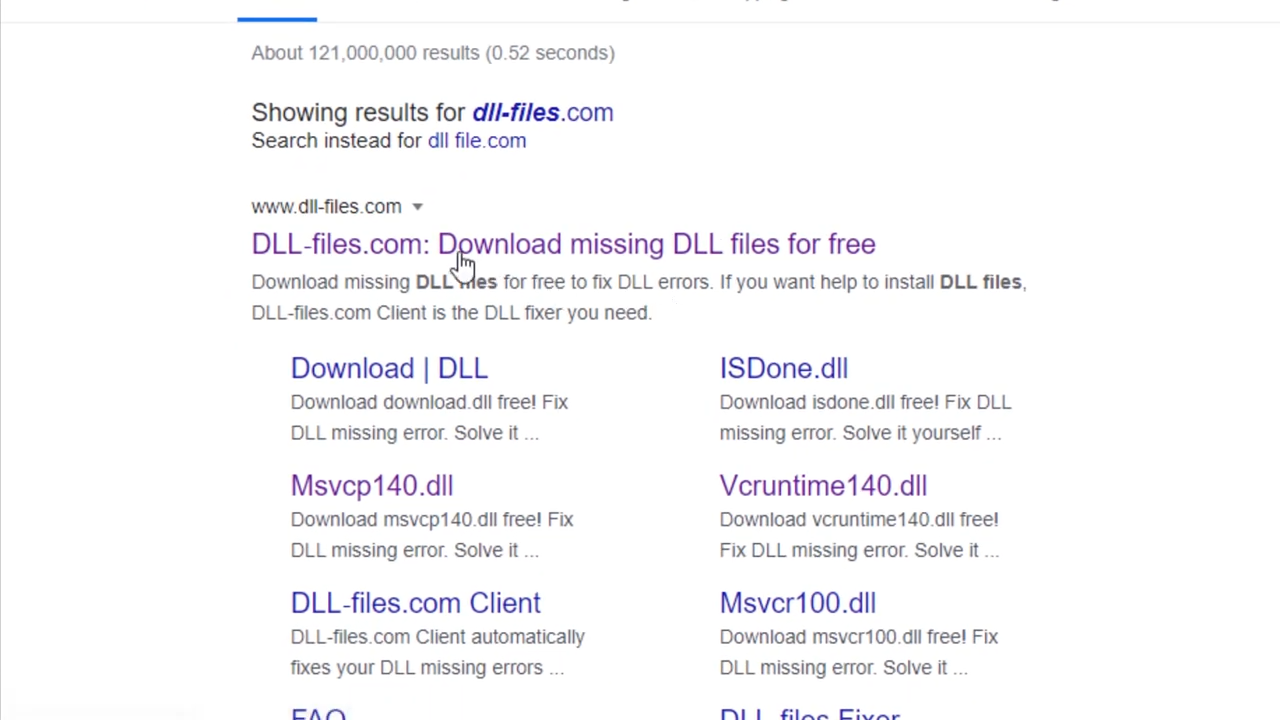
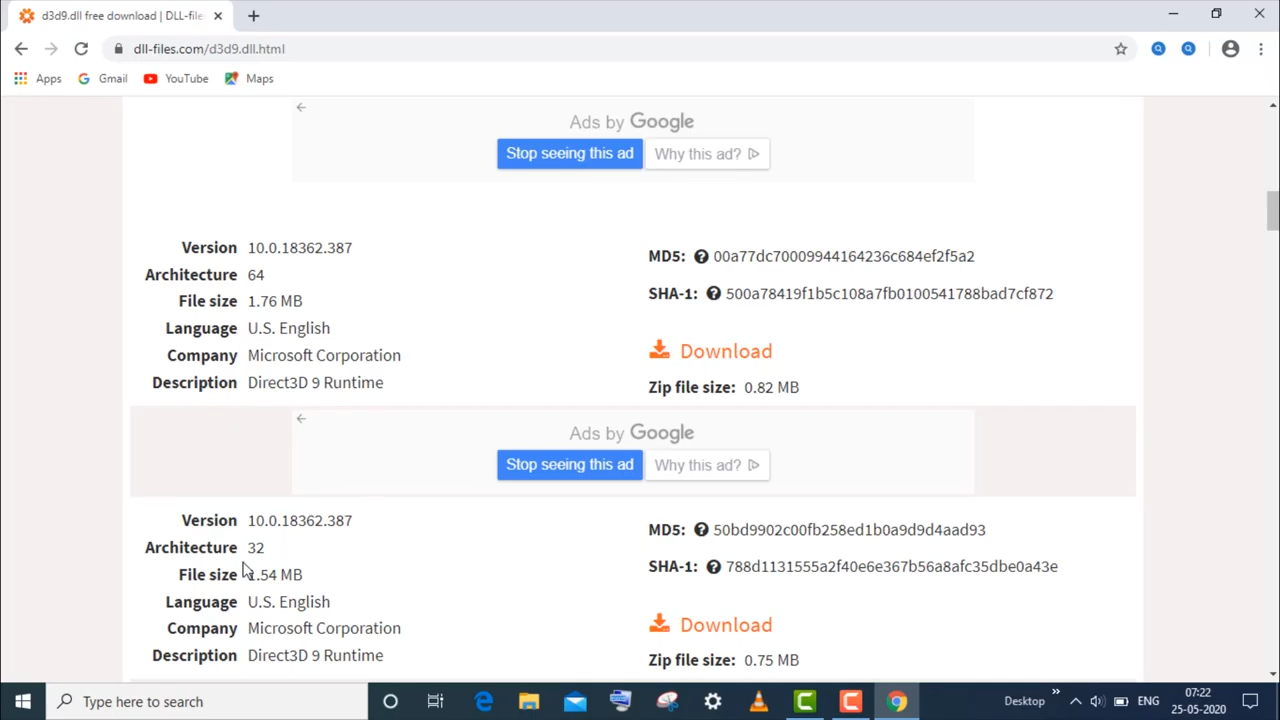
- Open the first link, type d3d9 in the search bar, and search it.
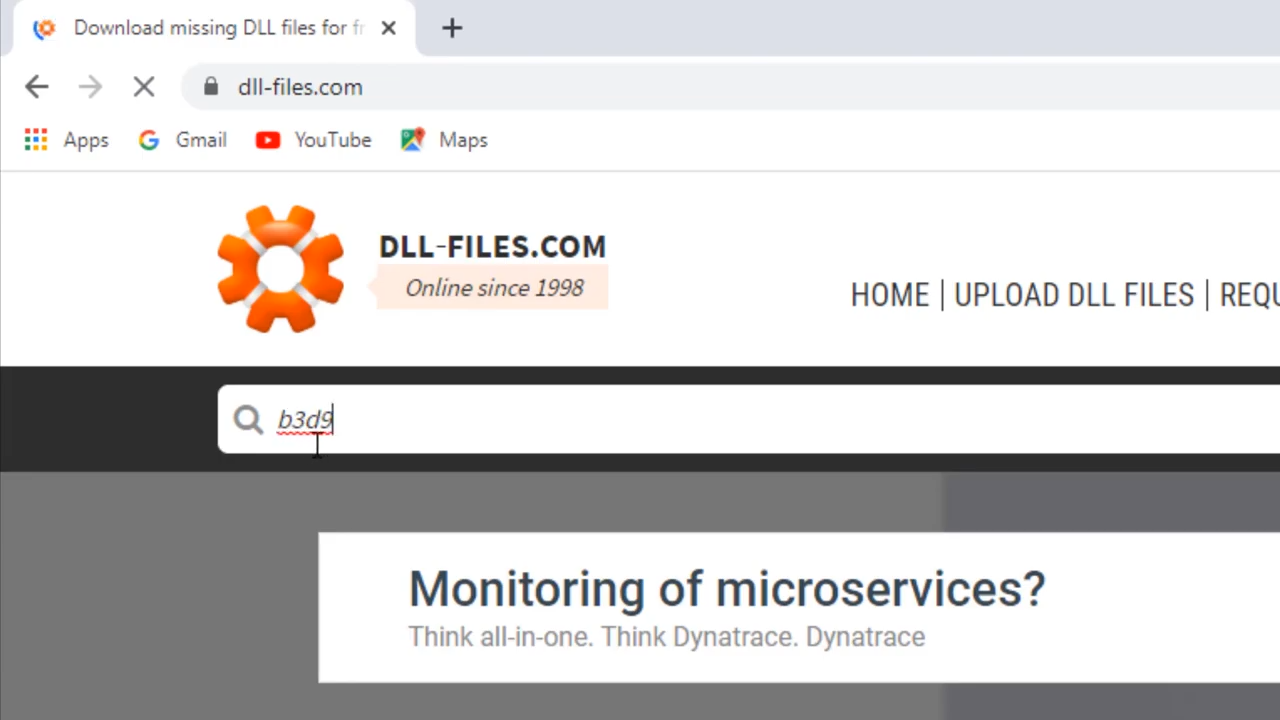
- Enter into the accurate extension.
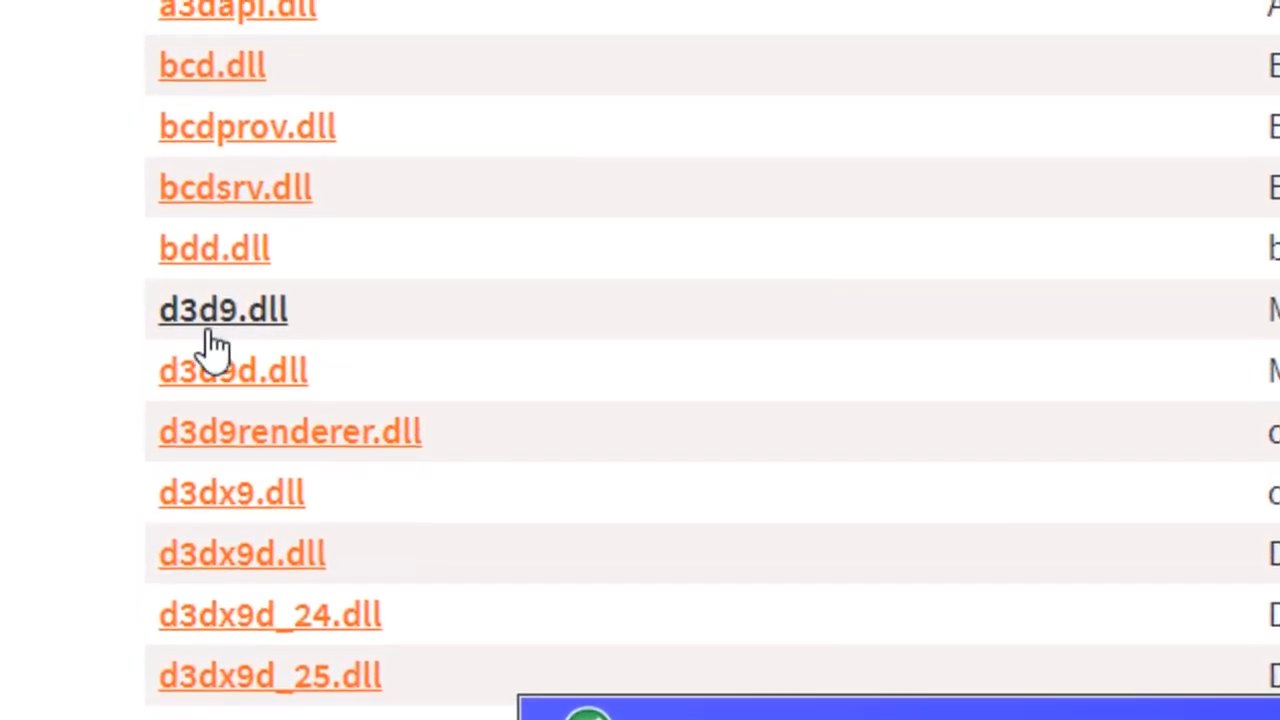
- You need to check out the relevant best option.
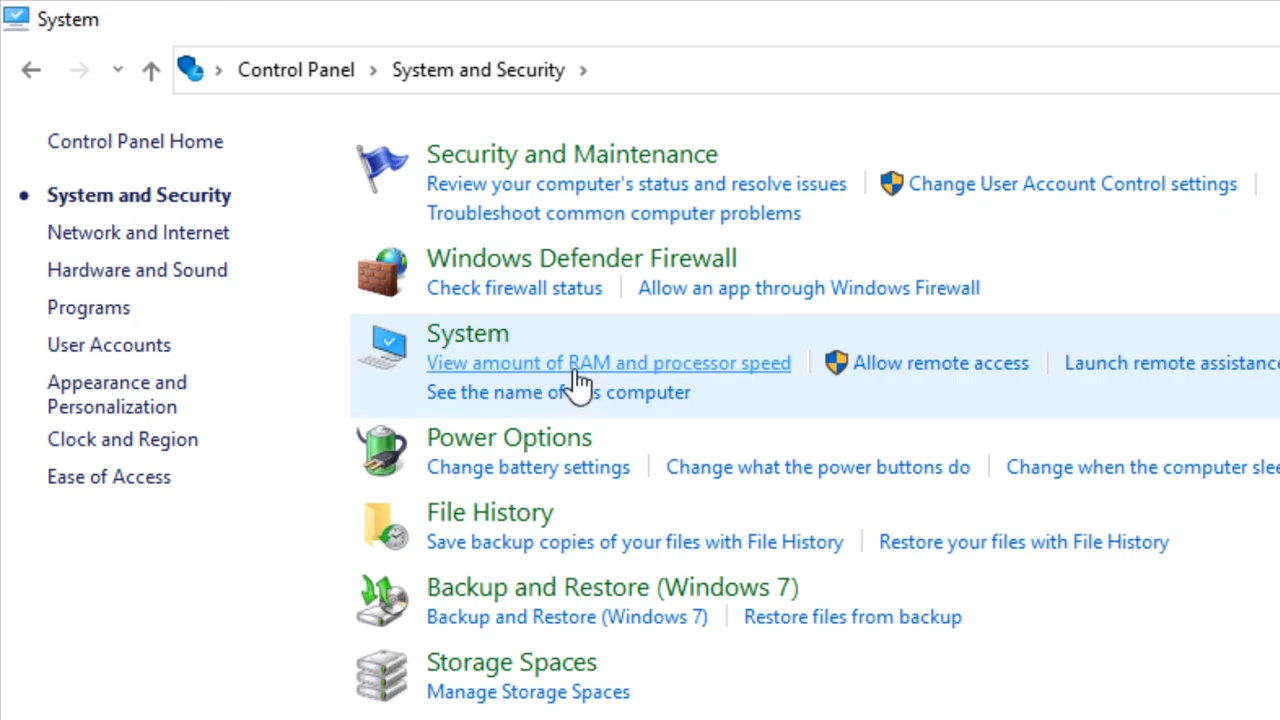
- After that, enter into the Control panel and go to system and security then click to the system and find out the relevant bit version of your Windows.
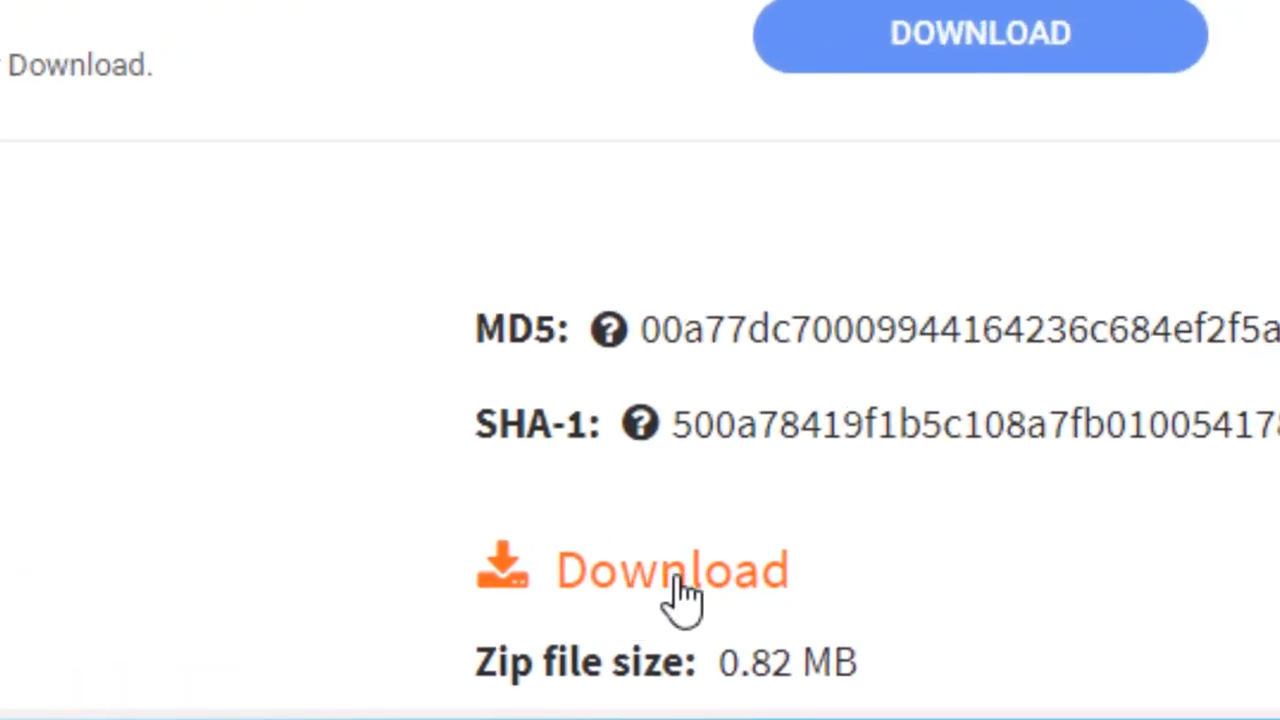
- You need to download the zip file, and the relevant file.
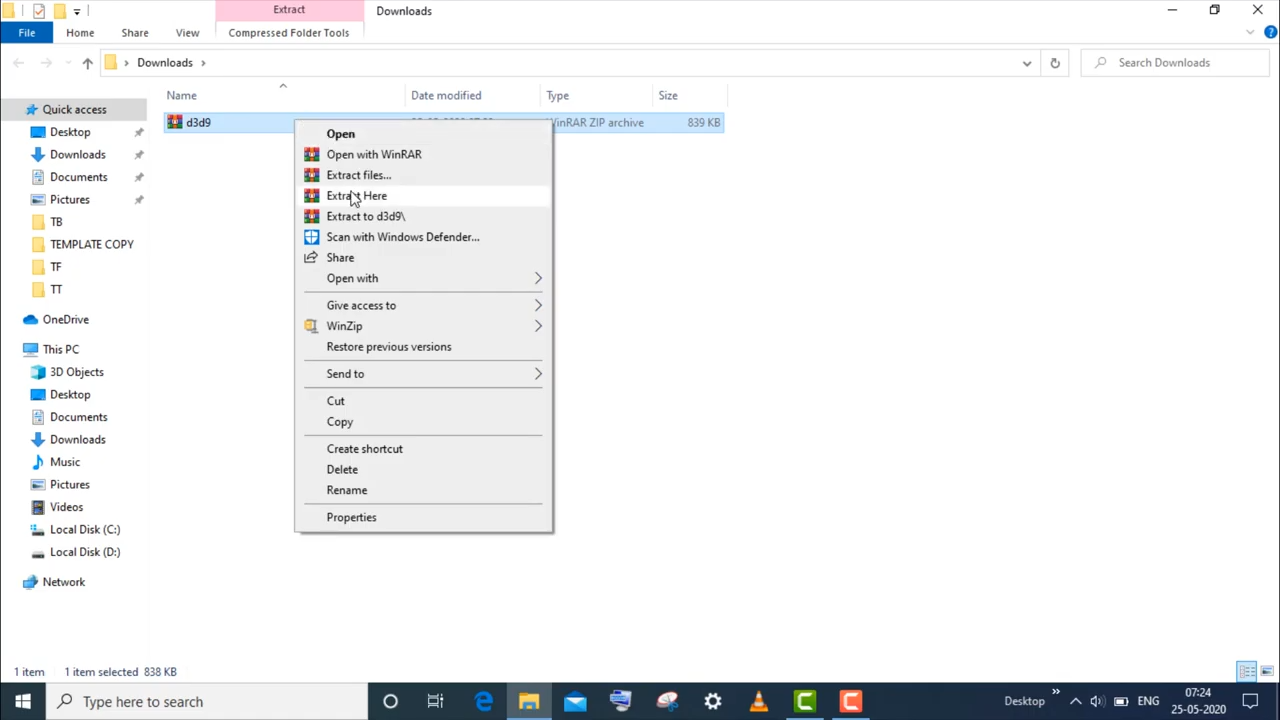
- After that, left-click on the downloaded file and click on "extract here".
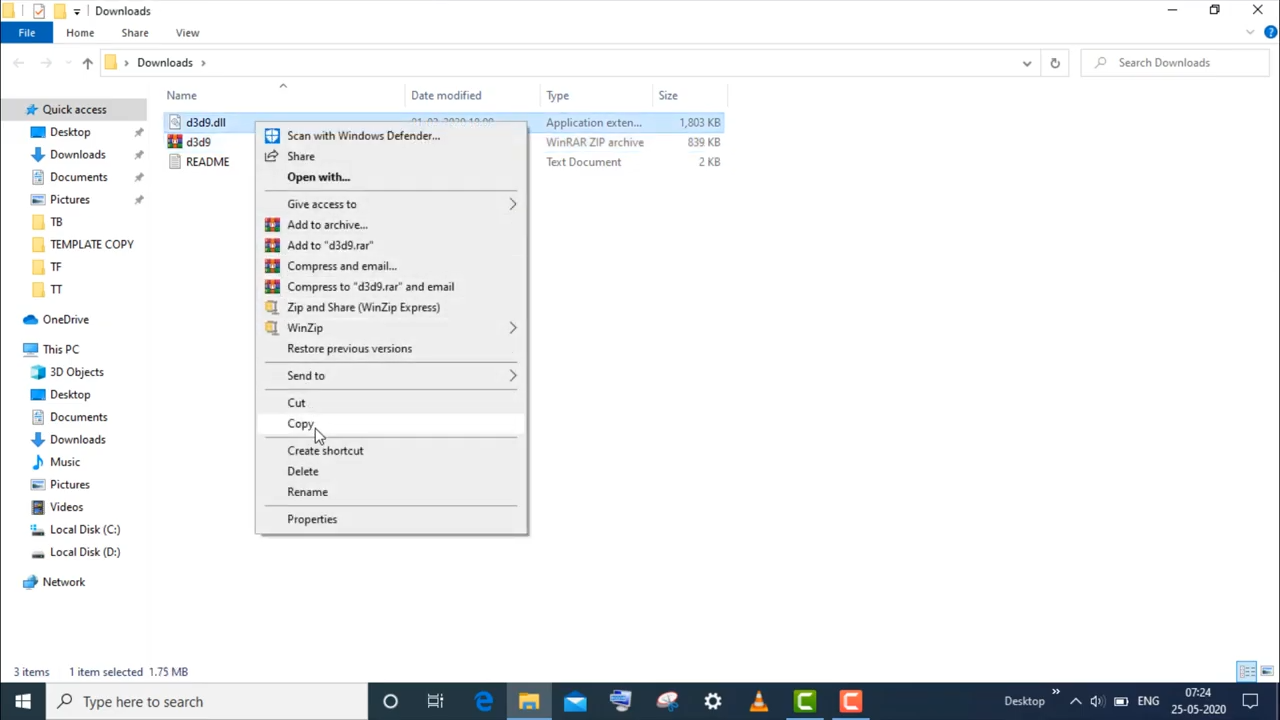
- And then copy the d3d9 file.
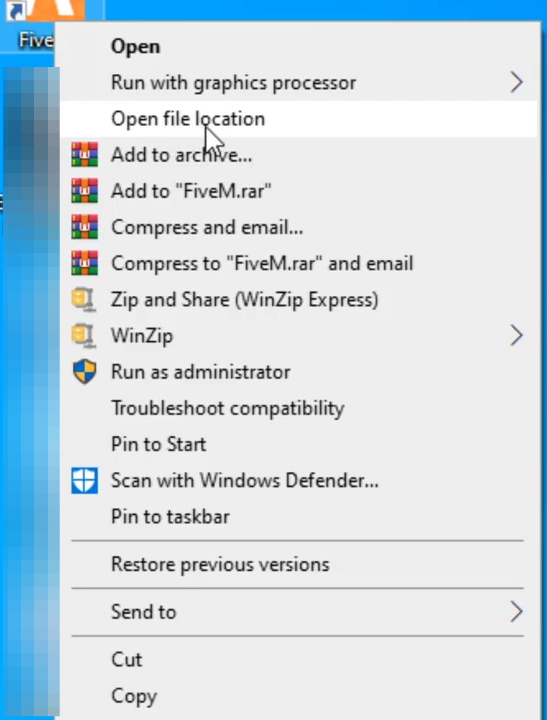
- Left click on the file and select "open file location".
- And then enter into FiveM application data.
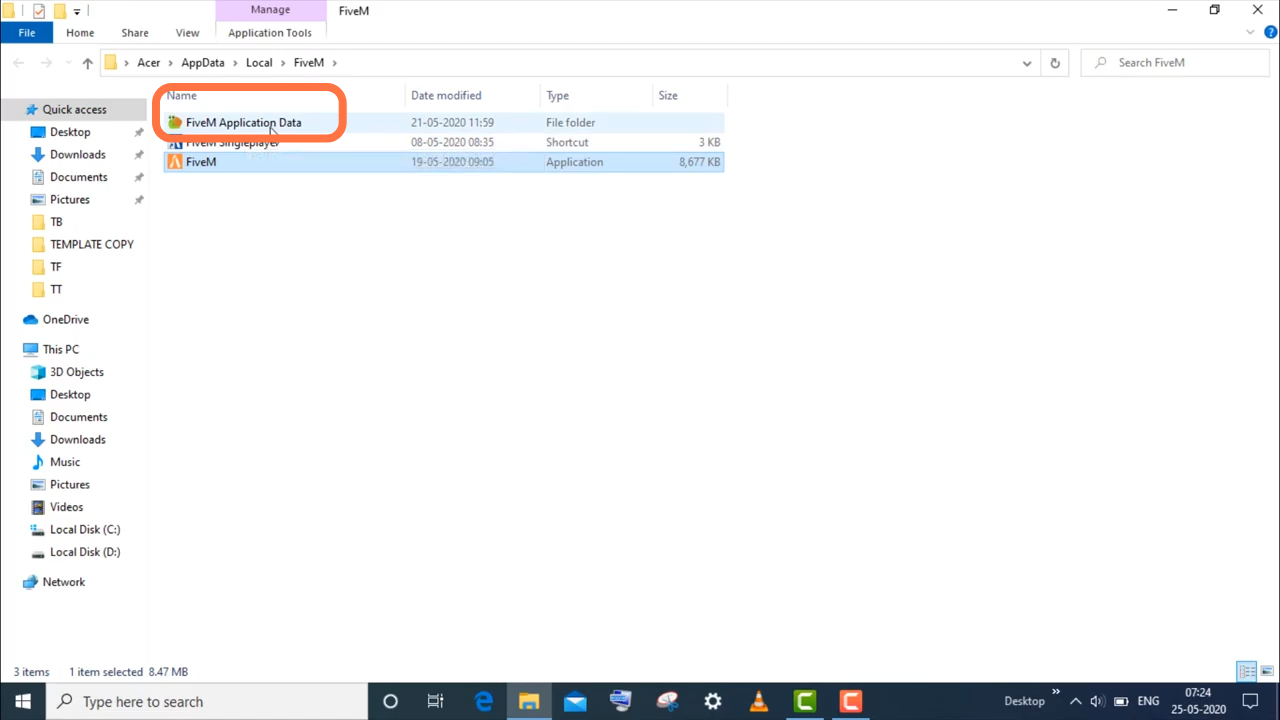
- Finally, you need to paste the file here.