CaveBlock Map Mod: How To Download and Install In Minecraft
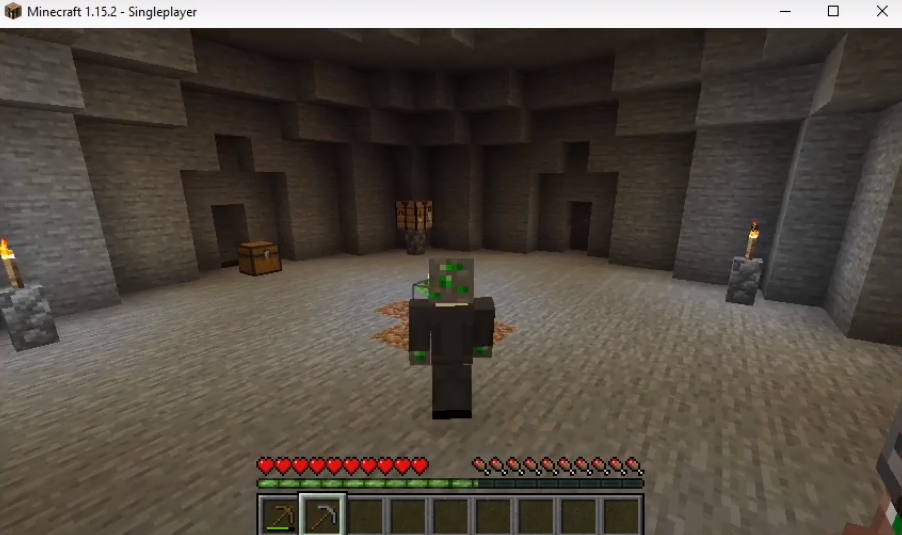
Cave Block is a survival adventure map in the Minecraft game. You will find yourself in dangerous and dark underground caves. You will need to find some villagers out there and build a farm to grow edible items and then eat them to stay alive.
Follow the following steps to install Cave Block Map in Minecraft:
- Open the link below and download the mod file.
https://www.curseforge.com/minecraft/worlds/caveblock-original/files

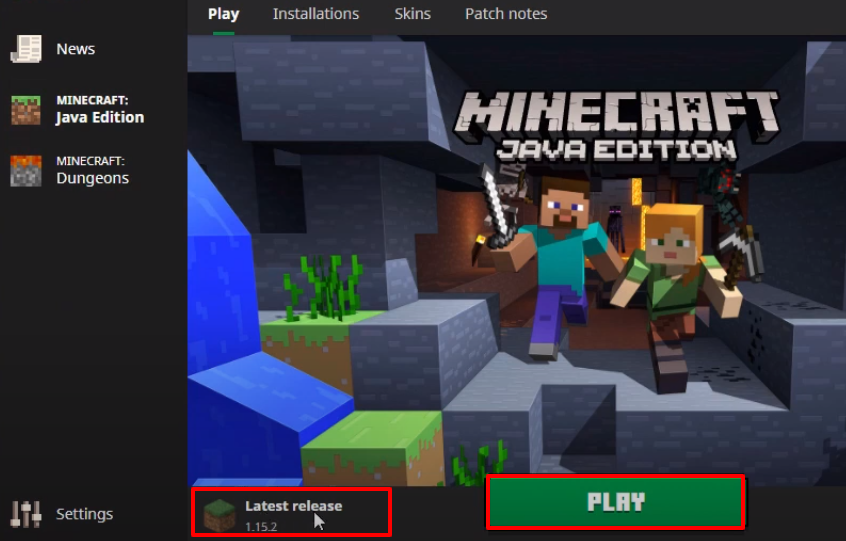
- Launch Minecraft, select the latest release and then click on PLAY.

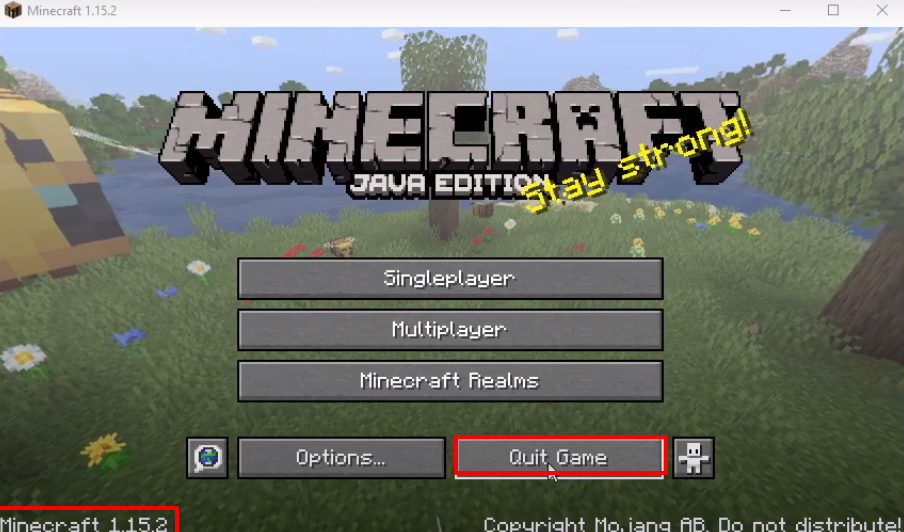
- Check for the version and then click on Quit Game.
- After that, press windows+R to open the run dialog box, type %appdata% here and hit enter.

- Follow the path to the saves.

Launch Minecraft, select the latest release and then click on PLAY.
- Now you will need to click on Singleplayer.

- Then click on Caveblock.

- Explore and enjoy the game.