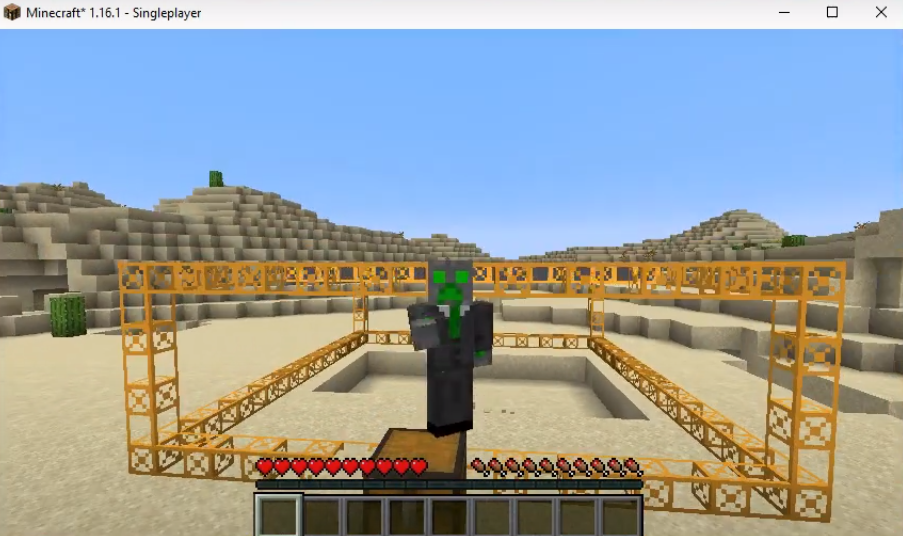
BuildCraft's Quarry Mod: How To Download and Install In Minecraft
The Additional Enchanted Miner brings Buildcraft Quarry and other advanced machines into the game. These machines help you to dig or drill a massive area on the ground and to pump a lot of liquid. You will get a lot of items by digging the ground with these heavy duty machines.
Follow the following steps to install Buildcraft Quarry MOD in Minecraft:
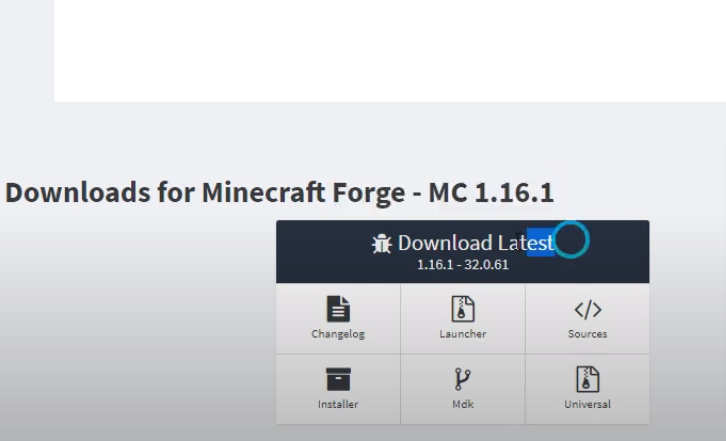
- Open the link below and download the installer.
https://files.minecraftforge.net/net/minecraftforge/forge/index_1.16.1.html
- Open up the following link and download the mod file.
https://www.curseforge.com/minecraft/mc-mods/additional-enchanted-miner/files

- Open the link below and download the mod file.
https://www.curseforge.com/minecraft/mc-mods/scalable-cats-force/files
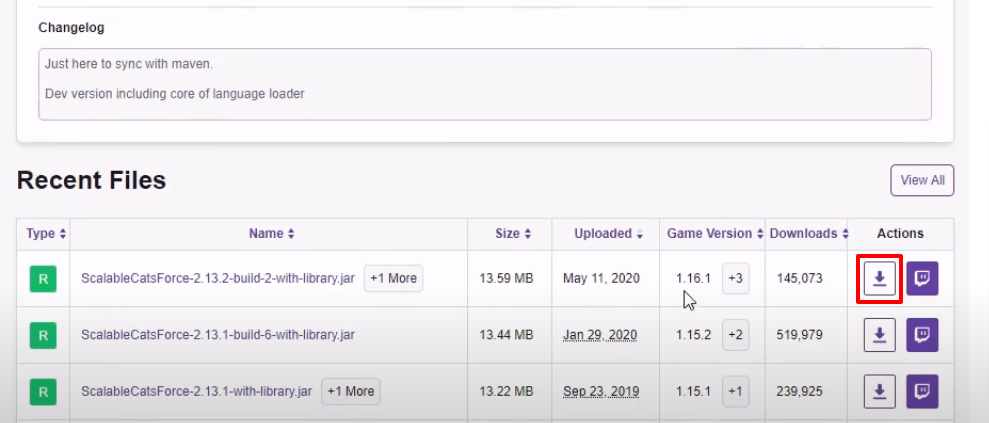
- And then open the following link to download the mod file.
https://www.curseforge.com/minecraft/mc-mods/jei/files/all

- Launch Minecraft, select the Java Edition and then click on PLAY.

- Check for the version and then click on Quit Game.
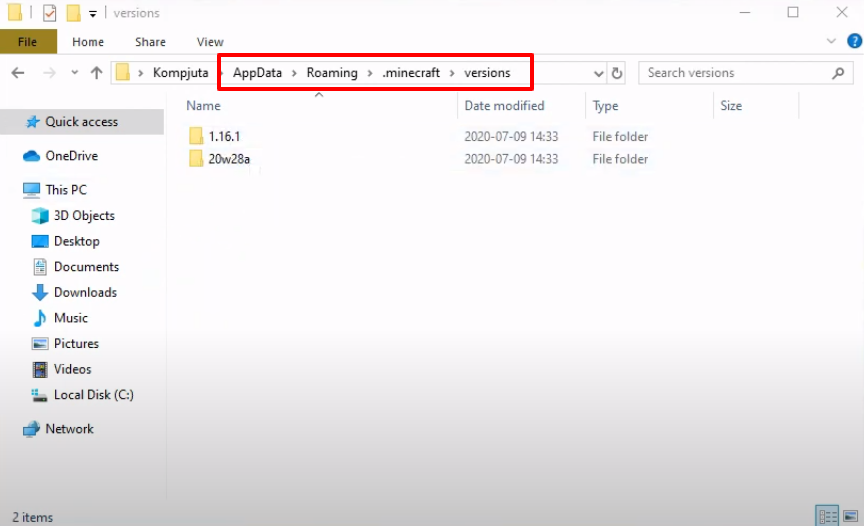
- Open the appdata folder with the %appdata% run command.

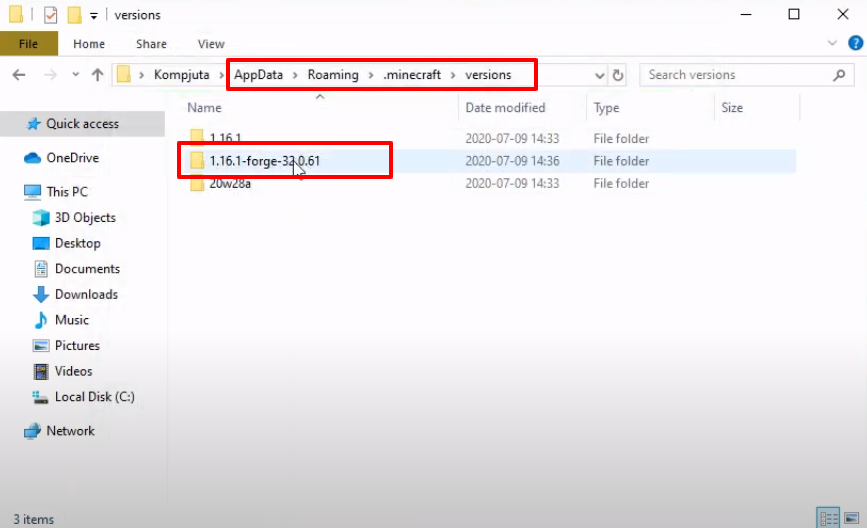
- Follow the path.
- Click on "Install client" and then tap OK.

- As the installation gets completed, a new folder will be generated in the versions folder.
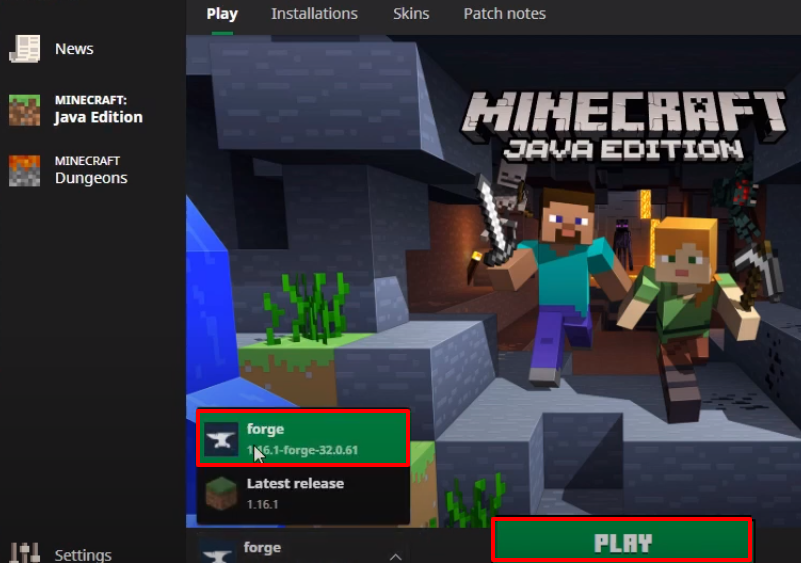
- Launch Minecraft, select the forge and then click on PLAY.
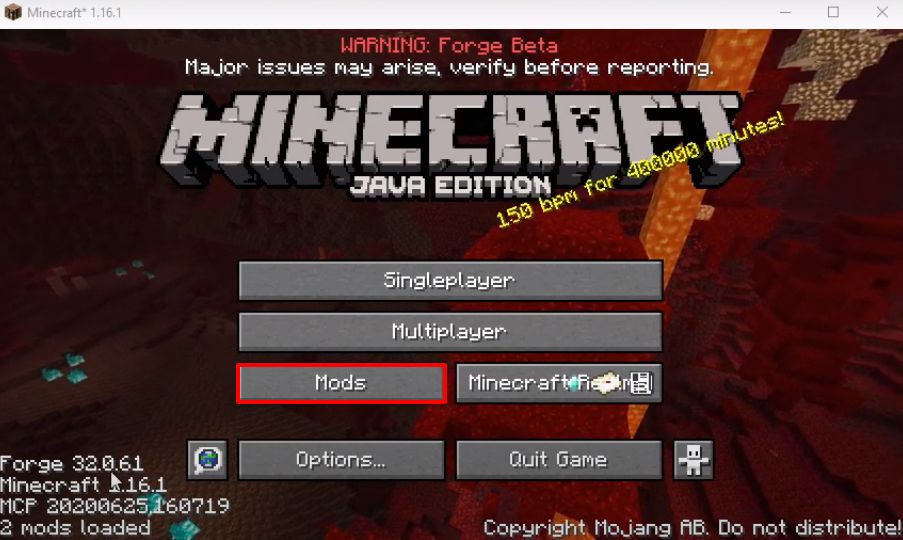
- Click on Mods.
- Check for the program and then click on Done.

- Click on Quit Game.
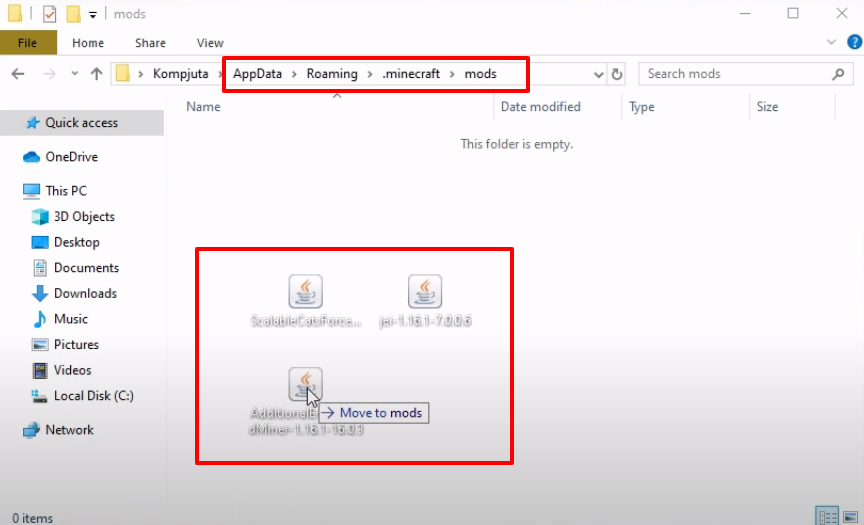
- Again open appdata folder, navigate to the path and then paste the downloaded file in the mods folder.
- Launch Minecraft, select forge and then click on PLAY.
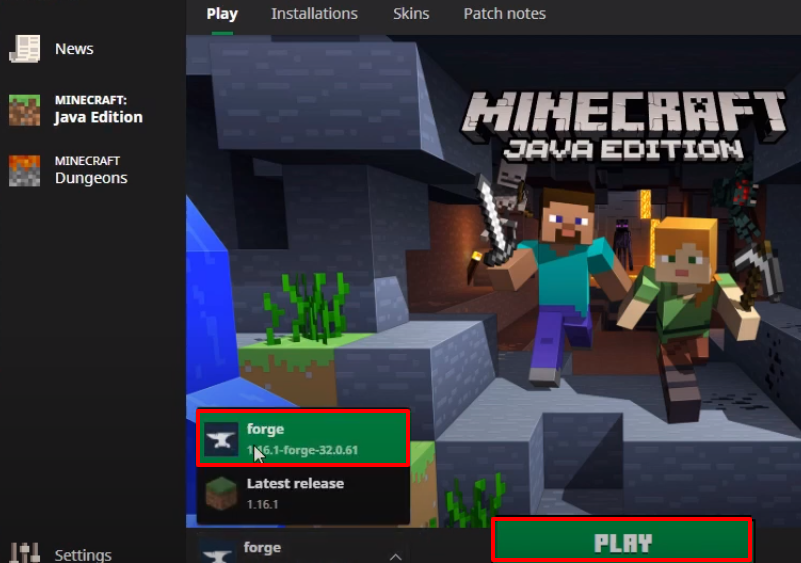
- Now you will need to click on Mods.
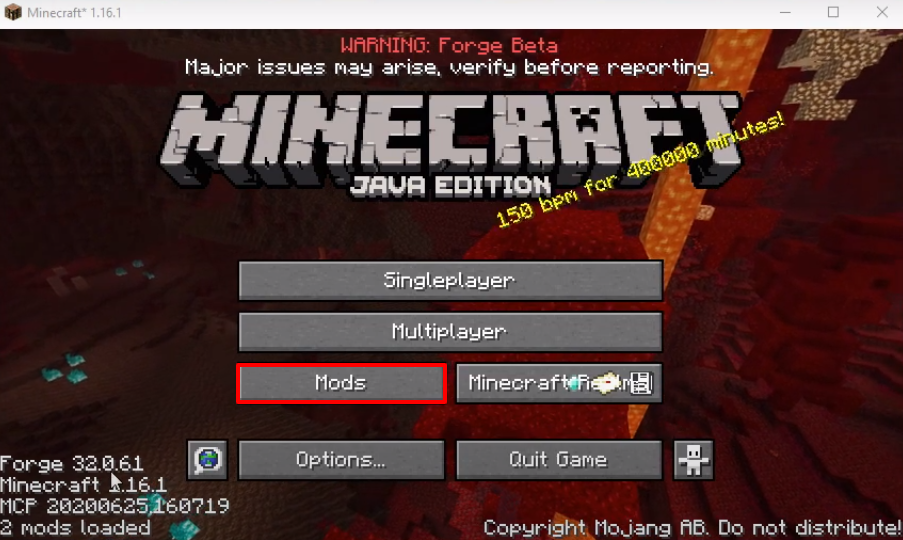
- Check for the program and then click on Done.

- Click on Options..
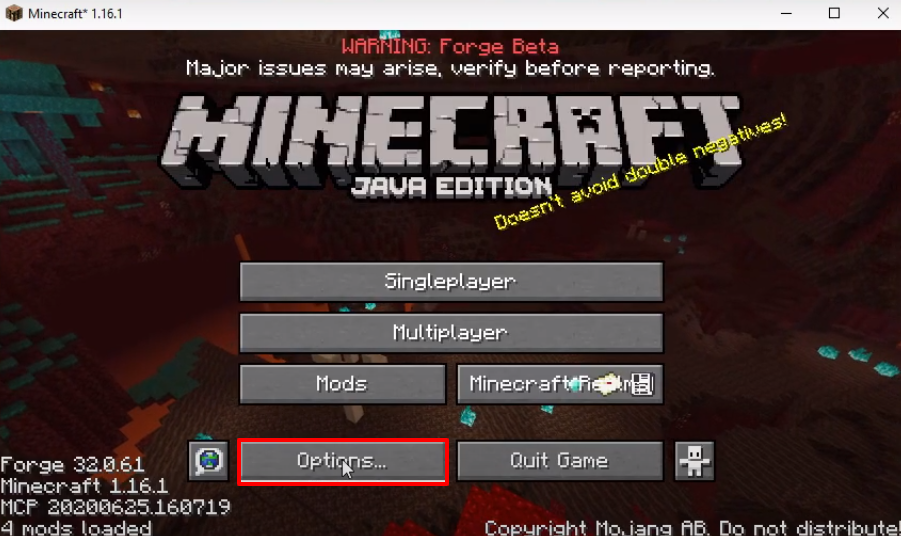
- And then click on Controls..

- Check for the control key and then click on Done.
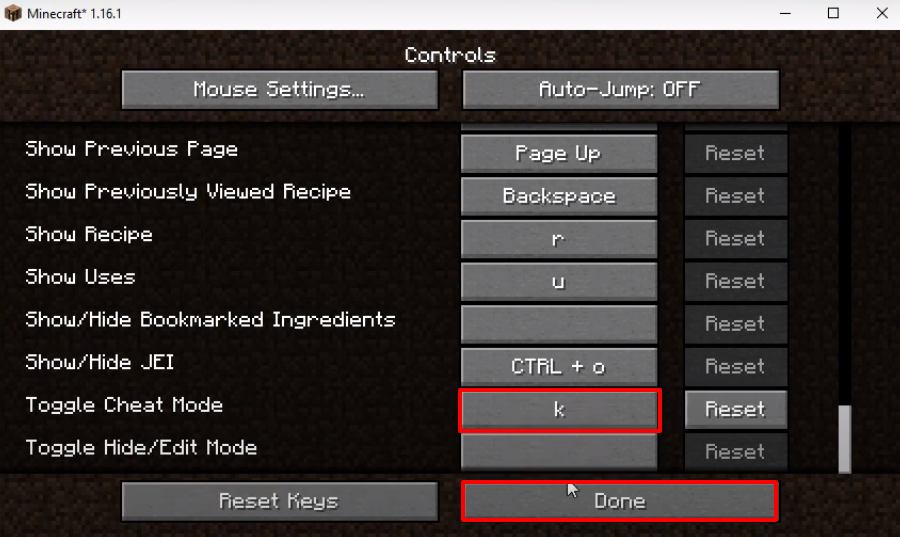
- Click on Done
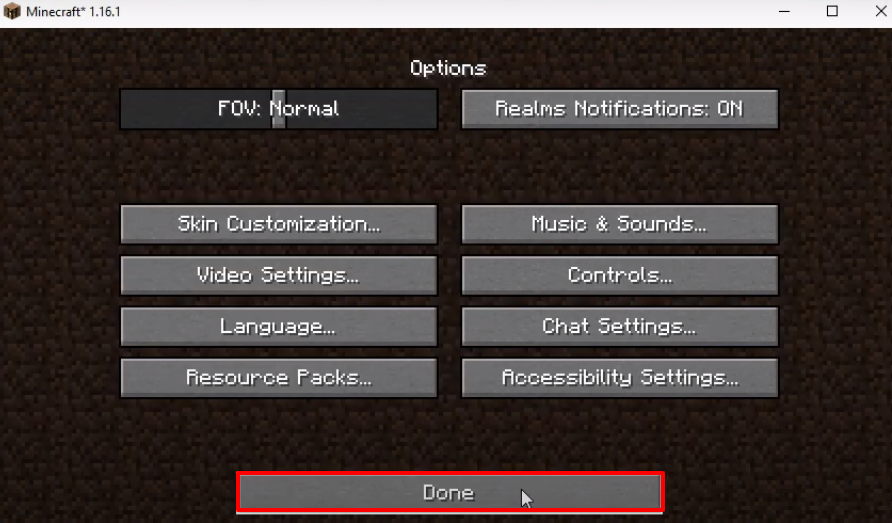
- After that, you have to click on Singleplayer.

- Make the changes as shown in the image below and then click on More World Options...
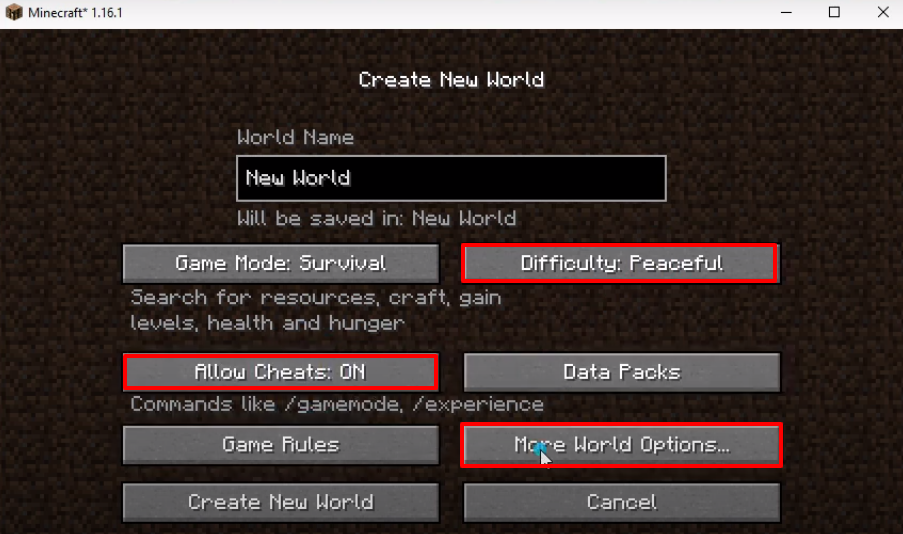
- Tun on Bonus Chest and then click on Done.

- Click on the Create New World.
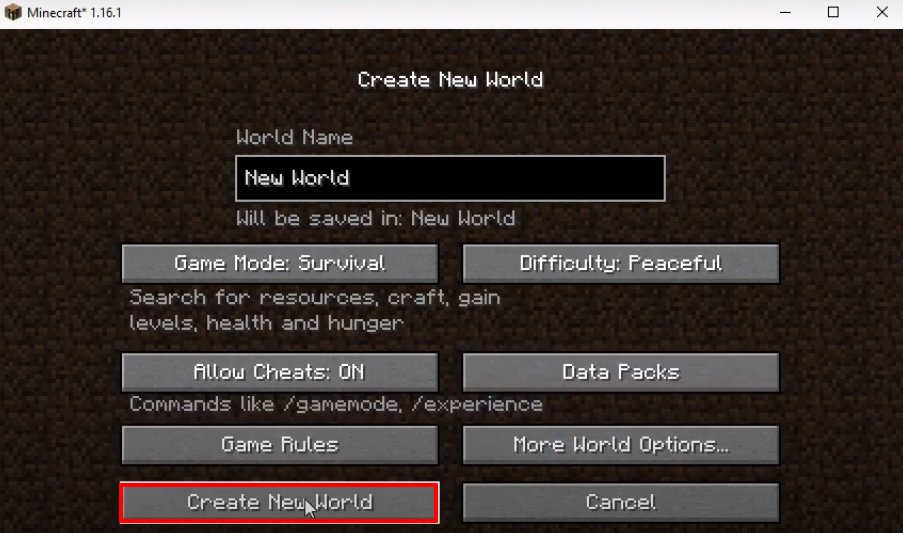
- Explore and enjoy the game now.