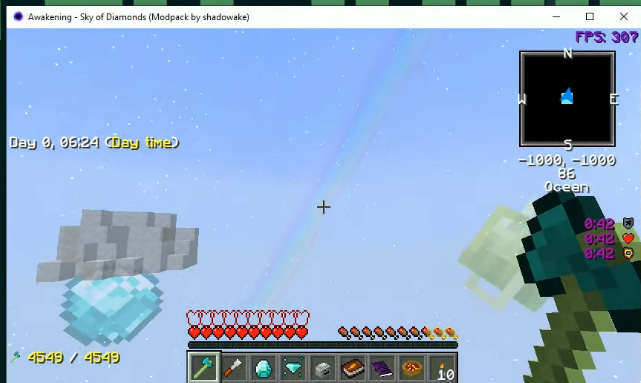
Awakening Sky Of Diamonds Modpack : How To Download And Install In Minecraft
AWAKENING SKY OF DIAMONDS is a real fun mod pack in the Minecraft game. The players will have great craziness in the skies that will mesmerize them a lot.
Follow the following steps to install AWAKENING SKY OF DIAMONDS 1.12.2 in Minecraft:
- Go to the website below, select the Installer as shown in the image below and download the Twitch App installer for Window.
https://www.twitch.tv/downloads/

- Minimize your browser, open the downloads folder and paste all the downloaded files on Desktop.
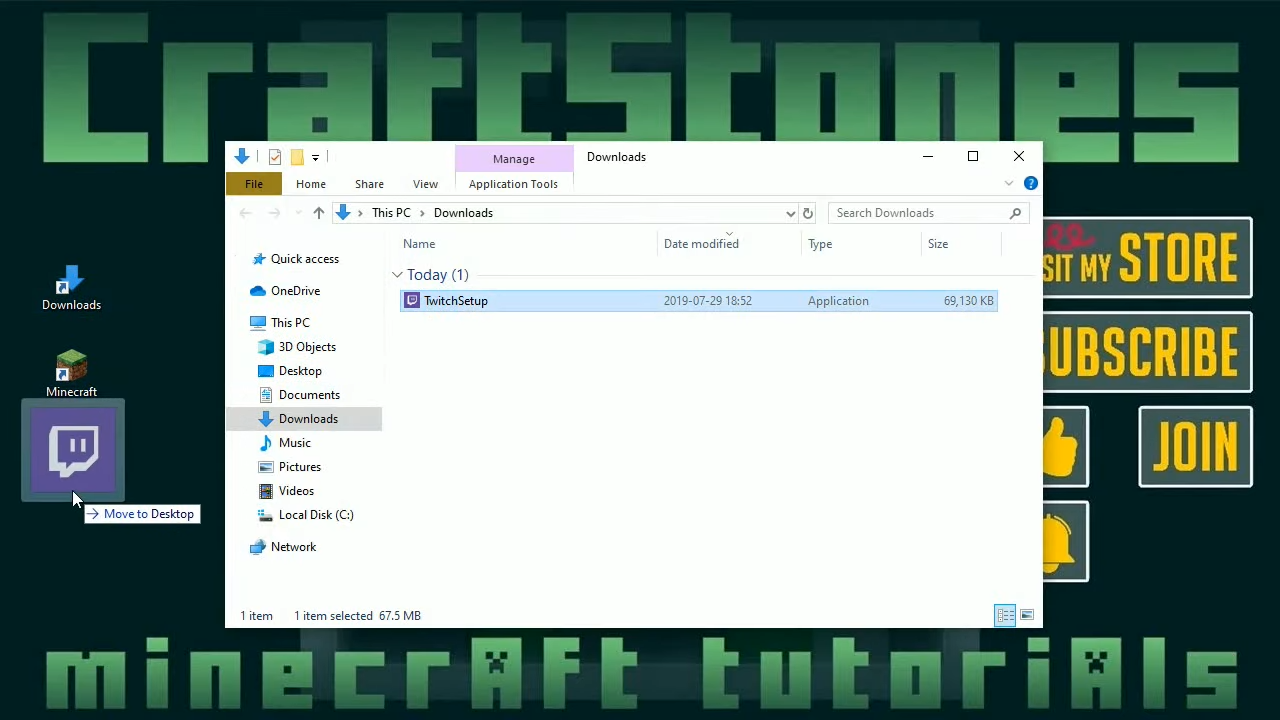
- Now open the Twitch App and press the Install button.

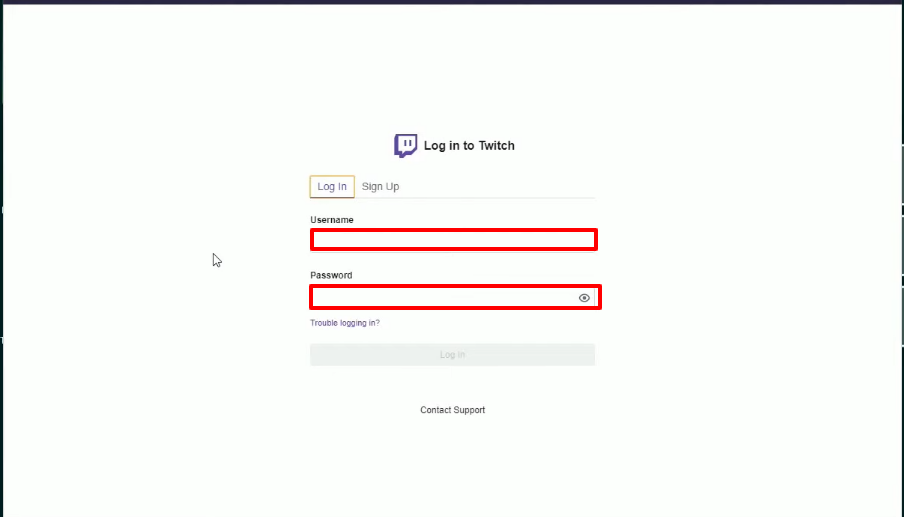
- After installing , this interface will appear. You need to enter the Username and Password in the specific text boxes.
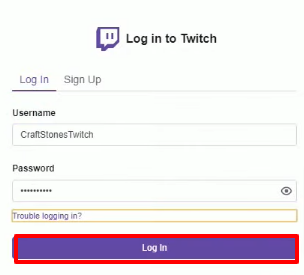
- Then press Log In.
- After Logging in to your account, You have to press the accept button.

- Click on the Circle , and select Settings.

- Tap on Minecraft, and remember the file location.

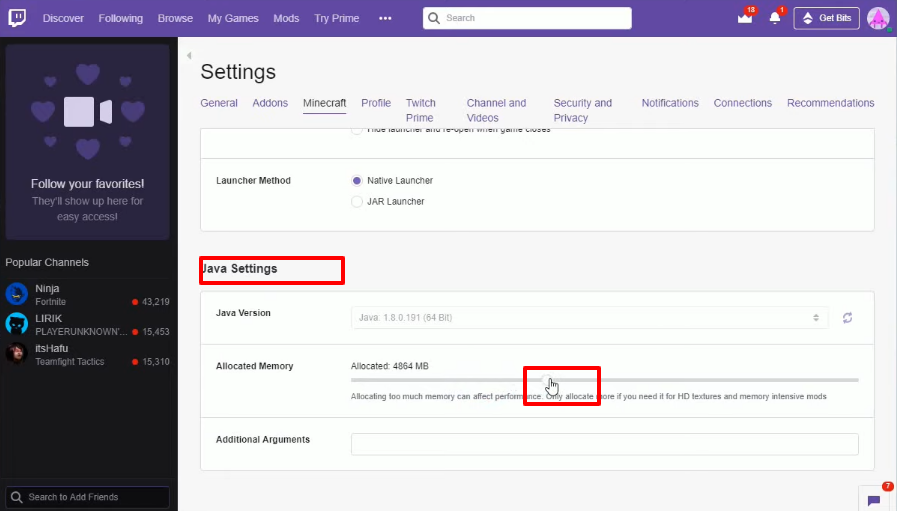
- Scroll down and increase the memory allocation.
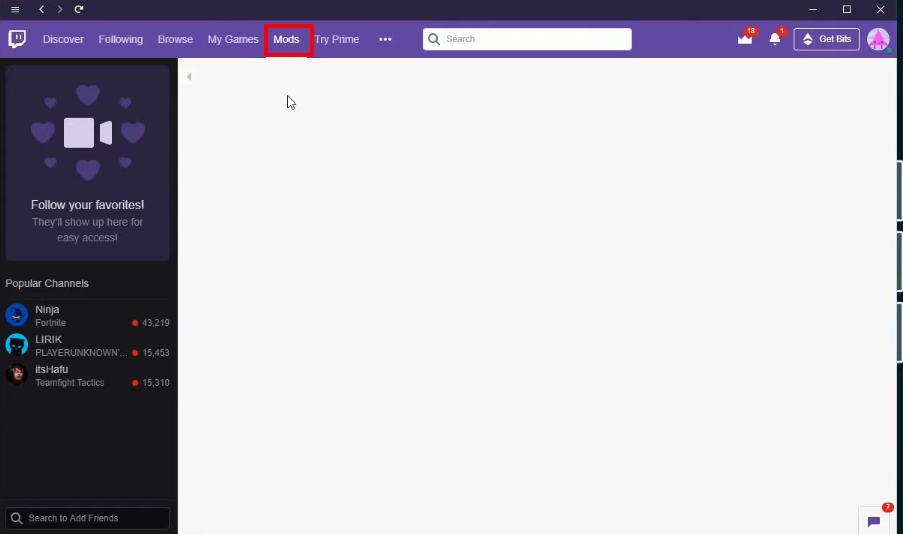
- Then you will need to click on Mods.
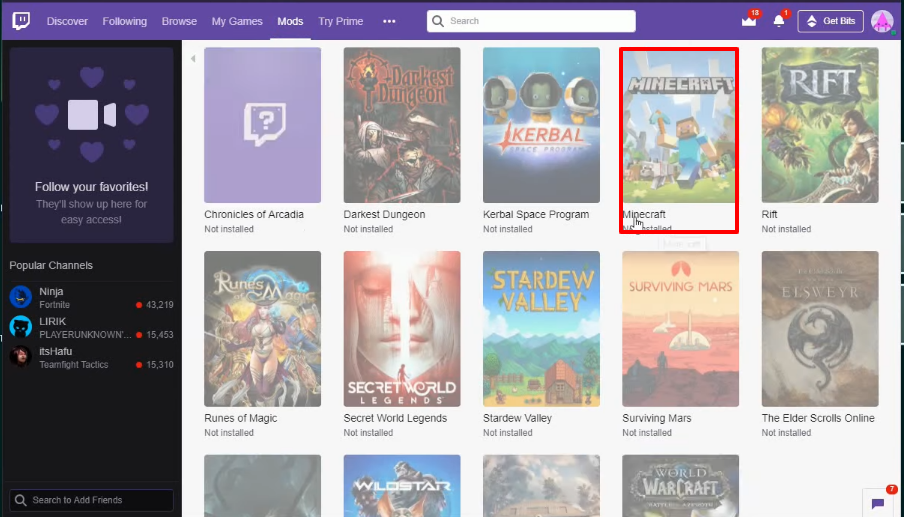
- Select Minecraft.
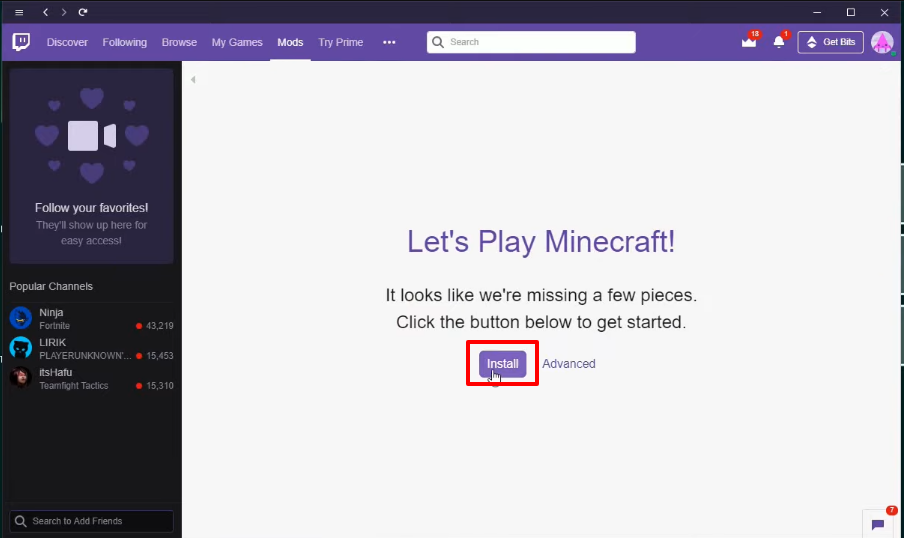
- Press the install button.
- Click on Browse Modspack, and search “awakening”. Then press the Install button
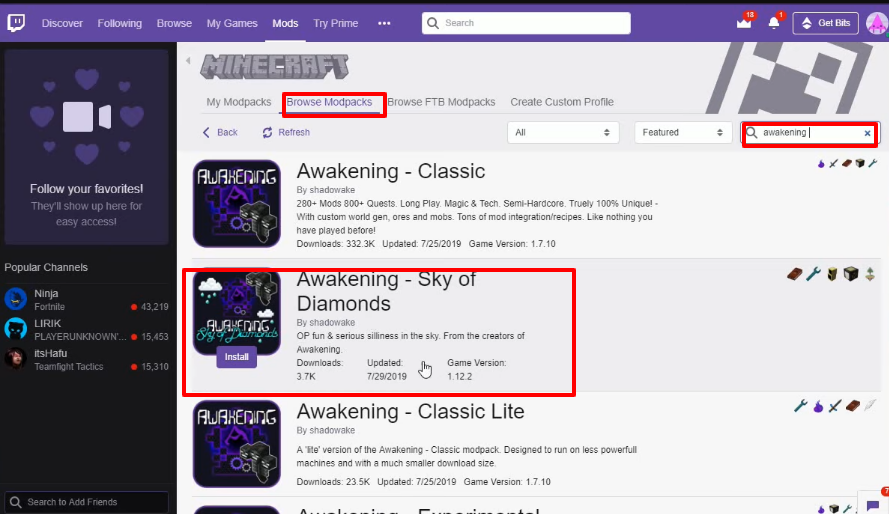
- Press "My Modpacks" and tap on the Play button. The updater setup will be initialized.

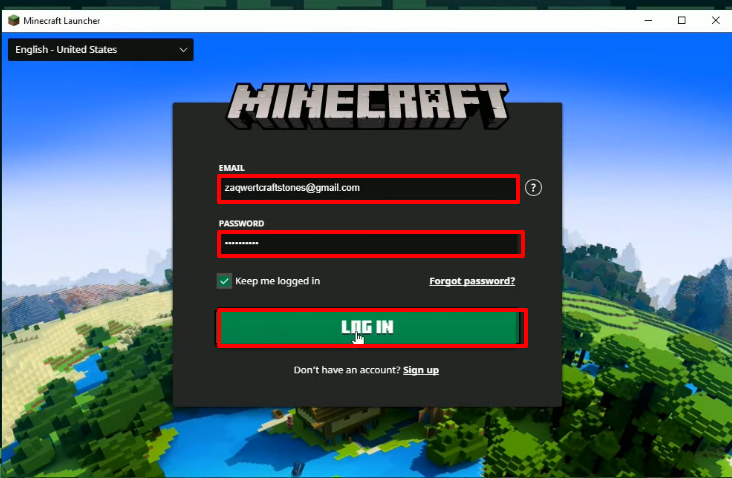
- Minecraft Launcher will open. Type Username and Password in the text boxes.
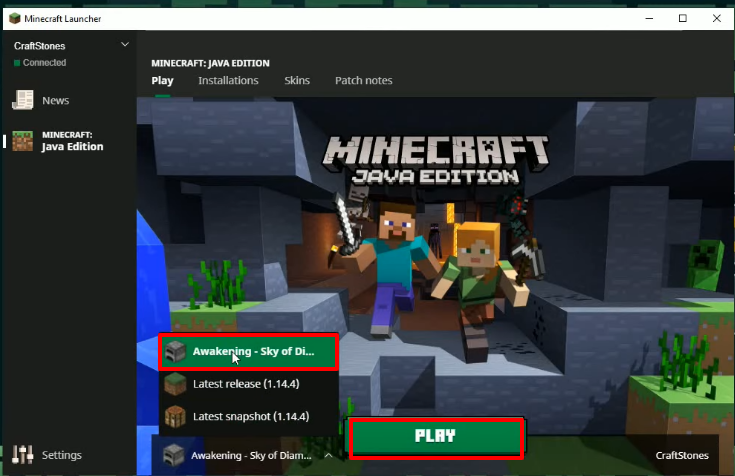
- Select the “Awakening - Sky Of Diamonds” and hit the PLAY button.
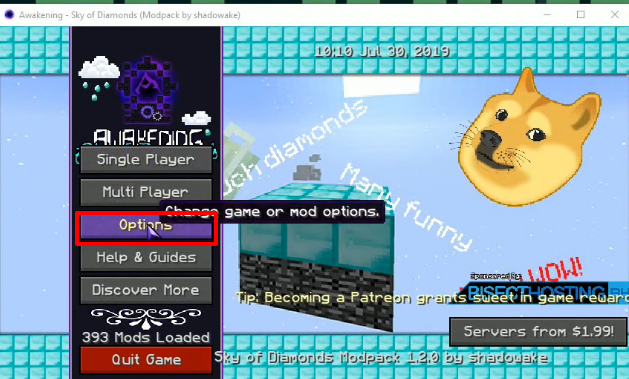
- After that, click on "Options" , if you want to change any settings or options. Then press the Done button (to Confirm).
- Now you will need to click on Single Player.

- And then tap "Play Solo".

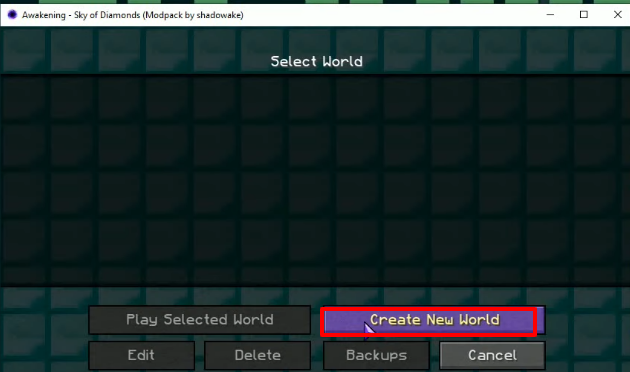
- Tap on “Create New World”
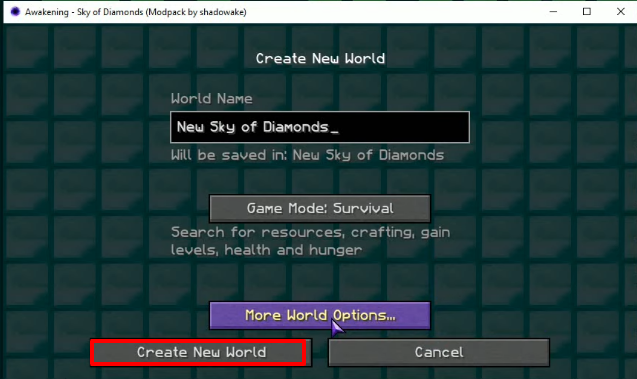
- Again press “Create New World”.
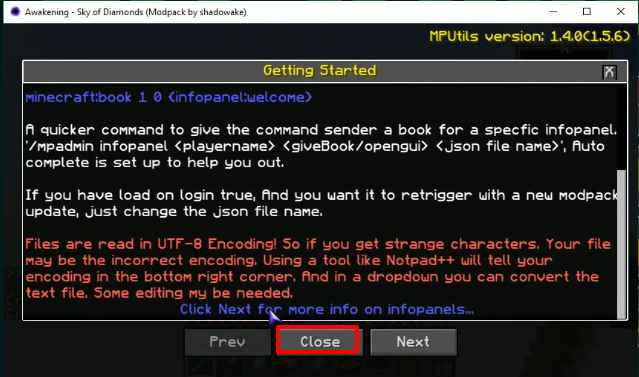
- After this, click on the Close button.
- The game will start. Now you can play and enjoy the game.