Advanced Finders Mod: How To Download And Install In Minecraft
ADVANCED FINDERS MOD 1.16.5 provides new finders or compasses to help with mining. You can locate ores, metals, and chemicals easily. The needle changes color depending on the resource, guiding you to valuable items.
Steps to install ADVANCED FINDERS MOD 1.16.5 in Minecraft:
- Download Minecraft Forge.
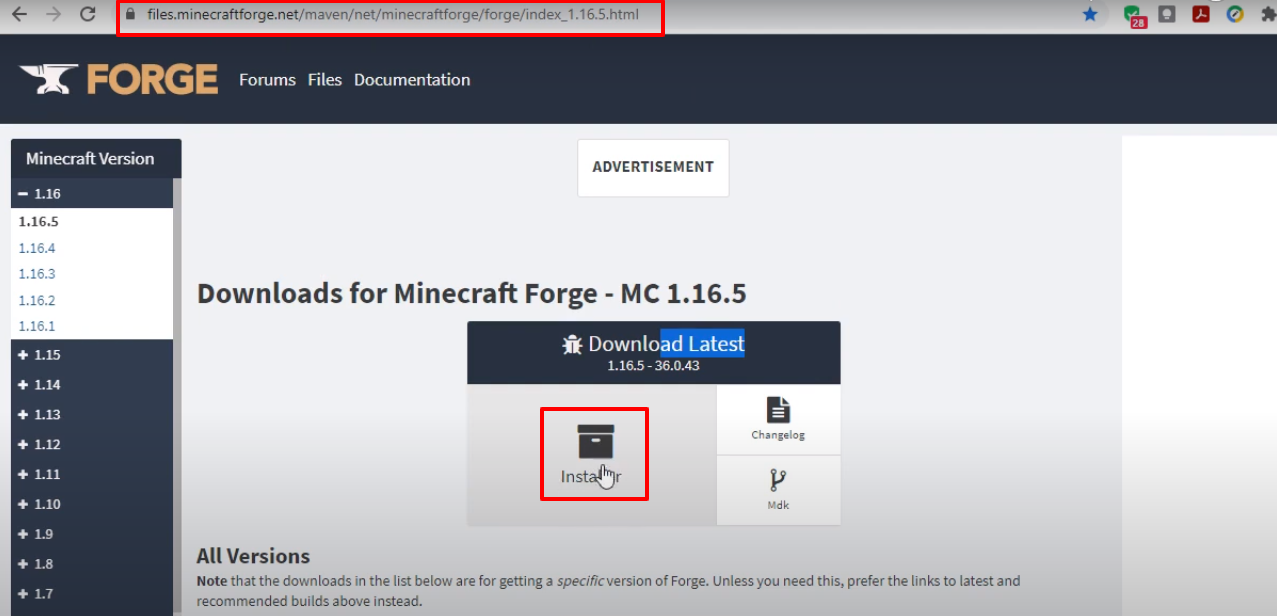
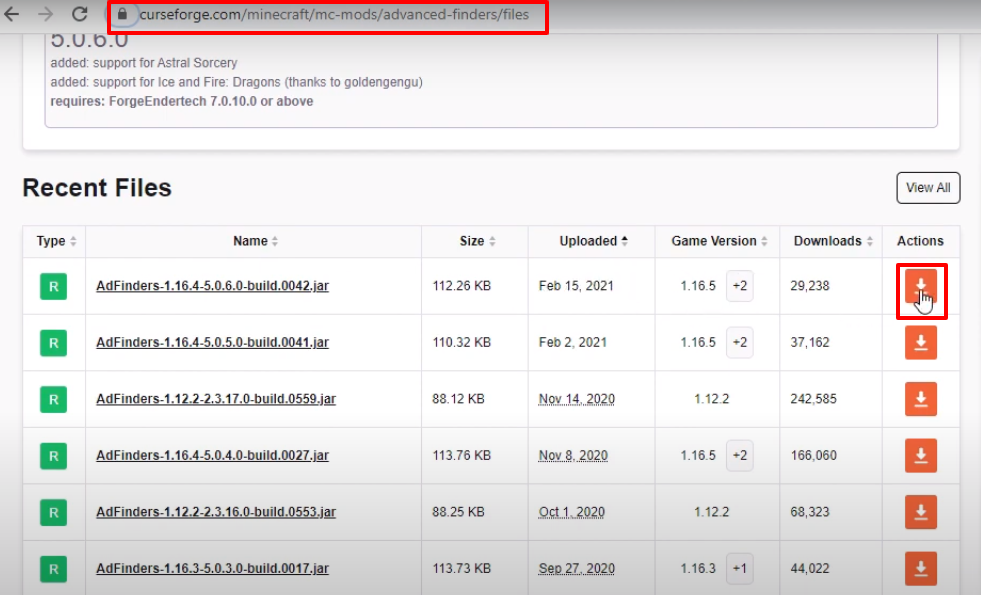
- Download the Advanced Finders Mod.
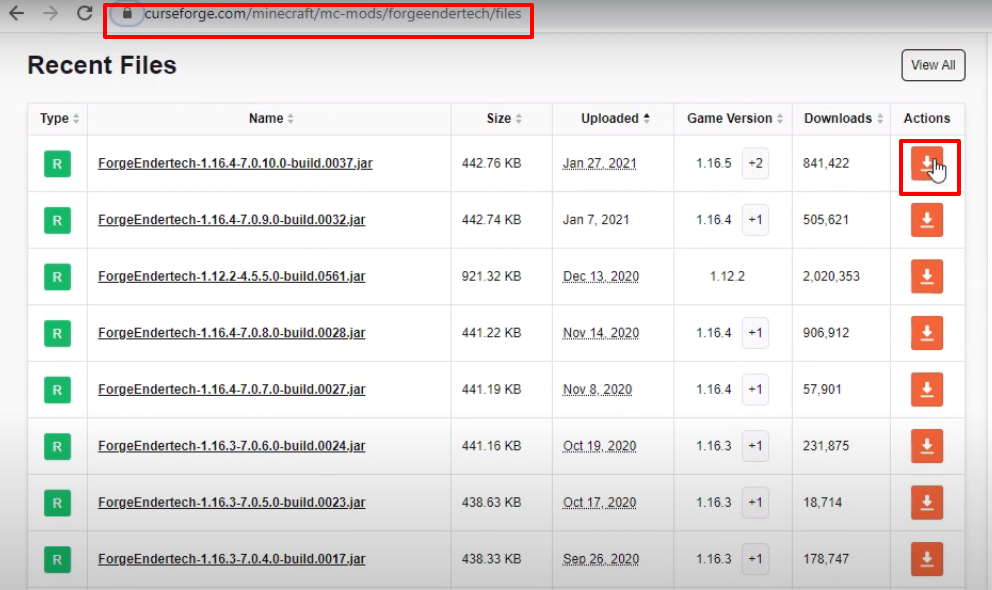
- Download the ForgeEndertech file.
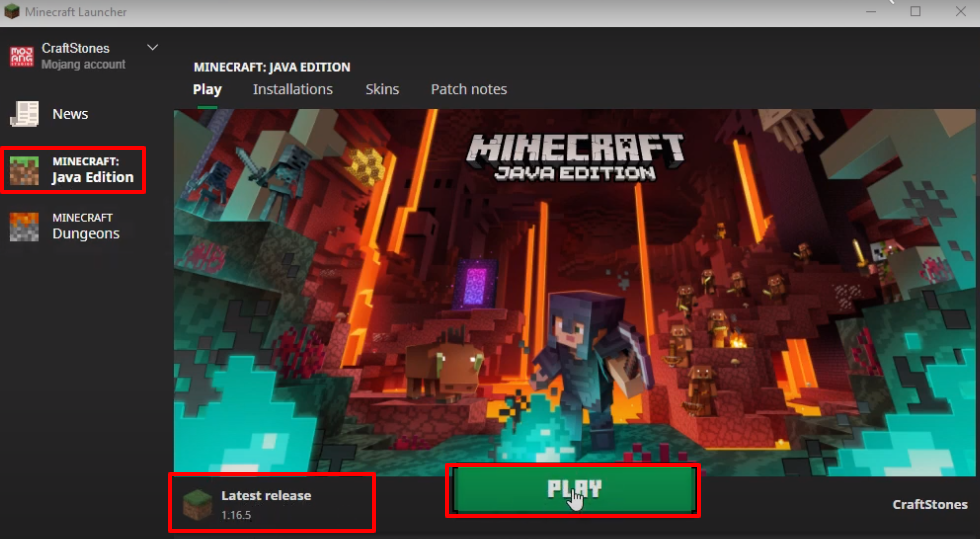
- Launch Minecraft Launcher → Select Minecraft Java Edition → Latest Release → PLAY.
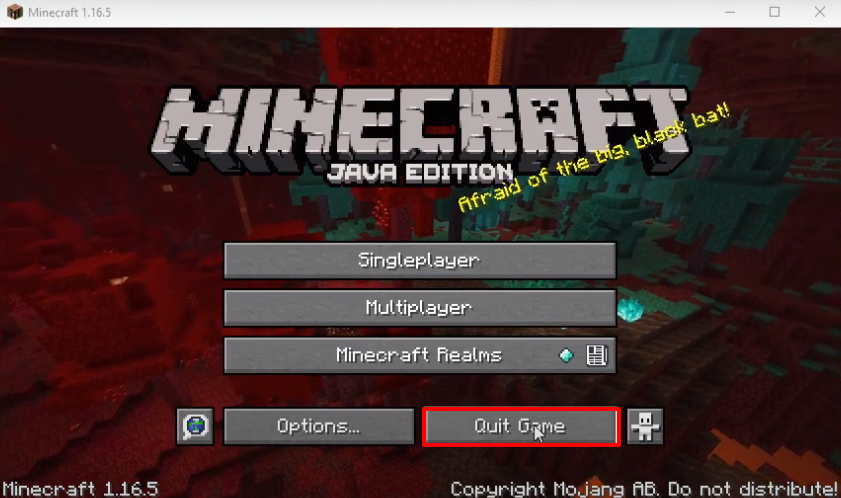
- Click Quit Game.
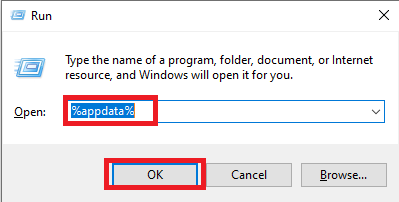
- Press Windows + R, type
%appdata%and click OK.
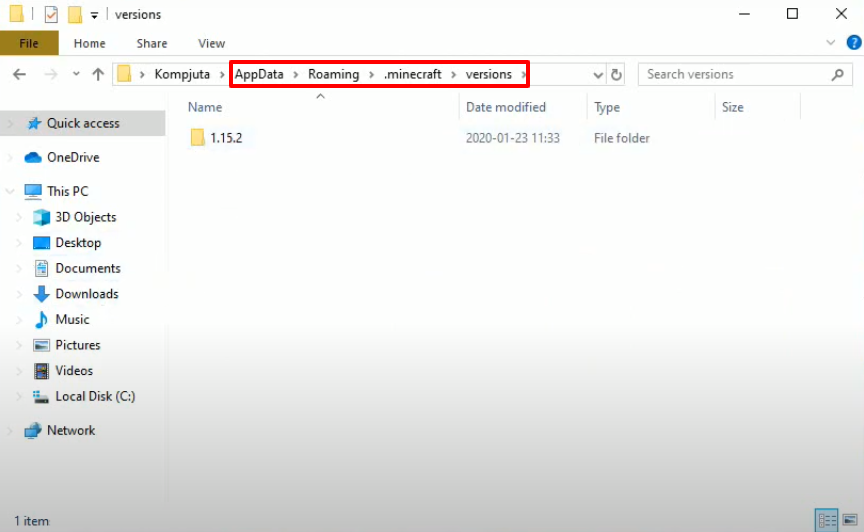
- Navigate to .minecraft → versions.
- Double-click the Forge installer downloaded earlier → Click Install Client.
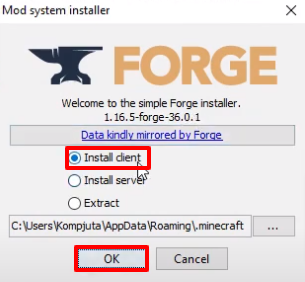
Click OK.

- Run Minecraft Launcher → Select Forge → PLAY.

- Check the box → Click Play.
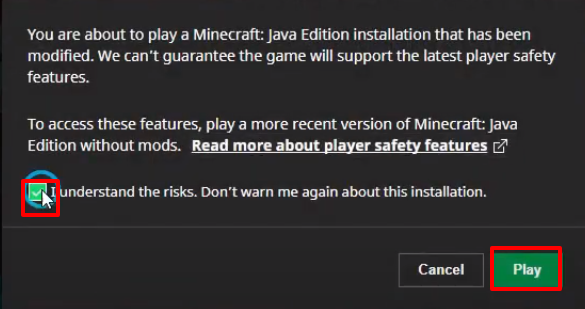
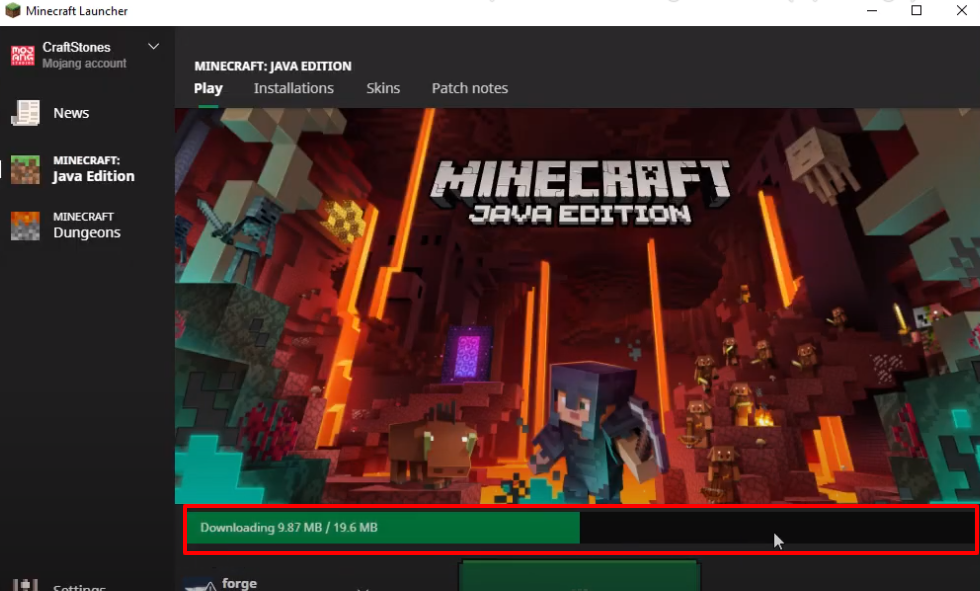
- The setup will start downloading.
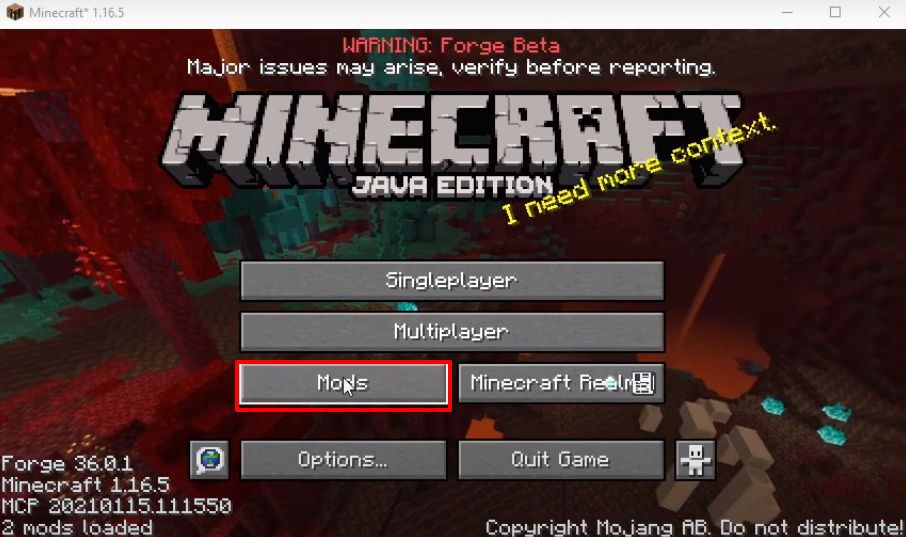
- Click Mods → Verify Advanced Finders Mod is installed → Click Done.
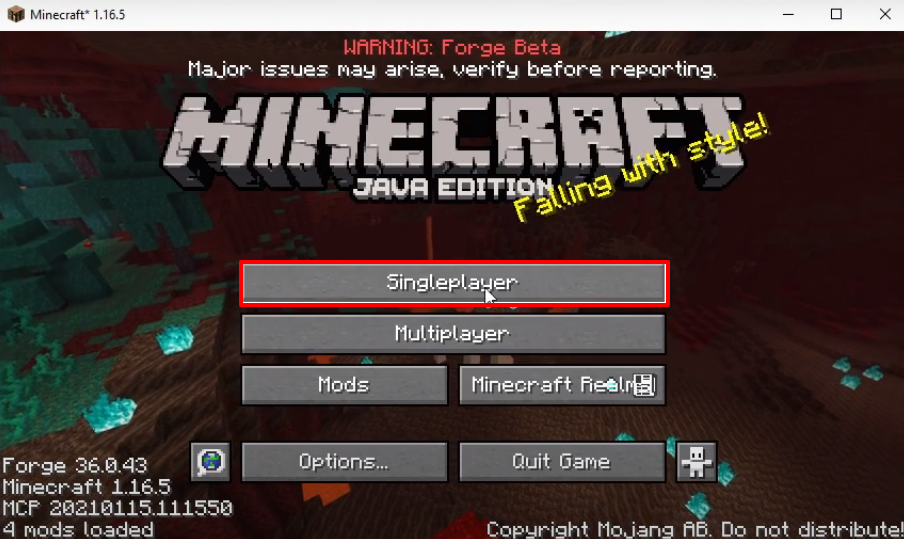
- Click Singleplayer.
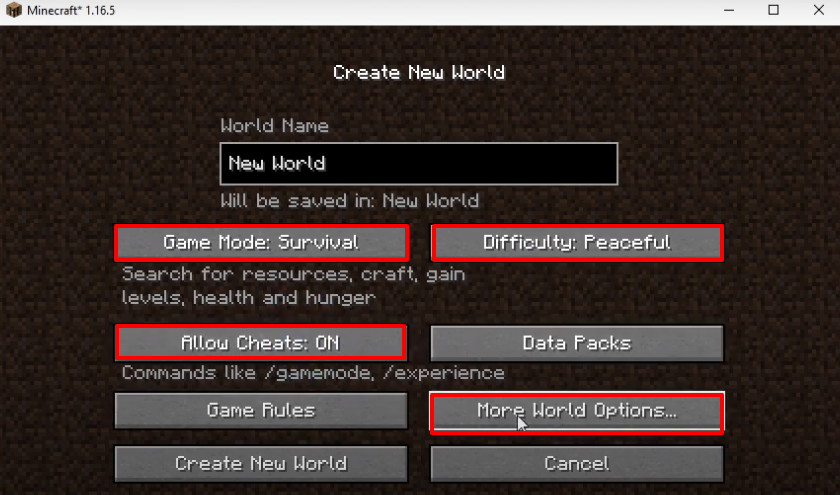
- Set GameMode → Survival, Difficulty → Peaceful, Allow Cheats → On → Click More World Options.
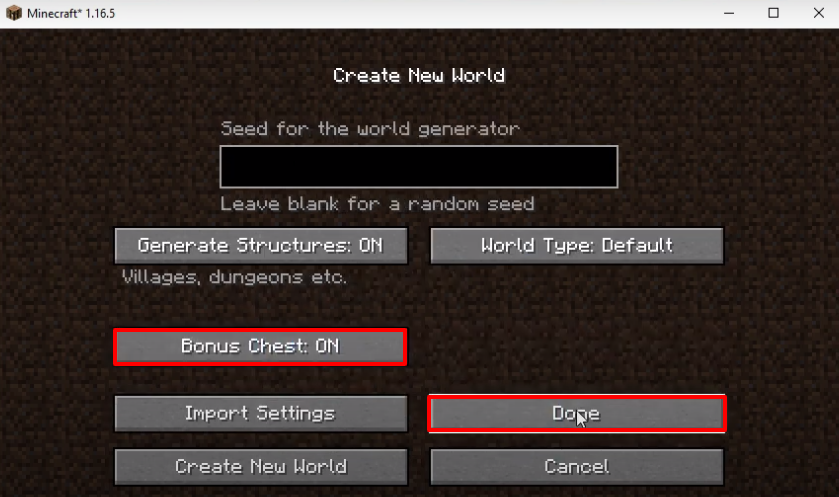
- Turn on Bonus Chest → Click Done.
- Click Create New World.

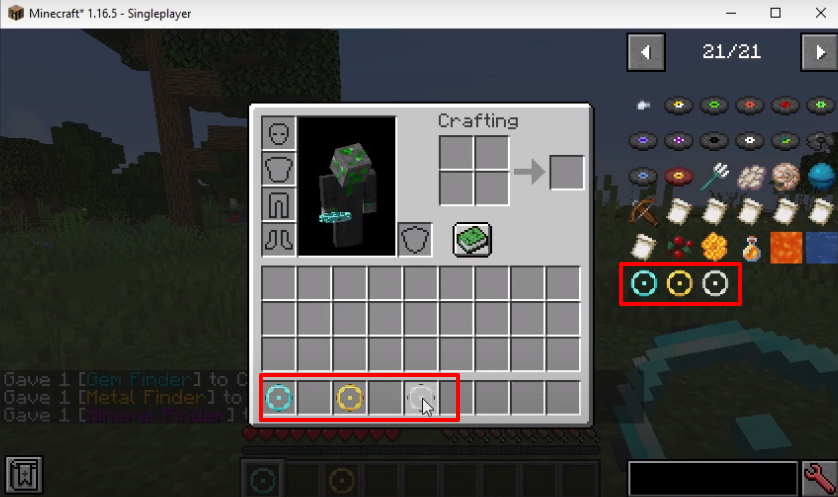
- Check inventory for installed mods → Drag desired mods into inventory.
- Start exploring the gameplay and enjoy!
